Video Ocean Review – Is It Worth the Hype?


Video Ocean Review – Is It Worth the Hype?
AI video tools are everywhere right now, but not all of them are actually easy or fun to use. Video Ocean is one of the newer platforms promising smooth AI video creation with less friction and more creative freedom. This Video Ocean review takes a close look at what the tool really offers, who it is for, and whether it deserves the growing attention around it.
At its core, Video Ocean is an AI powered video generation platform designed to turn simple ideas into short videos. You can create clips from text prompts, transform images into motion, and even keep characters visually consistent across scenes. That last part is something many AI video tools still struggle with, so it immediately sets expectations high.
In this review, we will explore how Video Ocean performs in real use, what its model tests reveal, and where it shines or falls short. We will also break down its main features, practical use cases, and overall value. If you are curious whether Video Ocean is worth your time, this guide will help you decide.
What Is Video Ocean?
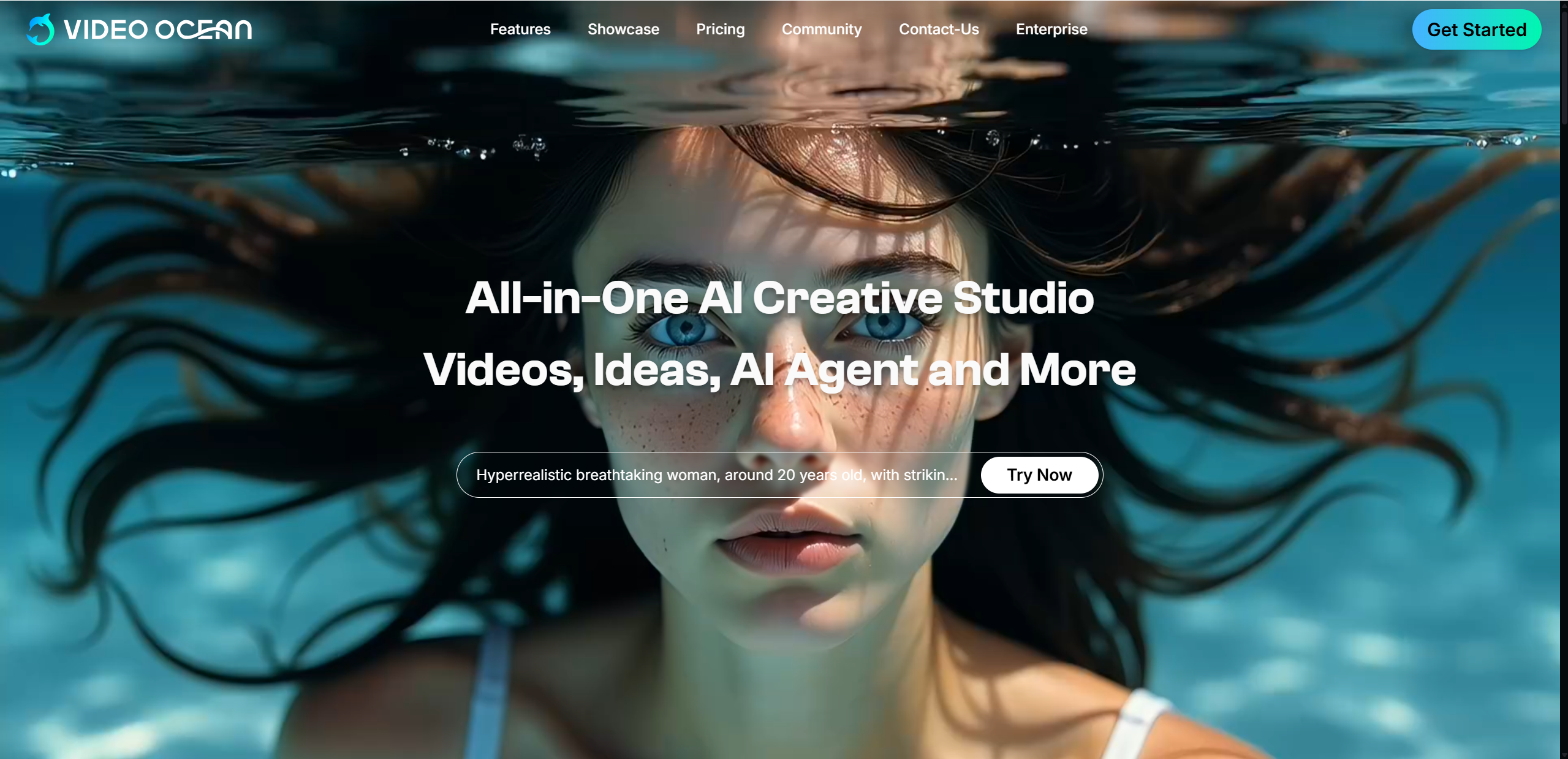
Video Ocean is an AI video creation platform that helps users generate short videos using text and images. Instead of dealing with timelines or complex editing software, you simply describe what you want to see, upload an image if needed, and let the system handle the animation and visual composition.
The platform is built around a flexible AI video model that supports multiple creation modes:
Text-to-video for turning written prompts into animated scenes
Image-to-video for adding motion and atmosphere to still visuals
Video Ocean is often associated with an open and experimental development style. It is accessible through web based tools and integrations, making it appealing to creators who want quick results without a steep learning curve.
The latest version, often referred to as V2.0, focuses on better visual realism and wider style support. Users can generate cinematic scenes, stylized animations, or simple social media friendly clips with minimal setup. Overall, Video Ocean positions itself as a practical and creative solution for anyone who wants to explore AI driven video creation without overcomplicating the process.
Key Features of Video Ocean
Video Ocean focuses on the features creators care about most: speed, visual quality, and ease of use. Instead of overwhelming users with complex controls, it keeps the workflow simple while still offering flexible creative options.
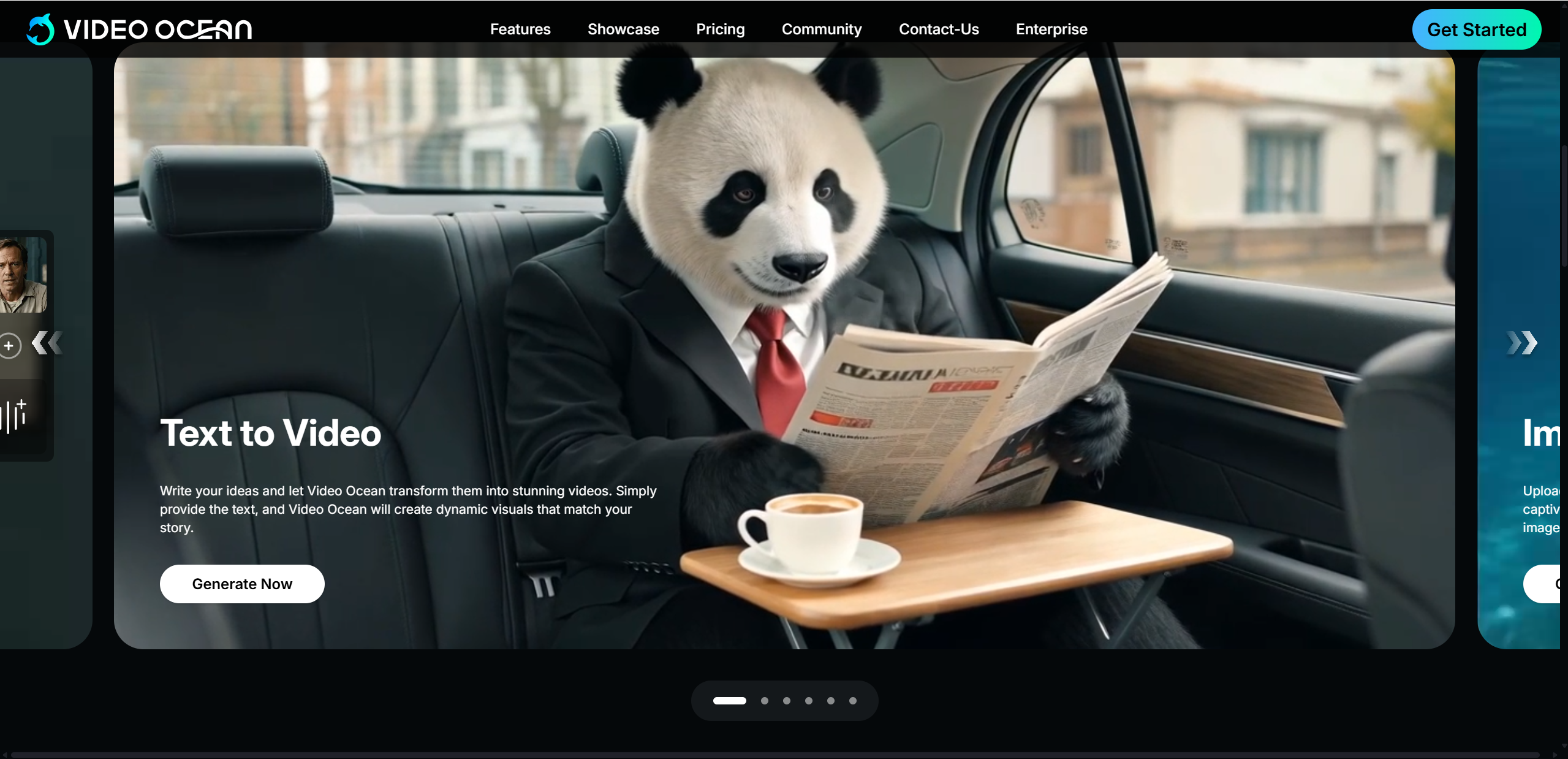
Features at a Glance
| Feature | What It Does |
|---|---|
| Text to Video | Turn written prompts into animated videos with minimal setup. |
| Image to Video | Animate static images into short motion clips. |
| Frame Flow & Reference Input | Use reference visuals to guide smoother transitions and scene continuity. |
| Character Consistency | Maintain stable character appearance across multiple outputs. |
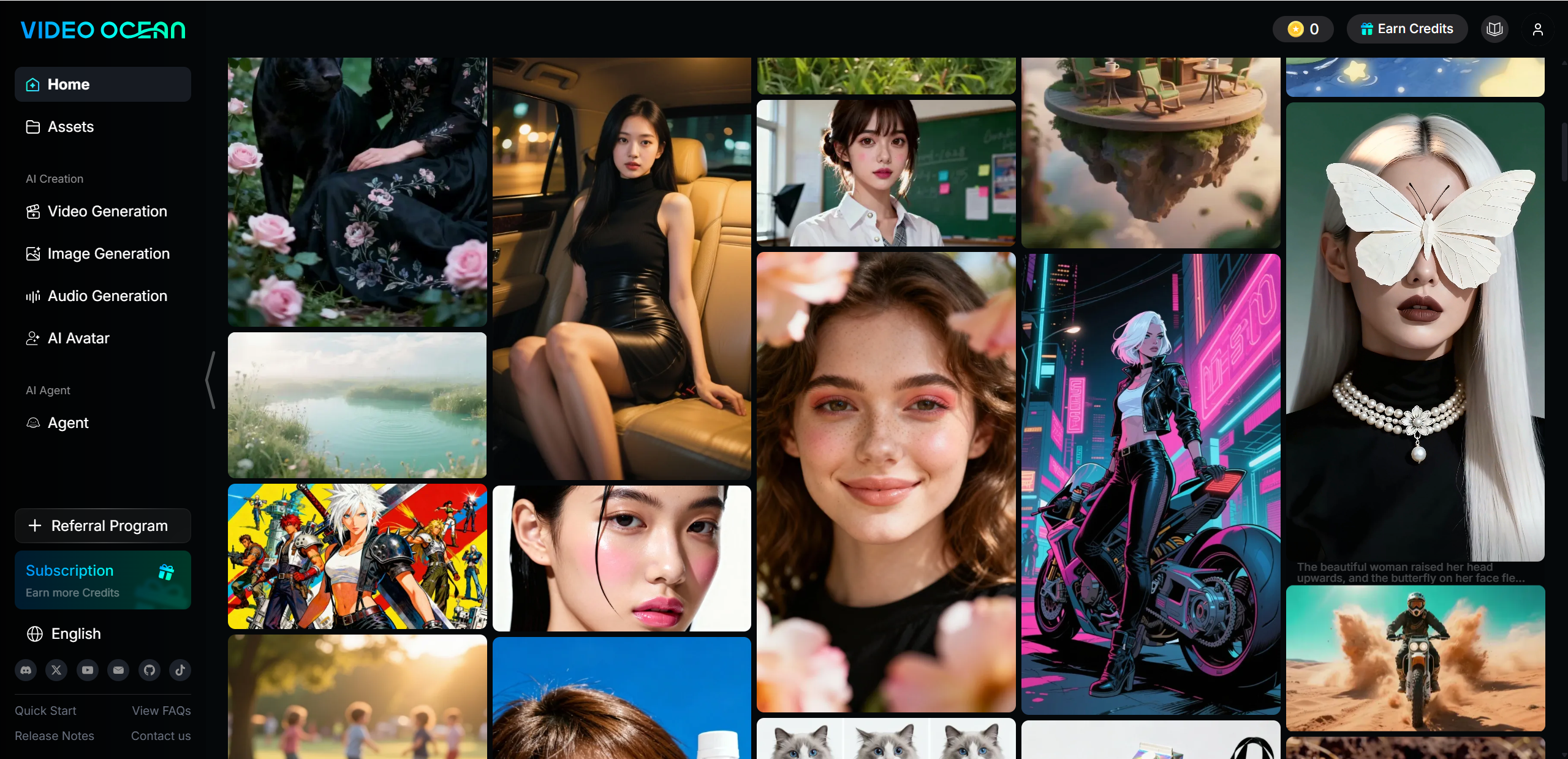
One of Video Ocean’s strongest points is its beginner friendly interface. Prompts are entered in plain language, settings are clearly labeled, and you can generate videos without prior editing experience. This makes it approachable for first time users while still useful for regular creators.
In terms of pricing, Video Ocean offers a free tier that allows users to test core features with limited credits. Paid subscription plans unlock higher usage limits, faster generation, and cleaner outputs suitable for commercial use. Overall, the feature set feels balanced and practical rather than overloaded.
Video Ocean Model Test – Hands-On Performance
To evaluate real world performance, many users start with basic prompts and gradually move toward more detailed scenes. With simple prompts, Video Ocean responds quickly and produces visually pleasing clips. Motion feels natural, colors are consistent, and scenes generally match the prompt without much adjustment.
When testing complex prompts, results depend heavily on clarity. Detailed descriptions with clear subjects and actions tend to work best. The model handles environments and lighting well, though very precise movements or crowded scenes may lose some detail.
Output speed is another positive point. Short videos usually render within a reasonable time, making it easy to test multiple ideas without long waits. Visual quality is strong for casual content, especially for social media and concept visuals.
Some limitations do appear in real usage. Clip length is restricted, and occasional inconsistencies can appear in fast motion or fine details. Still, compared to expectations, Video Ocean delivers reliable performance and feels well suited for everyday creative needs rather than high end cinematic production.
Video Ocean Performance – What You Need to Know
When it comes to overall performance, Video Ocean delivers a smooth and reliable experience for most everyday creative needs. Generation speed is one of its clear strengths. Short videos usually render quickly, which makes testing ideas and refining prompts feel efficient rather than frustrating.
In terms of animation detail and realism, Video Ocean performs best with clear subjects and straightforward motion. Lighting, color balance, and scene composition are generally well handled, especially for stylized or semi realistic visuals. Characters move naturally in simple actions, and background motion adds enough depth to keep videos engaging.
Where the platform may struggle is precise control. Highly specific camera movements, complex action sequences, or cinematic level refinement can be harder to achieve. Fine tuning every frame is not its main focus, and that is important to keep expectations realistic.
For marketing, social media, and light storytelling, Video Ocean fits well. It supports fast content creation without heavy editing skills. Overall user impressions suggest it is a practical tool that prioritizes speed and accessibility over advanced production control, which is exactly what many creators are looking for.
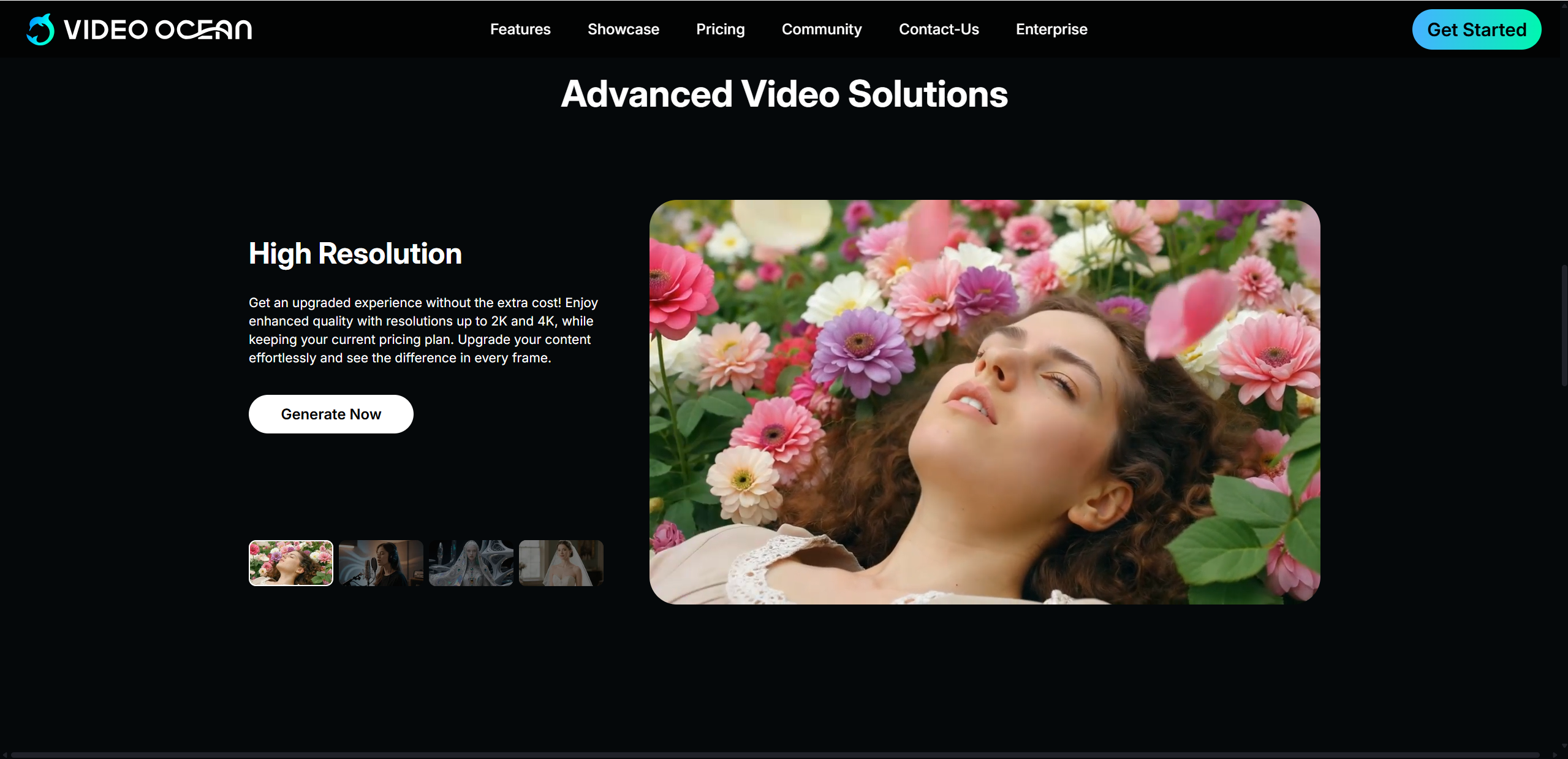
Pros & Cons of Video Ocean
To help you quickly decide if this tool fits your workflow, here is a clear breakdown of the main strengths and limitations found in this Video Ocean review.
Pros
Easy text-to-video and image based creation that requires little learning time
Strong visual styles that support creative experimentation
Character consistency helps with short narratives and repeated scenes
Fast generation speed suitable for frequent content production
Cons
Limited fine control for complex or highly detailed scenes
Output length restrictions depending on the current platform setup
Not designed for cinematic level polish or long form storytelling
Mixed trust signals reported by some third party site safety tools, suggesting users should review terms carefully
Overall, Video Ocean shines as a creative assistant rather than a full production studio. Its pros clearly outweigh the cons for casual creators and marketers, while advanced filmmakers may find its limits sooner.
Who Should Use Video Ocean?
Video Ocean is a good fit for users who value speed, simplicity, and visual creativity over technical control. It works especially well for content creators and social media marketers who need eye catching short videos without spending hours on editing. The platform is also useful for filmmakers and storytellers who want to prototype ideas, visualize scenes, or test character concepts before moving into full production.
In addition, educators and small businesses can benefit from Video Ocean when creating quick visual materials for presentations, ads, or learning content. However, it is not ideal for detailed commercial cinematography or projects that demand frame level precision and long form narrative control. For now, it shines most as a fast creative companion rather than a full production solution.
Video Ocean vs Other AI Video Tools
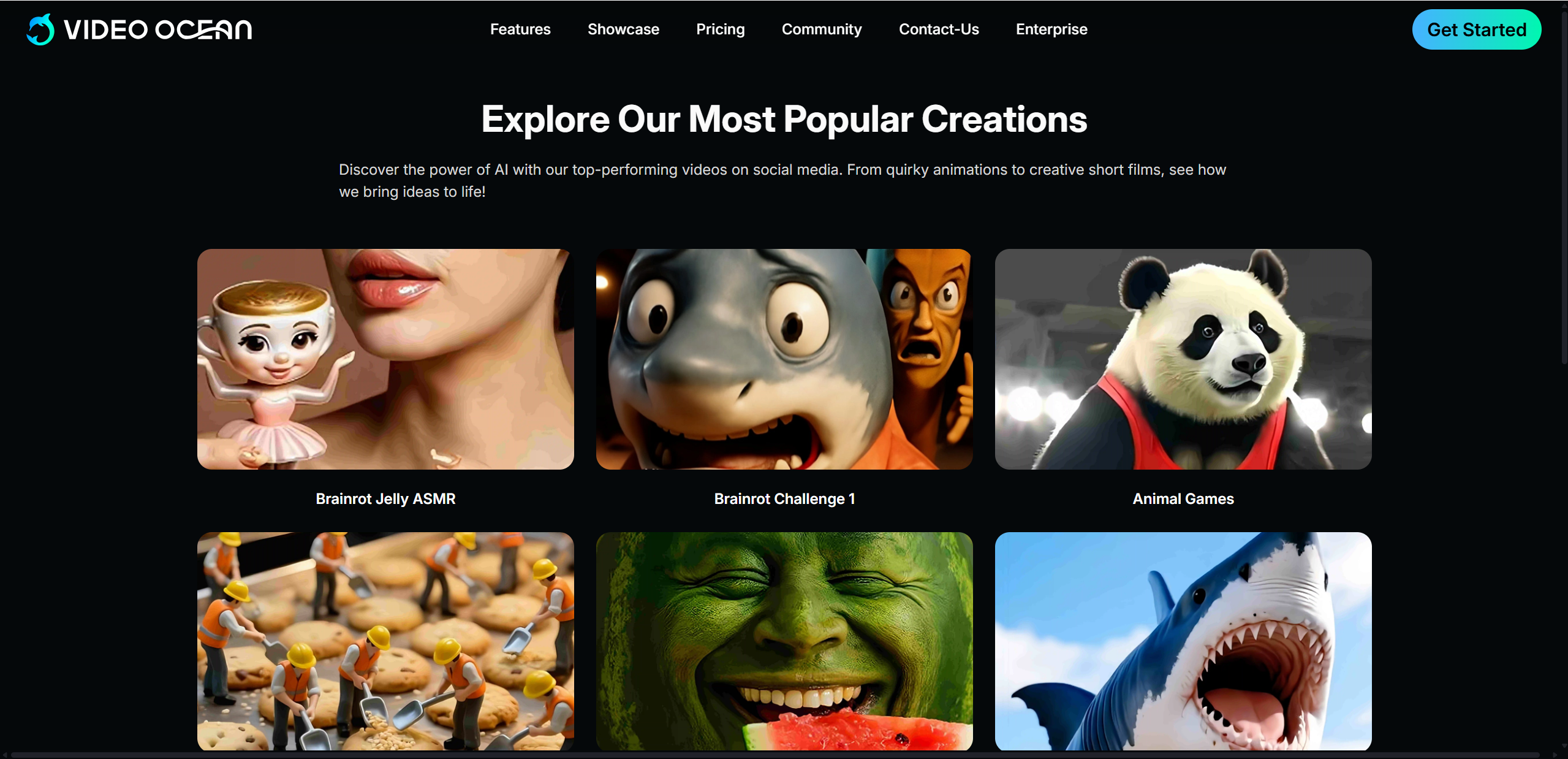
When compared with other popular AI video tools, Video Ocean positions itself as an accessible and creative option rather than a high end cinematic engine. Tools like Runway Gen 4 and Veo focus more on advanced realism and professional workflows, while Video Ocean emphasizes ease of use and rapid creation.
| Tool | Output Quality | Ease of Use | Pricing Style | Best Use Case |
|---|---|---|---|---|
| Video Ocean | Good, stylized, consistent | Very easy | Free tier + subscription | Social content, quick visuals |
| Runway Gen 4 | Very high, cinematic | Moderate | Paid plans | Professional video projects |
| Veo | High realism | Moderate | Limited access | Advanced scene generation |
Video Ocean stands out for beginners and fast moving teams. While it may not match the cinematic refinement of leading models, it lowers the barrier to entry and delivers reliable results for everyday creative needs.
Tips for Best Results with Video Ocean

To get the most out of Video Ocean, prompt quality matters more than anything else. Start with clear and concise descriptions that focus on the main subject, action, and setting. Instead of packing too many ideas into one prompt, break complex scenes into shorter, simpler clips for better results.
Using reference images or previous outputs can greatly improve animation consistency. This helps the system maintain similar colors, characters, and visual tone across multiple videos. When working with characters, repeat key traits such as clothing, age, and mood to reduce variation.
For YouTube Shorts or social media clips, a simple workflow works best:
Generate short scenes first
Select the most visually stable outputs
Stitch them together using basic editing software
This approach saves time and keeps visuals consistent. By testing variations and refining prompts gradually, creators can achieve smoother motion and more reliable results without extra complexity.
Final Verdict – Is Video Ocean Worth It?
So, is Video Ocean worth trying? For many creators, the answer is yes. The platform excels at fast video generation, easy use, and visually appealing results. Its ability to turn text and images into short animated clips makes it especially useful for social media, marketing, and early stage storytelling.
That said, Video Ocean is not built for high end cinematic production. Users looking for deep control, long scenes, or precise camera work may find its limits quickly. Still, for everyday creative tasks, the strengths clearly outweigh the weaknesses.
If you want a tool that helps you visualize ideas quickly without technical barriers, Video Ocean is worth exploring. When you're ready to explore greater artistic depth, consider Lovart AI.

Share Article