Invideo AI Review: Is Their “AI Video Maker” Just Marketing Or Real Value?


Invideo AI Review: Is Their “AI Video Maker” Just Marketing Or Real Value?
Introduction
AI video creation has gone from a futuristic idea to an everyday tool surprisingly fast. Not long ago, making a decent video meant juggling scripts, stock clips, voiceovers, and editing software. Now, platforms like Invideo AI promise to turn a simple text prompt into a ready to publish video in minutes. That sounds almost too good to be true, which is exactly why people are asking tougher questions.
In this Invideo AI review, we take a clear, practical look at what the Invideo AI video maker actually delivers. We will explore how it works, what features stand out, how pricing compares to expectations, and where it genuinely saves time versus where it still feels automated. By the end, you should have a solid sense of whether Invideo AI is a real productivity boost or just another shiny AI promise.
What Is Invideo AI? A Quick Overview

Invideo AI is an AI powered video creation platform designed to simplify the entire video making process. At its core, it allows users to generate videos from text prompts, scripts, or ideas, handling visuals, voiceover, and basic editing automatically. Instead of starting with a blank timeline, users start with an idea and let the system do most of the heavy lifting.
The product builds on Invideo’s earlier success as a template driven video editor, but the AI version shifts the focus toward speed and accessibility. According to messaging seen on AltmanVideo and the official product pages, the mission is clear: make video creation as easy as writing a paragraph. The platform emphasizes removing technical barriers so users can focus on storytelling rather than software.
Invideo AI is primarily built for content creators, digital marketers, social media managers, and small business owners. It is especially appealing to people who need frequent short videos for ads, blogs, or social platforms but do not have the time or budget for traditional video production.
Key Features of Invideo AI
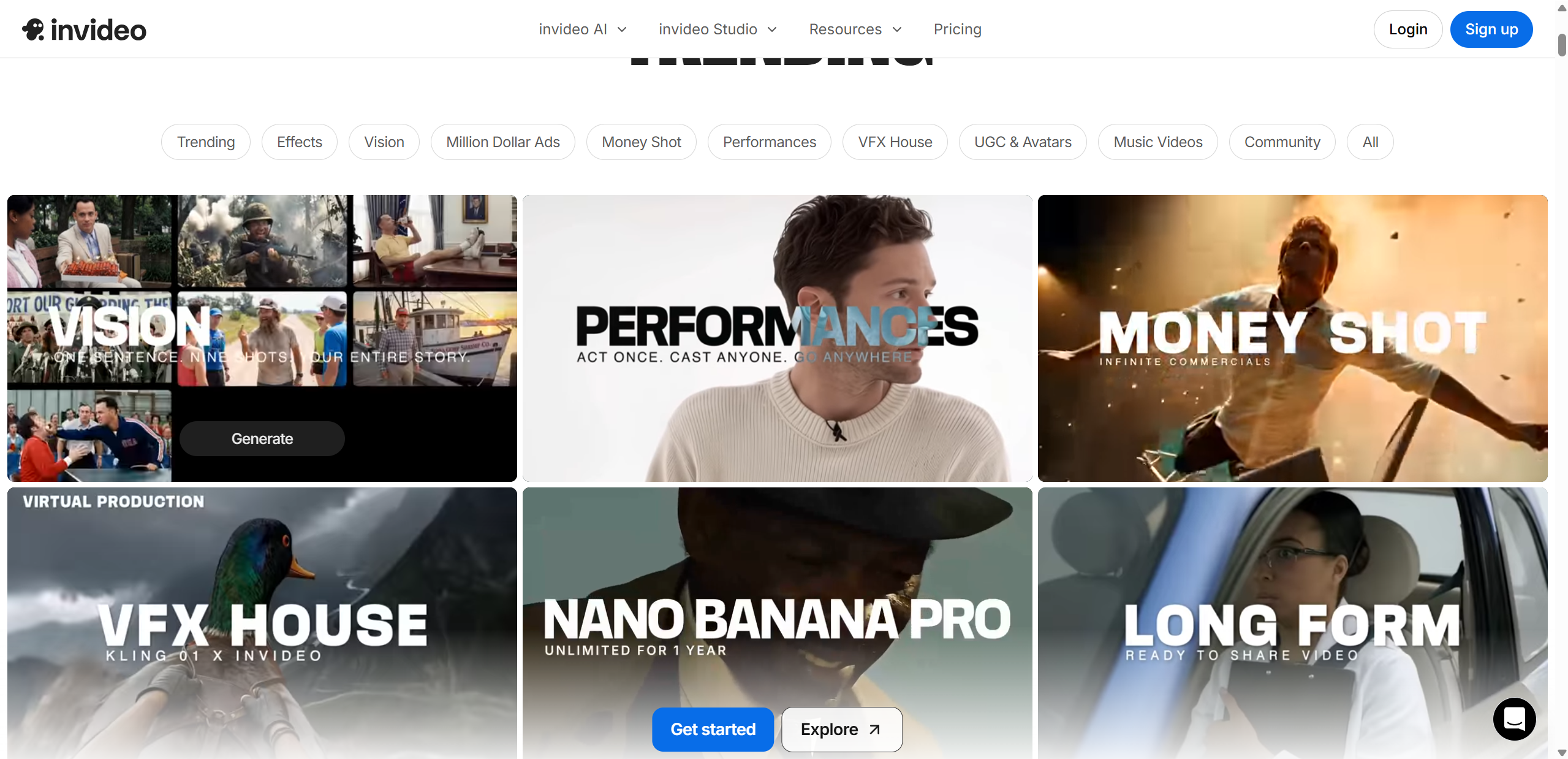
Invideo AI packs a lot of functionality into its AI video maker, blending automatic generation with hands-on creative controls. Whether you’re starting with an idea or refining a draft, these core features shape how Invideo AI works and why it’s gaining attention.
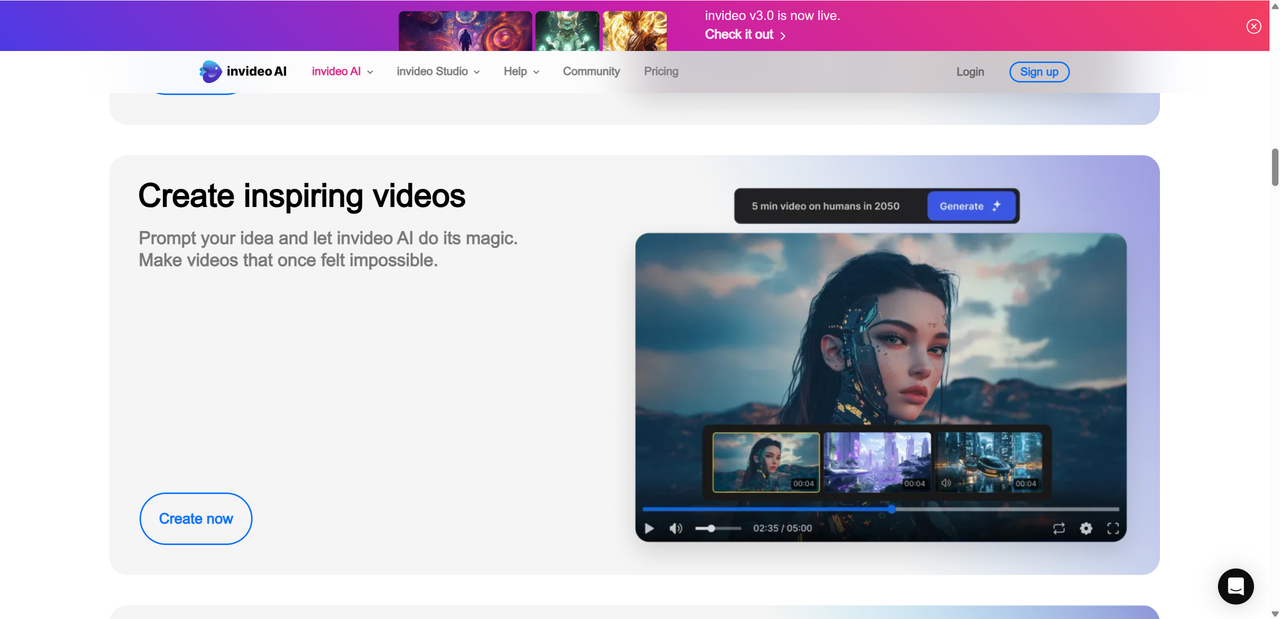
First up is the text to video generation. You simply type a prompt or paste a script, and the system interprets your words to build a sequence of scenes. It selects visuals, pacing, and even suggests audio when appropriate. This feels like moving from typing a blog post to getting a trimmed video draft without manual editing.
Next is access to templates and stock media. Invideo AI video maker connects you to millions of media assets — stock clips, photos, icons, and music tracks — so you’re not limited to basic visuals. Templates help ensure videos feel polished, whether you’re making a product highlight or a social teaser.
Other standout capabilities
- Voiceovers and voice cloning: Built-in voice narration makes it simple to add spoken audio without recording yourself. Some plans include voice cloning, so you can generate consistent brand voices.
- Customization and editing tools: After the AI draft is ready, you still get familiar editing tools. Trim clips, swap assets, tweak text, and adjust timing without leaving the platform.
Here’s a quick breakdown:
| Feature | What It Does |
|---|---|
| Text to video | Converts prompts into structured video scenes |
| Templates & stock media | Provides ready layouts and millions of assets |
| Voiceovers & voice cloning | Adds narration and optional personalized voice |
| Customization tools | Lets you edit visuals and timing after generation |
These Invideo AI features combine automation with enough flexibility to handle everything from quick clips to more refined video content.
How Good Are the AI-Generated Videos?
When we talk about the Invideo AI video maker in action, the core questions are always: speed, quality, and prompt accuracy. On the plus side, the AI generates videos in just a few minutes from a simple text prompt — often within 2–5 minutes for short clips, which is far faster than traditional editing workflows.
Example:
Prompt: “10-second Instagram reel about healthy breakfast recipes with upbeat music.” Outcome: A quick draft with relevant food clips and a pacing that matches the upbeat tone. It’s perfectly effective for casual social posting.
Prompt: “Explainer video on how solar panels work with diagrams.” Outcome: A mix of stock visuals and animated text explaining the concept — not cinematic, but good for educational snippets.
Where Invideo AI shines is in short-form social posts, explainers, product teasers, and quick marketing clips. It nails the basics, delivers clear layouts, and its built-in voiceovers help complete the package.
That said, it has limits. When you’re aiming for eye-popping cinematic visuals — think dramatic lighting, film-style camera moves, or intricate storytelling — the AI can feel generic and stock-clip driven. This is typical with many automated tools: the result is legible and quick, but not always creative or emotionally compelling.
From users online, there’s a mix of appreciation and mild frustration — some laud the speed and utility for quick turnaround, while others mention quality quirks and a bit of a generic AI feel.
Pricing Breakdown
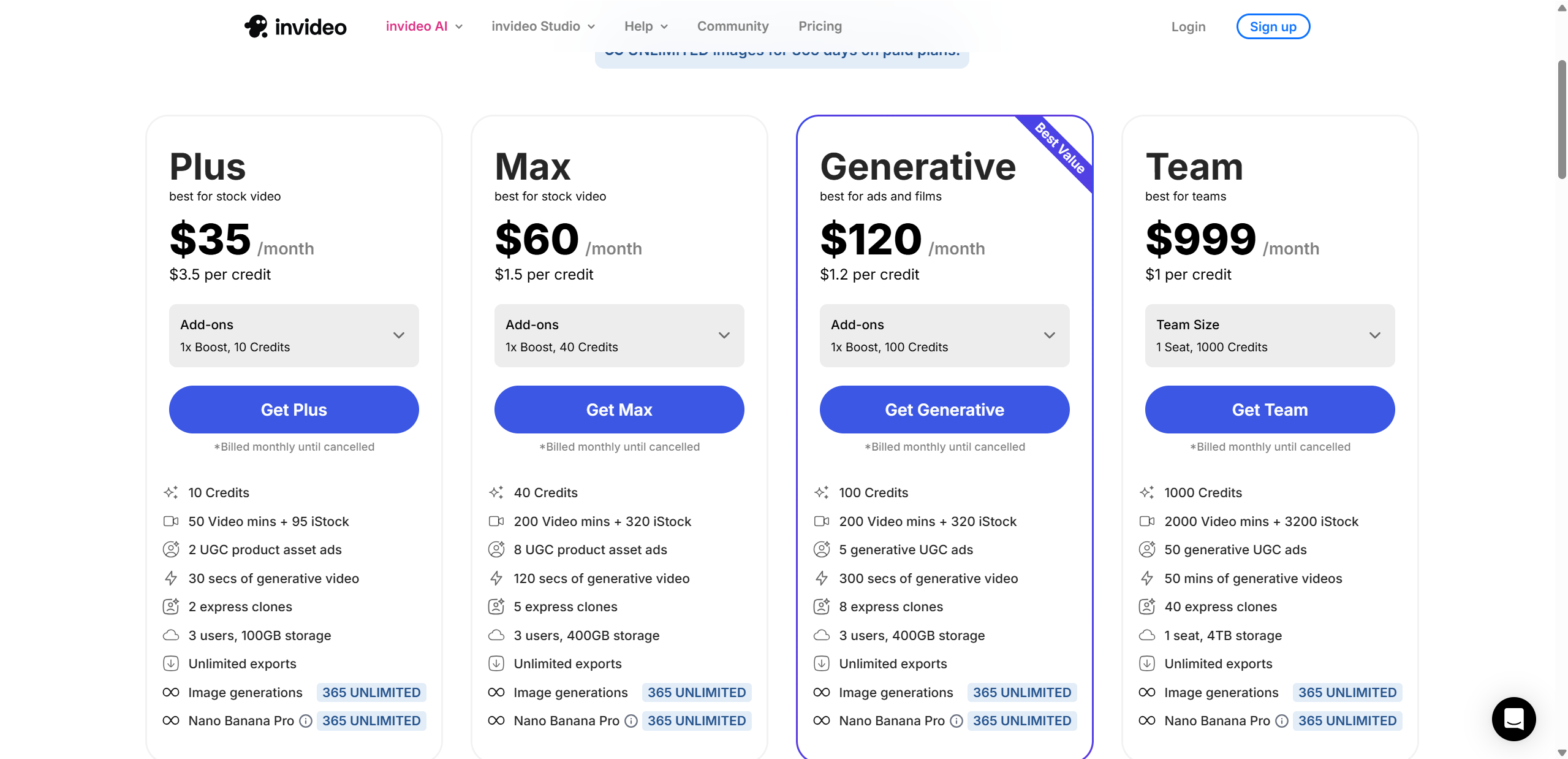
Here’s a straightforward look at how the Invideo AI pricing stacks up for common plans:
| Plan | Monthly Cost | AI Minutes | Watermark | Storage |
|---|---|---|---|---|
| Free | $0 | ~10 mins/week | Yes | 10 GB |
| Plus | ~$25-$35 | ~50 mins/month | No | 100 GB |
| Max | ~$48-$60 | ~200 mins/month | No | 400 GB |
Approximate figures based on current pricing tiers.
Free Plan This tier is great for beginners who just want to test drive the AI video maker. You get a weekly quota of generation time — though exports carry a watermark — and limited storage. It’s perfect for hobbyists or casual social use. Around $25–$35/month, this mid-tier gives you significantly more video minutes and removes the watermark. It also unlocks premium stock media credits and some voice features, making it well suited for consistent creators.
Max Plan At around $48–$60/month, you get hundreds of AI minutes, larger storage, and more advanced media assets. This plan is ideal if you need frequent or longer videos without manual editing.
Hidden Pricing Quirks
One thing to watch out for is credits and limits — many actions like editing scenes or using premium assets can eat into your allocation, and unused minutes or credits usually don’t roll over to the next period. Some users online also report confusion over how credits are deducted during edits, so it’s worth checking the detailed billing FAQ before committing.
Overall, Invideo AI pricing offers flexibility starting from free access up through plans that make sense for more regular use — but like many subscription services, it’s wise to match your plan to how often you’ll actually produce videos.
Pros:
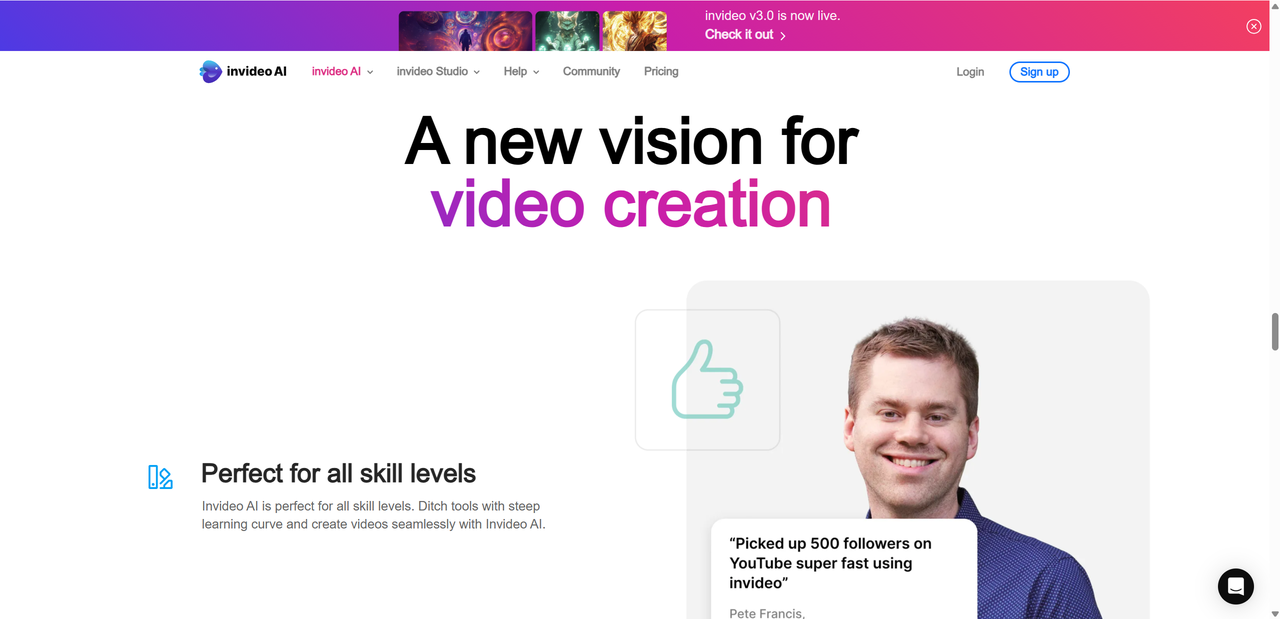
One of the biggest strengths of Invideo AI is how approachable it feels from the first login. The interface is clearly designed with non editors in mind, so even beginners can jump in and create something usable without a learning curve. You type an idea, pick a direction, and the platform does the rest.
Another major plus is speed. Draft videos come together fast, which is ideal when you need content on short notice. For marketers or creators working on tight schedules, this alone can justify using the tool.
The template library and asset selection also deserve praise. With access to a large pool of stock videos, images, and music, it is easy to avoid repetitive or dull visuals. Many templates feel modern and social ready.
Voice options are another highlight. Multiple languages and accents make the tool suitable for global audiences, and the AI voiceovers sound natural enough for most use cases.
Overall, the AI handles basic to mid level video needs very well, especially for explainers, ads, and social content.
Cons:
Despite its strengths, Invideo AI is not without tradeoffs. One of the most common complaints is how quickly credits can run out. Generating multiple drafts, re editing scenes, or using premium assets can drain your allowance faster than expected, which may frustrate frequent users.
There are also occasional performance hiccups. Some users report slow exports or minor glitches during generation, especially when the platform is busy. While not constant, these moments can interrupt an otherwise smooth workflow.
Advanced editors may feel restricted by limited fine control. You can adjust scenes and text, but deeper timeline editing or complex transitions are still fairly basic compared to professional software.
Finally, the free plan watermark is a real limitation. It makes trial videos less usable for brand facing content, pushing serious users toward a paid plan sooner than they might like.
Invideo AI is powerful, but it still asks for realistic expectations.
Invideo AI vs Competitors
When you start comparing Invideo AI video maker to other popular AI video tools, the differences become clearer once you match them up by strengths and weaknesses. Some tools lean into specific niches like avatars or blog-to-video, while Invideo aims for general purpose video creation with a large template library.
Here’s a quick look at how some of the main competitors stack up:
| Tool | Best For | Weakness |
|---|---|---|
| Invideo AI | Quick videos, fast templates, marketing content | Credit limits, less advanced edit control |
| Synthesia | Avatar and training videos, talking heads | Higher cost per minute, less creative flexibility |
| Lumen5 | Turning blogs or text into video | Less creative control, basic AI features |
| Runway | Advanced text to cinematic content | Steeper learning curve, pricing varies |
Invideo AI stands out for its ease and speed, perfect for social clips, ads, and short explainers. It lets you jump in quickly without needing deep video production skills, and the huge library of templates gives you a visual head start. That said, more specialized tools like Synthesia excel when you need realistic AI avatars or training-style content, while Lumen5 is strong for repurposing long text or blog posts into video form. Runway goes further still with cinematic and experimental generation, but it requires more effort to master.
The upshot? Each tool shines in its lane, and Invideo AI delivers great general value — though you may choose differently if your focus is avatars, blogs, or high-end creative editing.

Final Verdict: Value or Hype?
After exploring features, real performance, and pricing, here’s how the Invideo AI review shapes up in the big picture.
Strengths at a glance: Invideo AI delivers a genuinely easy and fast way to make videos. Its interface feels friendly whether you’re a beginner or an experienced creator looking for a quicker workflow. The template library is extensive, and built-in voice options mean you don’t need external tools just to add narration. For social, marketing, and mid-level video needs, it gets the job done with minimal fuss.
Weaknesses worth noting: The flip side is that the AI sometimes leans on stock visuals and predictable transitions. Heavy credit use and limits can slow you down if you churn out many drafts. Advanced editing and cinematic quality still lag behind more specialist tools. Exports can take time, and the free plan’s watermark is a real hurdle for polished brand work.
Value vs hype: So is Invideo AI just marketing, or real value? The honest answer is both. There’s definitely real utility here — especially for everyday creators and small teams who need consistent video output without a production crew. It may not replace professional editing software or rival cinematic tools for high-end visuals, but for its core use cases it offers solid value at a reasonable price.
Recommendations based on needs:
- Choose Invideo AI if your priority is speed, ease, and volume of content.
- Consider tools like Synthesia for avatar-led or training content.
- Try Lumen5 if your workflow revolves around converting written content into video.
In short, Invideo AI isn’t just buzz. It’s practical, accessible, and genuinely useful — especially if you pick the right plan and match it to your content goals. Meanwhile, to broaden your creative toolkit, Lovart AI is another accessible and noteworthy option to test.

Share Article