Hunyuan Video Review — Tencent’s AI Text-to-Video Revolution


Hunyuan Video Review — Tencent’s AI Text-to-Video Revolution
AI video tools have been evolving fast, but only a few truly feel like a leap forward. Hunyuan Video is one of them. Developed under Tencent’s Hunyuan AI research initiative, this platform brings powerful text-to-video generation to a wider audience, without forcing users to deal with complex setups or heavy technical barriers.
In this Hunyuan Video review, we take a close look at what makes this tool stand out in an increasingly crowded AI video space. From its large scale 13B model foundation to its ability to turn simple text prompts into visually coherent video clips, Hunyuan Video aims to balance advanced AI performance with everyday usability.
Throughout this review, we will explore how Hunyuan Video works, what kind of video quality you can realistically expect, and how it performs in real world testing. We will also cover its strengths, limitations, and how it compares to other popular AI video generators. If you are curious about Tencent Hunyuan AI video technology and whether it is worth trying in 2025, this guide will walk you through everything you need to know.
What Is Hunyuan Video?
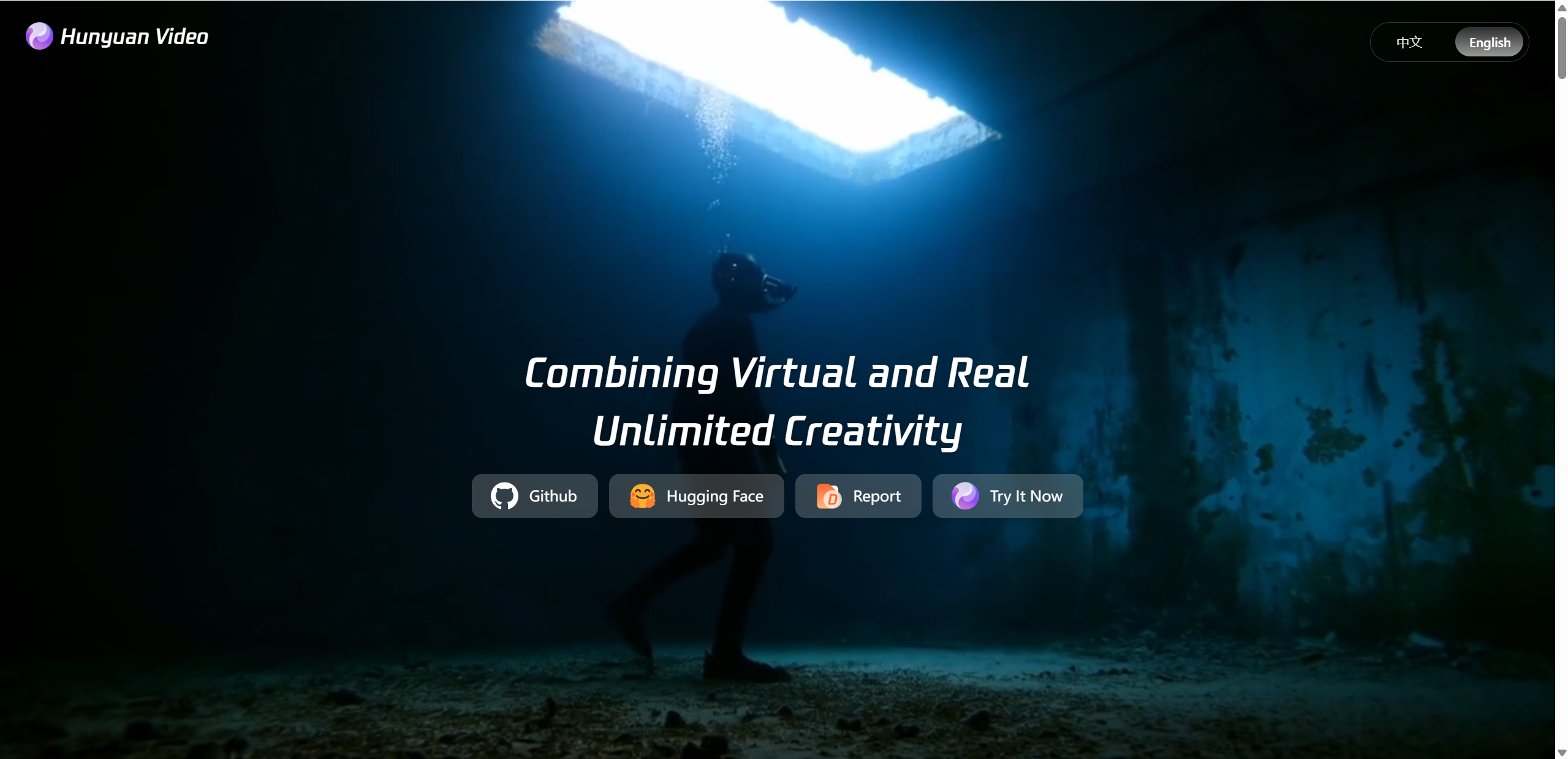
Hunyuan Video is a free online AI video generator designed to create short videos from text prompts and image inputs. At its core, it uses Tencent’s Hunyuan large language and vision models to understand scenes, actions, and visual styles, then translate those ideas into moving images.
Unlike traditional video editing tools, Hunyuan Video does not require timelines, layers, or manual animation. Users simply describe what they want to see, such as a scene, mood, or motion, and the system handles the generation process automatically. This makes it especially appealing to creators who want quick results without technical complexity.
The project is closely tied to Tencent’s broader AI research efforts, which focus on large scale models and multimodal understanding. Thanks to this background, Hunyuan Video emphasizes realistic motion, consistent visuals, and cinematic framing, even when working with relatively simple prompts. It positions itself as both a creative tool and a technical showcase of Tencent’s latest AI video capabilities.
How Does Tencent Hunyuan AI Video Work?
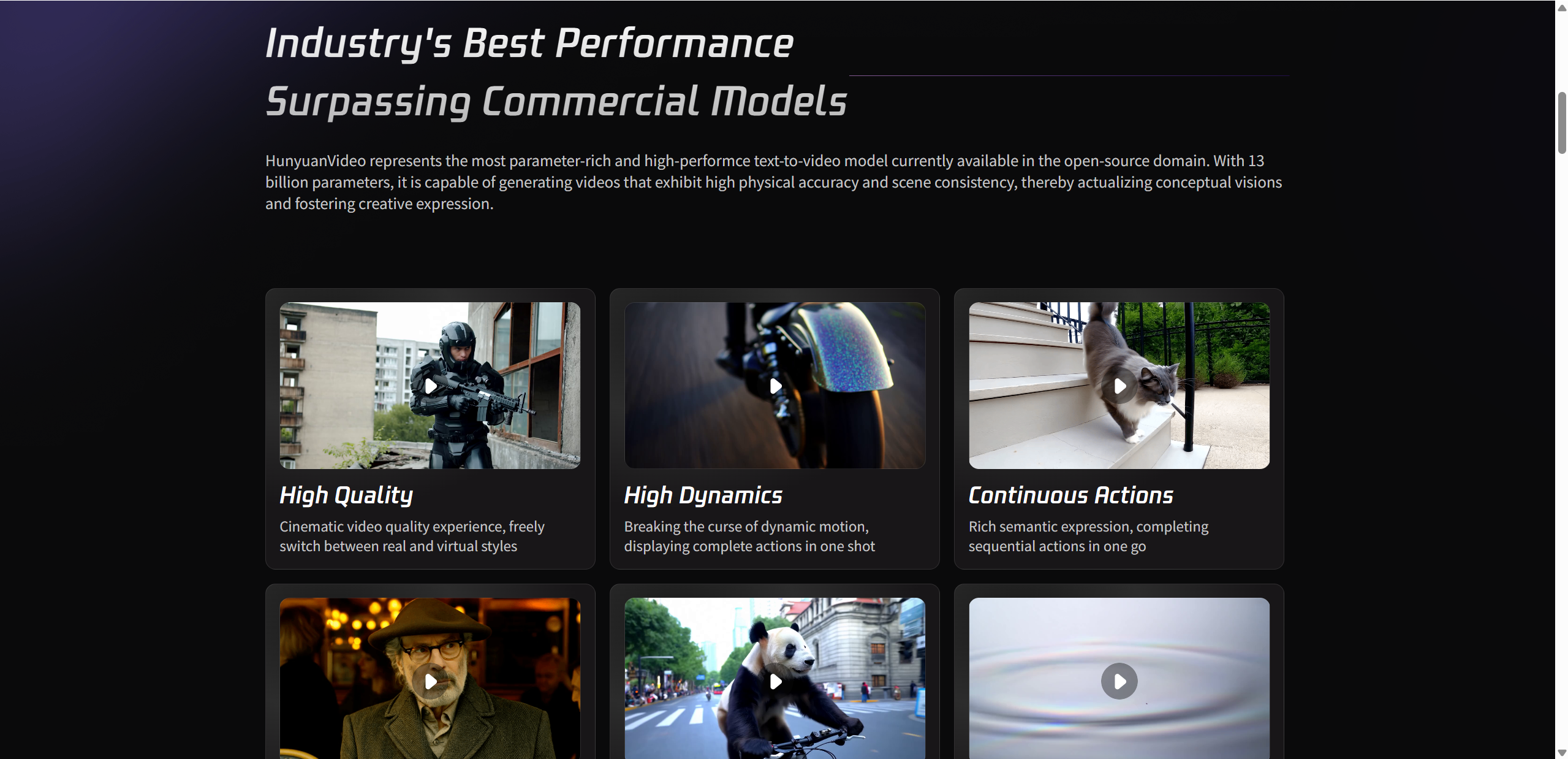
At the heart of Hunyuan Video is the Hunyuan 13B model, a large scale AI system designed to understand both language and visual concepts. This model allows the platform to read text prompts, recognize images, and connect them into a single video generation process. Instead of treating words and visuals as separate inputs, Hunyuan Video uses a unified approach that blends them from the start.
When a user enters a prompt, the system first relies on advanced MLLM text encoders to understand meaning, context, and intent. These encoders do more than parse keywords. They interpret scenes, actions, and relationships, which helps the model decide how a video should unfold over time. The visual side is handled through a 3D VAE structure, which enables smoother motion, depth awareness, and more natural transitions between frames.
This architecture is what allows Hunyuan Video to create scenes that feel coherent rather than stitched together. Camera movement, object motion, and scene flow are generated with consistency, even from short or simple prompts.
Key technical highlights include:
13B parameter model backbone for strong visual understanding
Unified text and image input for video generation
Natural scene motion and camera movement
Prompt refinement that improves clarity and final results
Setting Up Your First Hunyuan Video Test
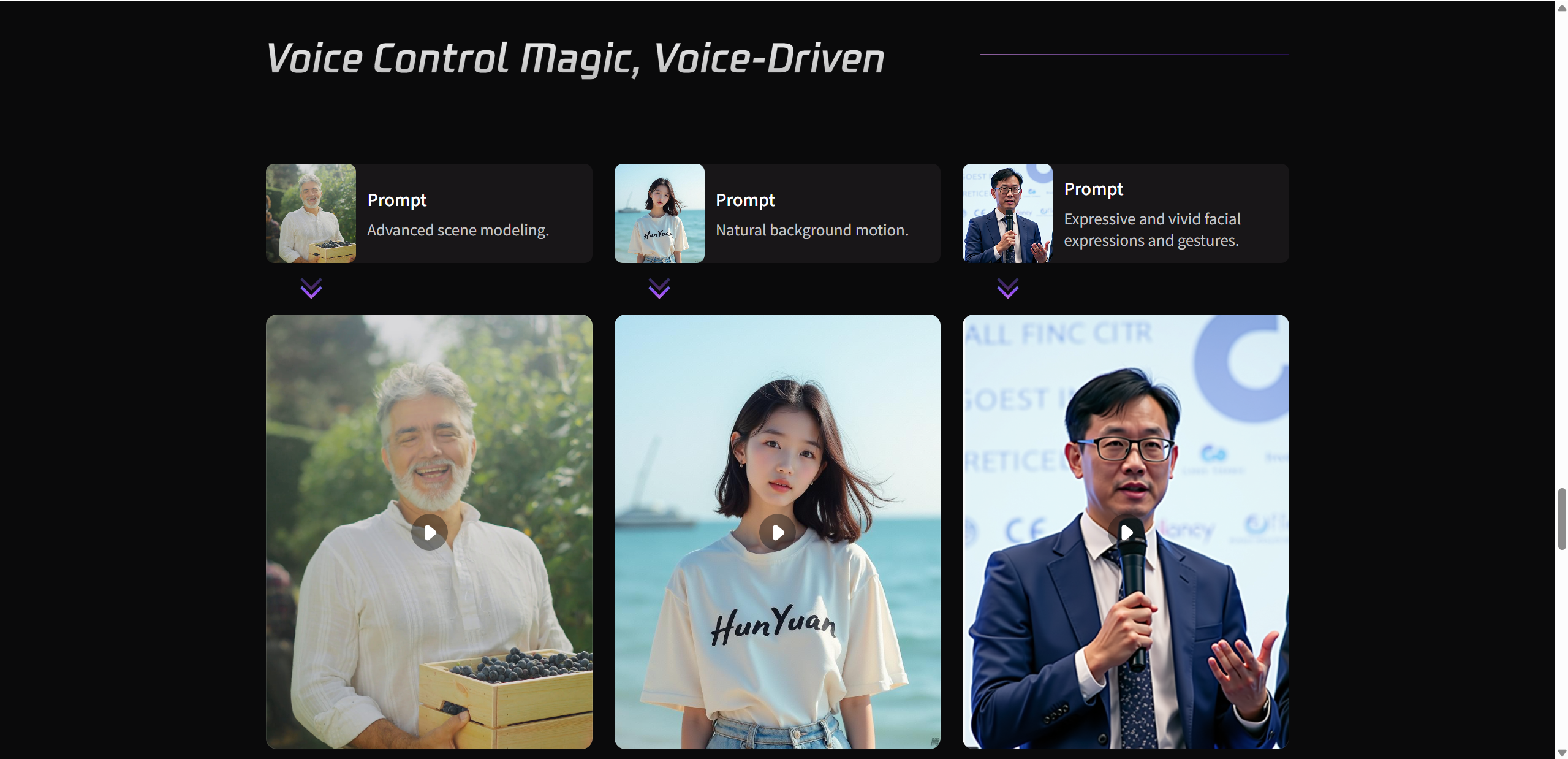
Getting started with your first Hunyuan Video test is surprisingly simple. After opening the platform, you are greeted with a clean interface where the main focus is the prompt input box. This is where you describe the scene you want to turn into a video. You can start with a short sentence, but slightly richer descriptions usually lead to better results.
Hunyuan Video works best with short video outputs, typically a few seconds long. These clips focus more on visual quality and motion consistency rather than long storytelling. You can also experiment with different visual styles, such as realistic scenes, animated looks, or cinematic moods, depending on how you describe your prompt.
For first time users, it is a good idea to run multiple small tests rather than aiming for a perfect result right away. This helps you understand how the model reacts to different wording and visual ideas.
Tips for better results:
Use clear and direct text descriptions
Add simple scene details and camera cues
Decide between realistic or stylized outputs early
Hands-On Results: Hunyuan Video Test Highlights
After running several hands on tests with Hunyuan Video, the overall impression is that the tool prioritizes visual coherence and cinematic presentation over sheer length or complexity. Even with relatively simple prompts, the generated videos show smooth motion, consistent lighting, and a clear sense of scene direction. Movements feel intentional rather than random, which is something many AI video tools still struggle with.
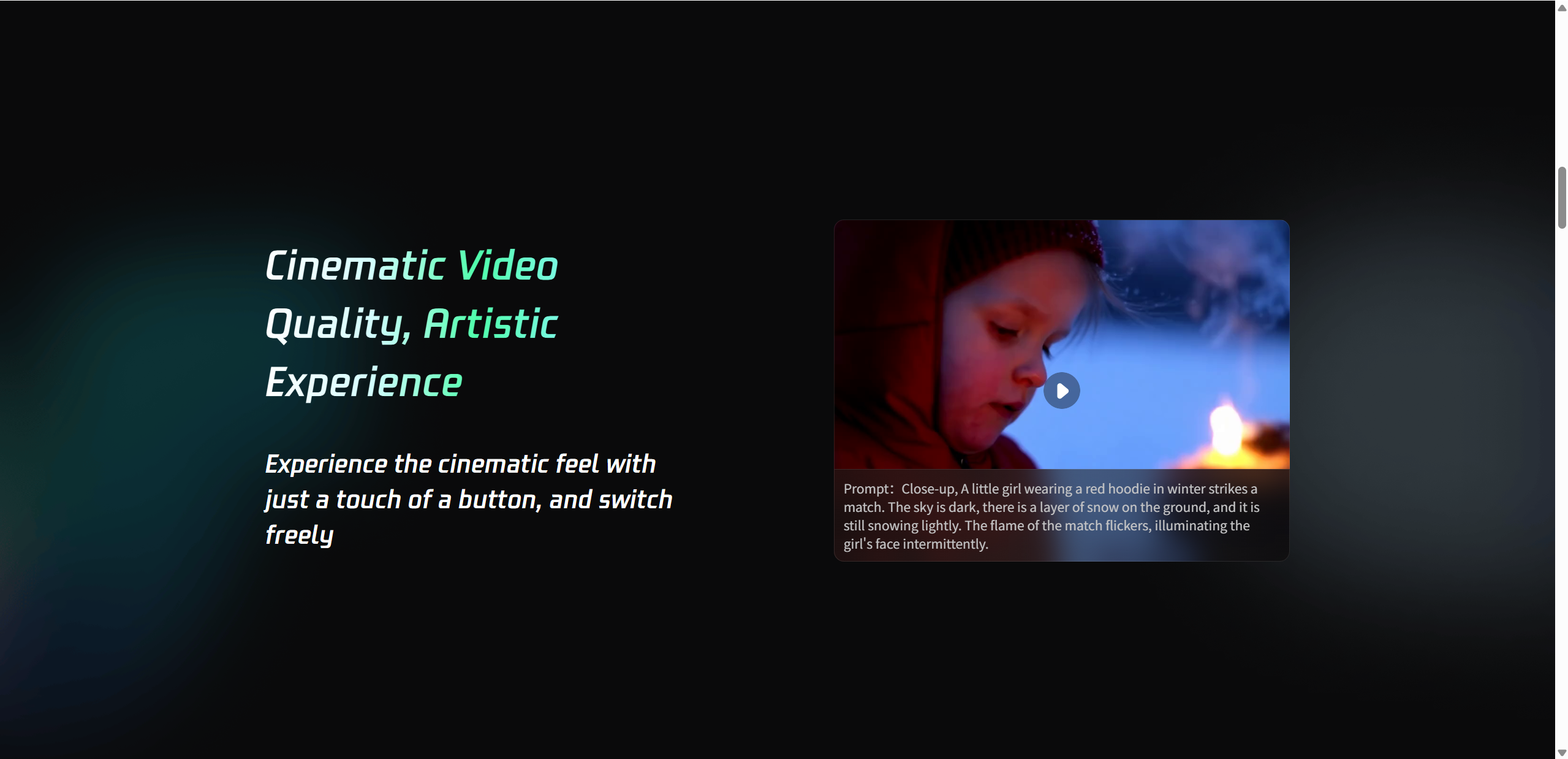
One of the most noticeable strengths is the cinematic look. Camera motion, depth, and framing often resemble short film shots rather than basic animations. This makes Hunyuan Video especially suitable for mood driven scenes, concept visuals, or short promotional clips. Realism levels are generally high when prompts are grounded and specific, while more abstract prompts tend to produce stylized, artistic results.
That said, there are limitations. Video length remains short, and complex action sequences can sometimes lose detail. Fast movements or crowded scenes may appear simplified. Generation speed is reasonable, but not instant, especially during peak usage.
Overall, Hunyuan Video delivers impressive quality within its current scope, as long as expectations are aligned with short form video creation.
Test Result Breakdown
| Test Element | Result | Notes |
|---|---|---|
| Text-to-video quality | High | Cinematic but best in short clips |
| Motion stability | Good | Minimal jitter |
| Style flexibility | Strong | Realistic and artistic modes |
| Speed | Moderate | Seconds to minutes |
Pros of Hunyuan Video
Hunyuan Video stands out by delivering high quality visuals without making the creation process feel complicated. It focuses on doing a few things very well, which makes it especially appealing for creators who want fast results and polished output.
What works well:
✔ Cinematic quality video with strong visual consistency
✔ Free and accessible directly in your browser
✔ Simple prompt based input that is easy to learn
✔ Realistic motion and smooth transitions
Why creators like it:
Great fit for social content creators and short video platforms
Works without installation or complex setup
The 13B model delivers stronger results than many open models in the same space
Cons and Limitations to Consider
While Hunyuan Video shows impressive potential, it is not without its limitations. The most noticeable constraint is video length. Current outputs are short, which can limit storytelling and more detailed scene development.
Things to keep in mind:
⚠ Short maximum video duration in current tests
⚠ Local usage requires powerful hardware and a large GPU
⚠ Less flexible editing compared to full video editors
⚠ No advanced timeline control like traditional tools such as CapCut
For creators looking for deep editing features, Hunyuan Video works best as a generation tool rather than a complete editing solution.
Hunyuan Video vs Alternatives
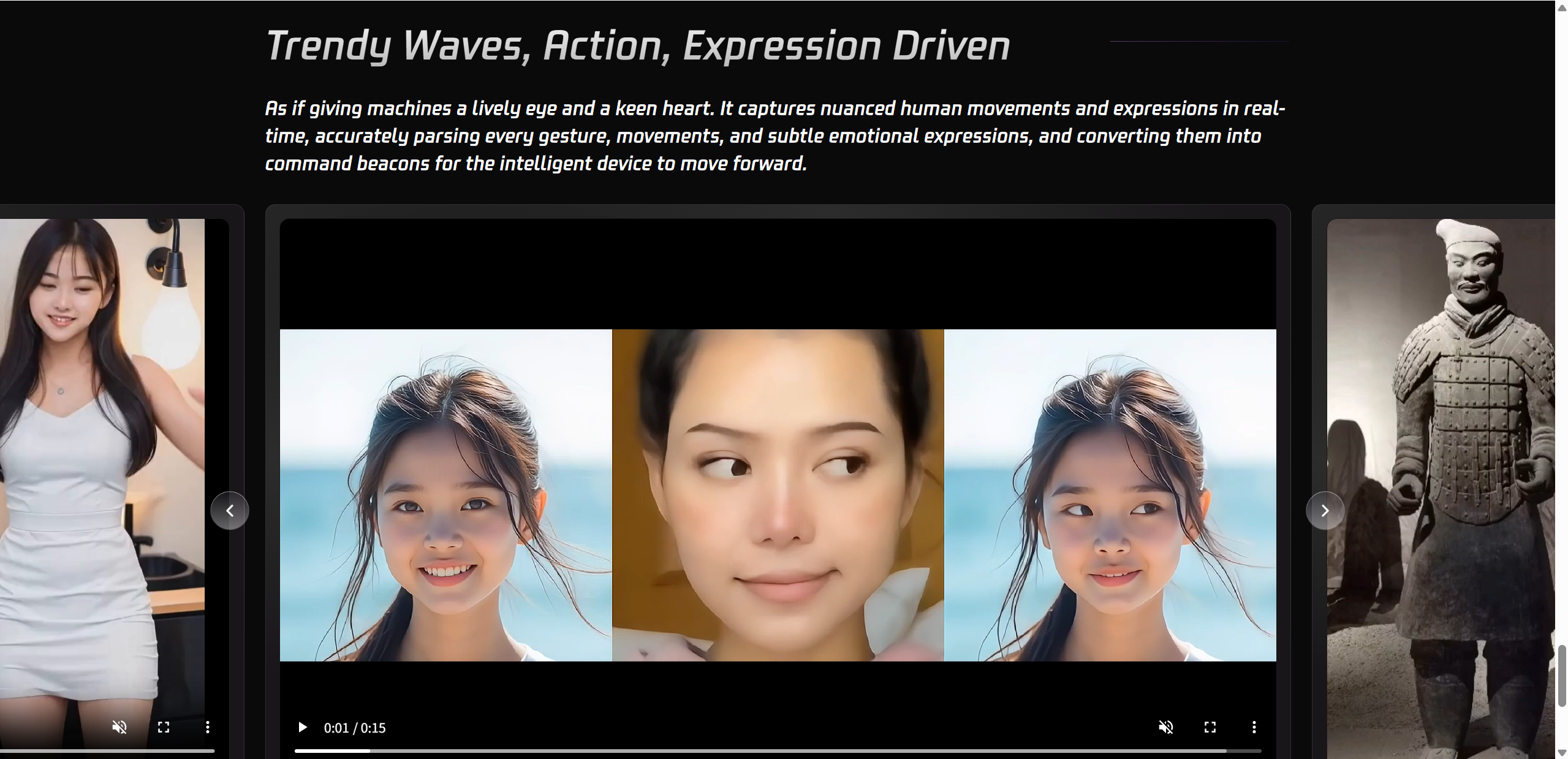
When comparing Hunyuan Video with other popular AI video tools, the differences come down to purpose and workflow. Hunyuan Video is built as a generation focused tool, aiming to turn ideas into visually polished clips with minimal manual input. In contrast, tools like Runway and CapCut focus more on editing flexibility and production workflows.
Runway Gen 3 is known for its strong motion quality and creative controls. It is often favored by creators who want to fine tune results, adjust scenes, or experiment with advanced effects. However, it is not open source and usually requires a paid plan for serious use. CapCut AI, on the other hand, is designed for speed and accessibility. It is extremely easy to use and works well for social media edits, but its AI video generation quality is more limited compared to Hunyuan Video.
Hunyuan Video sits between these two. It offers high quality motion and cinematic output while remaining free and open source. The trade off is fewer editing tools and less direct control over timelines or layers. For creators who value visual quality over manual editing, Hunyuan Video can be a strong alternative.
Feature Comparison
| Feature | Hunyuan Video | Runway Gen-3 | CapCut AI |
|---|---|---|---|
| Open source | Yes | No | No |
| Ease of use | Medium | Easy | Very easy |
| Motion quality | High | High | Moderate |
Final Verdict — Is It Worth Trying in 2025?
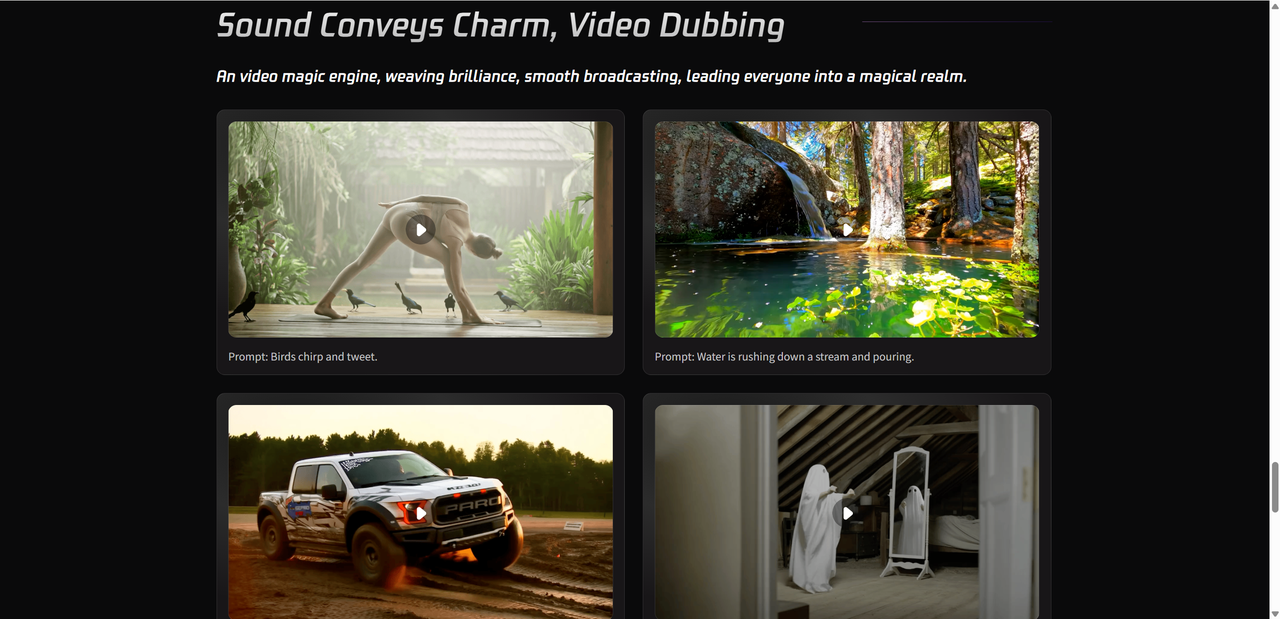
Hunyuan Video proves that high quality AI video generation does not have to be complicated or locked behind expensive subscriptions. With its strong visual consistency, cinematic motion, and solid performance in short clips, it stands out as a powerful creative tool rather than a full editing platform. Backed by Tencent’s Hunyuan AI research, the 13B model delivers results that often feel more polished than many comparable AI video generators.
Hunyuan Video fits best for creators who want to quickly turn ideas into visually appealing videos without spending time on detailed edits. It is especially useful for social media content, concept visuals, and short promotional scenes. If you are looking for deep timeline control, you may still need a traditional editor, but for fast and impressive generation, this tool is well worth exploring. If you're ready to explore beyond quick styles, you might also consider Lovart AI for its artistic depth.

Share Article