Hedra AI Review : Honest, In Depth Look at Features, Video Quality & Performance


Hedra AI Review: Honest, In Depth Look at Features, Video Quality & Performance
The AI video space is moving fast, but few tools have sparked as much curiosity as Hedra AI. Designed for creating talking avatars and expressive character videos, Hedra AI promises to turn simple text or images into lively, shareable video content. In this Hedra AI review, we’ll take a clear, no-hype look at what the platform actually delivers—how easy it is to use, how good the video quality really is, and where it fits among today’s AI video generators.
Rather than aiming for cinematic realism, Hedra AI focuses on personality, facial expression, and storytelling. With growing interest from creators, marketers, and casual users alike, the big question is simple: is Hedra AI genuinely useful, or just another flashy AI experiment?
What Is Hedra AI? (Overview + History)
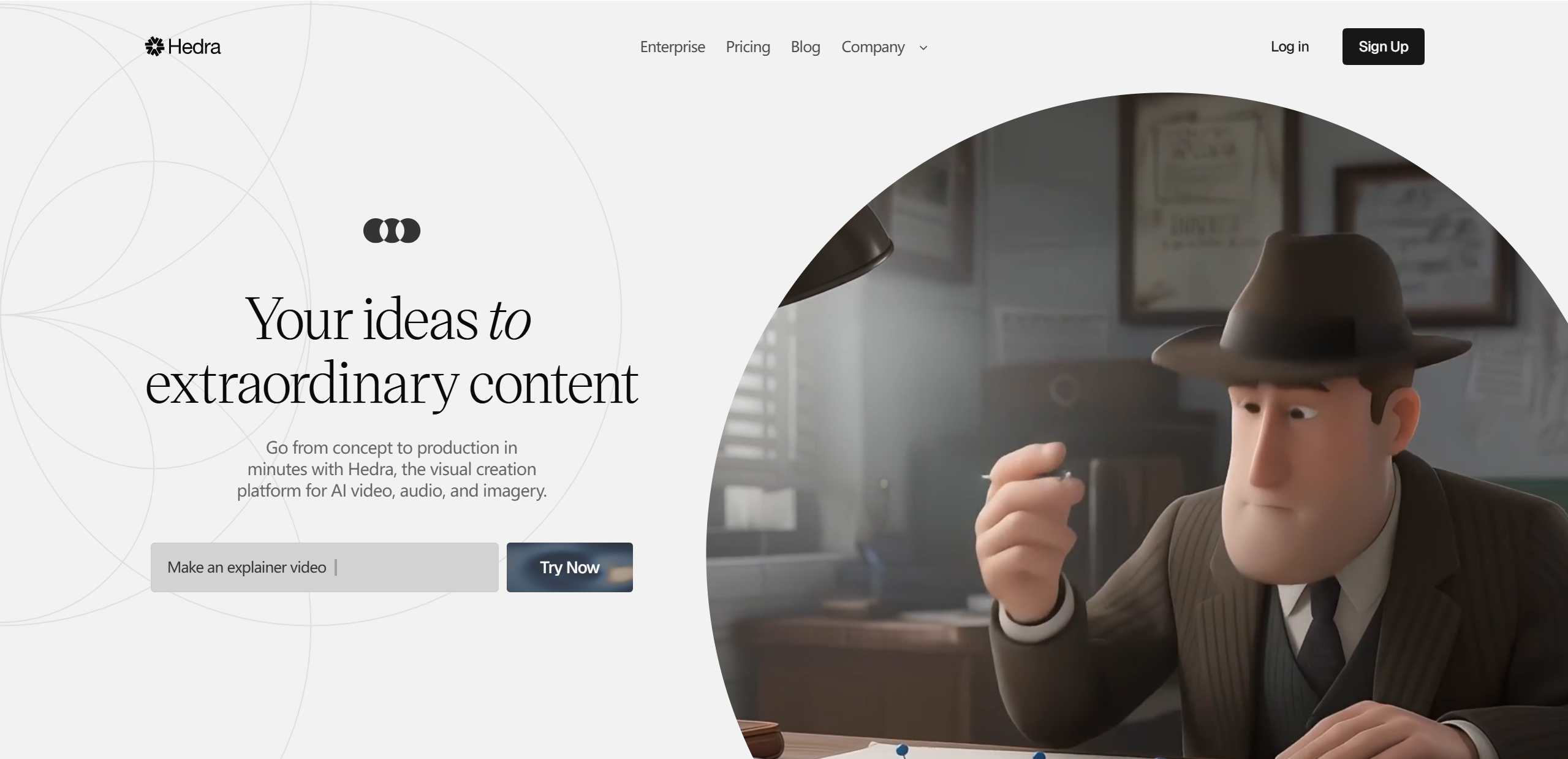
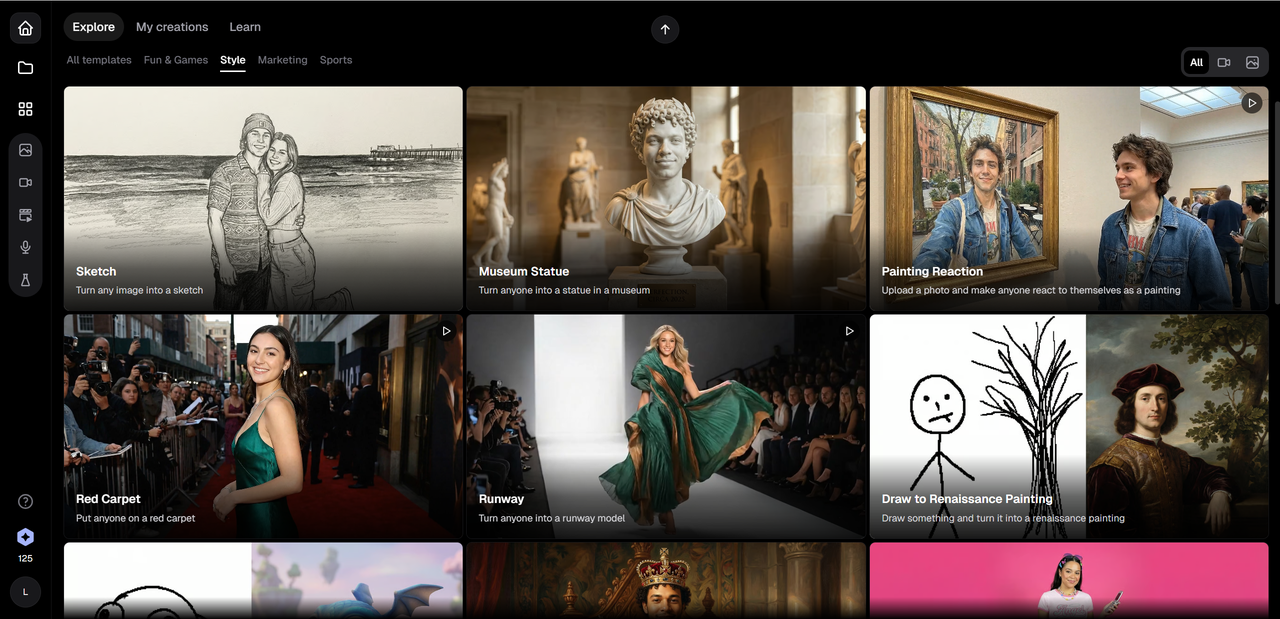
Hedra AI is an AI-powered video creation platform that specializes in character-driven, talking avatar videos. At its core, it allows users to generate short videos from text-to-video or image-to-video inputs, transforming static ideas into animated characters that speak, emote, and engage. Instead of hyper-realistic avatars, Hedra leans into a more expressive, stylized approach that feels intentional rather than limited.
Key things Hedra AI focuses on include:
Expressive facial animations and lip-sync
Character-based storytelling
Fast video generation with minimal setup
Unlike traditional video editors, Hedra AI doesn’t require timelines, keyframes, or editing experience. You provide text, choose or upload a character image, and let the AI handle the animation. According to early user reviews, the tool gained traction quickly thanks to its simplicity and shareable results, especially on social media platforms.
In the broader market, Hedra AI sits somewhere between serious AI avatar tools and playful creative apps—less corporate, more personality-driven—making it an interesting option for creators who value speed, emotion, and experimentation over technical control.
Key Features of Hedra AI
Hedra AI keeps its feature set focused and creator-friendly. Instead of overwhelming users with complex controls, it prioritizes tools that make character-based videos fast, expressive, and easy to share. Below is a clear breakdown of what you actually get.
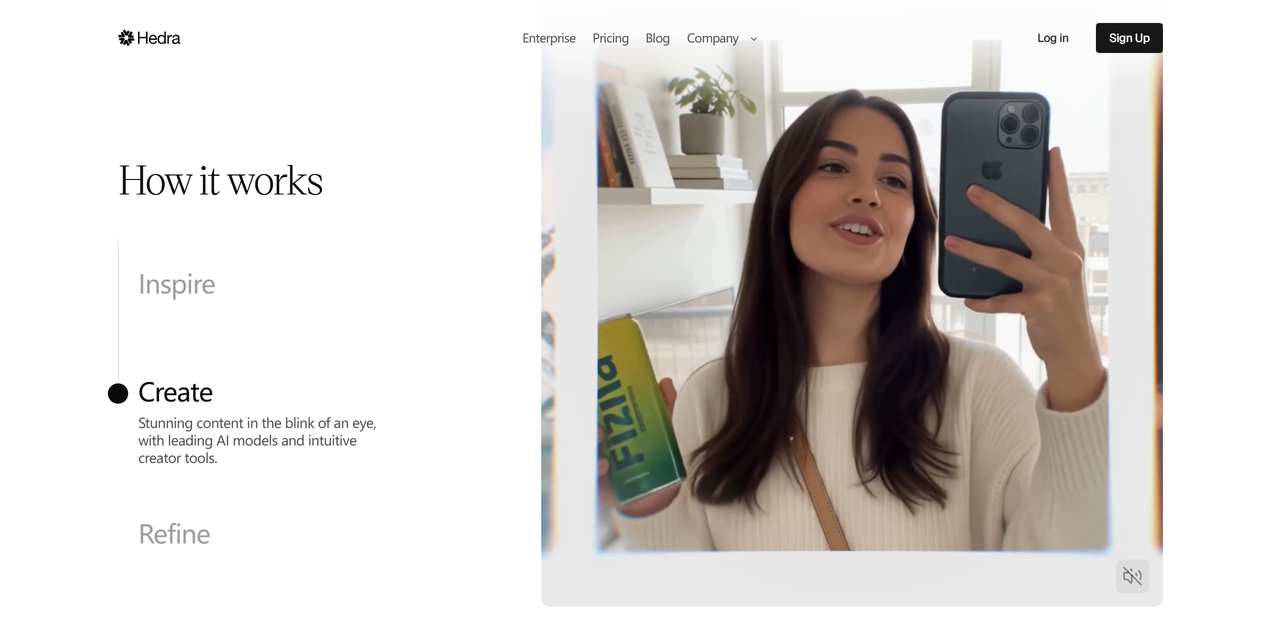
Core Features
Text-to-video & image-to-video generation Turn a script or a single image into a talking, animated character in just a few steps.
Expressive avatars with voice options Avatars emphasize facial expression and emotion rather than hyper-realism, which helps videos feel lively and intentional.
Multilingual lip-sync & natural animations Supports multiple languages with surprisingly smooth mouth movement and timing for short-form content.
Easy sharing and export options Download videos or share them directly, making Hedra AI suitable for social media and quick demos.
Advanced Tools (Optional Features)
Voice cloning & premium voices Higher-tier options unlock more realistic and customizable voices.
Prompt enhancer & batch generation Newer features help refine scripts automatically and generate multiple variations at once—useful for testing content ideas.
Quick Comparison Snapshot
| Feature | Hedra AI | Typical AI Video Tools |
|---|---|---|
| Character expressiveness | ⭐⭐⭐⭐ | ⭐⭐⭐⭐⭐ |
| Ease of use | ⭐⭐⭐⭐ | ⭐⭐⭐ |
| Advanced editing controls | ⭐⭐ | ⭐⭐⭐⭐ |
Overall, Hedra AI’s feature set favors speed, personality, and accessibility over technical depth.
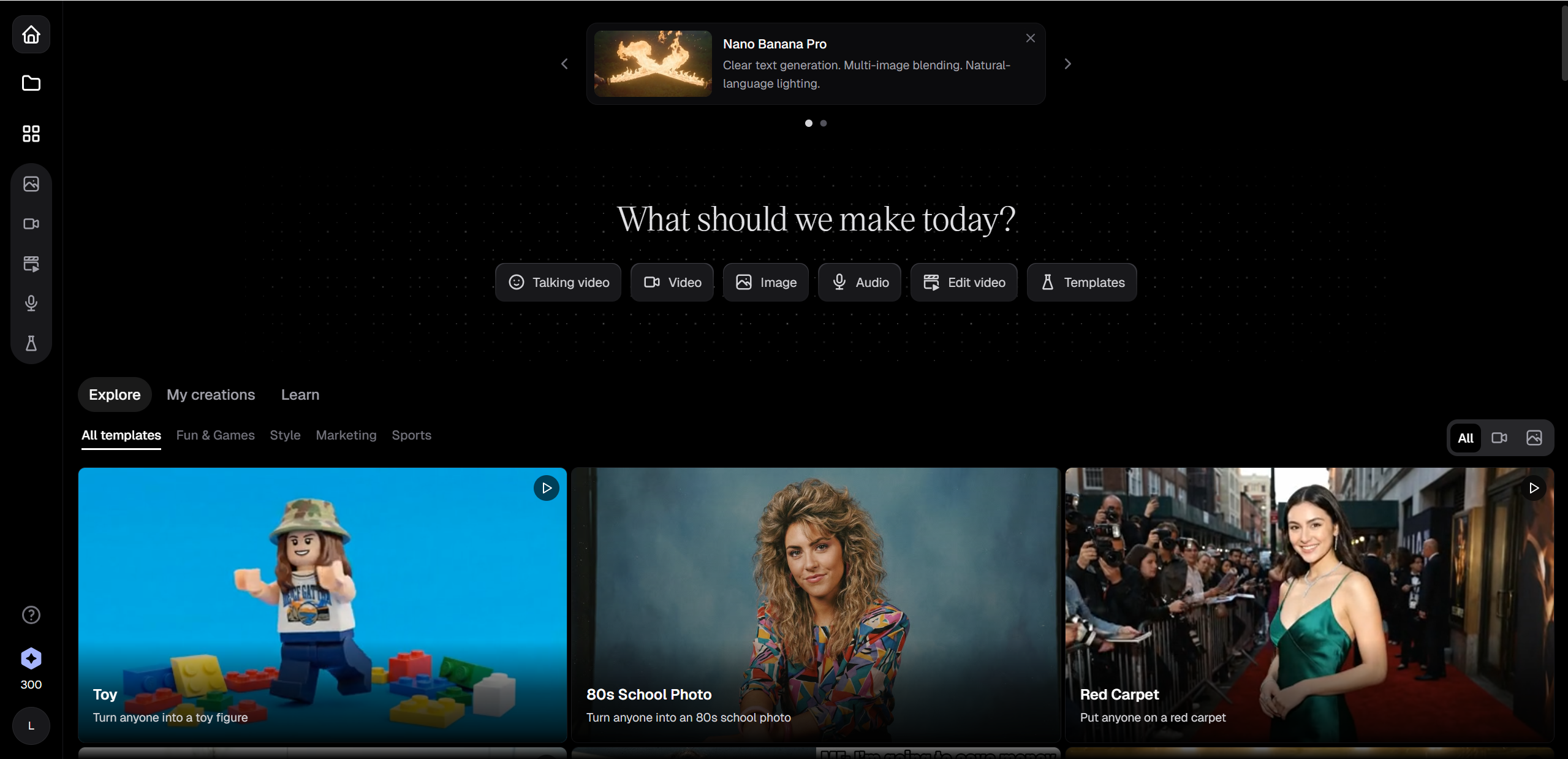
Hedra AI Video Quality: What to Expect
When it comes to Hedra AI video quality, expectations should be set correctly—and that’s actually where the tool shines. Hedra AI typically outputs videos in HD (up to 1080p), which is more than enough for social media, presentations, and landing pages. It’s not aiming for cinematic realism, but rather believable, expressive characters.
What Hedra AI does well:
Lip sync accuracy: Speech timing generally matches mouth movement nicely, especially for short scripts.
Facial expressions: Eye blinks, eyebrow movement, and subtle head motion add personality.
Consistency: Avatars stay visually stable without weird morphing artifacts.
Where it falls short:
Body movement can feel limited or slightly stiff.
Long scripts may show repeated facial patterns.
Quick comparison snapshot:
| Tool | Realism | Expressiveness | Best For |
|---|---|---|---|
| Hedra AI | Medium | High | Social & character videos |
| Synthesia | High | Medium | Corporate training |
Overall, Hedra AI favors emotional clarity over photorealism—and that’s a deliberate trade-off.
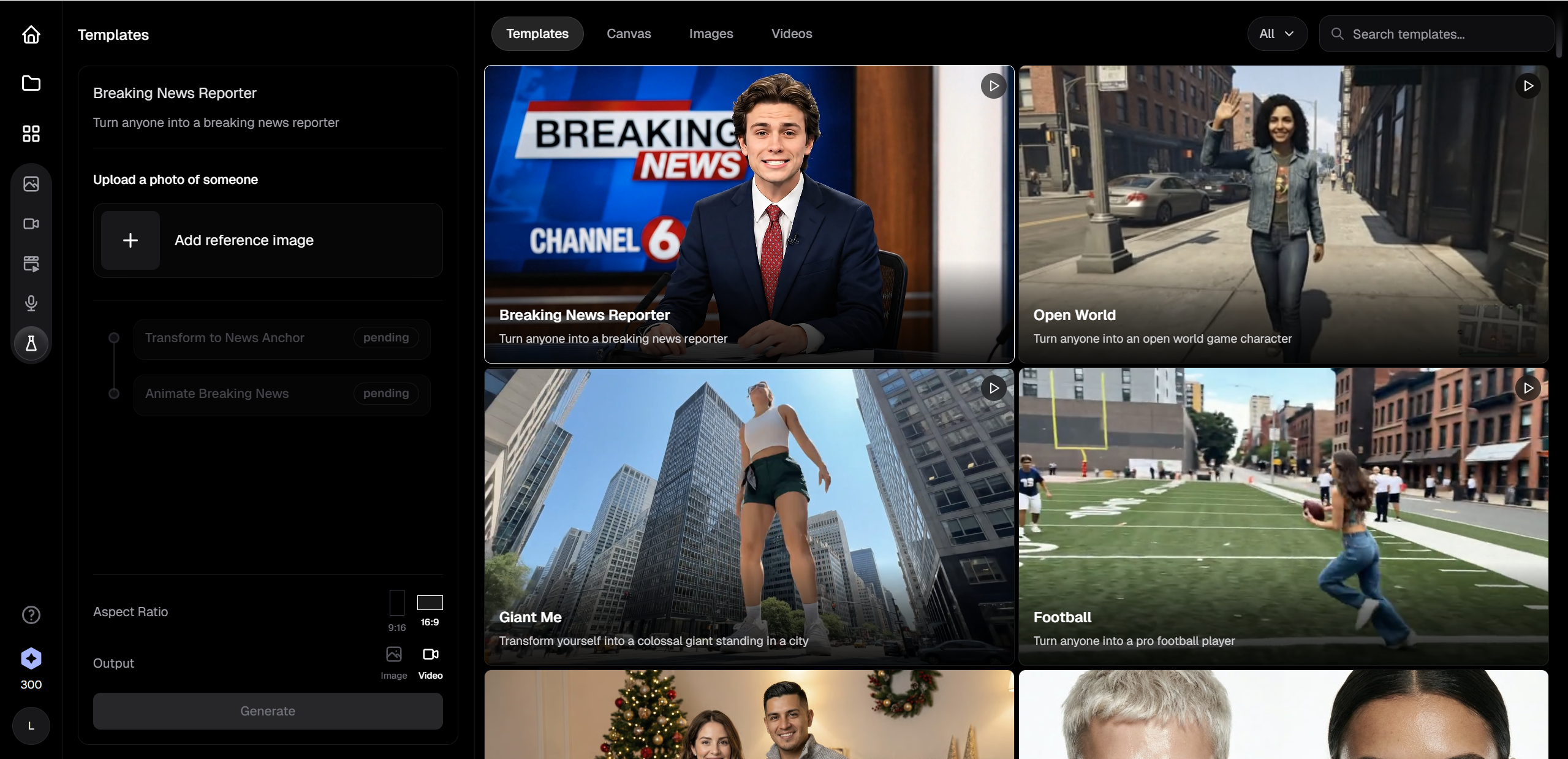
Personal Test & Real-World Results (Hedra AI Test)
To properly evaluate this Hedra AI test, I ran a simple real-world workflow—no fancy setup, just what a typical creator might do.
Test workflow:
Uploaded a single portrait image
Added a 20–30 second English script
Selected the default AI voice
Generated multiple versions using slight prompt tweaks
Results in practice:
Lip sync was consistently strong, even with casual, conversational sentences.
Facial expression felt natural for emotional cues like curiosity or emphasis.
Movement was mostly facial—head and shoulders stayed relatively static, which is fine for talking-head content.
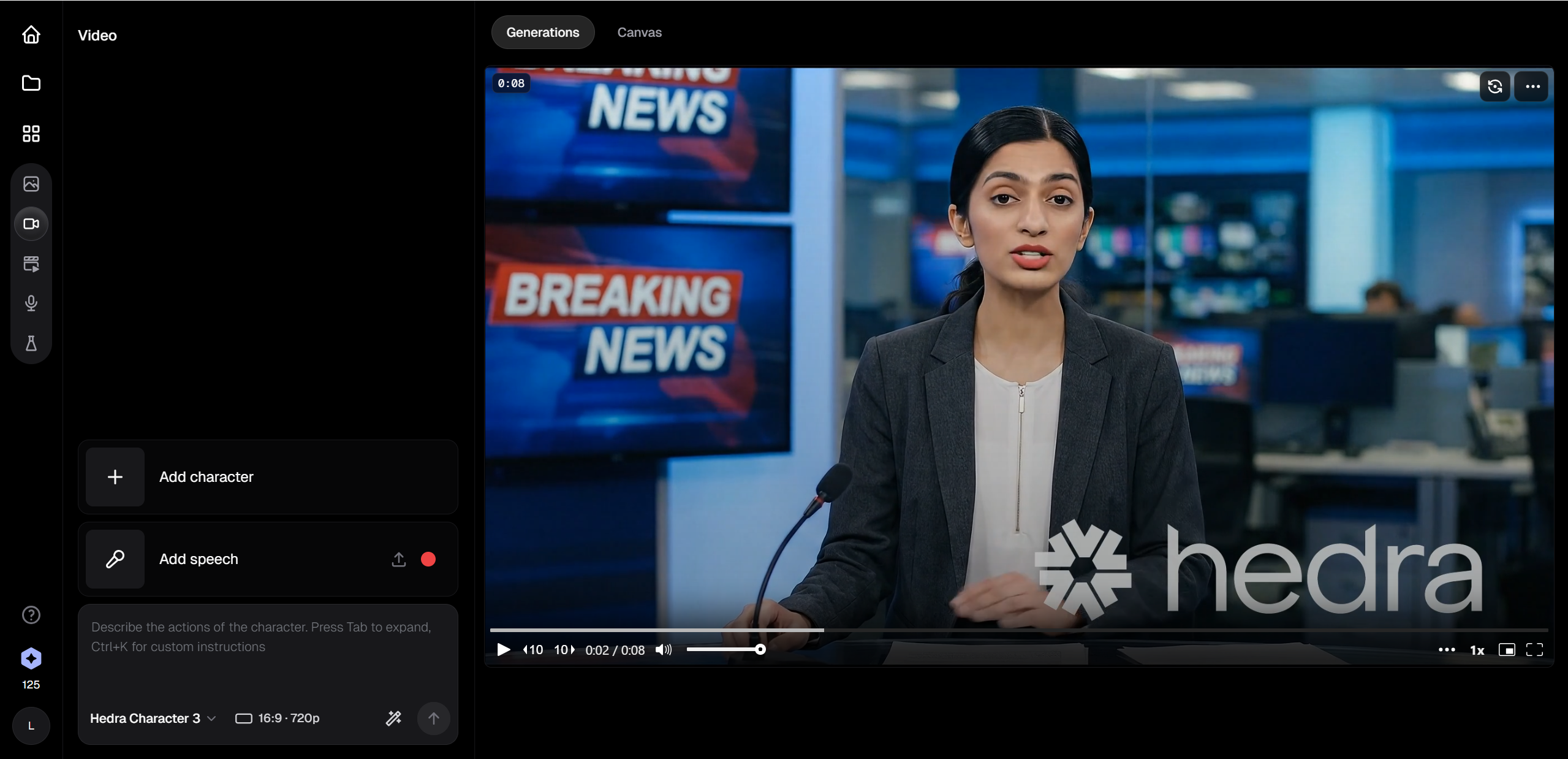
Example output scenarios:
A short explainer video introducing a fictional app
A social media “AI character reacts” clip
A lightweight storytelling monologue
In most cases, the videos looked polished enough to post without editing. Occasionally, expressions repeated or felt slightly robotic, but nothing distracting. For fast content testing, short-form videos, or creative experiments, Hedra AI delivered results quickly and reliably—exactly what it promises to do.
Pricing & Value: Is Hedra AI Worth It?
Hedra AI uses a credit-based pricing model, which is fairly common in the AI video world—but whether it feels “worth it” depends on how often you plan to create videos.
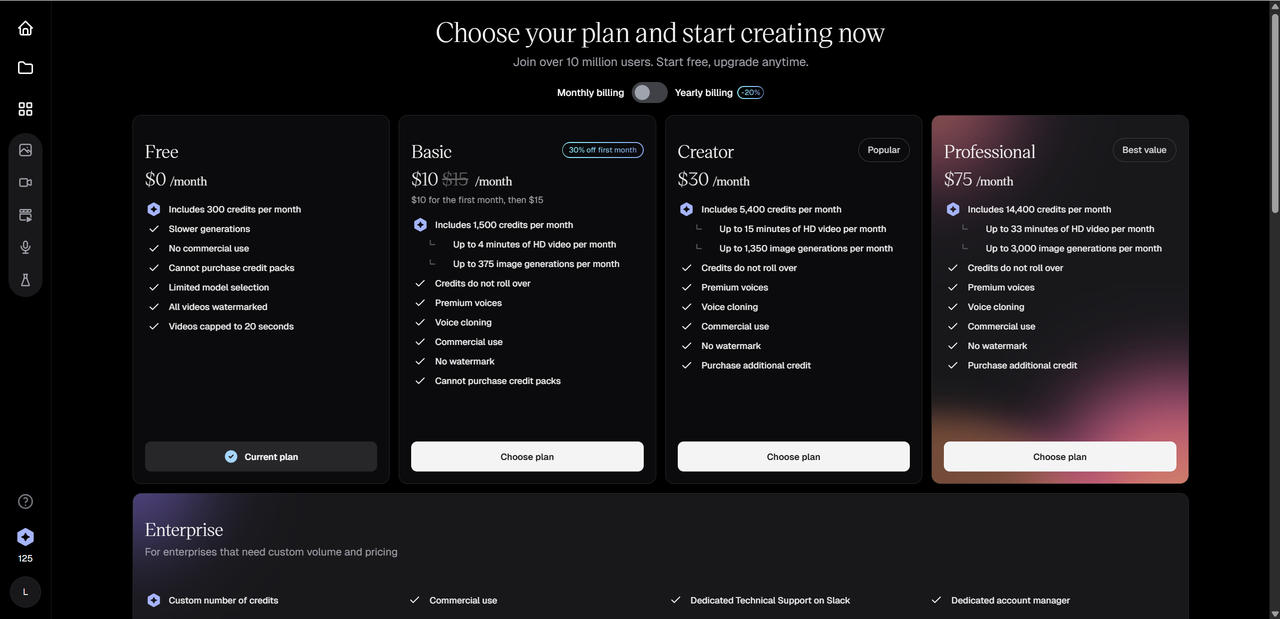
Free – $0/month
- 300 credits per month
- Slower generation speed
- Limited model access
- Watermarked videos
- Video length capped at 20 seconds
Basic – $10/month (first month), then $15
- 1,500 credits per month
- Up to 4 minutes of HD video
- Premium voices & voice cloning
- Commercial use allowed
- No watermark
Creator – $30/month
- 5,400 credits per month
- Up to 15 minutes of HD video
- Premium voices & voice cloning
- Commercial use
- Ability to purchase additional credits
Professional – $75/month
- 14,400 credits per month
- Up to 33 minutes of HD video
- Higher image generation limits
- No watermark, commercial use
Enterprise
Custom pricing with flexible credits, dedicated support, and account management.
Overall, Hedra AI’s pricing is transparent and scales well for short-form creators, while heavier users benefit most from the Creator or Professional plans.
Pros & Cons – Quick Summary
Here’s a clear snapshot of where Hedra AI shines—and where it still has room to grow.
Pros ✅
High-quality, expressive avatars Facial expressions and lip sync feel natural and engaging.
Beginner-friendly workflow No editing skills needed—type, upload, generate.
Multilingual support Useful for creators targeting global audiences.
Fast generation speed Ideal for testing ideas or posting quickly.
Cons ❌
Free tier is quite limited Short video caps and low credits restrict experimentation.
Body movement can feel stiff Works best for talking videos.
Pricing may add up Frequent users may need higher-tier plans sooner than expected.
Overall verdict: Hedra AI is excellent for expressive, short-form talking avatar videos. It’s not a full video studio—but it doesn’t try to be. If you value speed, personality, and ease of use, the pros clearly outweigh the cons.
Who Should Use Hedra AI? (Use Cases)
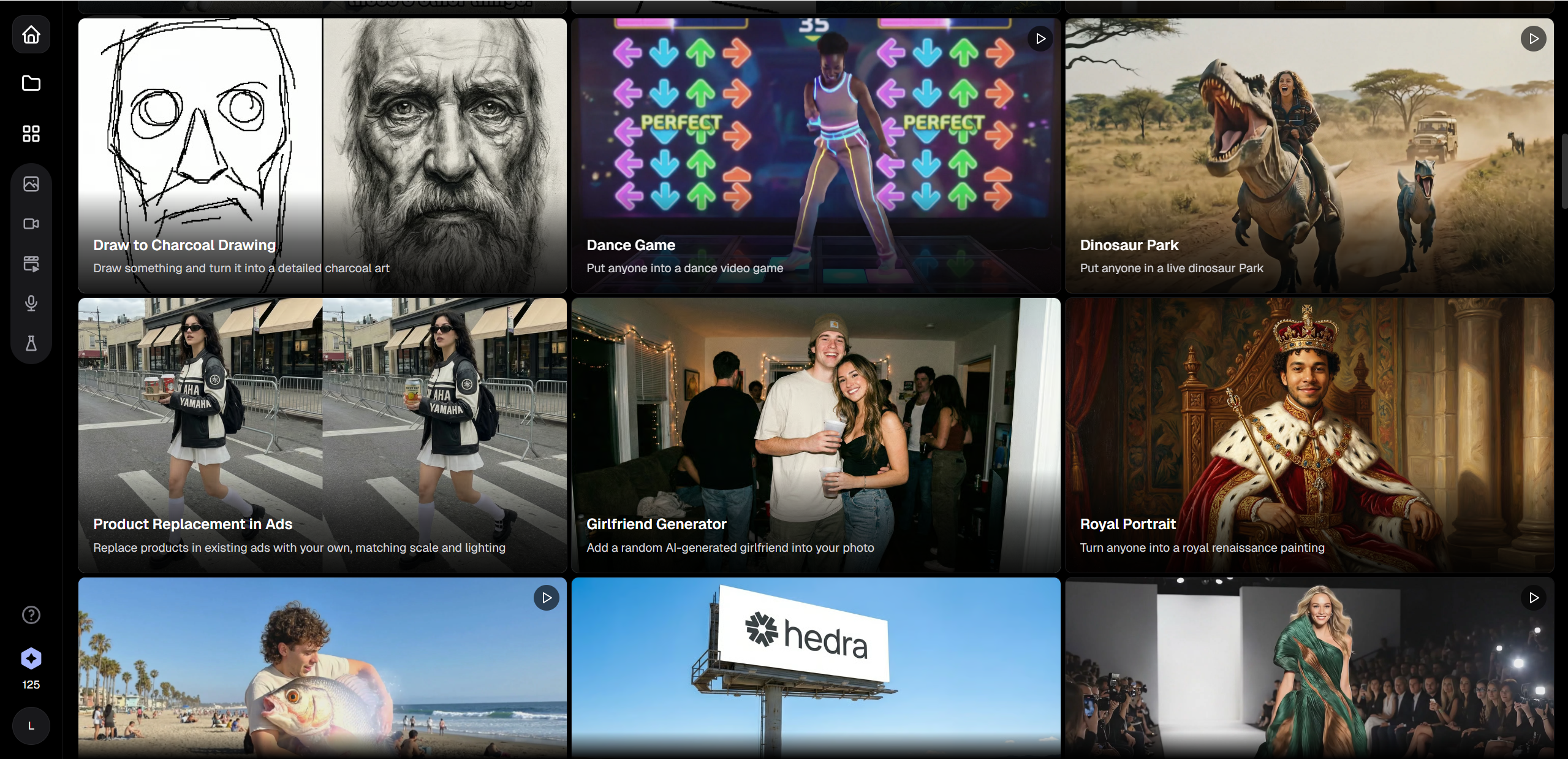
Hedra AI isn’t trying to be everything for everyone—and that’s actually a good thing. It works best for users who want fast, expressive talking videos without learning complex editing tools.
Ideal users include:
Content creators & social media marketers Perfect for short-form videos, character reactions, promos, and explainers that need personality more than polish.
Educators, trainers & small businesses Useful for simple lesson intros, onboarding clips, or friendly brand messages without hiring on-camera talent.
Indie animators & storytellers Great for testing story ideas, dialogue-driven scenes, or character concepts quickly.
If your goal is cinematic animation or long-form production, Hedra AI may feel limited. But for creators who value speed, emotion, and ease of use, it fits naturally into everyday workflows—especially for platforms like TikTok, YouTube Shorts, and Instagram Reels.
Hedra AI vs Competitors: How It Stacks Up
Hedra AI competes in a crowded AI video space, but its priorities are noticeably different from many mainstream tools.
| Tool | Best For | Strengths | Limitations |
|---|---|---|---|
| Hedra AI | Social & character videos | Expressive avatars, fast setup | Limited full-body motion |
| Synthesia | Corporate training | Professional avatars, scripts | Less expressive |
| HeyGen | Marketing videos | Polished output, branding tools | Higher learning curve |
| Pictory | Content repurposing | Text-to-video automation | Minimal avatar personality |
Where Hedra AI excels:
Emotion and facial expressiveness
Rapid video generation
Creative, character-first content
Where it may lag:
Advanced editing controls
Long-form or cinematic production features
If you care more about personality than production depth, Hedra AI stands out in a meaningful way.
Final Verdict: Is Hedra AI Right for You?
So, is Hedra AI worth your time? For the right user—absolutely.
Hedra AI shines at short, expressive talking-avatar videos that feel human without being overly complex. Its strengths lie in ease of use, emotional clarity, and fast turnaround. While it won’t replace full animation software or enterprise video platforms, it doesn’t need to.
Best use cases include:
Quick marketing and promo videos
Social media shorts
Character-based storytelling and demos
If that sounds like your workflow, Hedra AI is a strong contender. The best way to decide is to test it yourself—start small, explore the free tier, and see if the style fits your content goals. Or if Hedra AI is not an option, you can try Lovart AI and see what your ideas look like in motion.

Share Article