Google Veo 3 Review: The Ultimate DeepMind AI Video Model in 2025


Google Veo 3 Review: The Ultimate DeepMind AI Video Model in 2025
Google Veo 3 is not just another AI video generator. It feels like Google DeepMind decided to raise the bar and then casually step over it. Announced at Google I O 2025, Veo 3 represents Google’s most ambitious move yet into cinematic quality video generation, complete with native audio that actually makes sense with what you see on screen.
This Google Veo 3 review matters because the model goes beyond flashy demos. It shows clear improvements in prompt understanding, scene consistency, and physical realism compared to earlier models like Veo 2. Camera movements feel intentional, lighting looks cinematic, and audio reacts naturally to the environment on screen.
For content creators, Veo 3 hints at faster concept testing and storytelling. For marketers, it opens the door to rapid video campaigns without full production crews. For AI watchers, it signals how quickly generative video is maturing.
Google is not just competing with other AI video tools here. It is redefining what people expect from AI generated video in 2025.
What Is Google Veo 3? Quick Overview
Google Veo 3 is an advanced AI video model developed by Google DeepMind that generates high quality videos from text prompts and, in some cases, image prompts. Unlike many earlier tools, Veo 3 produces both visuals and audio together, creating a more complete and immersive result.
At its core, Veo 3 is designed to understand cinematic language. You can describe camera angles, lighting styles, pacing, and mood, and the model responds with surprisingly coherent scenes.
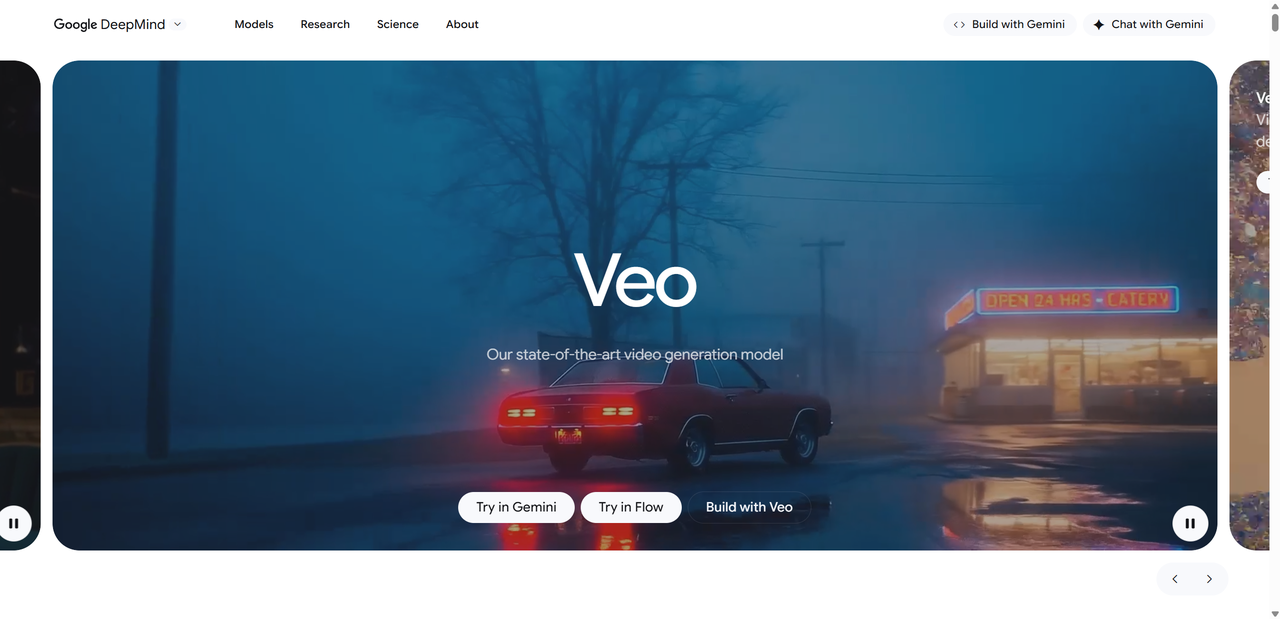
Key highlights of Google Veo 3 include:
Video generation from simple or detailed text prompts
Native audio generation, including ambient sounds, effects, and dialogue
Cinematic visuals with realistic motion and physics
Support for multiple resolutions, from 720p up to 4K
Stronger prompt adherence compared to Veo 2
Compared to earlier versions, Veo 3 feels more polished and intentional. Scenes flow better, objects behave more naturally, and audio no longer feels like an afterthought. While it is still an experimental model for many users, Veo 3 clearly shows where Google believes the future of AI video creation is heading.
In short, Veo 3 is Google DeepMind’s vision of what happens when video, sound, and storytelling are generated together instead of stitched apart.
Veo 3 Video Model Core Features
Native Audio and Realism
One of the biggest reasons people are excited about Google Veo 3 is native audio generation. This is not just background music layered on top of silent footage. Veo 3 creates sound that actually belongs in the scene.
You can hear footsteps matching movement, ambient noise reacting to environments, and even spoken dialogue that lines up with character actions. This instantly gives videos a cinematic feel that earlier AI video tools struggled to achieve.
Why this matters:
Audio and visuals are generated together, not stitched later
Sound effects feel natural rather than repetitive
Ambient noise adds depth to scenes like cities, forests, or interiors
Compared to older models, Veo 3 feels less like a silent animation and more like a finished short film. This single feature already sets it apart from many rivals.
Prompt Adherence and Creative Control
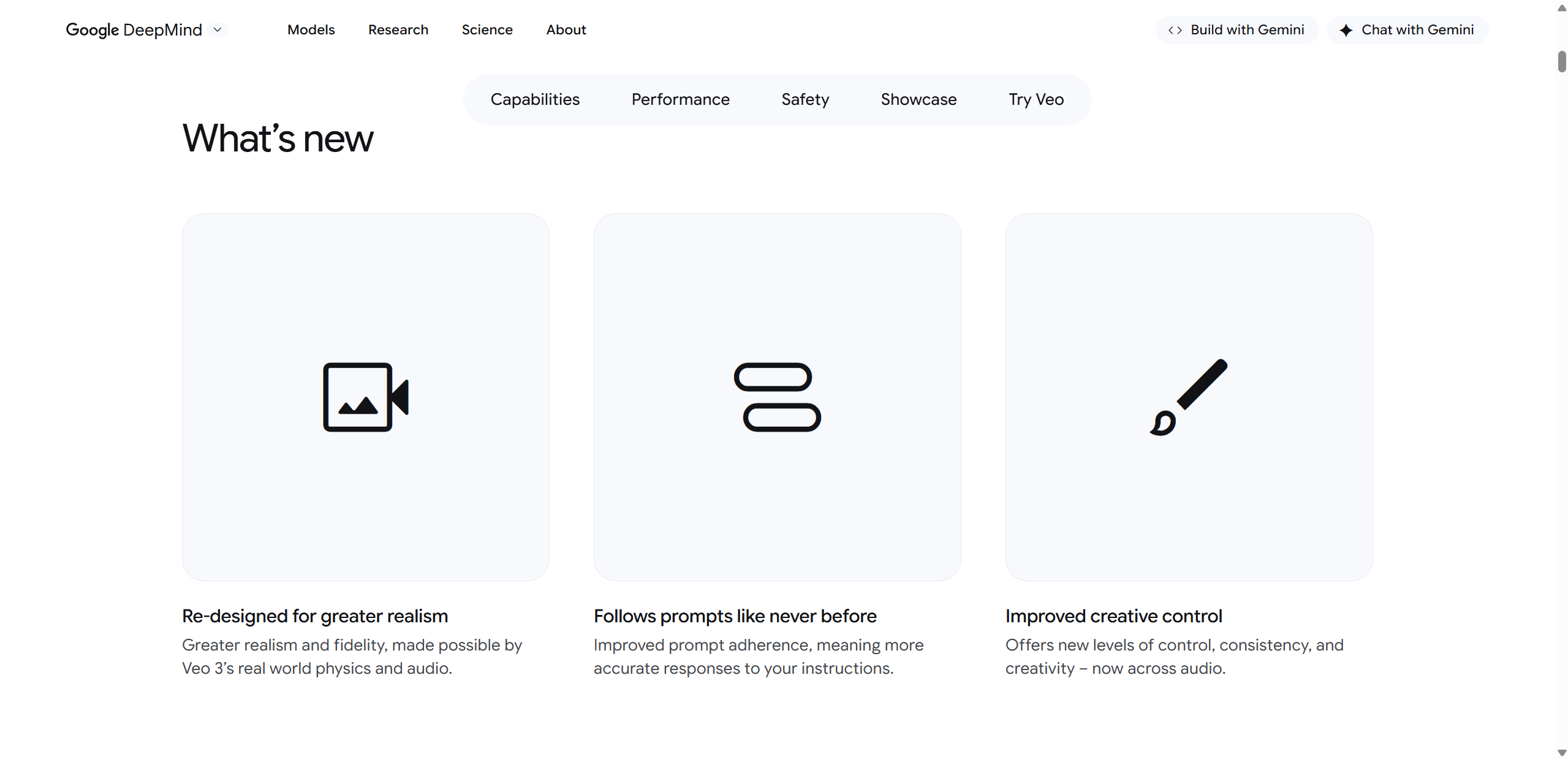
Veo 3 is also much better at doing what you actually ask it to do. During testing, prompts involving camera movement, lighting mood, and scene pacing were followed more closely than with previous versions.
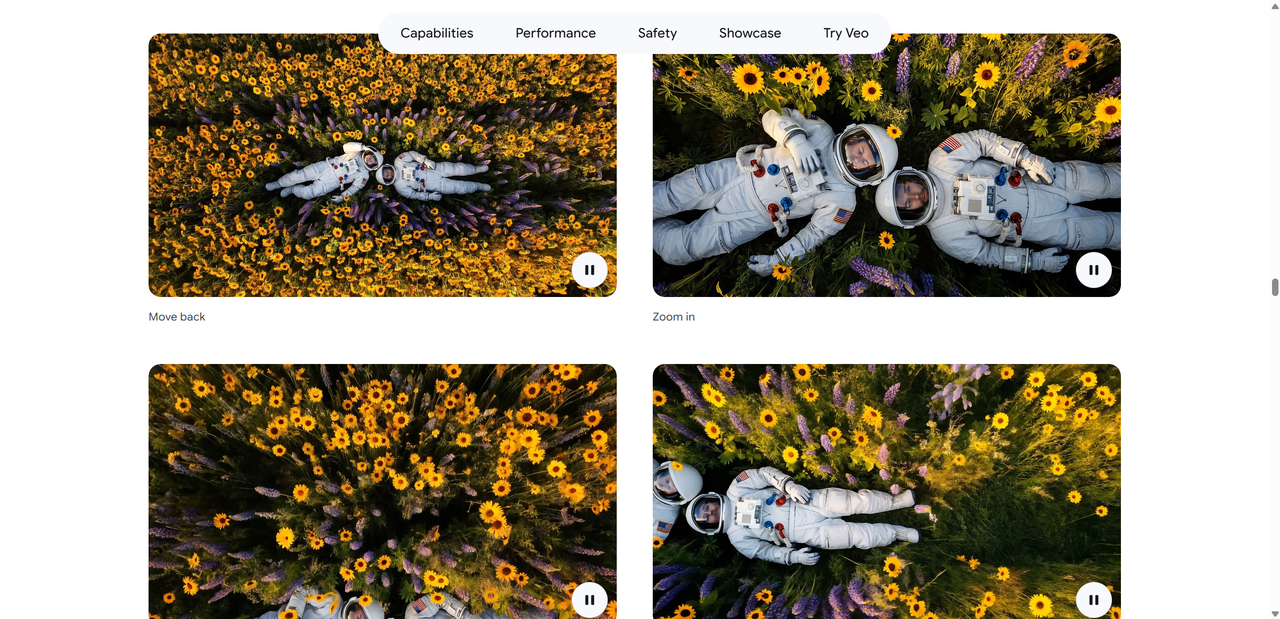
Creators can specify things like slow zooms, wide establishing shots, or dramatic lighting changes. The model keeps visuals consistent across frames, which reduces flickering or sudden style shifts.
This makes the Google Veo test experience smoother and less frustrating, especially for users experimenting with complex ideas or storytelling prompts.
Resolution and Format Support
Google Veo 3 supports a wide range of output formats, making it practical for real world use.
Supported options include:
Resolutions from HD up to 4K
Standard widescreen 16:9 for YouTube and presentations
Vertical formats like 9:16 for mobile and social platforms
This flexibility makes Veo 3 suitable for everything from cinematic demos to short form social content.
Hands On Google Veo Test: What We Experienced
Testing Google Veo 3 felt surprisingly approachable for such an advanced model. Access through the Gemini app and Vertex AI is clean and intuitive, even for users without deep technical backgrounds. You enter a prompt, choose basic settings, and let the model work.
Generation speed depends on scene complexity, but short cinematic clips usually took a few minutes rather than instant results. The wait felt reasonable given the quality.
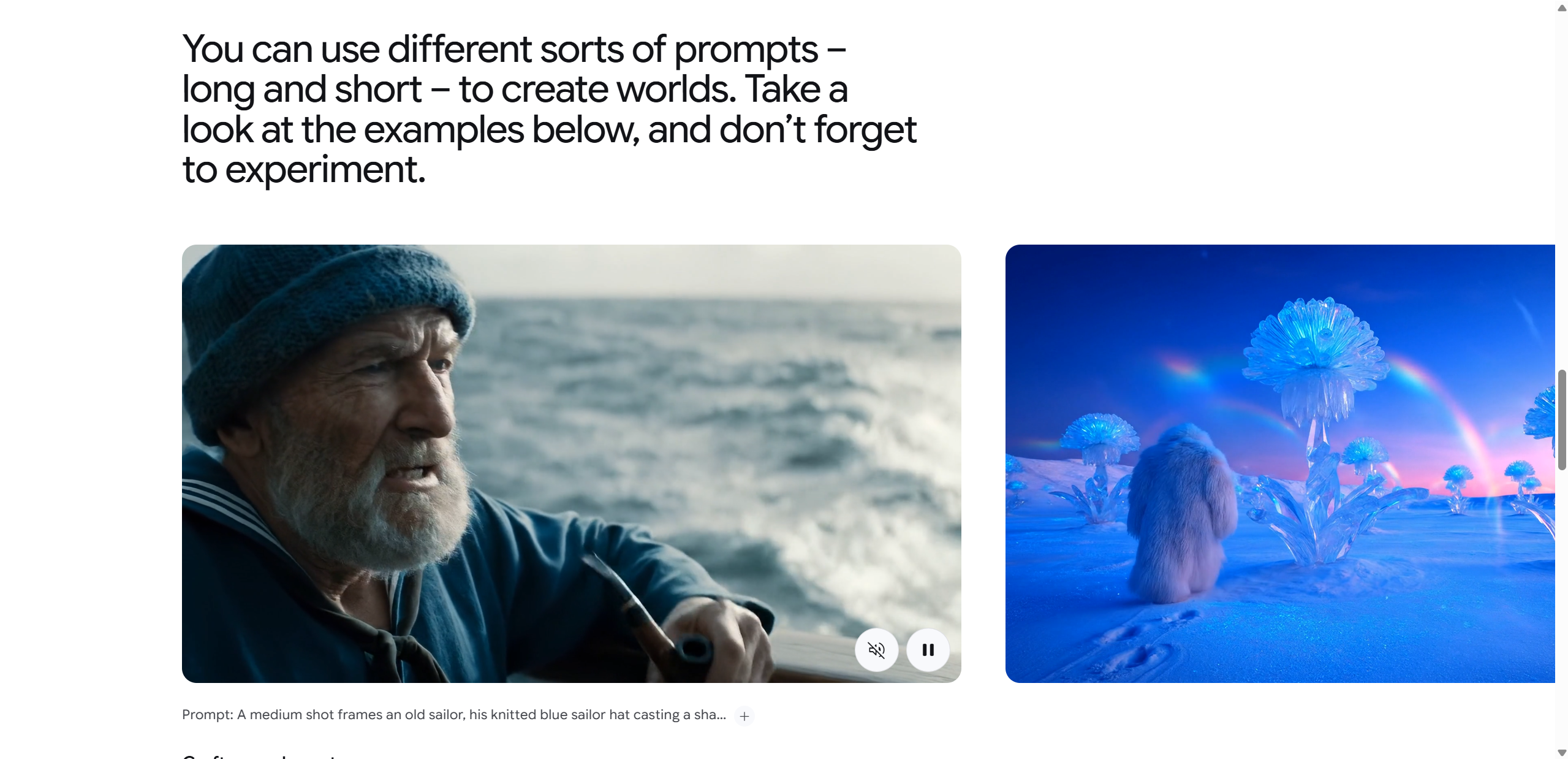
Example prompts we tested included:
A sunset drone shot over a futuristic city with ambient traffic noise
A quiet forest scene with wind, birds, and slow camera movement
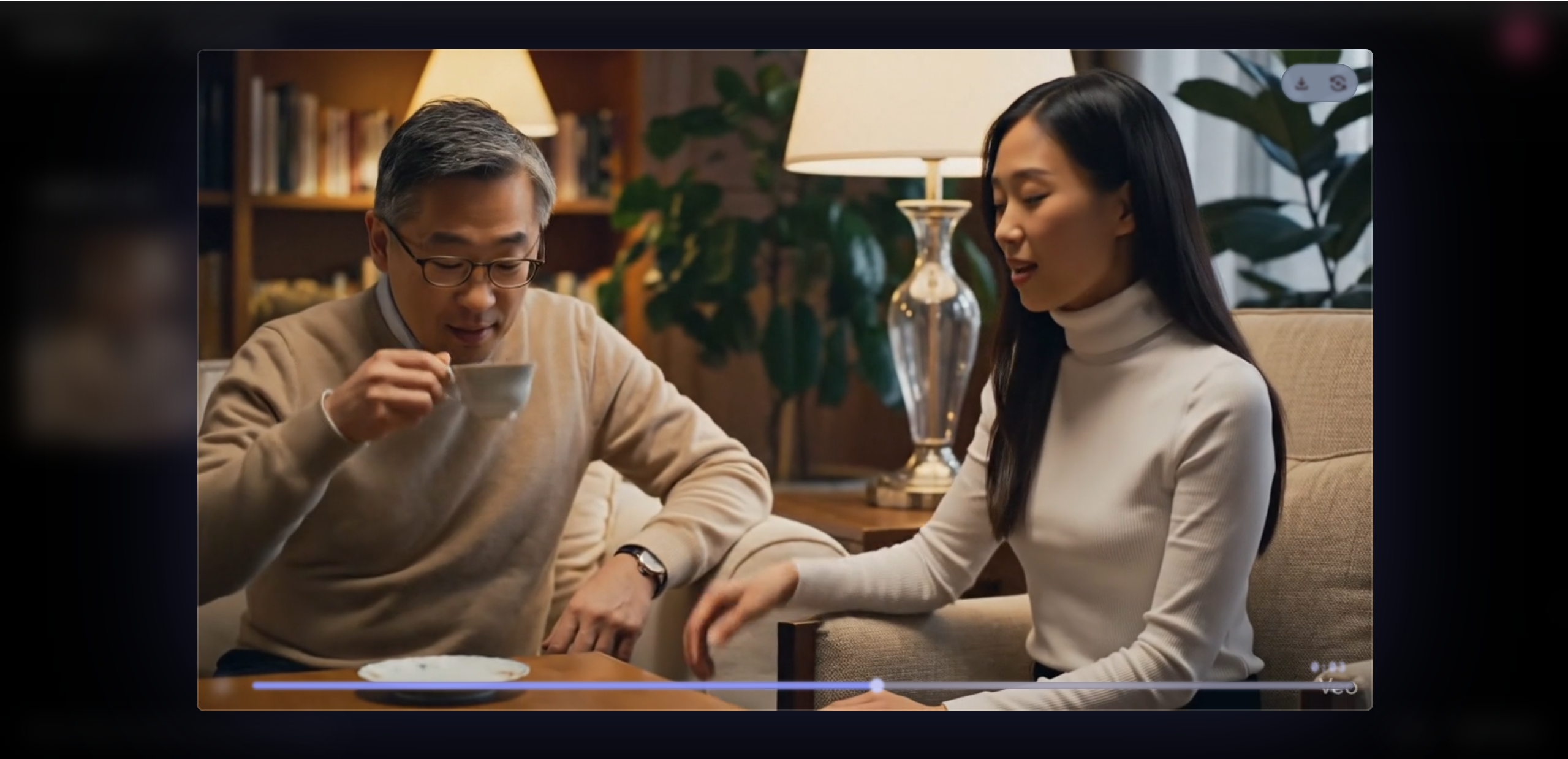
A dialogue driven indoor scene with soft lighting and subtle background sound
What stood out most was how well Veo 3 handled layered instructions. Visuals stayed consistent, audio matched the environment, and scenes felt intentional rather than random.
That said, very detailed prompts sometimes required refinement. Being clear and structured helped produce better results. Overall, the experience felt less like experimenting with a tool and more like directing a scene, which is a big win for creators.
Veo 3 Results: Output Quality and Examples
The most impressive part of Google Veo 3 is how polished the final results feel, especially when you factor in both video and audio together. Even at lower resolutions, Veo 3 produces smooth motion and believable scene transitions. Camera movement feels intentional rather than shaky, and objects interact with their environments in a way that looks physically plausible.
Texture detail improves noticeably as resolution increases. At 720p, scenes look clean and stylized, which works well for concept videos or quick social posts. At 1080p, lighting, shadows, and surface details start to feel more cinematic. At 4K, the results are where Veo 3 truly shines, with rich textures, depth, and a strong sense of visual realism.
Audio output remains consistent across all resolutions. Dialogue stays in sync with character movement, ambient sounds react naturally to the scene, and background audio adds atmosphere without overpowering the visuals.
In real world demos, Veo 3 performs especially well in short narrative scenes, environmental fly throughs, and abstract visuals used for branding or mood setting. It is less about perfect realism and more about delivering scenes that feel complete and ready to use.
Output Comparison Table
| Feature | 720p | 1080p | 4K Ultra |
|---|---|---|---|
| Visual detail | Good | Better | Best |
| Audio sync | Yes | Yes | Yes |
| Realism | Basic | Cinematic | Cinematic+ |
Overall, Veo 3 results feel production ready in a way that few AI video models currently achieve.
Pros and Cons of Google Veo 3
Like any advanced AI tool, Google Veo 3 comes with clear strengths and a few trade offs. After testing and reviewing real world feedback, here is a balanced look at where it excels and where it still falls short.
Pros
Native audio integration Veo 3 generates sound and visuals together, including dialogue, effects, and ambience. This alone gives it a major advantage over many AI video tools.
Cinematic visuals and realistic physics Camera motion feels smooth, lighting is intentional, and object movement follows believable physical rules.
Strong prompt adherence The model follows detailed instructions well, especially for scene composition, mood, and camera direction.
Multiple resolution options Support ranges from HD all the way up to 4K, making it suitable for both quick drafts and high quality outputs.
Creative controls Users can guide camera movement, pacing, and aesthetic references, which makes the tool feel more like directing than guessing.

Cons
Requires a paid Google AI plan Access is tied to Google’s Pro or Ultra plans, which may be a barrier for casual users.
No native alpha channel support This limits advanced compositing workflows for creators who rely on transparent backgrounds.
Occasional inconsistent outputs Some users report glitchy or uneven results on certain generations, especially with very complex prompts.
Overall, the pros clearly outweigh the cons, but Veo 3 is still evolving rather than perfect.
Who Is Veo 3 Best For? Use Cases
Google Veo 3 is best suited for creators who want strong visual impact without a long production process. Content creators and social media marketers can use it to produce eye catching videos quickly, especially for short form platforms. Filmmakers may find it useful for testing story ideas, mood, or camera direction before committing to a full shoot. It also works well for product launches and brand marketing that need short, high impact visuals. Educators and experimental artists can use Veo 3 for rapid video ideation and visual storytelling. That said, professionals who rely on alpha channels or advanced compositing workflows may find Veo 3 limiting at this stage.
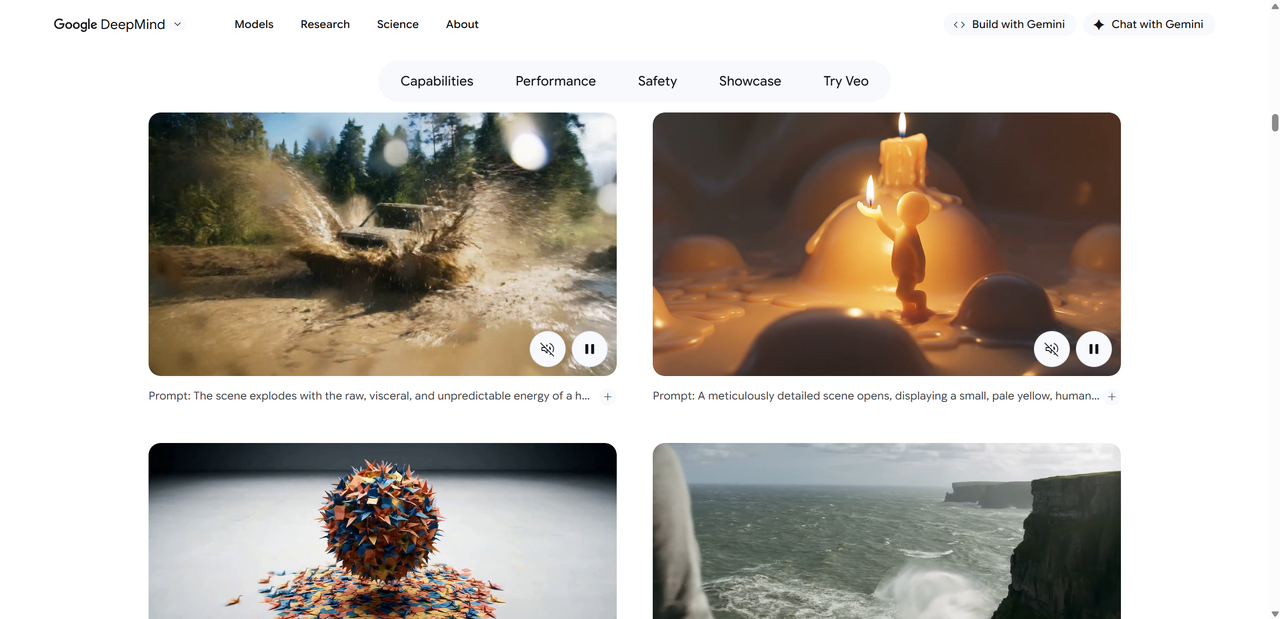
Tips for Getting Better Results in Your Google Veo Tests
Getting the best results from Google Veo 3 often comes down to how you write your prompts. Clear and structured instructions usually outperform long, messy descriptions. Start by defining the scene, then add camera movement, lighting, and mood as separate ideas.
Helpful tips include:
Break complex ideas into shorter scenes
Be specific about camera angle and motion
Describe the environment before adding action
Experiment with different visual styles
Run multiple generations and compare results
When possible, reference images can help guide composition and tone. Iteration is key. Small changes in wording often lead to noticeably better Veo 3 results, especially for cinematic scenes.
Conclusion: Is Google Veo 3 Worth It?
Google Veo 3 stands out as one of the most advanced AI video models available today. Its native audio, cinematic visuals, and strong prompt understanding make it feel closer to a complete video production tool than a simple generator. Veo 3 shines in storytelling, concept testing, and high impact visual content where speed matters.
It is especially worth considering for creators, marketers, and filmmakers who want fast, polished results without juggling multiple tools. While the lack of alpha channel support and paid access may limit some professional workflows, the overall quality is hard to ignore.
If you are curious about the future of AI video, Veo 3 is absolutely worth exploring. Try it on your next project and see how far a single prompt can take you. And also, if you're looking for an AI video generation platform, I suggest Lovart AI.

Share Article