Getimg.ai Image Generator Review — Full Evaluation and Comparison

Getimg.ai Image Generator Review — Full Evaluation and Comparison
If you’re curious about how far AI image tools have come, you’re in the right spot. In this Getimg.ai Image Generator review, we’re diving into features, real test results, pros, cons, and how it stacks up with other AI art platforms. Whether you’re a creator, marketer, or hobbyist — let’s explore together!
What is Getimg.ai? Background and Positioning
Getimg.ai is a versatile AI-powered platform designed to make image generation and editing a breeze. Launched with the mission to empower creators, designers, and marketers, it combines the speed of AI with intuitive tools that anyone can use—no technical wizardry required. Whether you’re a freelance designer looking to generate stunning visuals, a marketer in need of unique ad graphics, or a content creator exploring new ideas, Getimg.ai offers a one-stop solution for all your visual needs.
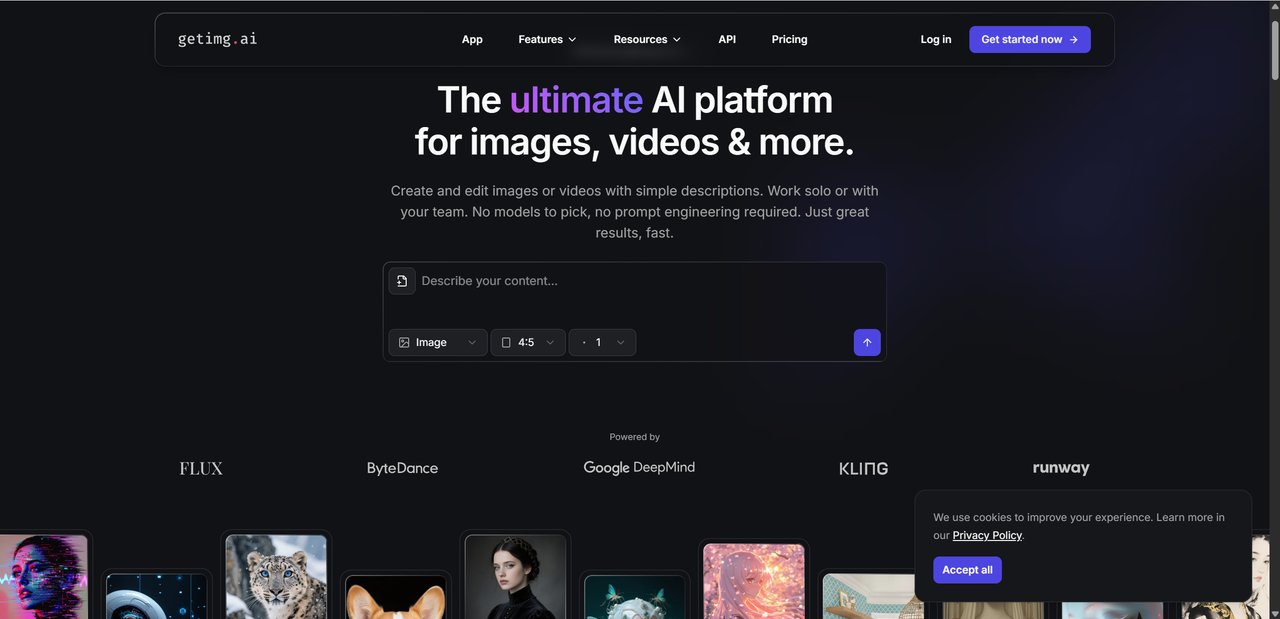
Positioned as a competitor in the AI image generation market alongside tools like MidJourney and DALL·E, Getimg.ai differentiates itself by blending image generation and advanced editing in a single platform, allowing users to not only create images from text but also fine-tune, enhance, and customize them effortlessly.
Quick Overview:
| Feature | Details |
|---|---|
| Platform Type | AI image generation + editing |
| Target Users | Creators, designers, marketers |
| Core Value | Generate, edit, enhance, and personalize images all in one place |
| Positioning | User-friendly alternative to MidJourney, with editing capabilities included |
Core Features of Getimg.ai — Deep Dive
Getimg.ai isn’t just about creating images from text prompts—it’s packed with features that let you shape visuals exactly how you want. Let’s take a closer look at what makes this platform stand out:
AI Text-to-Image Generation
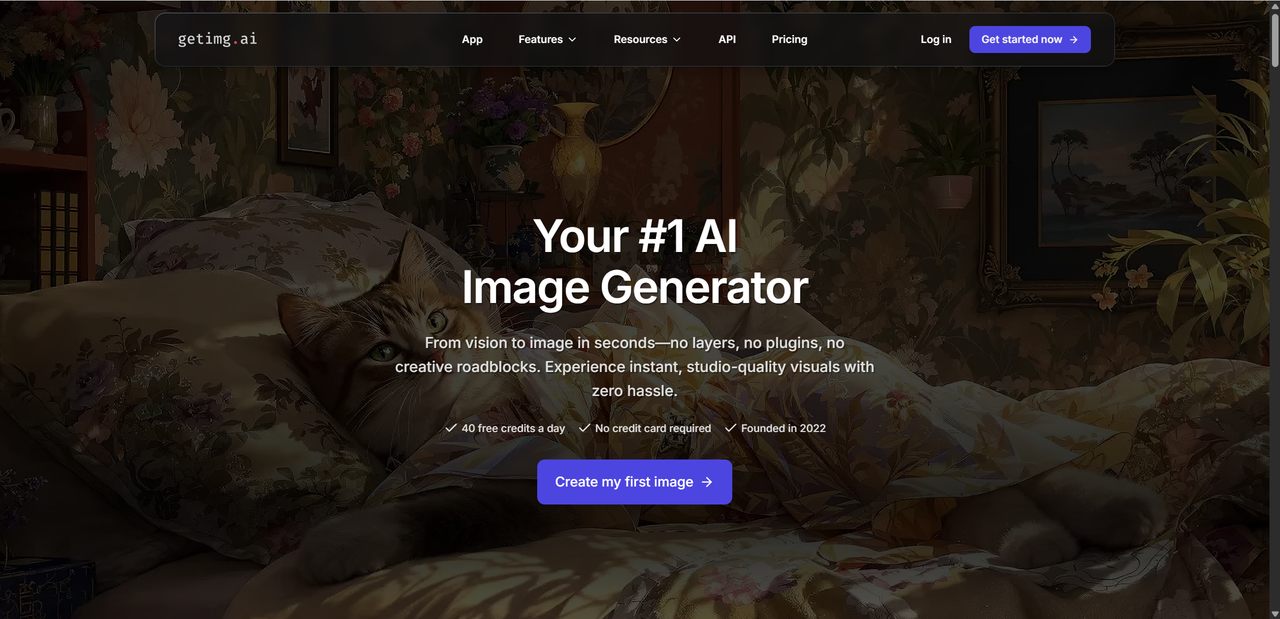
Generating images from text has never been this quick or enjoyable. Simply type in your prompt, tweak a few settings like style or resolution, and watch Getimg.ai turn your words into visuals in seconds. Its user-friendly workflow makes it accessible for beginners while still offering enough customization for pros.
Key Highlights:
Fast image generation
Supports multiple styles and resolutions
Ideal for concept art, marketing visuals, and creative projects
Custom Models & DreamBooth Training
For users seeking a unique visual signature, Getimg.ai supports custom model training via DreamBooth. This means you can teach the AI to generate images in your personal style or based on your own assets. Perfect for brands, artists, or anyone wanting consistent visuals without repetitive manual work.
Benefits:
Personalized visual style creation
Consistent brand or character images
Flexibility to generate niche content
Real Test Results — Getimg Test Results
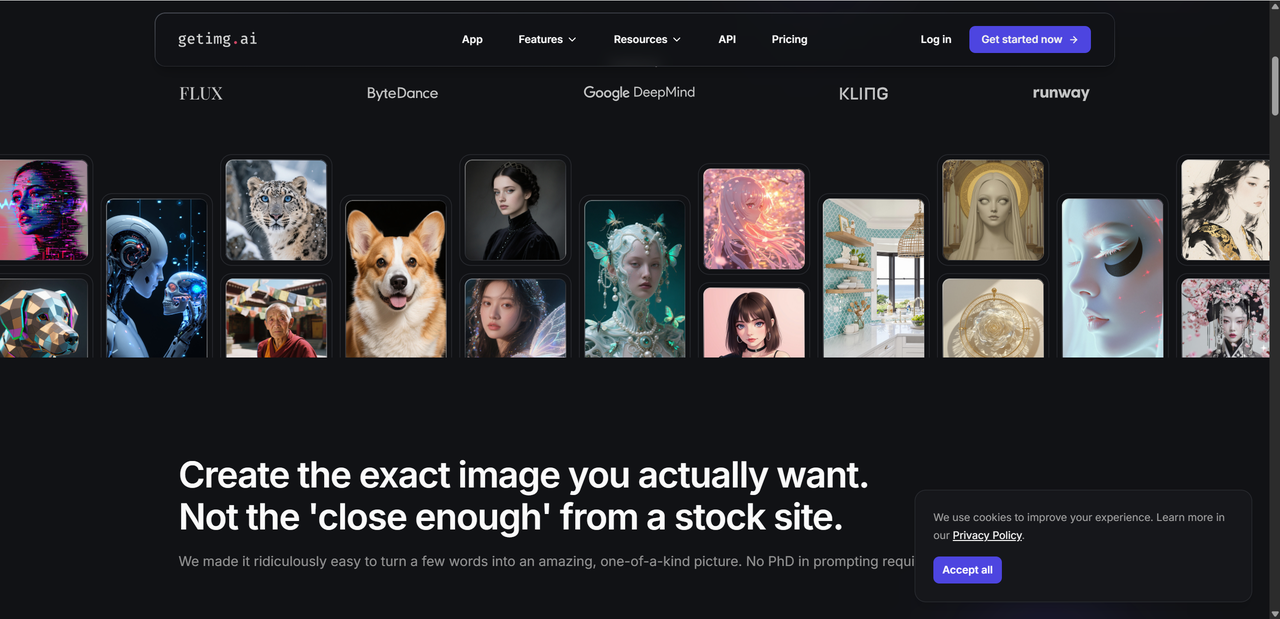
To see if Getimg.ai lives up to the hype, we put it through some hands-on tests. From generating concept art to tweaking existing images, the platform generally delivers impressive results—but like any tool, it has its quirks. Here’s what we found in our evaluation.
Image Quality & Generation Speed
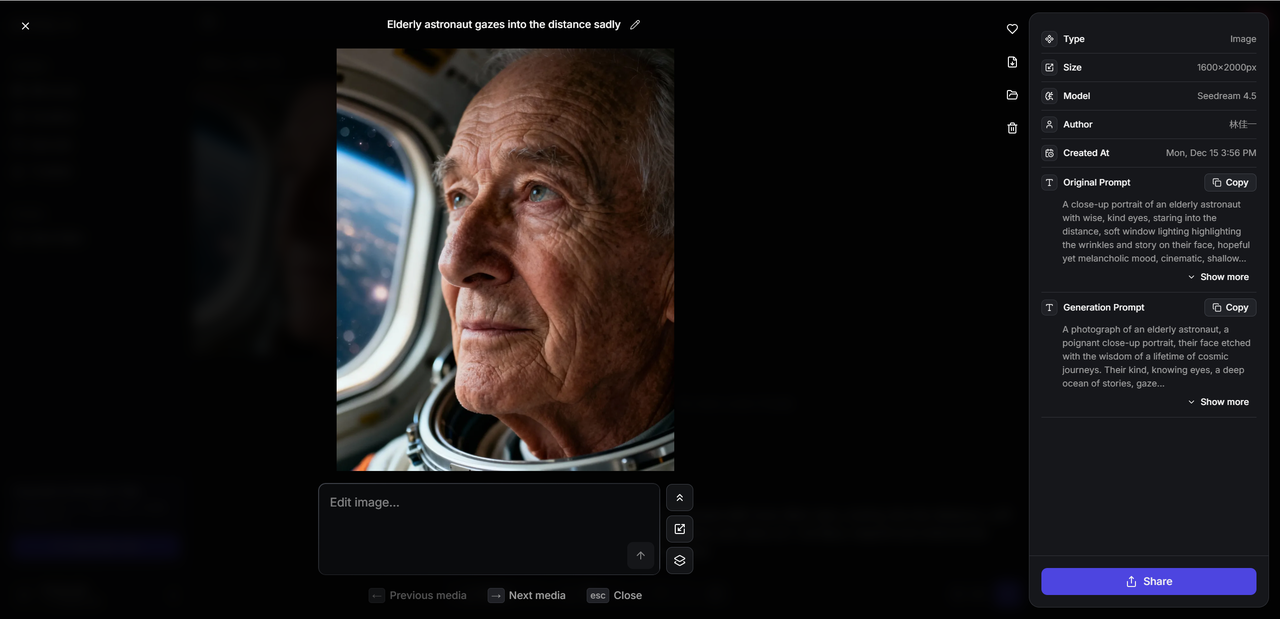
Getimg.ai produces high-quality images that capture both realism and creativity. Colors are vibrant, details are crisp, and the AI handles complex prompts surprisingly well. We noticed a strong diversity in styles, ranging from cartoonish and artistic to photorealistic outputs.
Speed wise:
Most images generate in 5–15 seconds depending on resolution
Editing features (inpainting, upscaling) are also quick, making it efficient for both small and large projects
Overall, the platform balances speed and quality effectively, making it ideal for creators who need fast, reliable results.
User Experience & Ease of Use
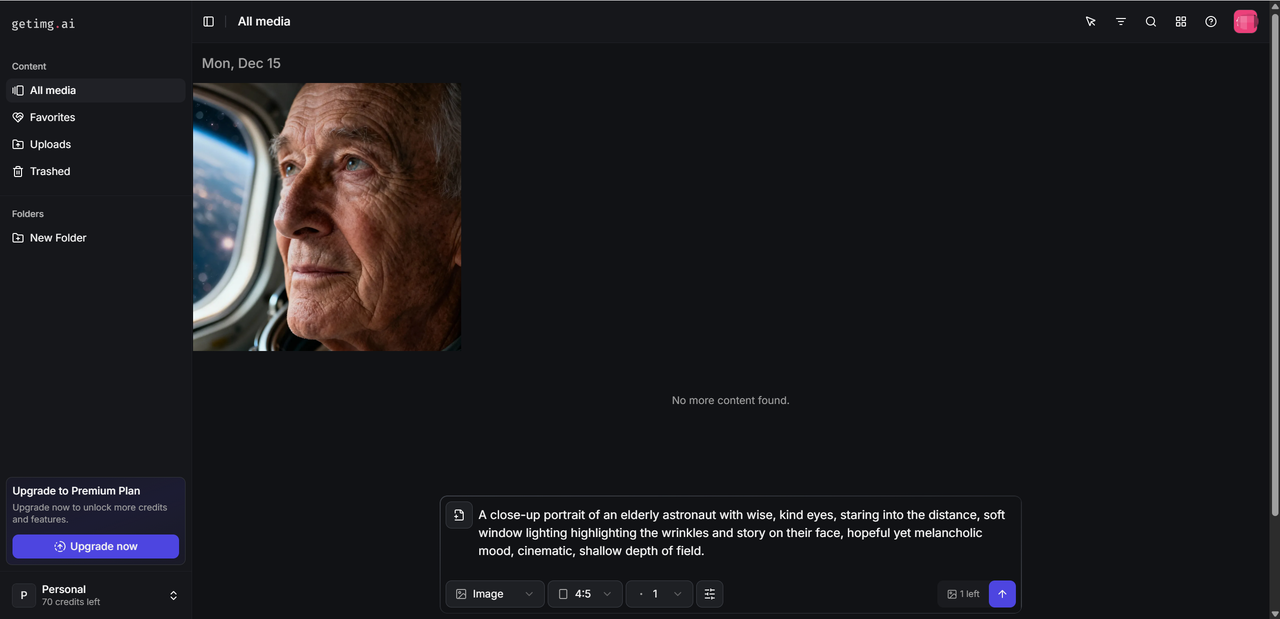
Navigating Getimg.ai feels intuitive from the start. The UI is clean and beginner-friendly, with clearly labeled tools and options. Even if you’re new to AI image generation, prompts are easy to enter, and editing features are straightforward.
User Experience Highlights:
Drag-and-drop image uploads for editing
Simple workflow for text-to-image generation
Accessible from both desktop and mobile browsers
The learning curve is minimal, and the platform encourages experimentation without overwhelming users.
Limitations & Areas for Improvement
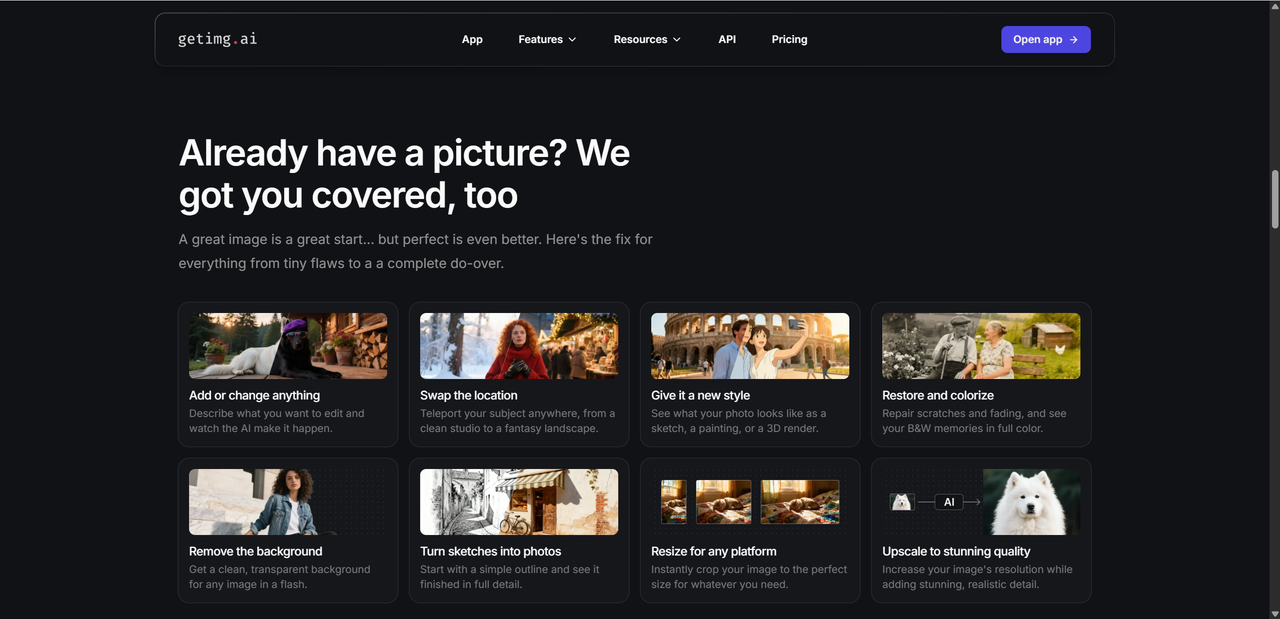
No tool is perfect, and Getimg.ai is no exception. Some generated images occasionally show minor inconsistencies in details, especially with very complex prompts. Advanced features like DreamBooth training may feel overwhelming for beginners, requiring time to master.
Potential Improvements:
Smoother handling of intricate prompts
More guidance/tutorials for advanced features
Expanded style library for niche creative needs
Despite these minor drawbacks, Getimg.ai remains a powerful and versatile platform for most users.
Getimg.ai vs Competitors (Midjourney, DALL·E, Stable Diffusion)
Curious how Getimg.ai stacks up against other popular AI image generators? Here’s a clear comparison using Getimg.ai vs competitors as our lens:
| Feature / Tool | Getimg.ai | Midjourney | DALL·E | Stable Diffusion |
|---|---|---|---|---|
| Style Diversity | Wide range, from photorealistic to cartoon | Highly artistic, often fantasy-driven | Creative and abstract, quirky interpretations | Versatile, but requires manual tweaking |
| Ease of Use | User-friendly, integrated generation + editing | Intuitive but geared toward artists | Simple, but style flexibility limited | High technical barrier, requires setup |
| Generation Speed | Fast (5–15 seconds) | Moderate | Moderate to fast | Depends on local hardware |
| Editing Capabilities | Built-in editing: inpainting, outpainting, upscaling | Requires external tools | Basic edits only | Relies on third-party plugins or manual workflow |
| Customization / Personalization | DreamBooth for custom styles | Limited | Limited | Possible but complex to implement |
| Target Users | Designers, creators, marketers | Artists, creative users | Broad creative audience | Technical users, AI enthusiasts |
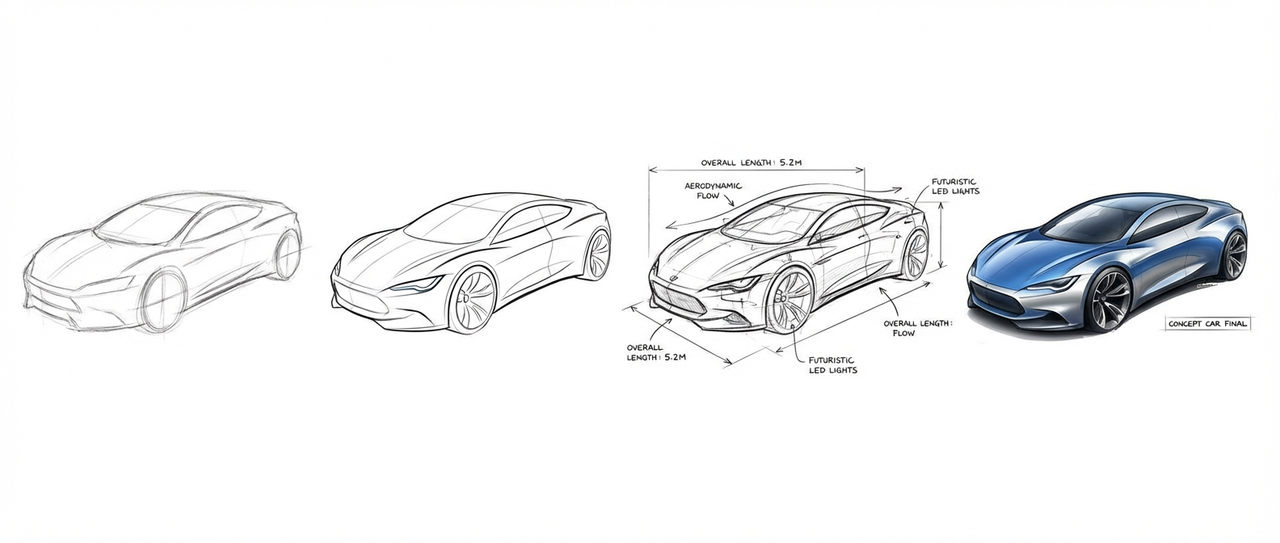
From this table, it’s clear that Getimg.ai excels in speed, ease of use, and all-in-one editing, while other tools shine in specialized artistic styles or highly experimental outputs.
Pricing Plans & Recommendations
Getimg.ai offers flexible pricing to suit different users, from casual creators to professional teams. Their free tier provides limited monthly credits, ideal for experimenting or small projects. Paid plans—Entry, Core, Plus, and Ultra—unlock more monthly credits, faster generation speeds, and advanced features. All paid subscriptions come with a commercial license, making them suitable for professional use.
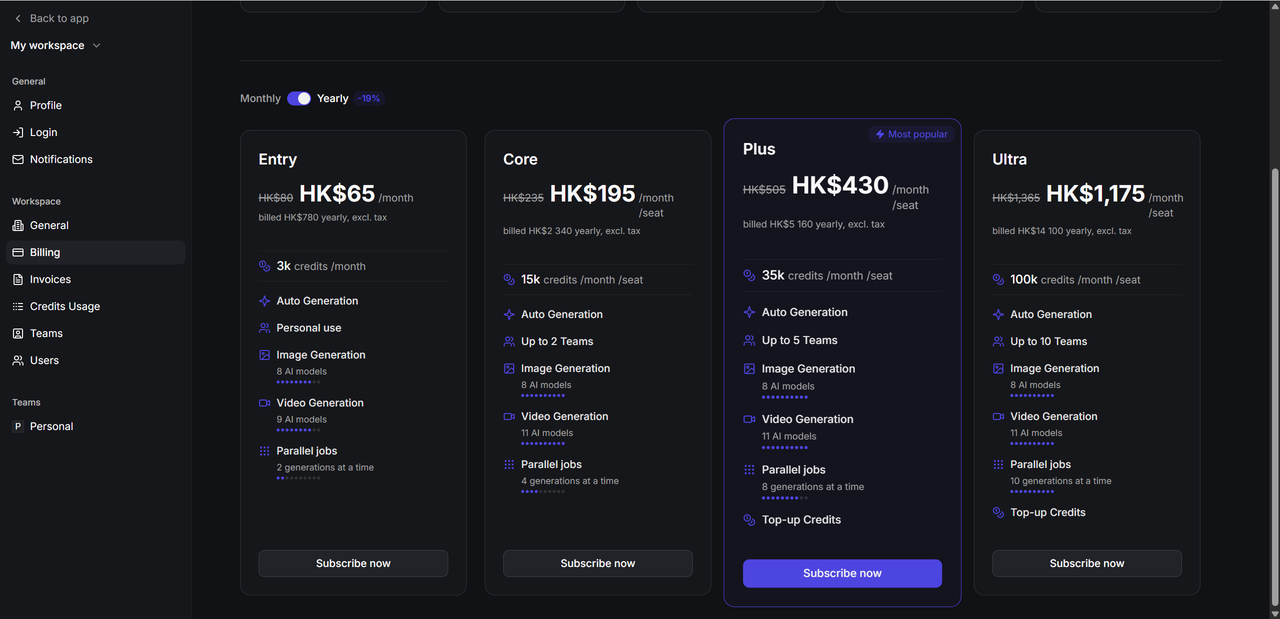
Getimg Pricing Overview:
| Plan | Monthly Credits | Features | Best For |
|---|---|---|---|
| Free | Limited | Basic text-to-image generation | Casual users, hobbyists |
| Entry | Moderate | More credits, faster generation | Individual creators |
| Core | High | Advanced editing, priority support | Freelancers, marketers |
| Plus | Very High | Custom models, higher limits | Small teams, professional designers |
| Ultra | Maximum | Full features, maximum credits | Large teams, heavy usage |
Recommendation:
Individuals: Start with Free or Entry for testing, upgrade as needed.
Teams: Core or Plus provides enough credits and collaboration features.
Professional usage: Ultra ensures maximum flexibility and speed for large-scale projects.
This plan structure ensures every user can find a tier that fits their creative workflow.
Final Verdict & Recommendations
After testing and exploring its features, Getimg.ai proves to be a versatile and powerful AI image platform. Its main strengths lie in:
All-in-one functionality: Generate, edit, and enhance images without switching tools
Speed and ease of use: Fast generation and intuitive UI make it accessible to beginners
Customization: DreamBooth support allows personal or brand-specific styles
Some minor weaknesses include occasional detail inconsistencies in complex prompts and a slightly steeper learning curve for advanced features.
Getimg.ai Image Generator Review — Who Should Use It:
| Audience | Recommendation |
|---|---|
| Beginners / Hobbyists | Free or Entry plan; experiment with text-to-image and basic editing |
| Professional Creators | Core or Plus plan; leverage advanced editing, upscaling, and custom models |
| Teams / Agencies | Plus or Ultra plan; maximize monthly credits, collaboration, and commercial use |
Overall, Getimg.ai balances creativity, speed, and usability, making it an excellent choice for anyone looking to elevate their visual content workflow. If you're ready to explore beyond quick styles, you might also consider Lovart AI for its artistic depth.

Share Article