Craiyon AI review — a friendly, practical look into this all-in-one platform

What is Craiyon?
Craiyon is a web-based text-to-image tool whose aim is obvious from the start: make image generation accessible to everyone. Born as a playful smaller sibling to more research-grade models (it used to be called DALL·E mini), Craiyon branched into its own product line with fast, free image generation right in your browser. There’s no heavy setup, no install, and you don’t need an account to get started.
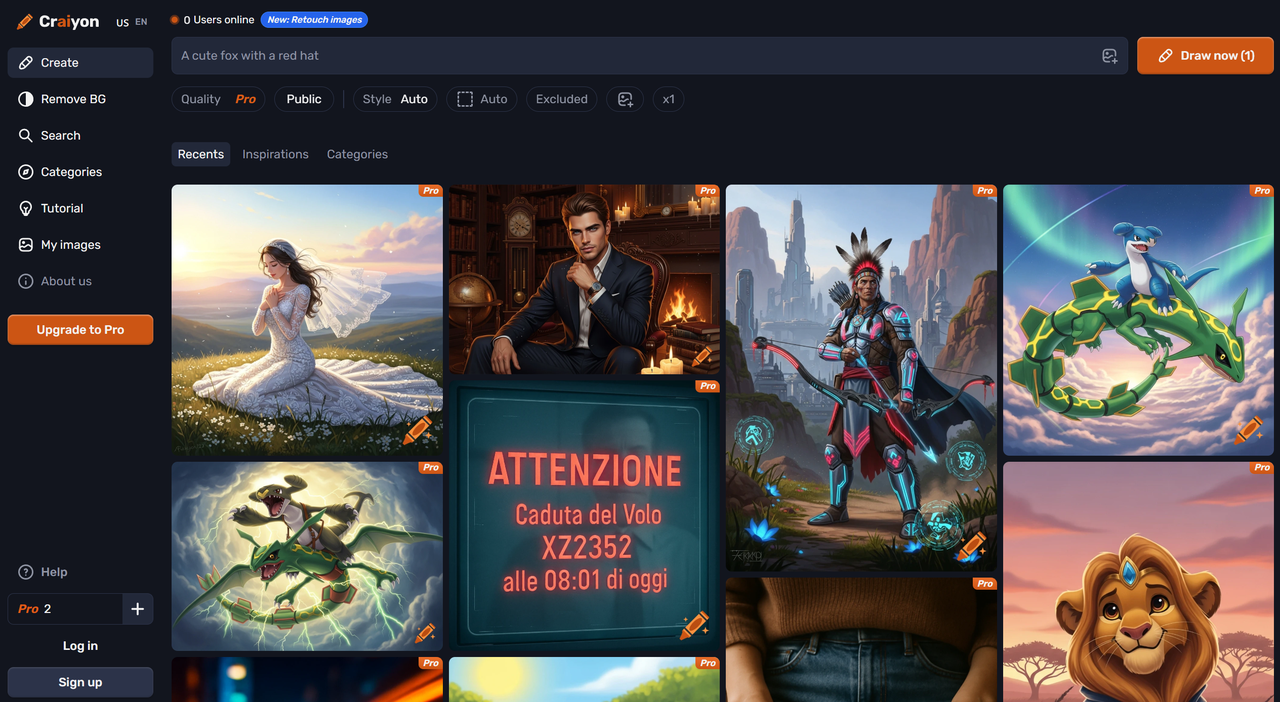
Core features you’ll notice:
- Browser-based interface — type a prompt and hit Draw.
- Generates multiple variants per prompt (usually a grid of outputs), so you get options without too much fuss.
- Free and ad-supported, which keeps it accessible but occasionally noisy.
- Style lean: tends toward whimsical, illustrative, and stylized outputs; photorealism and faces can be unpredictable.
In short, Craiyon isn’t trying to replace high-end paid generators — it’s more of a creativity sandbox and a rapid thumbnail sketch tool for anyone who wants to play with AI images.
UX walkthrough — how it feels to use Craiyon
Using Craiyon is delightfully straightforward:
- Open the Craiyon website in your browser.
- Type a prompt in the big text box.
- Click Draw.
- Wait a short while (roughly 20–60 seconds depending on load).
- A grid of variants appears — typically nine images — which you can download or screenshot.
Hands-on notes (my testing experience): the UI is deliberately minimal. The prompt box encourages creativity instead of parameter fiddling, which is refreshing if you’re more idea-driven than settings-driven. Each run returns a handful of visually distinct results so you can pick a composition or mood that sparks more ideas. Runs are fast enough for rapid iteration, though heavy traffic or ads sometimes add a few seconds.
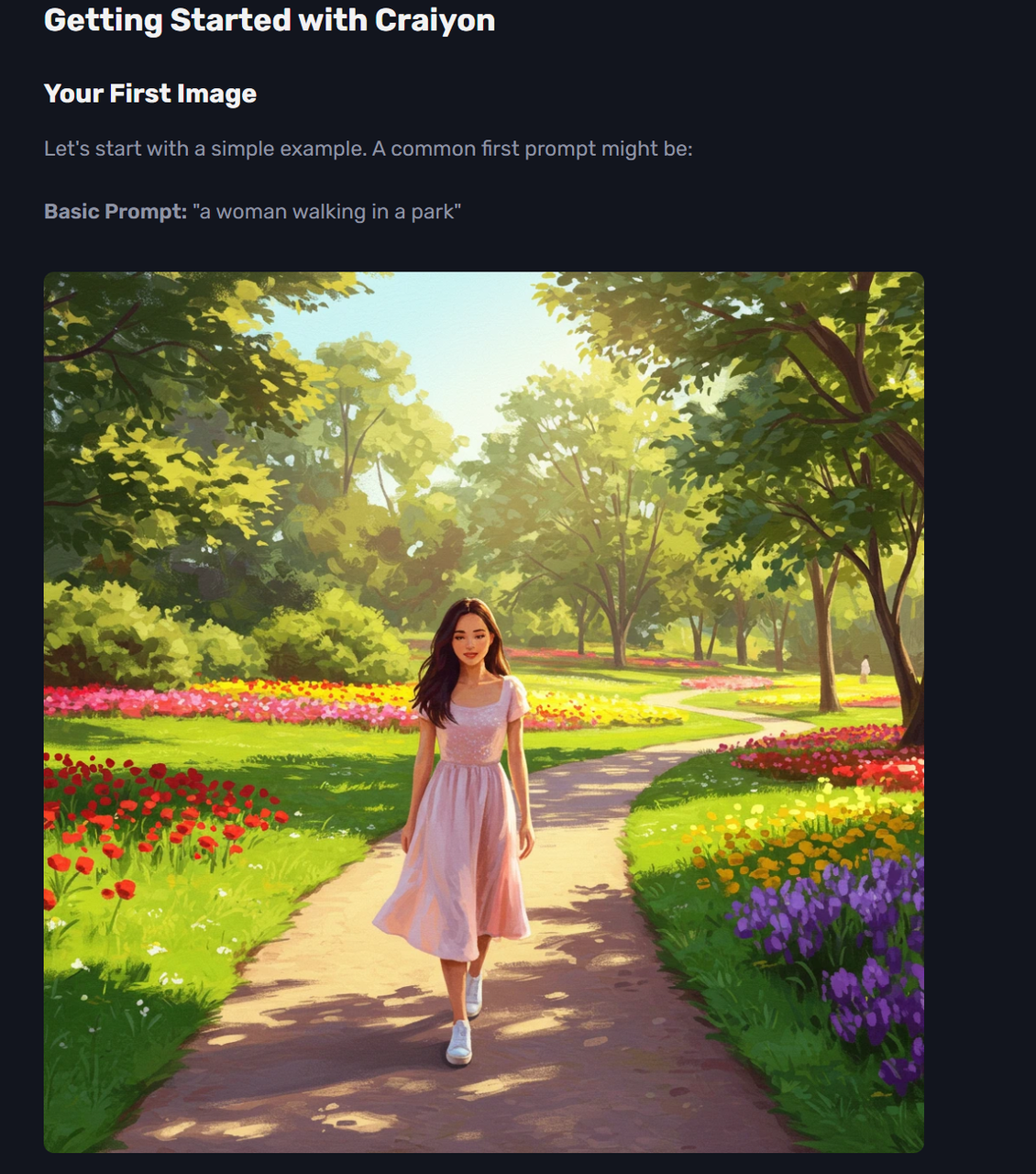
Ad experience: ads keep the tool free — they’re present but not intrusive. If you’re using Craiyon for quick comps or memes, the trade-off feels fair.
Tip box — Quick practical tips
- Use concrete nouns: “red vintage bicycle” > “bike”.
- Add an art style word if you want a specific look: “watercolor”, “oil painting”, “photoreal”.
- Short prompts can be charming; long prompts get more control. Try both.
- Re-run for variation — small tweaks often produce big visual shifts.
Prompting & hands-on examples
My guiding principle: specific > vague. If you want a mood or technique, say it. If you want photorealism, include camera/lighting cues but expect mixed results (faces/hands are the classic trouble spots).
Below are six real example prompts you can copy/paste and a one-line expectation for each. I also note how I tweaked prompts and how many retries I needed.
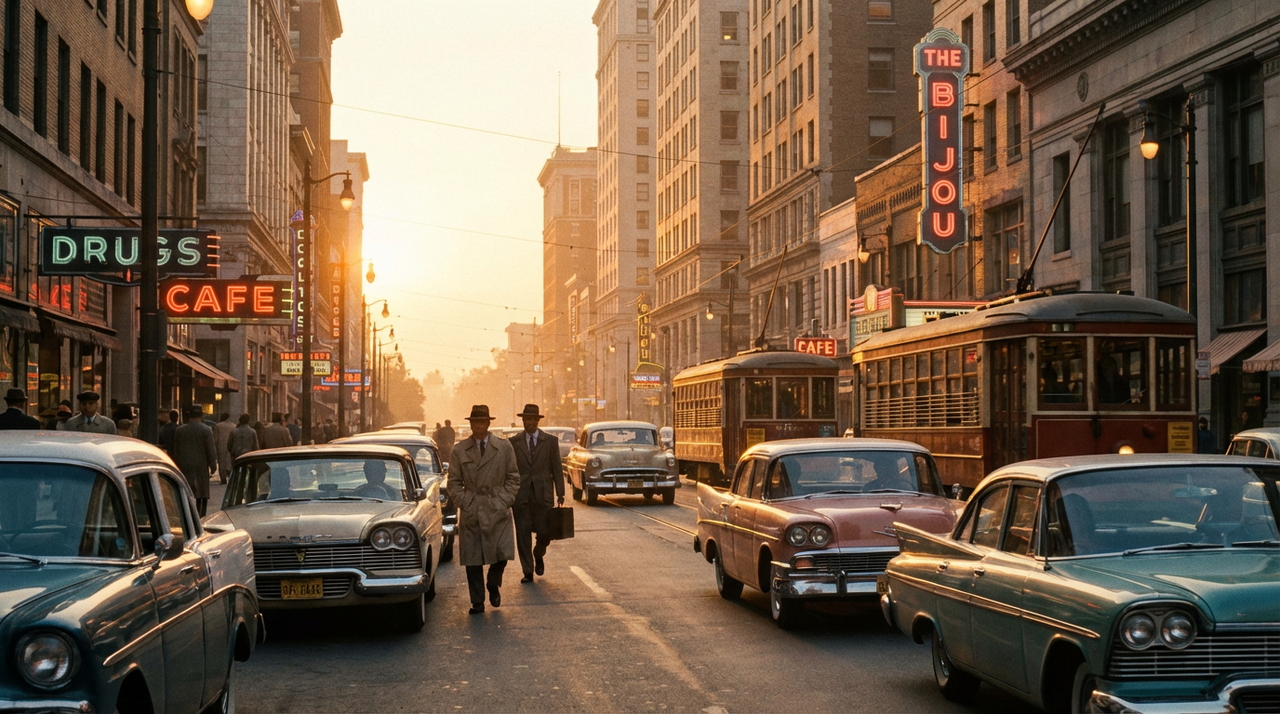
- Prompt: A vintage 1950s city street at sunset, cinematic wide shot, film grain, Fujifilm 400 Expectation: Stylised, film-like city scenes with warm tones and grainy texture. Tweak & retries: Added “cinematic wide shot” on run 2 to improve composition. 2 runs.
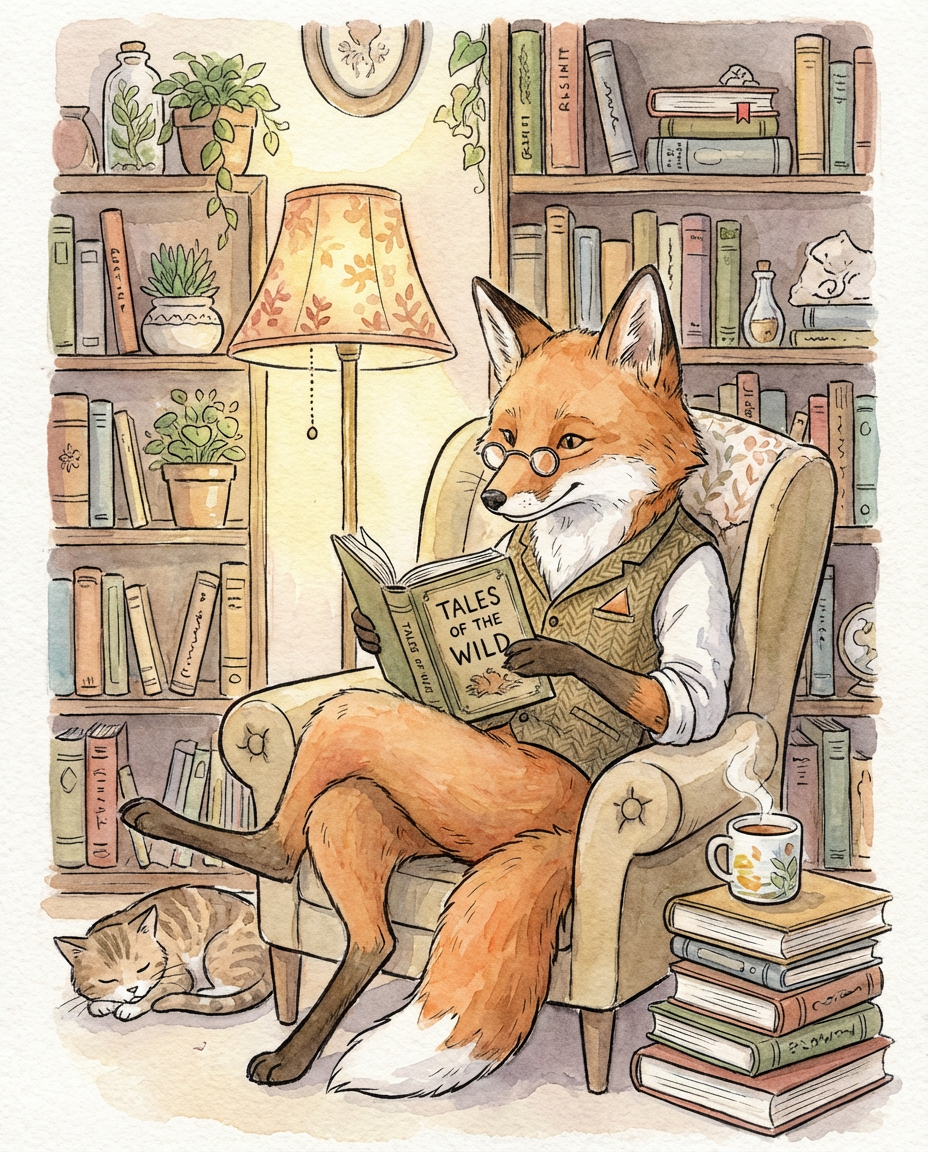
- Prompt: A whimsical fox librarian reading under a lamp, children’s book illustration, watercolor Expectation: Cute, illustrative characters with soft, painterly textures. Tweak & retries: On run 3 I added “cozy interior” to get more background detail. 3 runs.
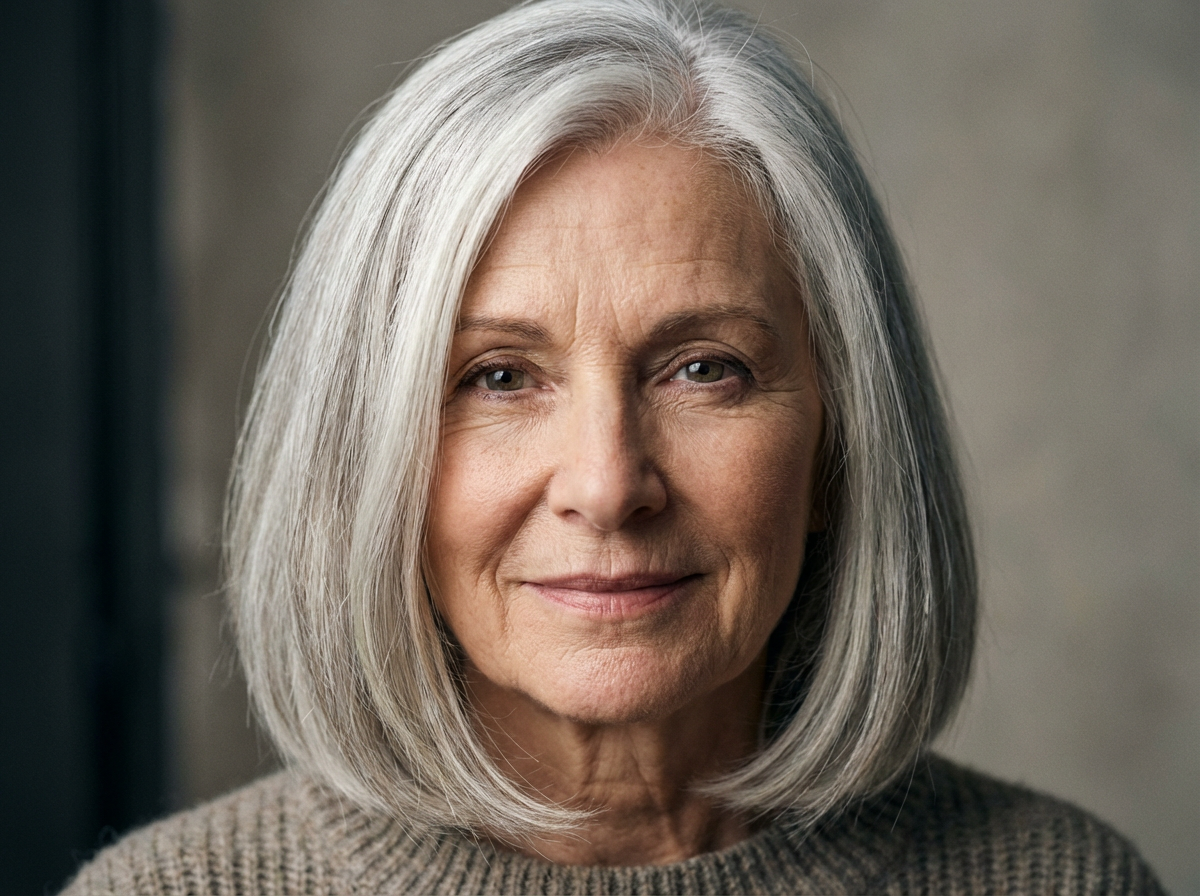
- Prompt: Hyperreal portrait of a woman with silver hair, studio lighting, 85mm lens, photoreal Expectation: Portrait-like output — faces may have imperfections; useful as a concept only. Tweak & retries: Tried both “photoreal” and “portrait painting” to compare. Faces improved slightly but remained stylized. 4 runs.
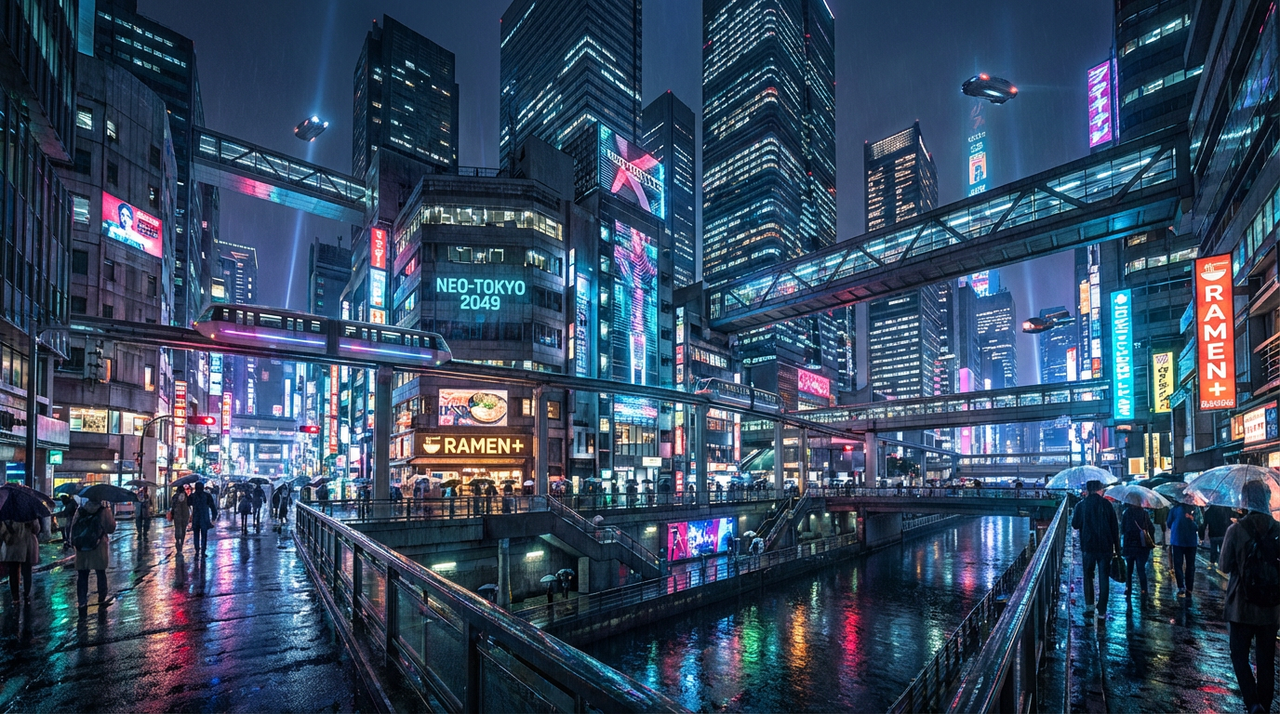
- Prompt: Futuristic Tokyo skyline at night, neon reflections, ultra wide angle Expectation: Dramatic urban landscape with reflections and neon glow. Tweak & retries: Adding “high detail” tightened structures on run 2. 2 runs.
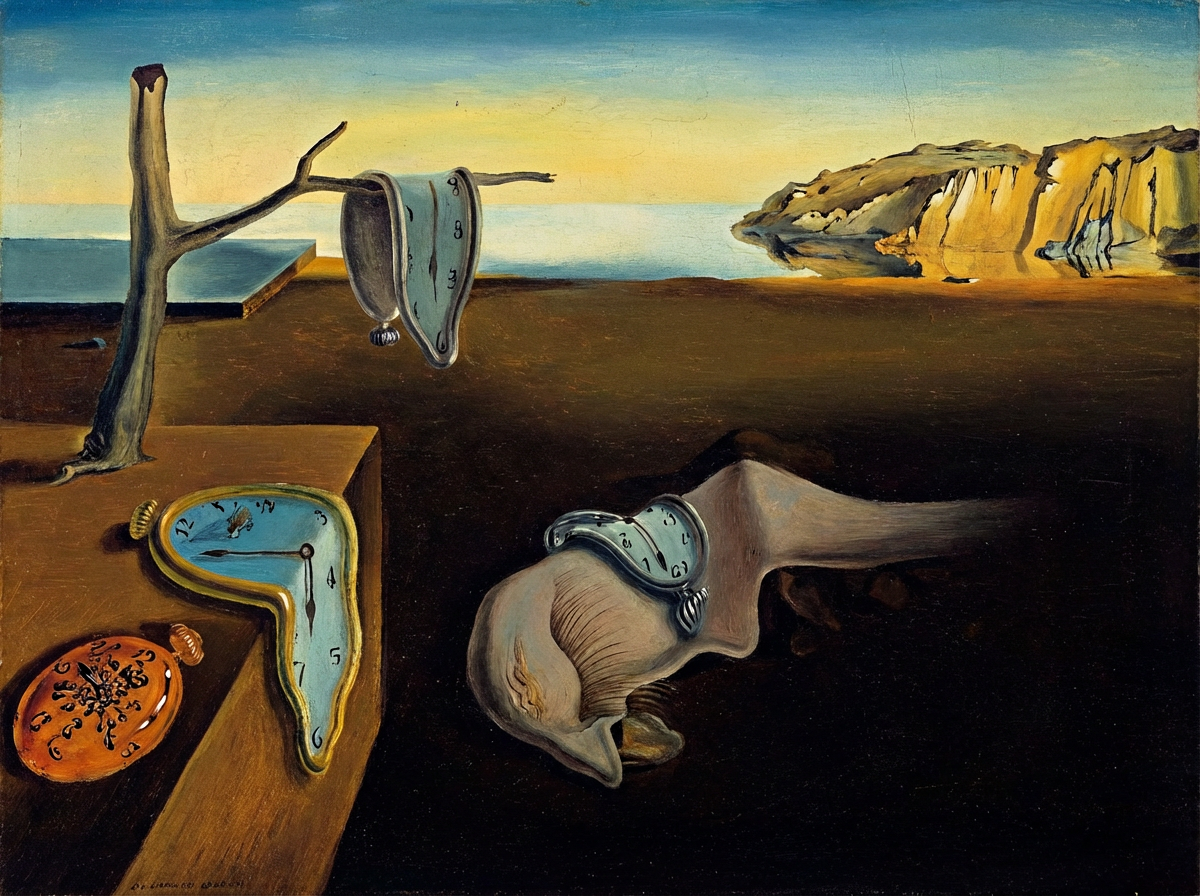
- Prompt: A surreal melting clock on a desert, Salvador Dalí style, oil painting Expectation: Surreal, dreamlike compositions — excellent for art-history references. Tweak & retries: “Salvador Dalí style” produced creative results; I re-ran once to get a clearer composition. 2 runs.
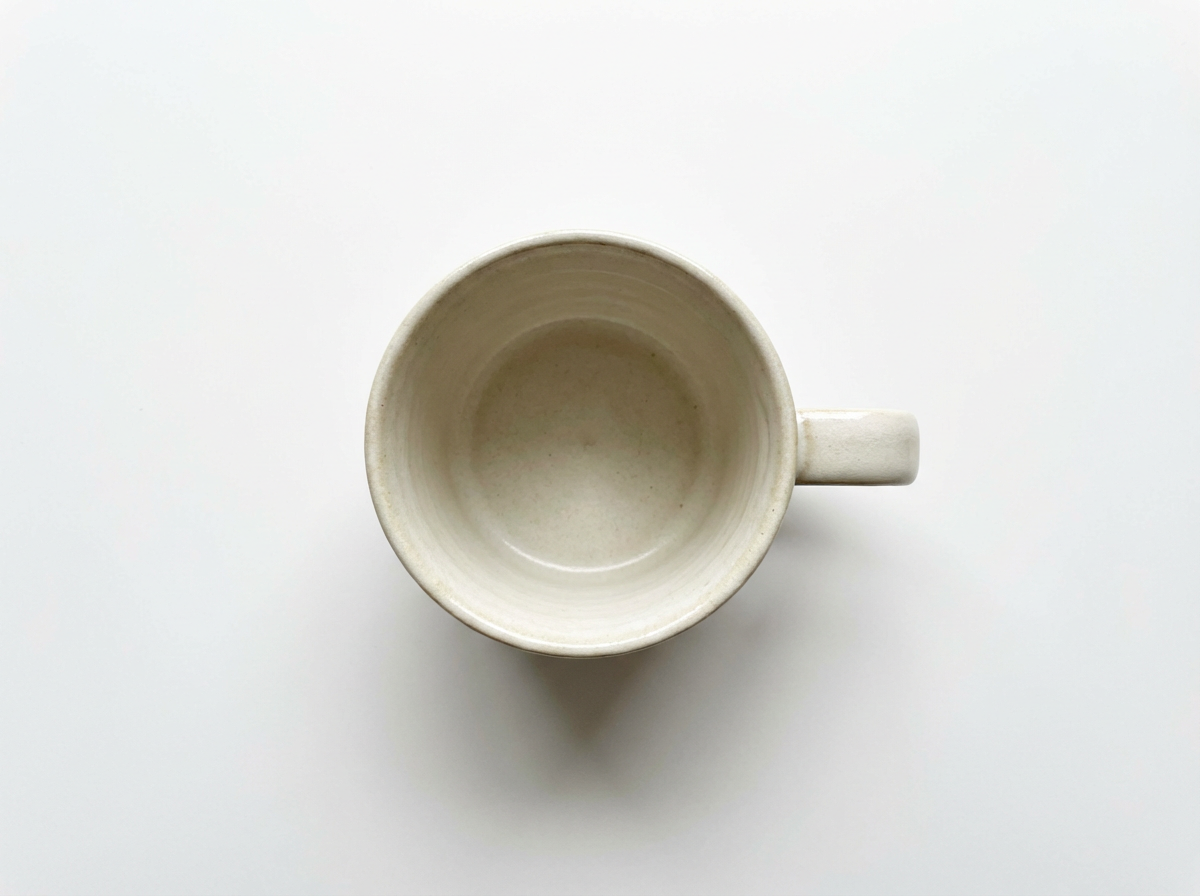
- Prompt: Minimalist product shot of a ceramic mug on a white background, top-down Expectation: Simple mockup-style image; may need touch-up for perfect edges. Tweak & retries: Cropped and touched up in an editor afterward. 1–2 runs.
Short prompting tips
- Want fewer odd faces? Add “cartoon” or “illustration”.
- Want crisper composition? Add camera phrases like “wide shot,” “top-down,” or lens info.
- Embrace weird outputs — they’re often the best meme material.
Strengths & limitations
Strengths
- Totally free and browser-based — no sign-up barrier.
- Easy for beginners — minimal UI, immediate results.
- Fast ideation: great for concept thumbnails and mood exploration.
- Playful and unpredictable outputs that inspire creativity.
- Useful for memes, social posts, and low-stakes mockups.
Limitations
- Not as photoreal or clean as paid, high-end models.
- Faces, hands, and small text often render inaccurately.
- Limited advanced controls and fine-tuning options.
- Ad-supported interface may be distracting to some users.
- Licensing terms can be unclear — double-check before commercial use.
Quick verdict: Use Craiyon for brainstorming, quick visuals, and playful content. If you need pixel-perfect portraits or commercial-grade assets, pair Craiyon with post-editing or opt for a dedicated paid generator.
Practical use cases & workflow tips
Good use cases
- Concept art and rapid moodboards.
- Blog headers, quirky social posts, and memes.
- Placeholder images and thumbnails for quick demos.
- Creative prompts for students and hobbyists learning about generative AI.
Workflow tips
- Post-process: open your Craiyon image in a simple editor (Photoshop/GIMP/online editor) to fix faces, remove artifacts, or clean backgrounds.
- Combine runs: pick the best elements across different variants and composite them.
- Upscale selectively: if you need a larger image for headers, upscale with a basic upscaler, then retouch.
- Re-run with small tweaks: adjusting a single word can change composition or style substantially.
Conclusion
Craiyon is a charming, no-fuss playground for anyone who wants to generate images fast. It’s especially great for students, hobbyists, content creators, and anyone who prefers creativity over technical precision. If you need polished, production-ready images, treat Craiyon as step one in a pipeline — ideate here, refine elsewhere.Consider Lovart AI as your next step for refinement. It excels at transforming those initial sparks into polished, detailed artwork, offering greater control over style and composition for projects ready to shine.

Share Article