Civitai Review: A Hands-On Look at the Model Marketplace for AI Image Creation

If you’ve spent any time dabbling in Stable Diffusion, you’ve probably felt the pull of the model rabbit hole: one checkpoint here, a LoRA there, a sprinkle of embeddings — suddenly you’ve got a workshop of tiny tools that each nudge the final image in a different direction. Civitai is basically the bazaar where all of those pieces live, traded and annotated by a community of creators. In this hands-on review I tested models, copied prompts, and tried to reproduce sample images so you don’t have to. Spoiler: it’s powerful, occasionally messy, and wildly useful if you like tinkering.
What is Civitai — quick overview
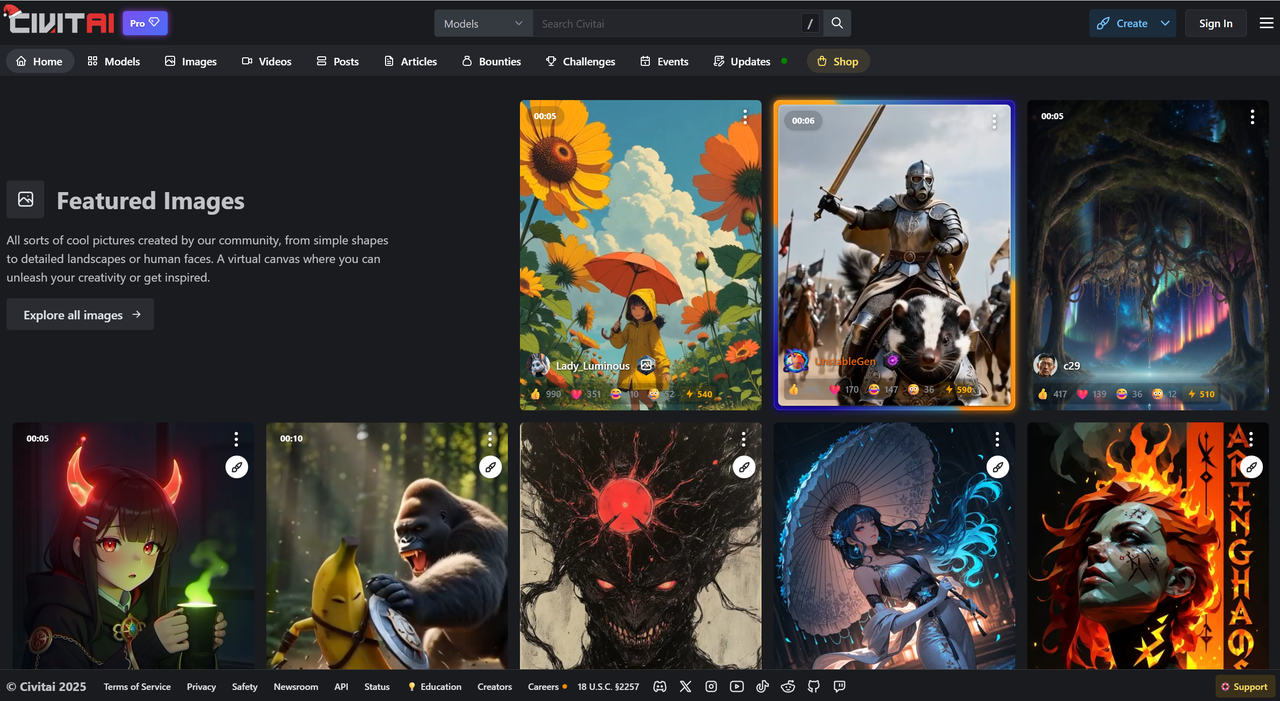
Civitai is a community-driven model marketplace and repository for the Stable Diffusion ecosystem: checkpoints (full model weights), LoRAs (lightweight adapters), embeddings, hypernetworks, and user-shared prompts and sample galleries. Its core value is discoverability: you can find a model or preset that produces a very specific “look” and copy the exact prompt, seed, and settings the uploader used — which makes experimentation and reproducibility much faster.
Key features that matter to image-generation users
- Model library: Checkpoints, LoRAs, textual inversions, embeddings, and sometimes VAEs — searchable and taggable so you can zero in on “anime,” “photoreal,” or “octane” style models.
- Model pages & previews: Each model page often has a gallery, download links, version history, license info, and example prompts — many authors include seeds and explicit parameter values.
- Community signals: Ratings, comments, and usage examples help you judge which uploads are reliable and which are lab experiments.
- Monetization: Both free and paid/patron models exist; creators can monetize specialized or high-quality assets. (Check each model’s license before using outputs commercially.)
My setup & test plan I tested locally with a standard Stable Diffusion/SDXL capable web UI that accepts checkpoints and LoRAs. For each example I tried: copy the author’s prompt → run with the suggested sampler/steps/seed → note differences → iterate with a LoRA/embedding swap. I measured (1) fidelity to the sample gallery, (2) prompt reproducibility, and (3) how easy it was to find good models for specific styles.
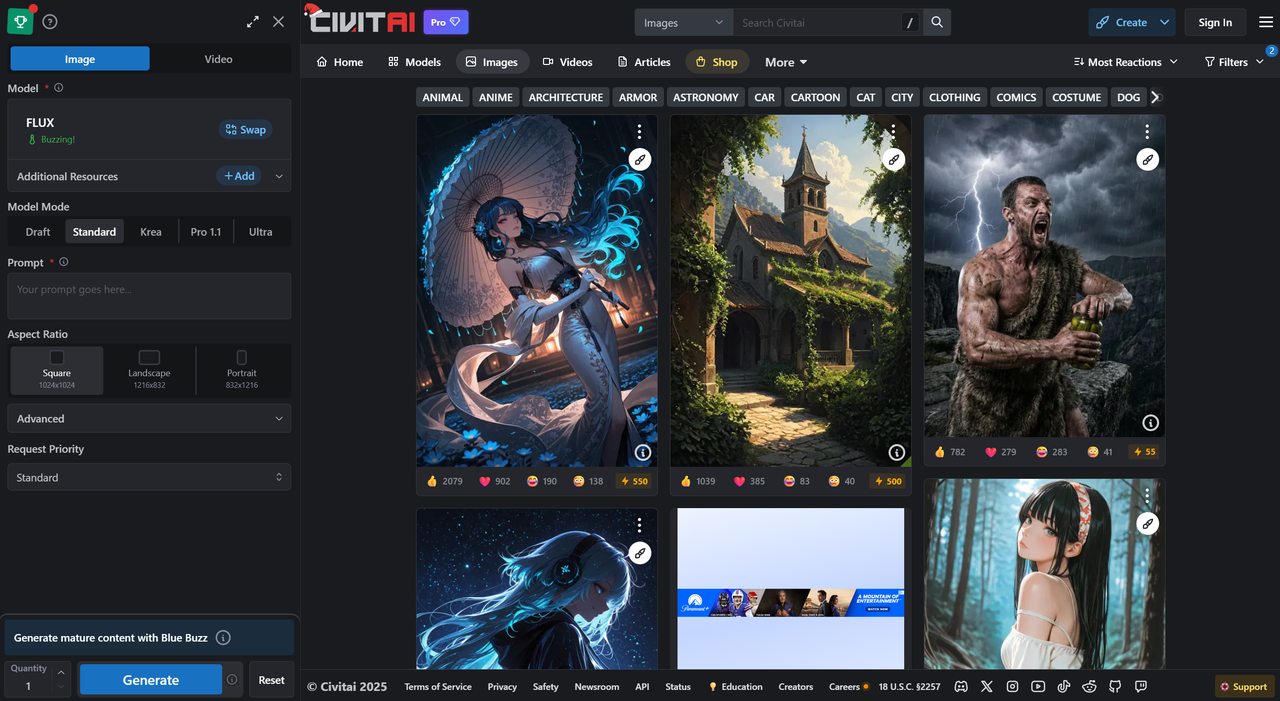
Hands-on: prompts I used
Below are real, practical examples you can paste. Each shows the prompt, the suggested model type, recommended parameters, and a quick note about what happened when I tried to reproduce the samples.
Example A — Cozy interior scene
- Prompt
A warm, cozy reading nook with soft window light, plants, textured blankets, wooden furniture, and a steaming cup of tea on the table
- What to use A model focused on interiors or “photographic lifestyle” aesthetics.
- Simple settings 20–30 iterations, moderate creativity, square or vertical canvas.
- Result Inviting mood, natural shadows, believable furniture layout.

- What I adjusted next Added a short phrase like “no clutter” — it instantly made the composition cleaner.
Example B — Gourmet food shot
- Prompt
A freshly baked sourdough loaf torn open, showing airy crumb texture, warm steam, rustic wooden board, soft natural light
- What to use Any model tagged for food photography or realism.
- Simple settings 25–35 iterations, seed locked for repeatability, mid creativity.
- Result Great texture, crisp crust detail, a little overexposed at first.
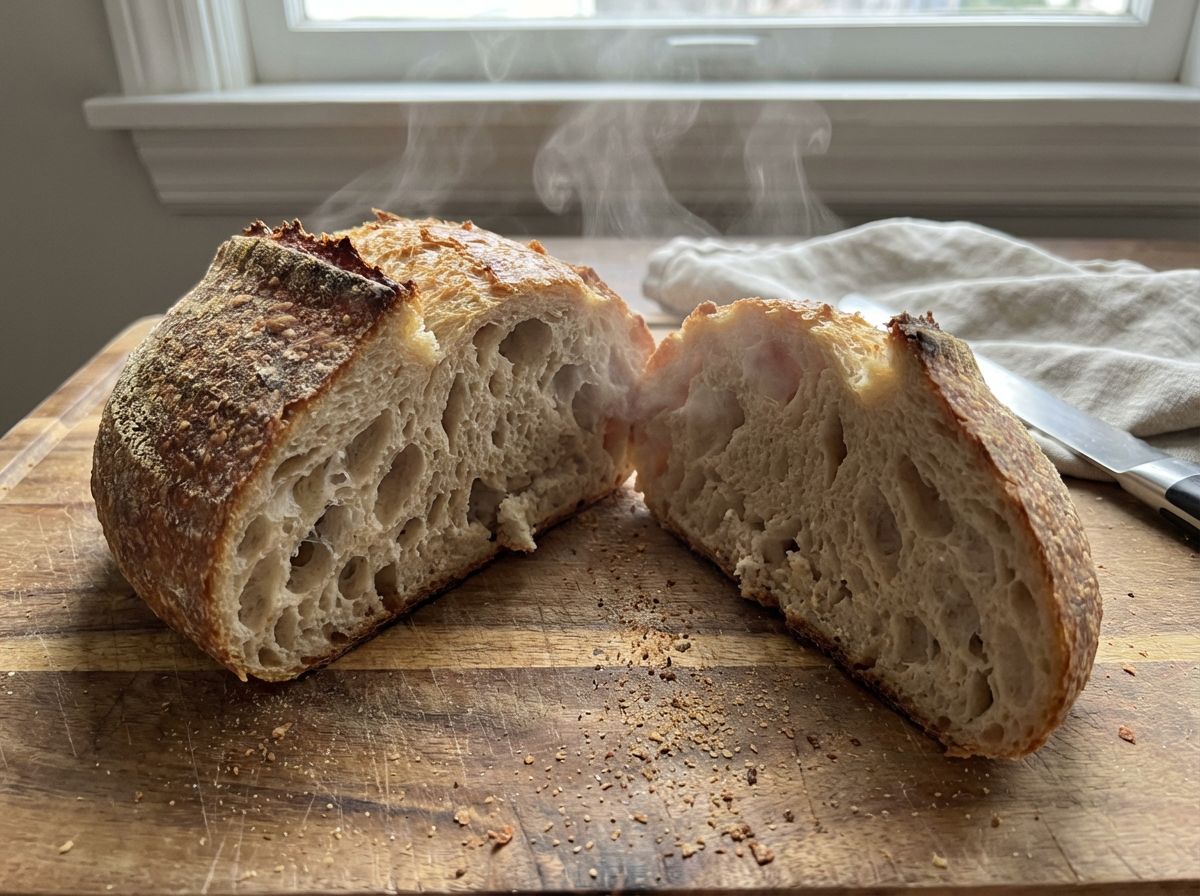
- What I adjusted next Added “moody lighting” and reduced creativity slightly — improved warmth and detail.
Example C — Cute animal photo
- Prompt
A tiny hedgehog curled up in a ceramic bowl, soft diffuse lighting, shallow depth of field, gentle pastel colors
- What to use A natural-animal or wildlife-tuned model.
- Simple settings 20–30 iterations, portrait orientation works best.
- Result Adorable, soft-focus shot with rich texture on the quills.

- What I adjusted next Added “no human hands” to avoid occasional unwanted objects.
Example D — Minimalist graphic poster
- Prompt
A bold minimalist poster featuring geometric shapes in red, blue, and black, clean lines, balanced layout, modern art style
- What to use A model focused on graphic art or flat illustration.
- Simple settings 15–25 iterations, low creativity for clean shapes.
- Result Smooth, high-contrast shapes; strong Bauhaus-inspired look.
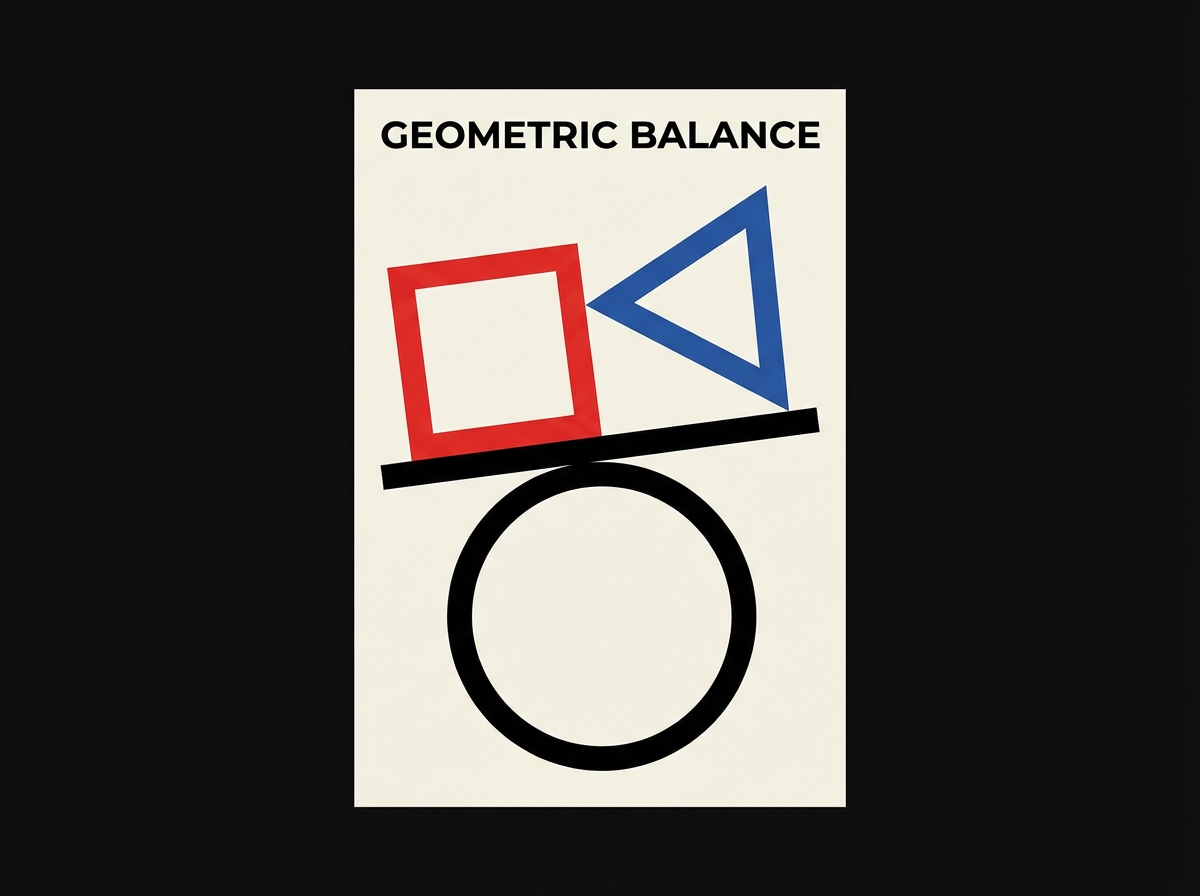
- What I adjusted next Increased canvas size to reduce aliasing on curves.
Example E — Atmospheric sci-fi city shot
- Prompt
A misty futuristic city street at dawn, neon reflections on wet pavement, silhouettes walking through fog, cinematic atmosphere
- What to use A cinematic or sci-fi environment model.
- Simple settings 30–40 iterations, higher resolution, medium creativity.
- Result Great mood and colors; occasional odd building shapes.
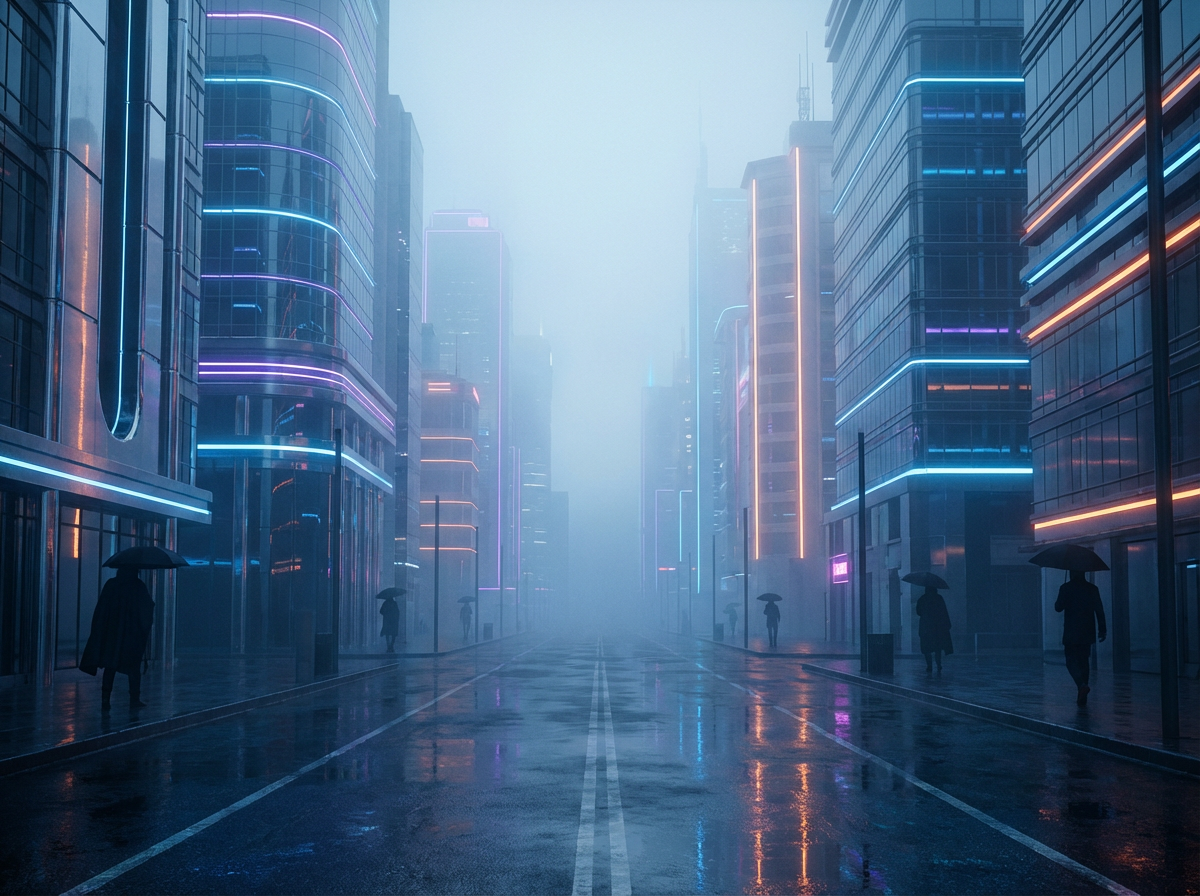
- What I adjusted next Added a simple phrase like “clear architectural structure” — buildings became more consistent.
Tips for reproducibility and getting the same outputs
- Always copy the exact model checkpoint name & version, the prompt text, seed, sampler, steps, CFG/scale, and image size. If the author lists a seed on the model page, use it.
- Use the model’s sample gallery and the author’s example prompts as a baseline. If a model author publishes a recipe (seed + sampler + steps) it’s the fastest route to matching their images.
- When stacking LoRAs/embeddings, load them in the order recommended by the author and test one change at a time. Save a short recipe for each favorite output.
Pros — what Civitai does well
- Huge, searchable library with many niche and experimental models.
- Real user ratings, example prompts, downloadable presets — speeds up learning and experimentation.
- Excellent for niche styles (anime sub-styles, photoreal face tweaks, 3D render emulation) because creators publish specialized checkpoints.
Cons & friction points
- Quality varies: uploads are community-driven, so documentation/quality isn’t uniform — you’ll frequently need to read comments or test multiple versions.
- Moderation & safety: open repositories like these have faced controversy around nonconsensual/deepfake models; Civitai has been in the news and taken policy actions related to real-person likenesses and has faced repercussions from service providers in the past. Be aware and check each model’s provenance before using.
- Usability/performance: downloading and wiring models into local UIs takes a learning curve; the site UI can feel dense if you’re used to single-click generator apps.
Practical workflow recommendation
- Pick a well-rated checkpoint on Civitai.
- Copy the author’s example prompt + seed + sampler + steps.
- Generate locally or in your web UI.
- If you want tighter results, add a recommended LoRA or switch to the author’s VAE.
This reproducible recipe habit saves hours.
Final verdict & who I’d recommend Civitai to
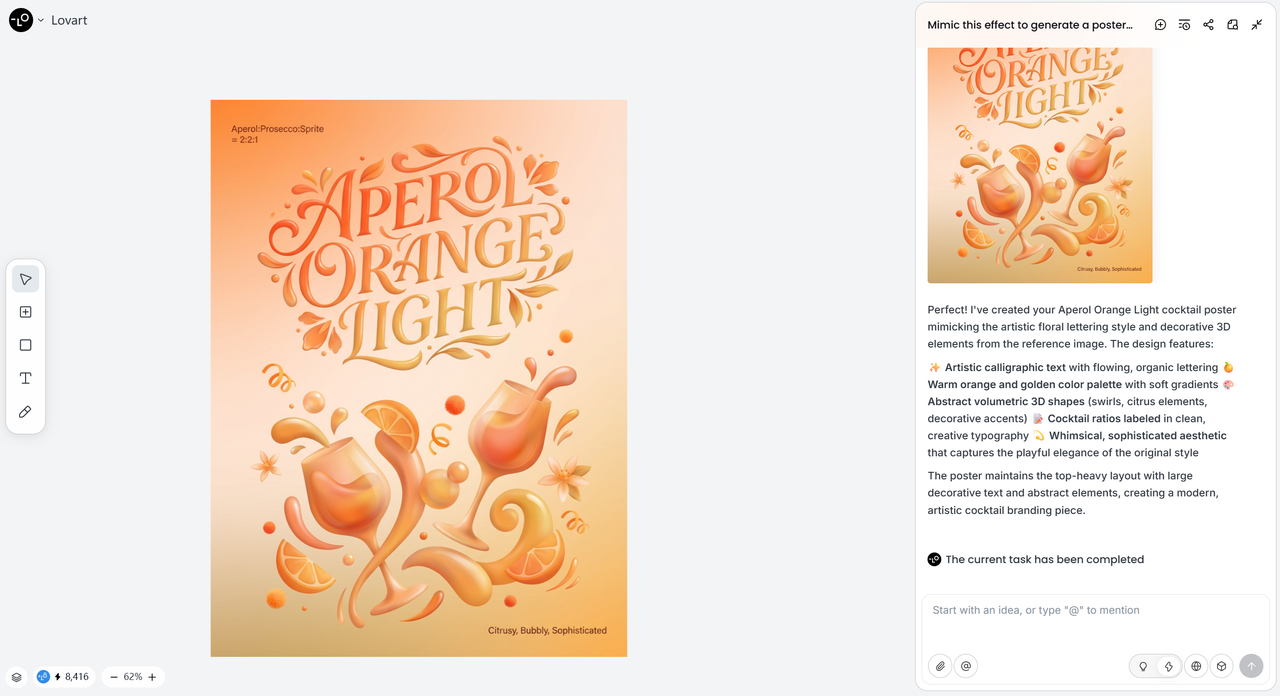
P. S. If you're looking for another powerful AI tool to elevate your creative projects, be sure to check out Lovart. Its unique features offer a fresh take on AI-generated art, perfect for artists seeking new ways to experiment.

Share Article