Artlist AI Review (2025): Honest Tests of Artlist AI Generator, Video & Image Tools


Artlist AI Review (2025): Honest Tests of Artlist AI Generator, Video & Image Tools
Artlist has long been a go-to creative platform for filmmakers and content creators, best known for its royalty free music, sound effects, and stock footage. In recent years, however, it has taken a clear step beyond traditional assets by rolling out Artlist AI, aiming to simplify and speed up the creative workflow even further.
So why is Artlist AI getting so much attention right now? Simply put, creators are tired of juggling too many tools. Artlist AI promises an all-in-one solution that combines AI-powered video creation, image generation, and smart asset matching—all under a single, creator-friendly license.
In this Artlist AI review, we’ll take a hands-on look at real-world performance, including an Artlist AI generator test, a breakdown of Artlist video AI, and an honest evaluation of Artlist image AI. This review is written for content creators, YouTubers, and marketing teams who want practical insights—not marketing hype—before deciding whether Artlist AI is worth their time and budget.
What Is Artlist AI? A Quick Overview
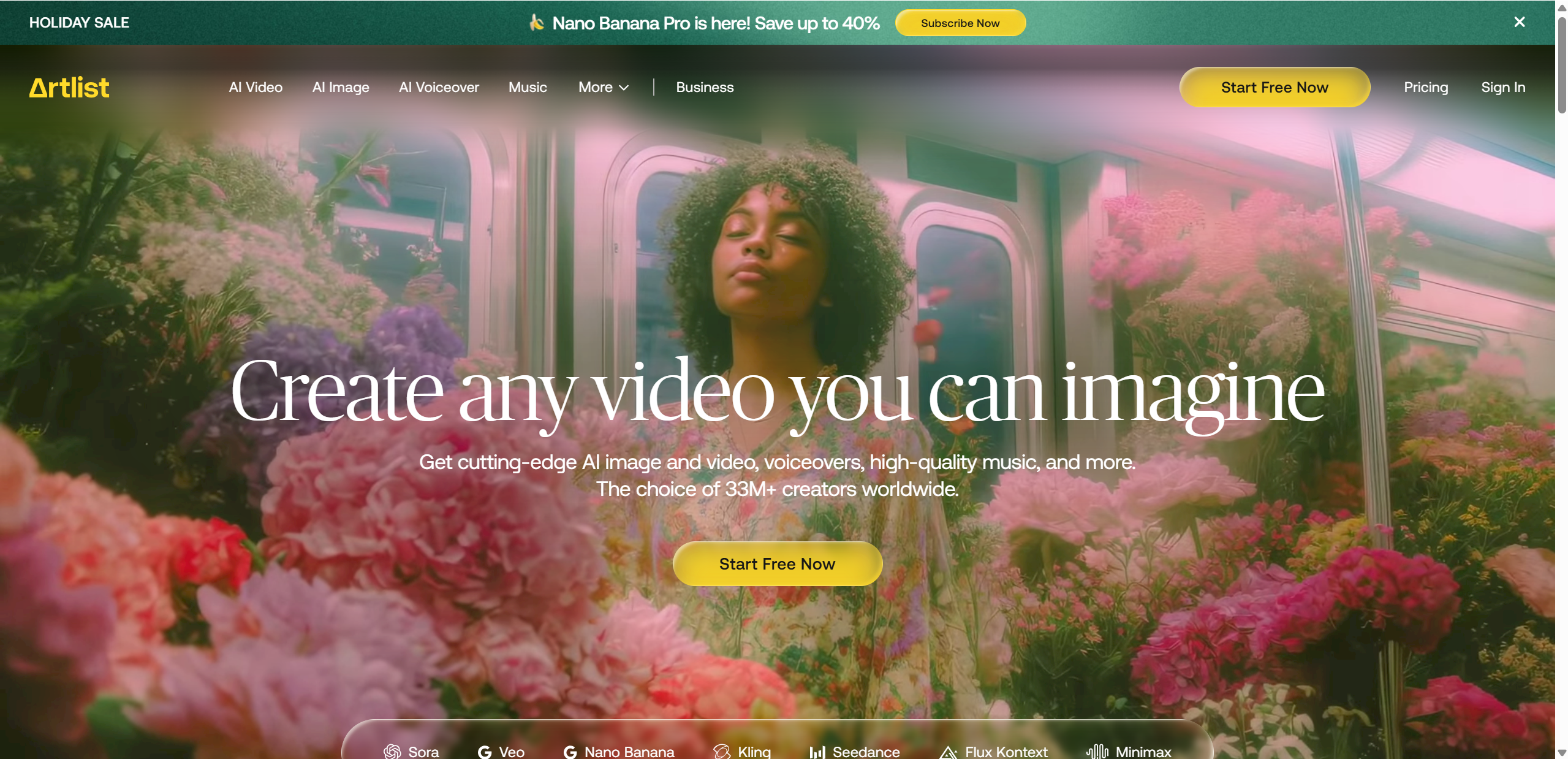
Artlist AI is Artlist’s AI-powered creative suite designed to help creators move from idea to finished content faster. Instead of only browsing and licensing pre-made stock assets, users can now generate and enhance videos and images using AI, while still staying inside the familiar Artlist platform.
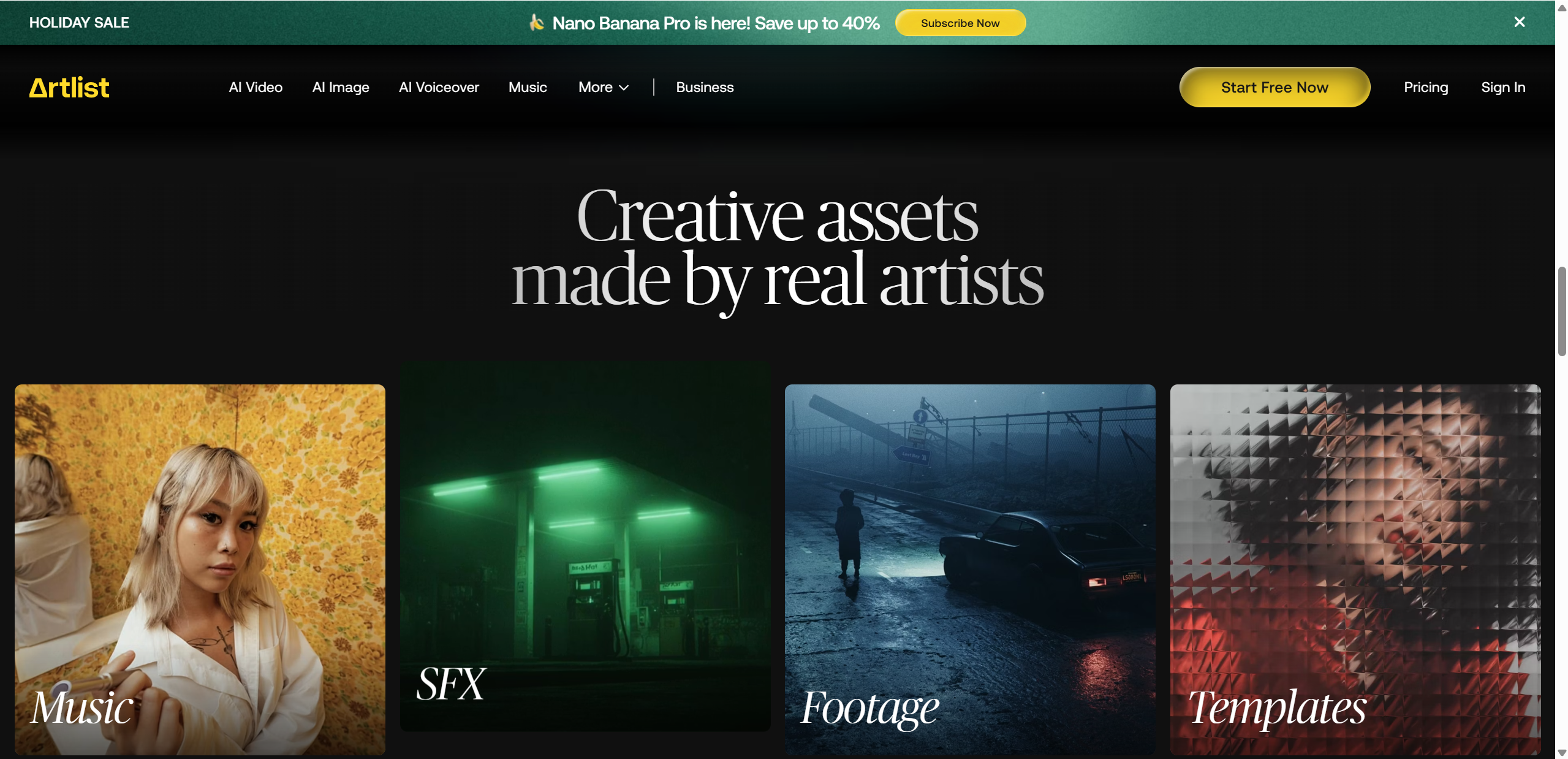
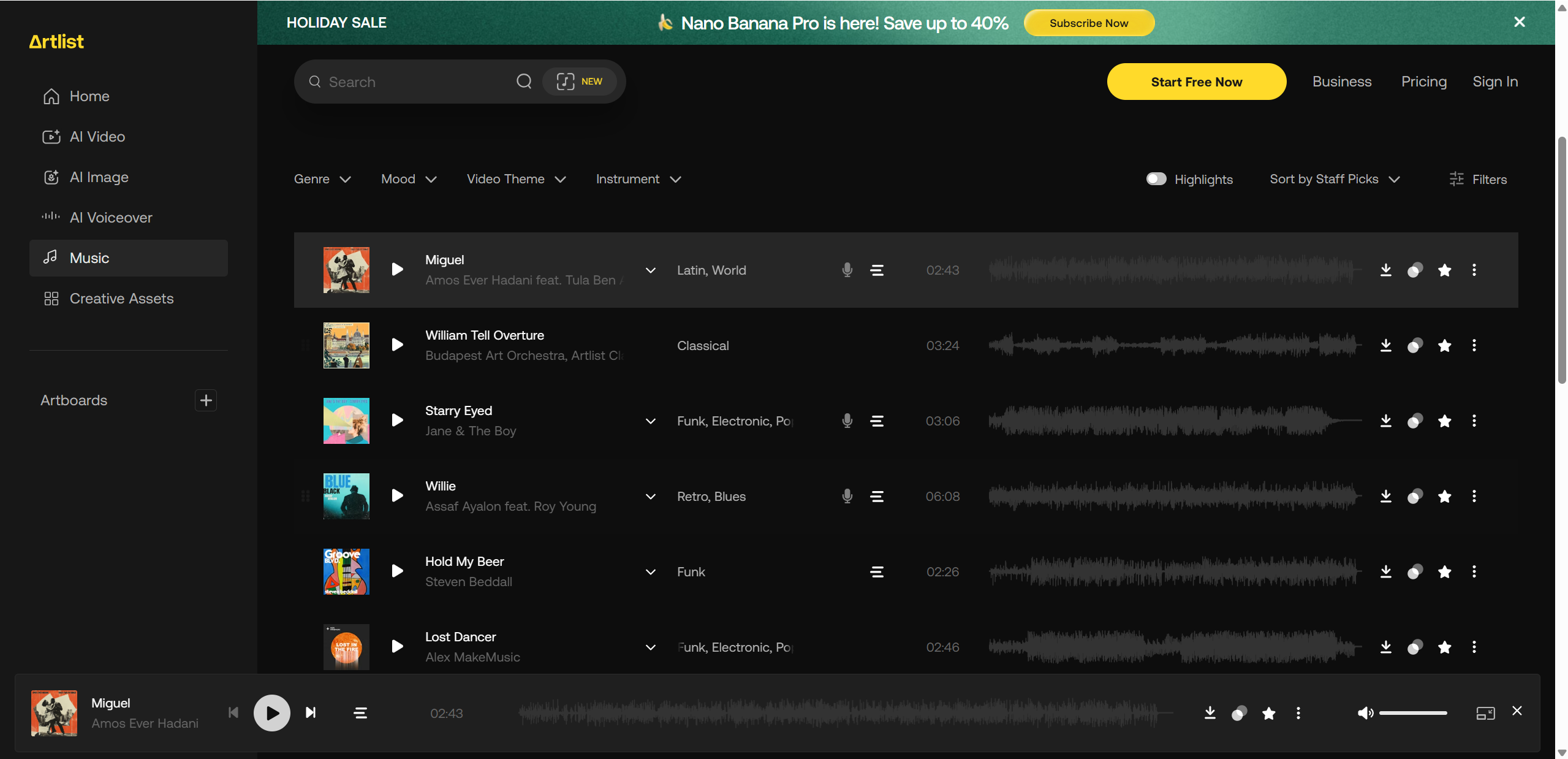
Within the broader Artlist ecosystem, AI tools work alongside royalty free music, sound effects, footage, and templates, creating a more streamlined workflow. The key difference is simple: traditional stock assets require searching and manual assembly, while AI-powered generation and automation help creators produce visuals more quickly and adapt them to specific styles or formats.
Artlist positions these tools with a clear mindset—easy to use, commercially safe, and focused on real production needs rather than experimental AI features.
Key highlights include:
AI video generation and enhancement tools
AI image creation for thumbnails and visuals
Smart music and asset matching
Commercial-safe licensing for professional use
Key Features of Artlist AI
Artlist AI brings a suite of tools designed to simplify the content creation process, combining video, image, and music capabilities into one platform. Whether you’re a solo creator or part of a marketing team, these features aim to save time while maintaining professional-quality output.
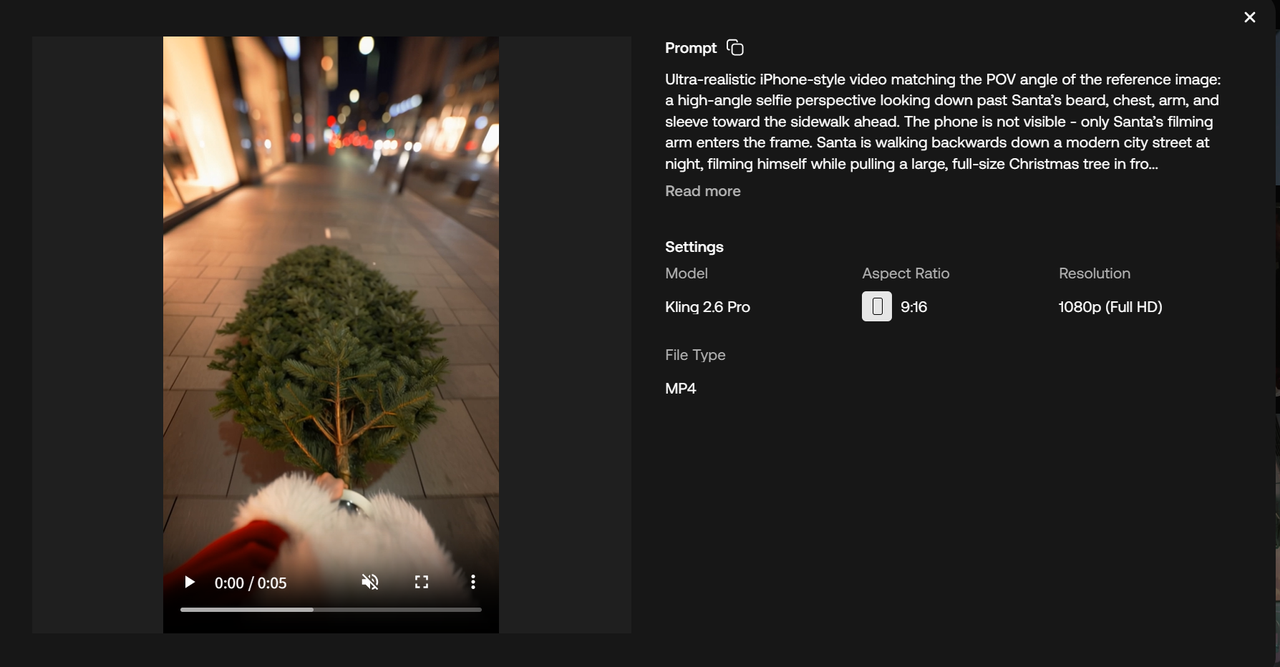
Artlist Video AI
The Video AI tool allows creators to generate, enhance, and automate video content quickly. It’s especially useful for short form videos, ads, promos, and YouTube intros/outros. With prebuilt templates and smart editing options, users can produce polished videos without complex software. Speed and ease of use are central, letting creators focus on ideas rather than tedious technical steps.

Artlist Image AI
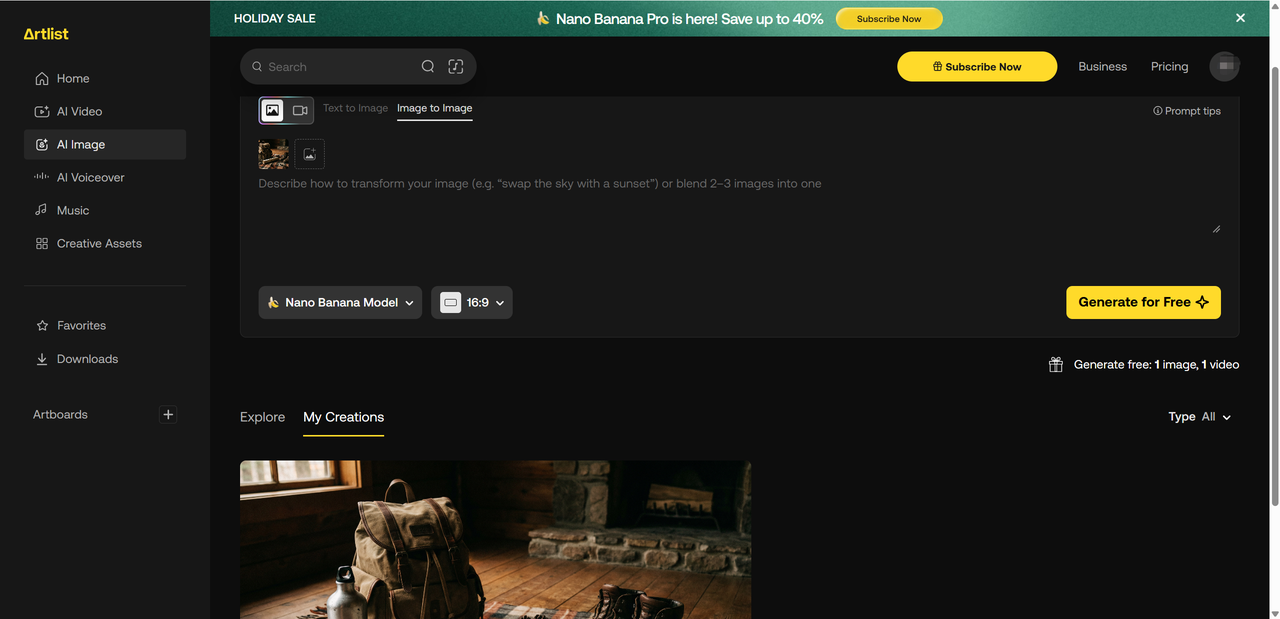
The Image AI tool enables the generation of high-quality visuals with consistent style and creative control. Ideal use cases include thumbnails, social media posts, and concept art. It’s designed to integrate smoothly with existing video projects or standalone image needs, helping maintain a cohesive visual identity across platforms.

Artlist AI Generator (All-in-One Workflow)
Artlist AI’s generator links video, image, and music tools in a single workflow. This connectivity reduces the need for multiple subscriptions or software tools, improving productivity. Creators can move seamlessly between generating images, syncing music, and assembling videos, making content production faster and more efficient.
Artlist AI Generator Test – Hands-On Results
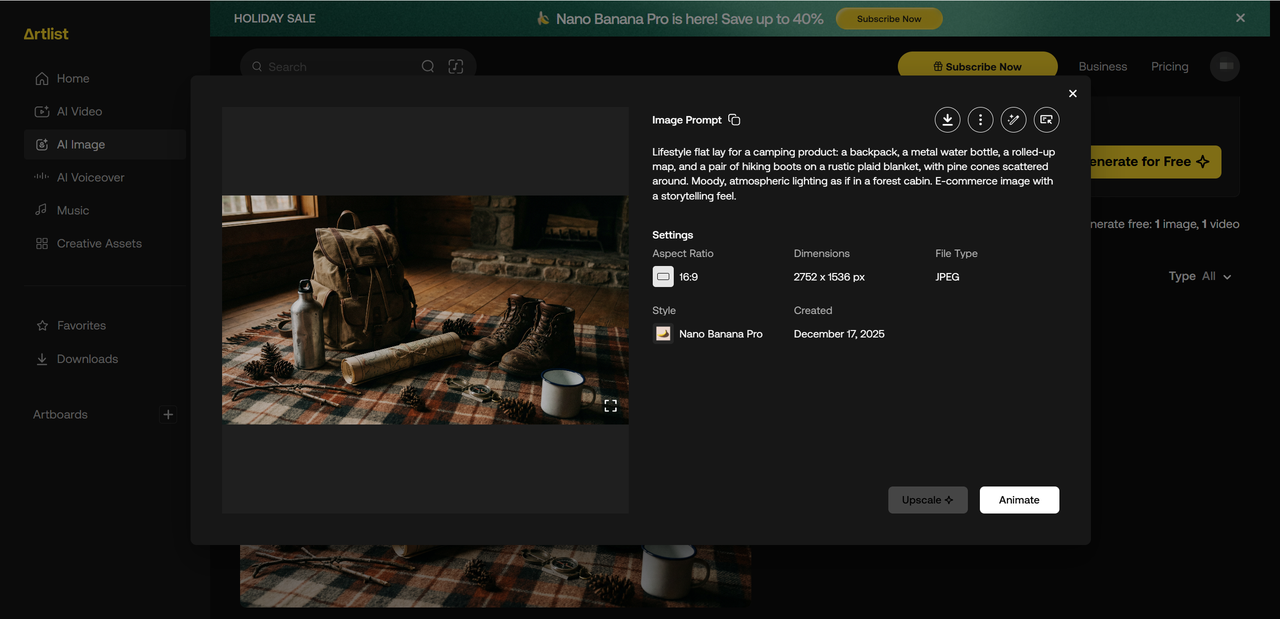
To see how Artlist AI performs in real-world scenarios, we ran a series of hands-on tests using both video and image prompts. For videos, we tested short form ad clips, YouTube intros, and social media promos, while for images, prompts ranged from thumbnails and social posts to concept illustrations.
Here’s what we observed:
Video realism: Generated clips were smooth, with coherent transitions and visually appealing compositions. Not Hollywood level, but very usable for online content.
Image clarity: Images were sharp and consistent, with minimal artifacts. Some style adjustments were needed for highly specific branding.
Style consistency: Both video and image outputs maintained a coherent aesthetic when prompts were clear.
Speed & responsiveness: Rendering was fast, typically under a few minutes for short content.
AI feel: Results were slightly “AI-ish” on complex prompts, but minor tweaks and re-runs improved authenticity.
✅ Overall, Artlist AI is highly practical for creators needing quick, polished content without heavy editing.
Ease of Use & User Experience
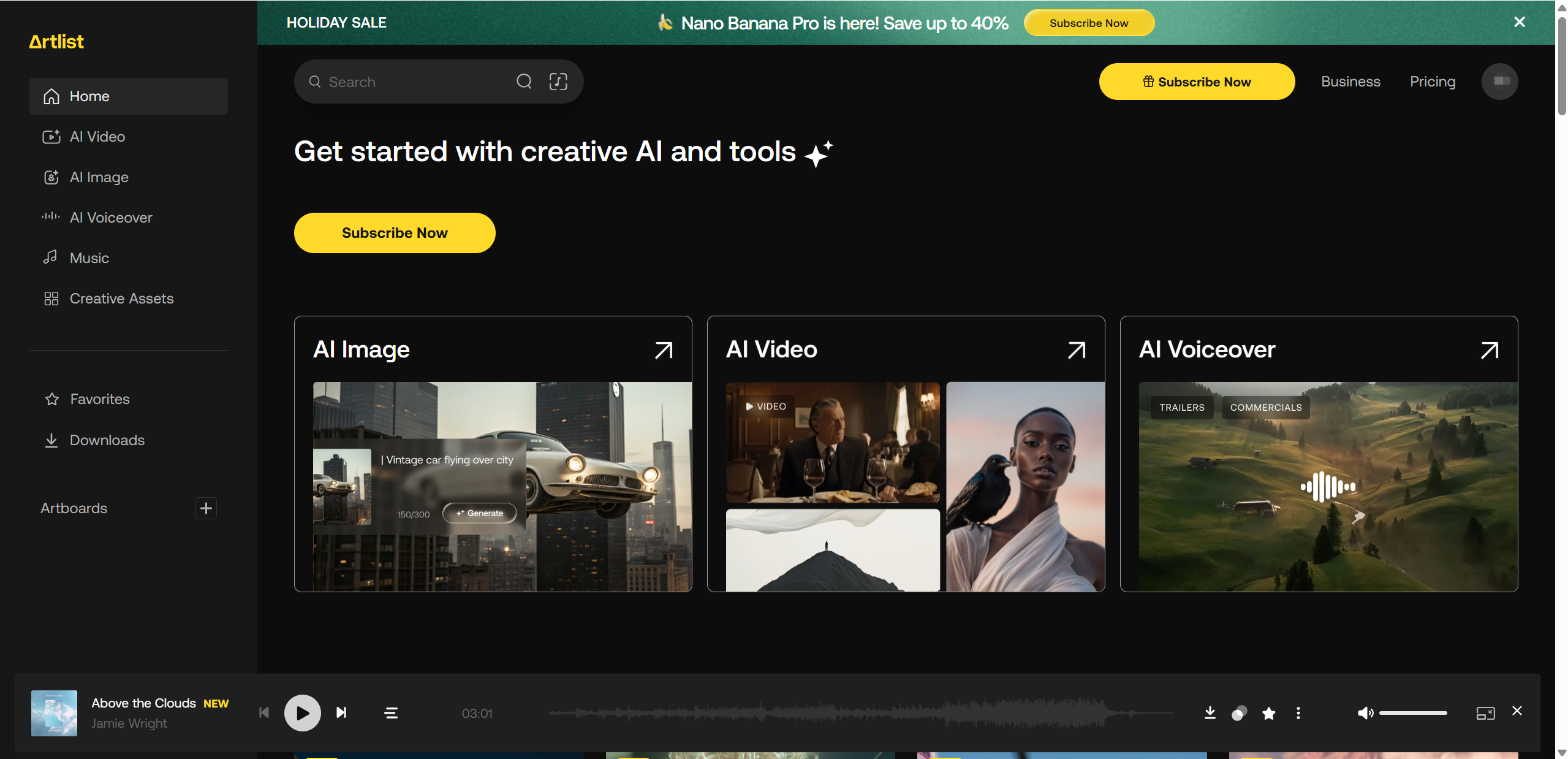
Artlist AI impresses with a clean and intuitive interface. Beginners can get started quickly, thanks to minimal setup and straightforward workflows. Prompting is simple, although precise instructions yield better results. Switching between video, image, and music tools feels seamless, keeping the creative flow uninterrupted.
Quick pros list:
Clean UI that’s easy to navigate
Minimal setup required to start generating content
Beginner-friendly, no steep learning curve
Smooth transitions between different AI tools
Pricing & Plans – Is Artlist AI Worth the Cost?
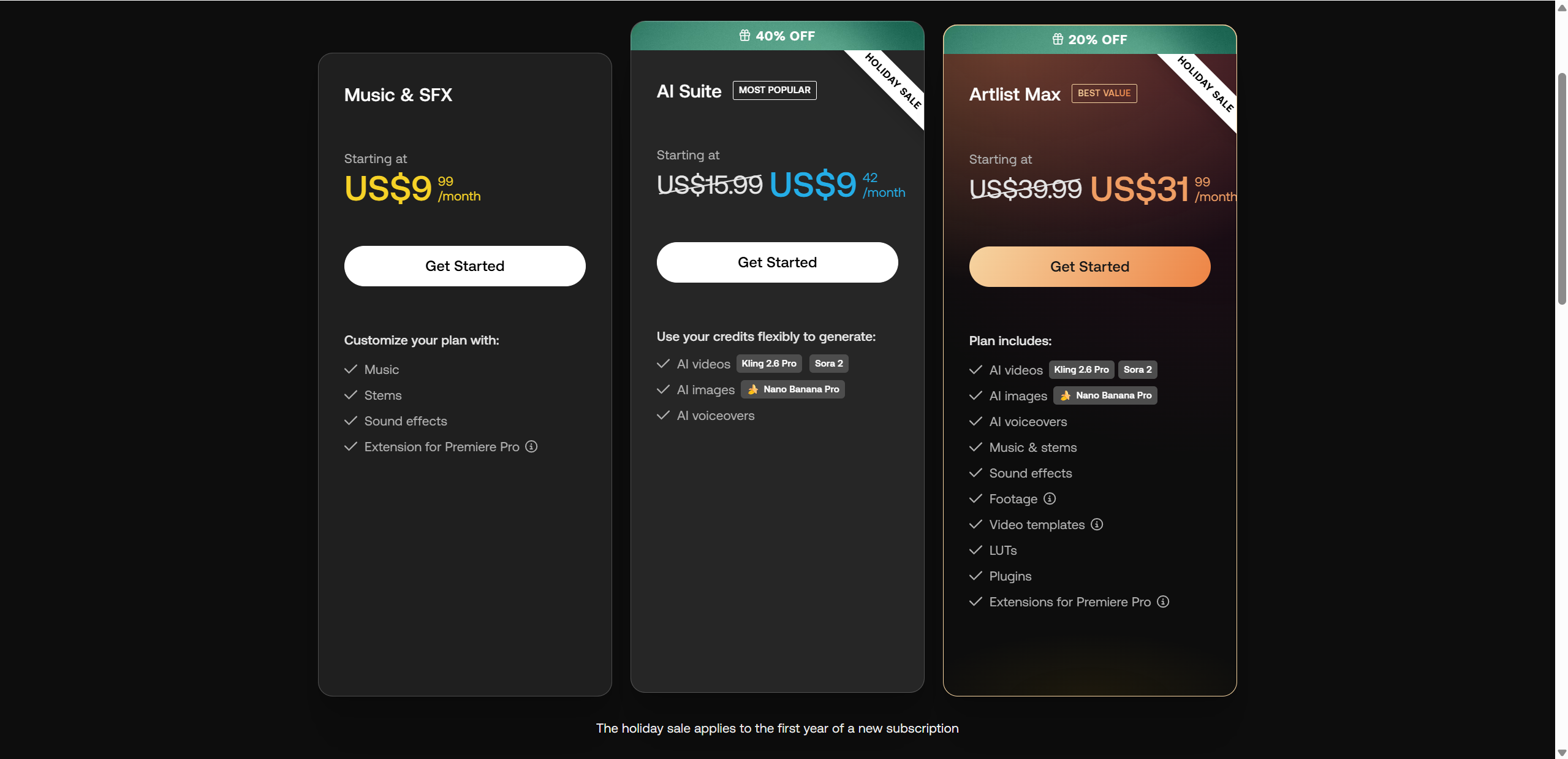
Artlist’s pricing is subscriptionbased and flexible, with plans that range from basic music licensing to full AI content generation. In 2025, standalone AI Suite plans give you monthly credits for AI video, AI image, and AI voiceover generation—credits reset each month and can be used across different tools.
The AI Suite starts at around $11.99/month for basic credits and scales up to higher credit tiers if you need more output. For those who want everything—including AI tools and unlimited royaltyfree music, SFX, footage, templates, and plugins—the Artlist Max plan starts at about $39.99/month (billed annually) and includes a base amount of AI credits.
| Plan Type | AI Tools Included | Best For |
|---|---|---|
| AI Suite (basic) | ✔ (credits for video, image, voice) | Creators focused on AI outputs |
| AI Suite (higher credits) | ✔✔ (more credits) | Pros needing frequent generation |
| Artlist Max | ✔✔✔ (AI + full asset library) | Teams & professionals |
Solo creators benefit from affordable AI Suite tiers, while teams and agencies often get better value from Max plans that combine tools and extensive content libraries.
Artlist AI Pros and Cons
Pros:
Integrated AI tools for video, image, and voice generation in one place.
Flexible credit system lets you balance output between different AI types.
Commercialsafe licensing with clear usage rights.
Full ecosystem includes music, sound effects, footage, templates, and plugins.
Beginnerfriendly interface and seamless workflow.
Cons:
Output quality and creative control depend heavily on prompt quality and credit limits.
Higher credit tiers cost significantly more for heavy users.
May be overkill for casual users who only need simple assets occasionally.

Artlist AI vs Competitors
When comparing Artlist AI to other popular AI tools, a few key differences stand out:
Pollo AI: Offers strong video editing features but lacks Artlist’s integrated stock music and licensing.
Runway: Excellent for advanced video effects and motion tracking, but has a steeper learning curve.
Canva AI: Great for image design and social media graphics, but limited in video generation and commercial licensing.
Quick comparison bullets:
Ease of use: Artlist AI is beginner-friendly; Runway is more complex.
Output quality: Video quality is strong in Artlist AI; Canva AI excels in images.
Licensing: Artlist AI provides commercial-safe licensing; competitors vary.
Price: Artlist AI is mid-to-high tier; Canva AI is more affordable for casual users.
Who Should Use Artlist AI?
Best for:
Video creators looking for quick, polished content
YouTubers producing short-form videos
Marketing teams needing consistent brand visuals
Not ideal for:
Advanced AI researchers requiring detailed control
Users seeking ultra-fine image or video manipulation beyond the platform’s presets
Artlist AI shines where speed, simplicity, and professional licensing matter most.

Tips for Getting Better Results with Artlist AI
To make the most of Artlist AI, start with simple and clear prompts. Avoid overly complex instructions at first, then gradually refine your prompts to achieve the desired style. Using reference styles or mood boards can help the AI match your vision more closely.
Experiment with multiple variations of your content to find the best result, and don’t hesitate to combine AI-generated assets with Artlist’s traditional stock library for a polished finish. Finally, keep brand consistency in mind—ensure colors, fonts, and style align with your overall creative identity. By following these strategies, you’ll get more accurate, visually consistent, and professional outputs while saving time in your workflow.
Final Verdict – Is Artlist AI Worth It in 2025?
Artlist AI delivers a well-rounded creative toolkit, combining video, image, and music generation under one roof. Its strengths include ease of use, commercial-safe licensing, and seamless workflow integration. On the other hand, it offers less granular control than some niche AI platforms, and output quality can depend heavily on prompt clarity.
I recommend Artlist AI for video creators, YouTubers, and marketing teams who need fast, polished content without juggling multiple tools. For casual users or advanced AI researchers, it may feel limited or pricey. Overall, Artlist AI is a solid, reliable choice for professionals seeking speed, simplicity, and quality in one subscription—making it a valuable addition to any creator’s toolkit in 2025. If you're exploring alternatives after reading this Artlist AI generator review, Lovart AI is another strong option for AI image and video creation worth checking out.

Share Article