Pictory AI Review – Is This the Best AI Video Generator in 2026?


Pictory AI Review – Is This the Best AI Video Generator in 2026?
Introduction – What’s This Pictory AI Review About?
Video content is everywhere in 2026. From social media feeds to landing pages and email campaigns, video has become the default way people consume information. But creating videos still sounds intimidating to many creators and businesses. That is exactly where tools like Pictory AI step in.
In this Pictory AI review, we take a clear and practical look at what the platform does, who it is for, and whether it truly delivers on its promise. We will explore its core features, real world use cases, strengths, limitations, and overall value for modern content creators.
TL;DR: Pictory AI aims to turn text into professional looking videos quickly, without cameras, editing skills, or a steep learning curve.
What Is Pictory AI?
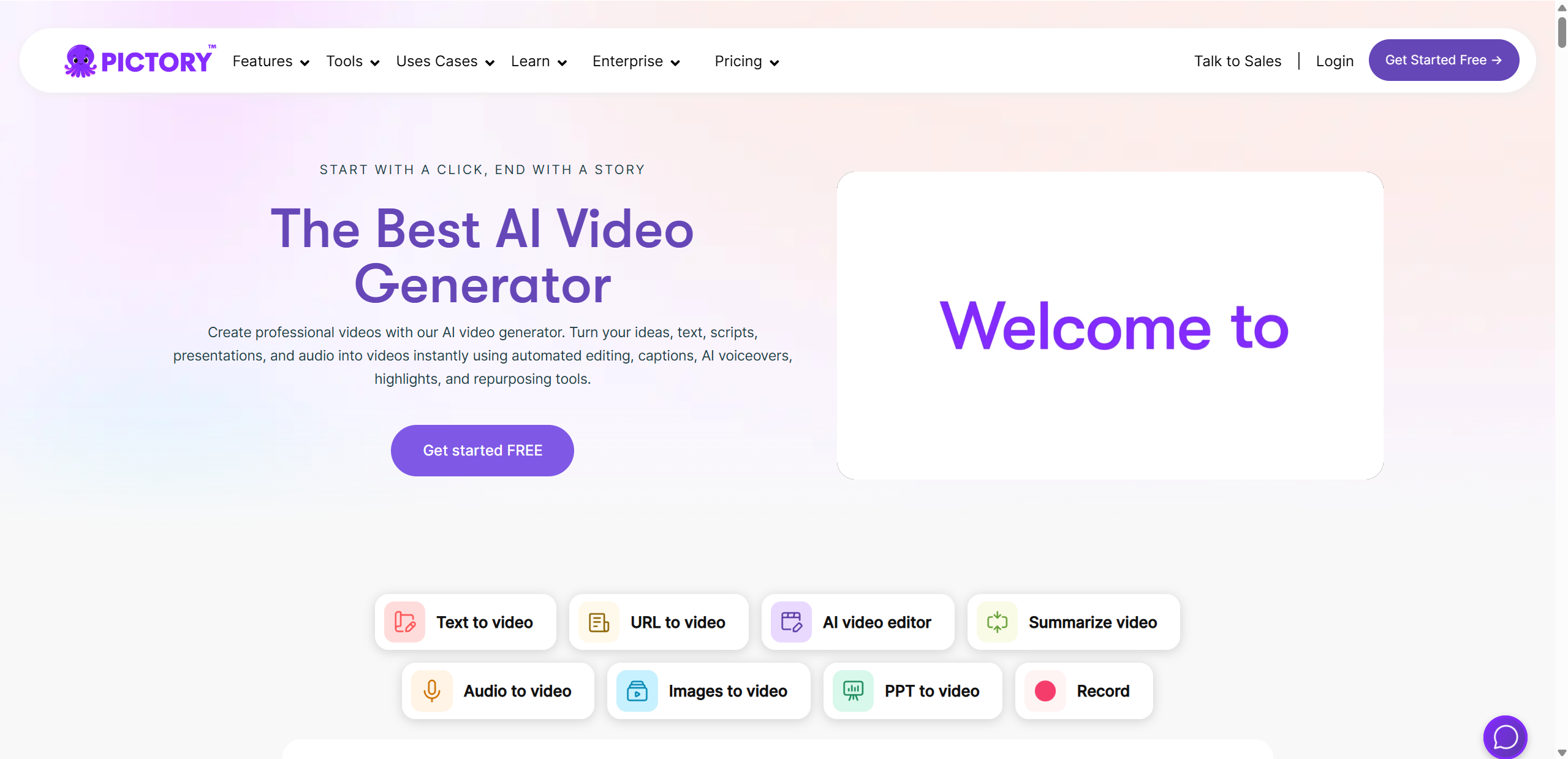
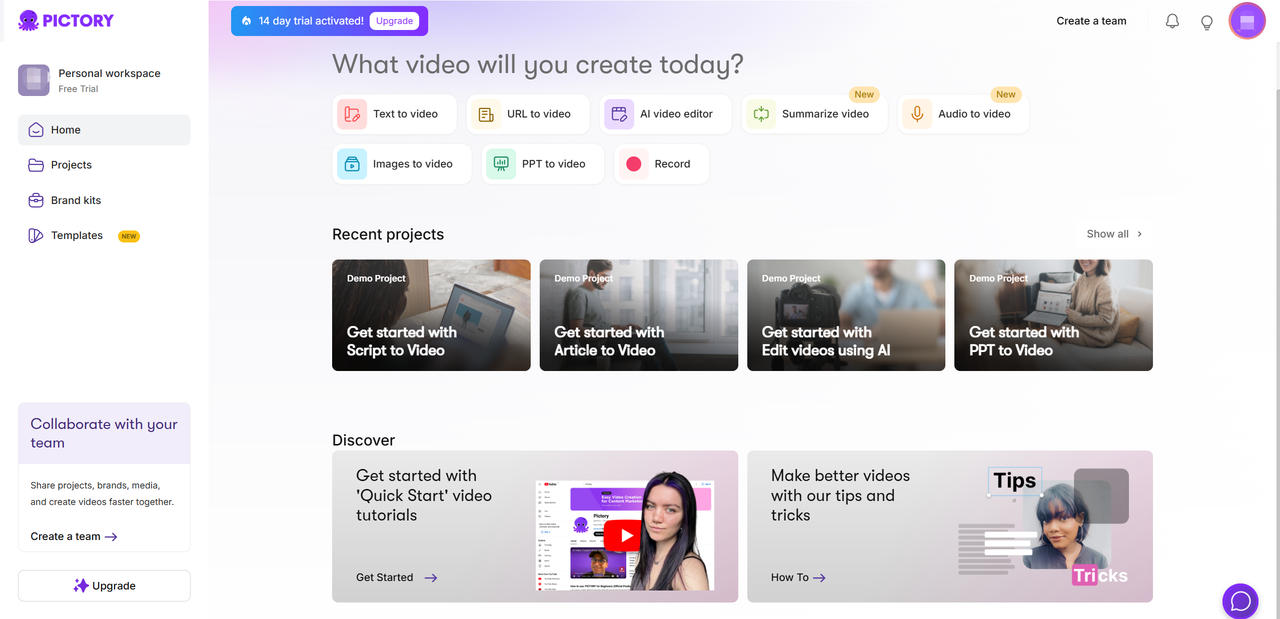
Pictory AI is an AI powered video creation platform designed to help users transform text into engaging videos in minutes. At its core, it is a Pictory video generator that uses artificial intelligence to match written content with visuals, music, captions, and voiceovers.
Instead of starting with complex video editing software, users simply upload a script, blog post, or long form text. Pictory AI then analyzes the content and automatically creates a video storyboard using stock footage and visuals.
Main things Pictory AI can do
Turn scripts into videos
Convert blog articles into short videos
Edit videos by editing text instead of timelines
Add captions, voiceovers, and background music
Who is Pictory AI for?
According to insights commonly shared in marketing focused reviews like Wyzowl, Pictory AI is built for:
Content creators and YouTubers
Social media managers
Marketers and agencies
Small businesses without video teams
In short, it is for anyone who wants video content without traditional video production headaches.
Key Features of Pictory AI
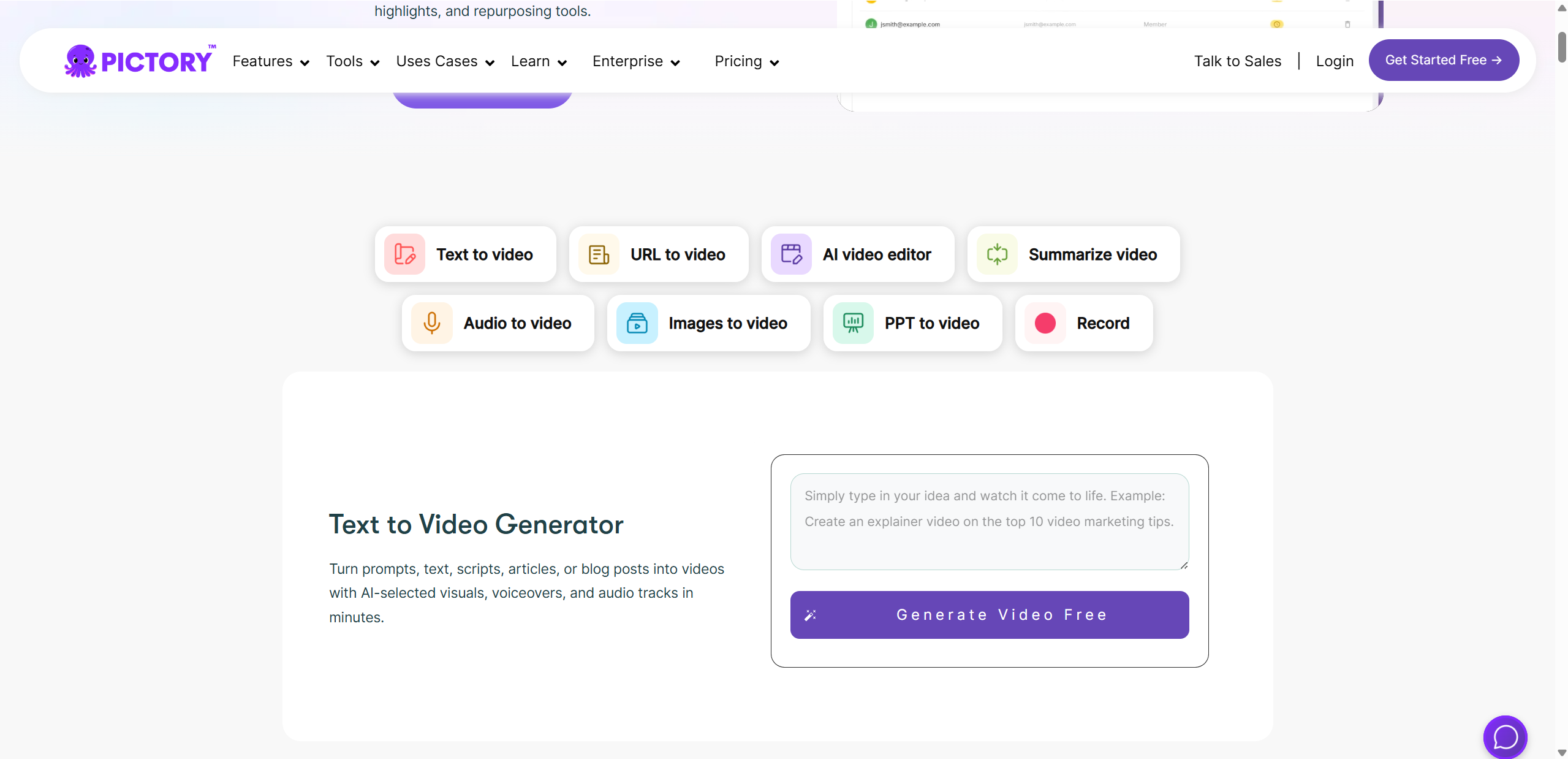
Pictory AI is designed to simplify video creation by automating the most time consuming steps. Instead of juggling complex tools, users focus on their message while the platform handles visuals, pacing, and formatting.
Key highlights include:
Smart text to video conversion
Built in AI voiceovers and captions
A large library of stock media and music
Text-based video editing
These features work together to reduce friction and shorten production time. Whether you are creating educational content, social videos, or marketing explainers, Pictory AI aims to deliver clean results without a steep learning curve.
How We Tested Pictory – Our Pictory AI Test Approach
Instead of describing testing in abstract terms, we evaluated Pictory AI through clear input → output → quality examples. This mirrors how most users actually interact with the tool.
Test 1: Script to Video
- Prompt/Input: “Create a 10 second explainer video introducing an AI writing tool for small businesses.”
- Output: Short scenes with stock footage, on screen text, transitions, and background music.
- Quality result: Visuals matched the general meaning well. Messaging was clear, though a few clips felt generic.
Test 2: Article to Video
- Prompt/Input: 150 words about social media marketing trends.
- Output: A condensed 5 second video with summarized scenes.
- Quality result: Strong automatic segmentation. Key points were captured, but some nuance was lost.
Test 3: Voiceover and Captions
- Prompt/Input: Default AI voice + auto captions.
- Output: Clean narration with synced subtitles.
- Quality result: Voice was clear but slightly robotic in longer sentences.
Pros – What Pictory Does Well
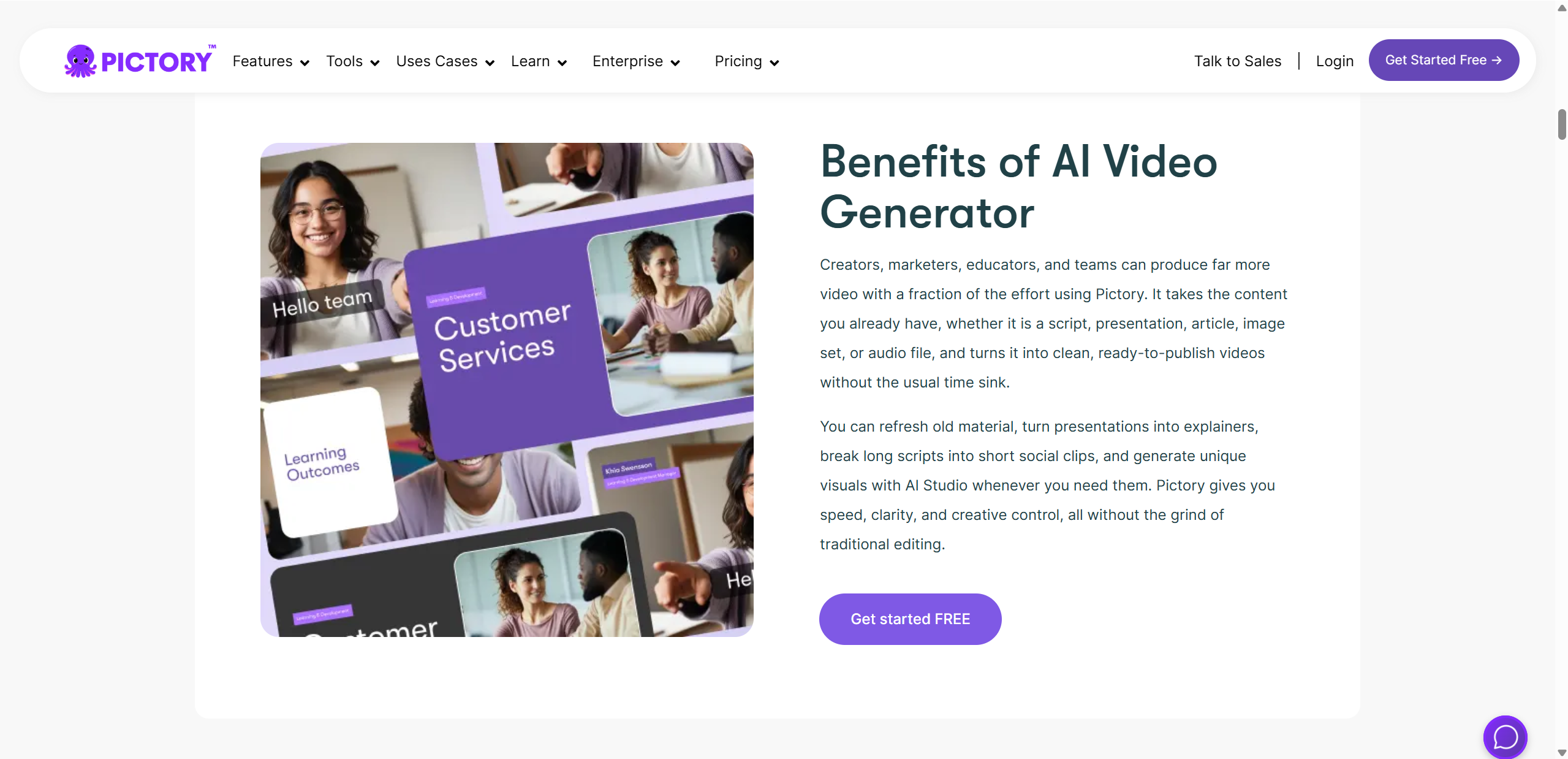
Pictory AI stands out because it focuses on speed, simplicity, and accessibility. These strengths make it appealing to a wide range of users who want results without technical friction.
Key advantages
Saves time and simplifies video creation – Turning text into video takes minutes, not hours, which aligns with feedback highlighted by platforms like Futurepedia.
Beginner friendly with no editing skills required – The interface feels intuitive, a point often echoed by 10Web, especially for first time users.
Runs entirely in the browser – No heavy hardware or software installs are needed, making it accessible on most devices.
Automatic captions improve SEO and accessibility – As noted by BitDegree, captions help content perform better and reach wider audiences.
Great for repurposing content – Reddit users often praise it for creating social shorts and blog videos quickly.
For YouTubers, marketers, and educators, these strengths translate into faster production, lower costs, and less stress around video creation.
Cons – Where Pictory Falls Short
While Pictory AI is powerful, it is not without limitations. Some issues become noticeable during more demanding or creative projects.
Main drawbacks
❌ Limited creative control and customization – Advanced users may find the editing options restrictive, a concern raised by 10Web.
❌ Occasionally irrelevant visual choices – In our tests, some AI selected clips did not perfectly match the text, a point also noted by BitDegree.
❌ Voiceovers can sound robotic at times – Certain voices lacked emotional range, similar to feedback shared by AllinBlogger.
❌ Learning curve for advanced features – While basic use is easy, deeper customization takes time, as mentioned by 10Web.
❌ No live customer support – Help is limited to documentation and email, which AI Pathshala highlights as a weakness.
In our testing, these issues mainly appeared when creating niche content or trying to fine tune storytelling beyond basic formats.
Pictory AI Pricing Breakdown
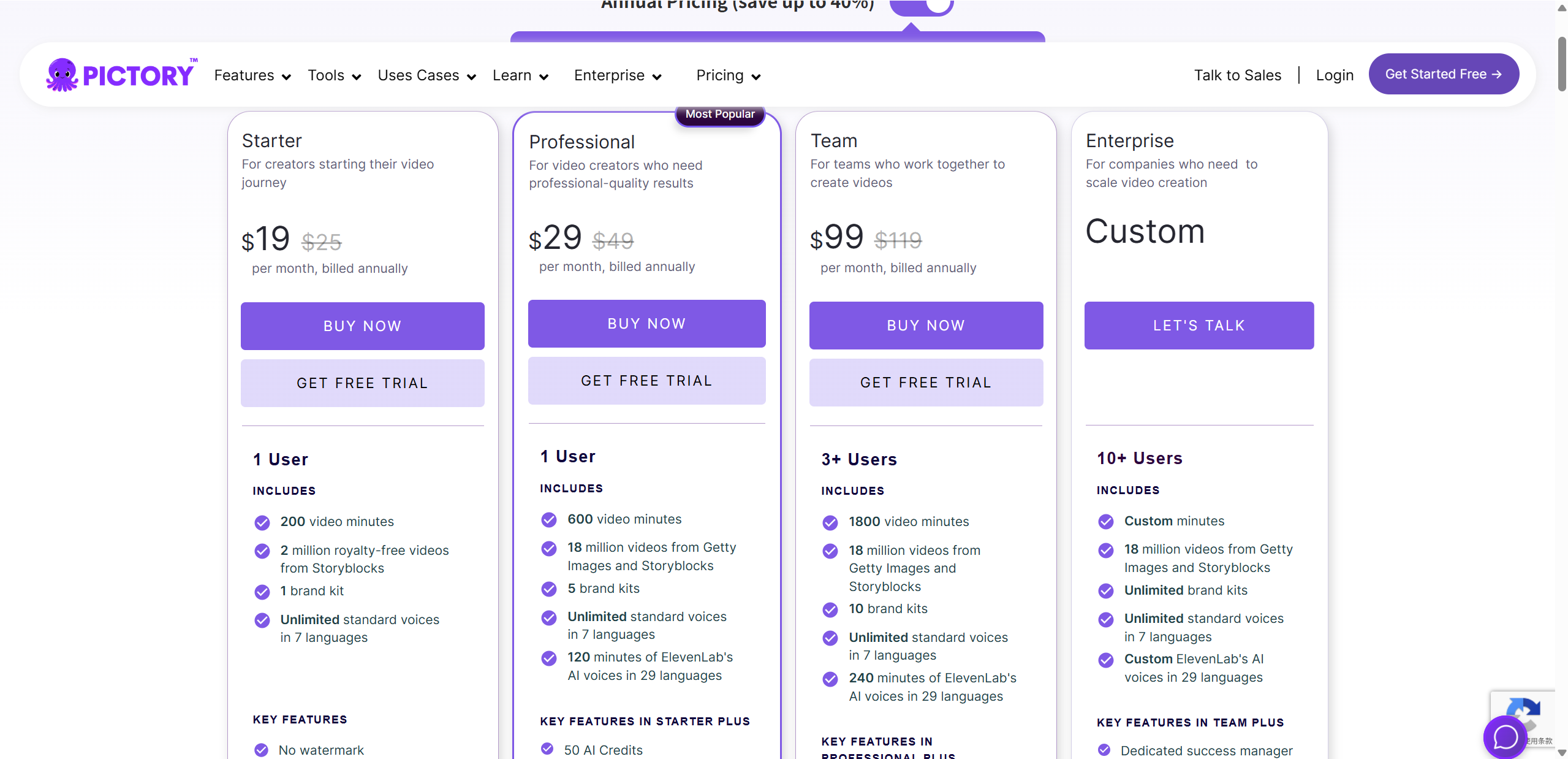
Pictory AI offers tiered pricing so you can pick the plan that fits your needs and growth goals. All paid plans are billed monthly but are cheaper when paid annually, and there’s a 14-day free trial that lets you explore the platform and create real videos before committing.
Pictory AI Pricing at a Glance
| Plan | Monthly Price | Key Features |
|---|---|---|
| Starter | ~$19 | 200 video minutes, basic AI tools, Storyblocks media access, auto captions, no watermark. |
| Professional | ~$29 | 600 video minutes, more AI voices, advanced tools, Getty Images & Storyblocks, summarization. |
| Teams | ~$99 | 1800 video minutes, team workspace & collaboration, extra brand kits and voice minutes. |
| Enterprise | Custom | Custom minute limits, unlimited brand kits, dedicated support & templates. |
Free trial and limits: During the free trial, you get full feature access and can export videos without watermarks, but with lower minute limits. After the trial, video exports and features unlock based on the plan you choose.
Pictory AI vs Competitors
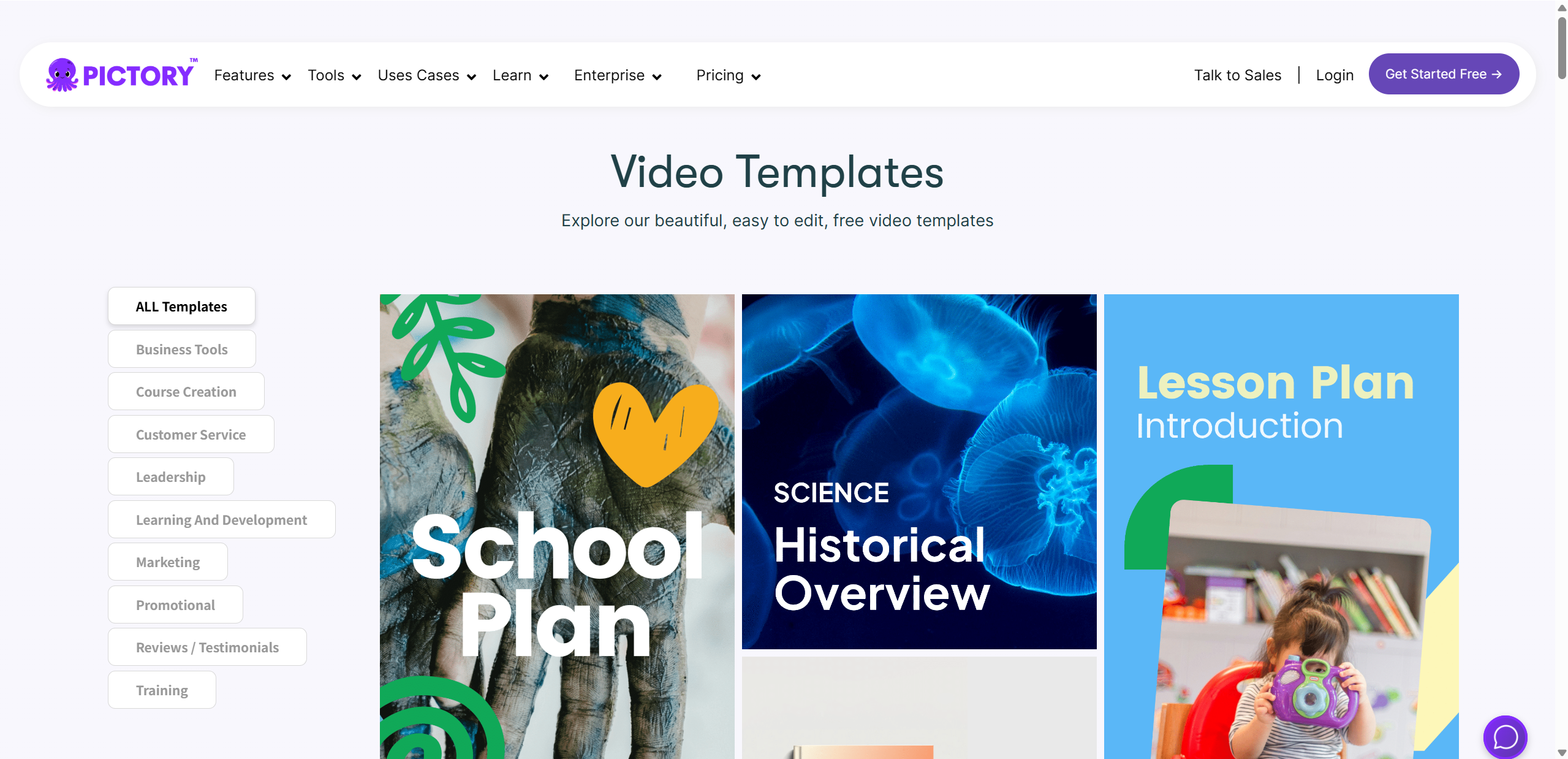
With so many AI video tools out there in 2026, it’s important to understand where Pictory AI fits compared to other popular platforms like Runway, Synthesia, and InVideo. Rather than ranking them overall, this comparison highlights use-case differences so you can pick the right tool for your needs.
How Pictory AI Stands Out
Pictory AI focuses on making written content into video, especially for blog recaps, social shorts, and marketing clips. Its key strengths include:
Article and script conversion into polished visuals with captions
Automatic captioning and voiceovers that boost accessibility
Large stock library and templates tailored to marketer workflows
Competitor Focus Areas
Runway ML: Excellent for creative generative projects, effects, and experimental content. Great for creators who want more visual innovation, but require more learning.
Synthesia: Best for videos that feature AI avatars or presenters. Used when human-like spokesperson videos matter (e.g., corporate training or explainer content).
InVideo: Strong template engine and manual editing controls. Better for users who want design flexibility and fine tune every scene.
Quick Feature Comparison
| Tool | Best For | Strength |
|---|---|---|
| Pictory AI | Repurposing text | Fast conversion & captions |
| Runway ML | Creative, advanced generation | Cutting edge effects |
| Synthesia | Presenter videos | AI avatars & languages |
| InVideo | Template-based editing | Design flexibility |
Bottom line: If your primary goal is turning written content into ready-to-publish videos with minimal effort, Pictory AI remains one of the most efficient and user-friendly options in 2026. The other tools shine when creative control, avatar presenters, or advanced editing features are the priority.

Conclusion – Is Pictory Worth It?
In the end, Pictory AI delivers on its core promise: making video creation simple, fast, and accessible. If your goal is to turn scripts, blog posts, or long form text into polished videos without expensive software or steep learning curves, it does that very well. Its strengths—automatic visuals, built-in voiceovers, captions, and intuitive editing—make it especially valuable for beginners, solo creators, marketers, educators, and anyone repurposing written content for video.
It isn’t perfect—creative control can feel limited and some AI choices miss the mark—but for most everyday use cases, those trade-offs are worth it for the time saved.
Verdict: Pictory AI is absolutely worth trying, especially if you want great results with minimal effort. For users focused on quick, professional looking videos, it remains a strong choice in 2026. For advanced animation needs, tools such as Lovart AI may be more capable.

分享文章