DeepAI Hands-On Review: The Good, The Bad, And Final Verdict


DeepAI Hands-On Review: The Good, The Bad, And Final Verdict
Introduction
Artificial intelligence tools are everywhere right now, but not all of them are easy to use or worth your time. DeepAI is one of those platforms that often pops up when people search for fast AI image generation or simple text tools. But how good is it really when you sit down and use it?
In this hands-on review, we take a close look at DeepAI from a practical point of view. We focus on a full DeepAI review experience, including a DeepAI image generator review, an overview of DeepAI text capabilities, and what it feels like to test DeepAI results in real use cases. You can expect a balanced breakdown of what DeepAI does well, where it struggles, and who should consider using it. By the end, you will have a clear verdict on whether DeepAI deserves a place in your creative or development toolkit.
What Is DeepAI?
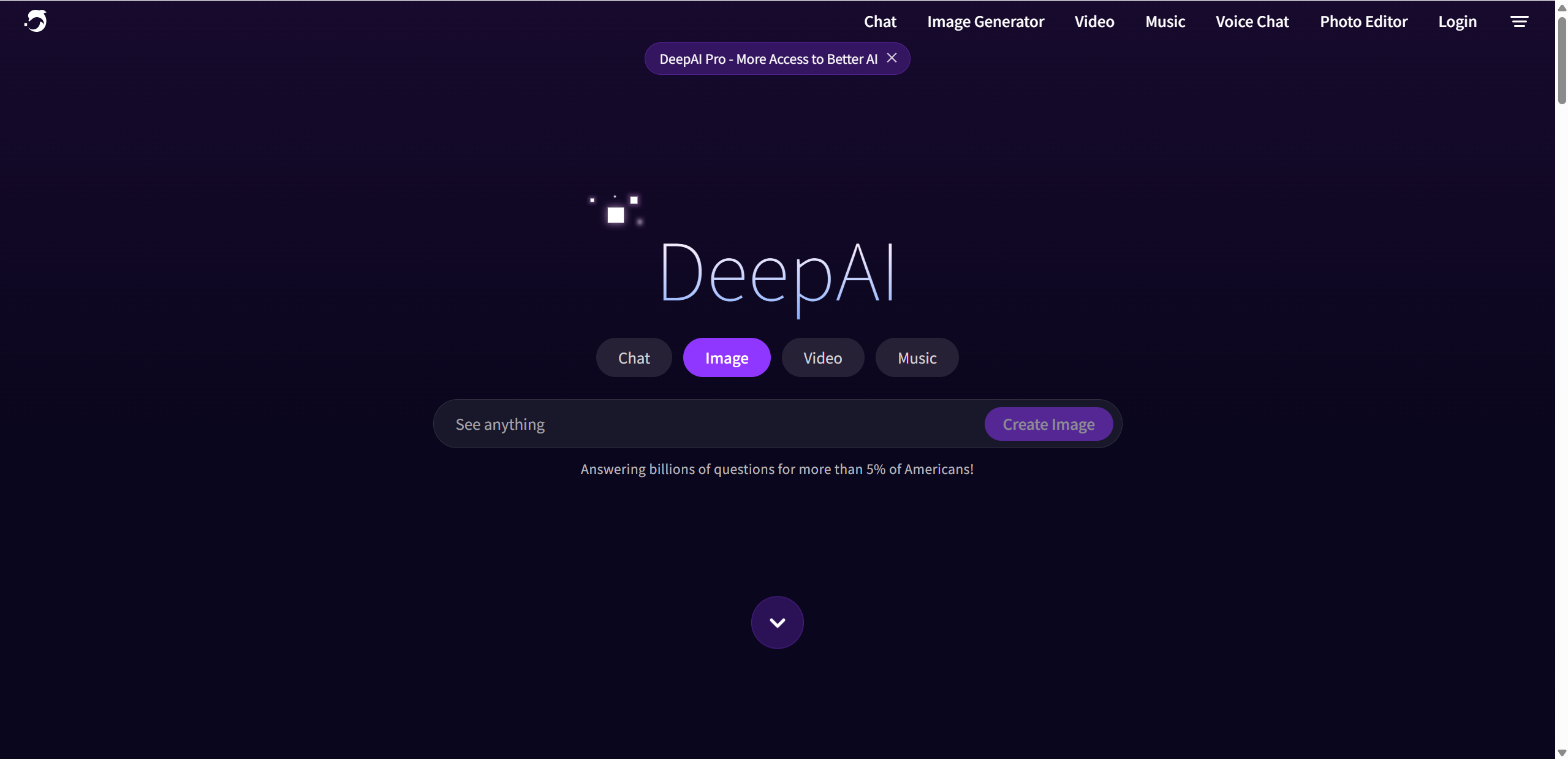
DeepAI is an online platform designed to make artificial intelligence tools accessible to everyone, not just researchers or engineers. Its core mission is simple: provide easy access to powerful AI models through a clean interface and straightforward pricing. Instead of focusing on a single feature, DeepAI brings together multiple creative and utility tools in one place.
At its core, DeepAI offers:
- AI image generation for art, concepts, and visual ideas
- Text generation tools for writing, summaries, and prompts
- A chat style assistant for general questions and brainstorming
- Basic video and photo editing powered by AI
This makes DeepAI appealing to a wide audience. Creators can use it to generate visuals quickly, developers can test models without heavy setup, and beginners can explore AI without feeling overwhelmed. The platform does not require advanced technical knowledge, which lowers the barrier to entry significantly.
DeepAI also offers a free tier that allows users to experiment with its tools at a limited scale. For those who need higher usage limits or faster performance, paid plans are available. These plans follow a typical software as a service model, making it easy to upgrade when your needs grow.
Key Features of DeepAI
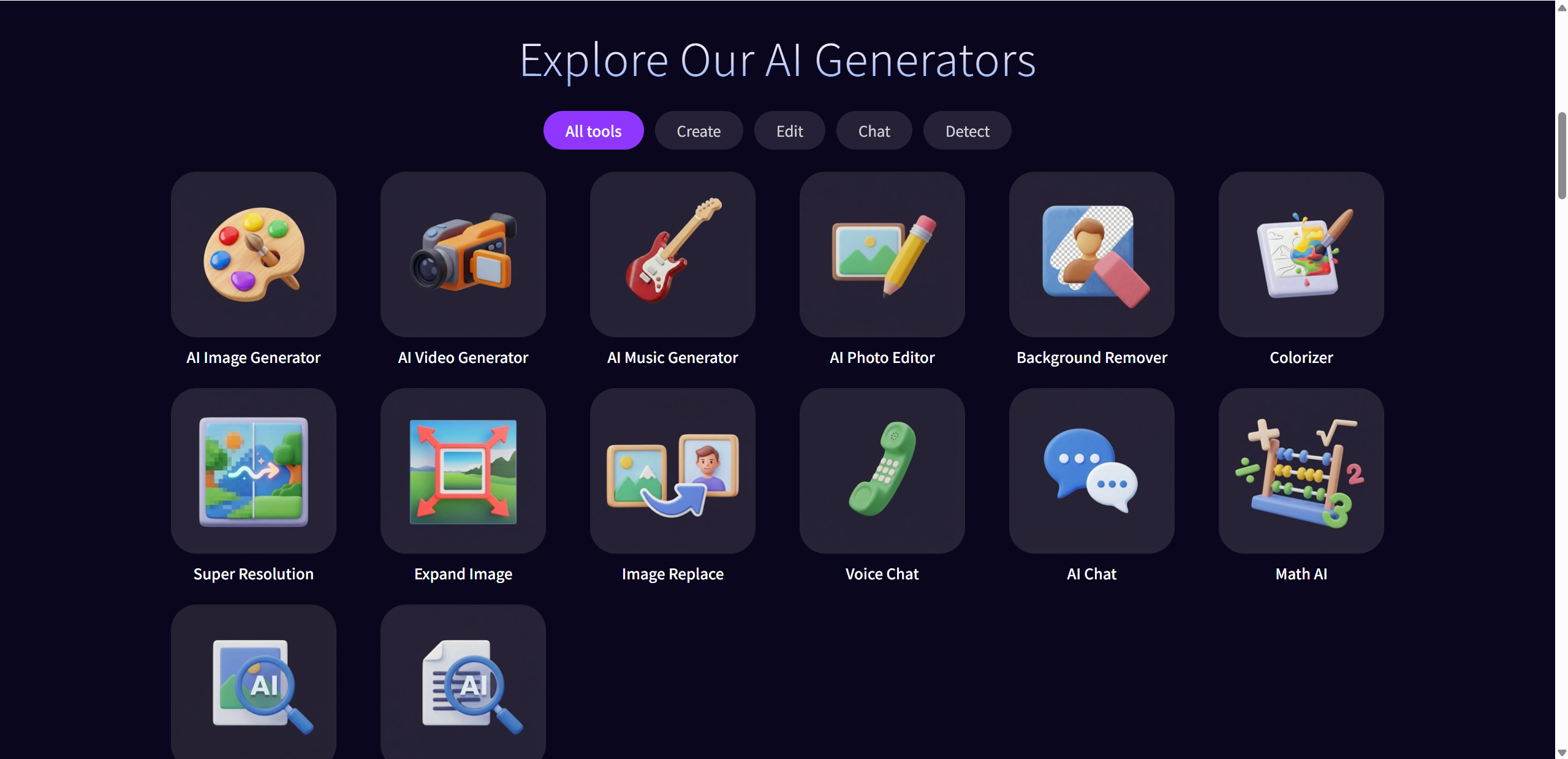
AI Chat
DeepAI includes an interactive AI chat tool designed for everyday conversations rather than complex problem solving. It works well for idea brainstorming, quick questions, and casual content generation. The experience feels lightweight and approachable, making it suitable for users who want fast answers without overthinking prompts.
AI Image Generation
One of DeepAI’s most popular tools is its text-to-image generator, which turns written prompts into visual content. Users commonly rely on it for concept art, blog visuals, social media graphics, and thumbnails. The quality of the output depends heavily on how clear and detailed your prompt is, with simpler ideas often producing better results.
AI Video Creation
DeepAI also offers AI-powered video creation based on text input. This feature focuses on short, basic videos rather than cinematic productions. It is best suited for quick experiments, simple animations, or lightweight social media content where speed matters more than polish or advanced control.
AI Music Composition
The platform includes an AI music composition tool that can generate original soundtracks. It is especially useful for background music in videos, games, or creative projects. While the results can be pleasant, customization options are limited, so it works best for users who need quick audio rather than detailed control.
User-Friendly Interface
DeepAI’s interface is clean and intuitive, with all tools accessible from a single dashboard. Navigation feels straightforward, and beginners can start using features almost immediately. The minimal learning curve makes it easy to explore multiple tools without feeling lost.
DeepAI Image Generator Review
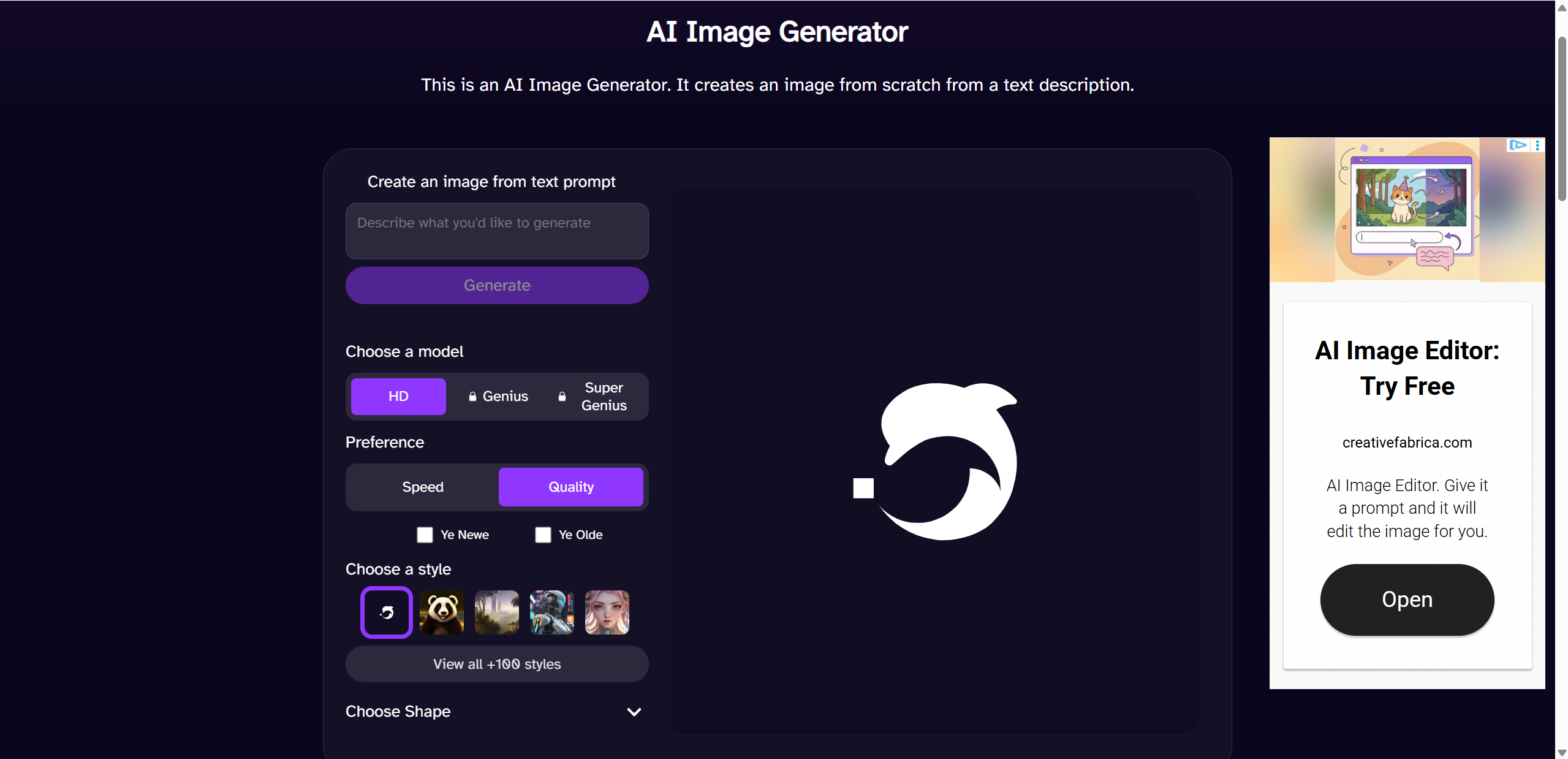
The DeepAI image generator is often the first feature people try, and for good reason. It promises quick visuals with minimal effort, and in many cases, it delivers exactly that. From a usability standpoint, the tool is very easy to understand. You type in a prompt, hit generate, and receive an image within seconds. There are no complicated settings or technical sliders, which makes the experience friendly for beginners.
Strengths
One of the biggest strengths is speed. Image generation is fast, even on the free tier, which makes it ideal for quick experiments or rough creative drafts. The interface is simple and direct, so there is very little friction between idea and result. Free access is another major advantage. You can test prompts, explore styles, and generate images without committing to a subscription, which lowers the risk for curious users.
Limitations
That said, output quality can be inconsistent. Some images look surprisingly decent, while others feel outdated compared to more modern image tools. Complex prompts tend to confuse the model, especially when describing detailed scenes or realistic human features. Faces, hands, and proportions are common weak spots. Free users also have to deal with a noticeable amount of ads, which can interrupt the creative flow and make the interface feel cluttered.
Real World Example
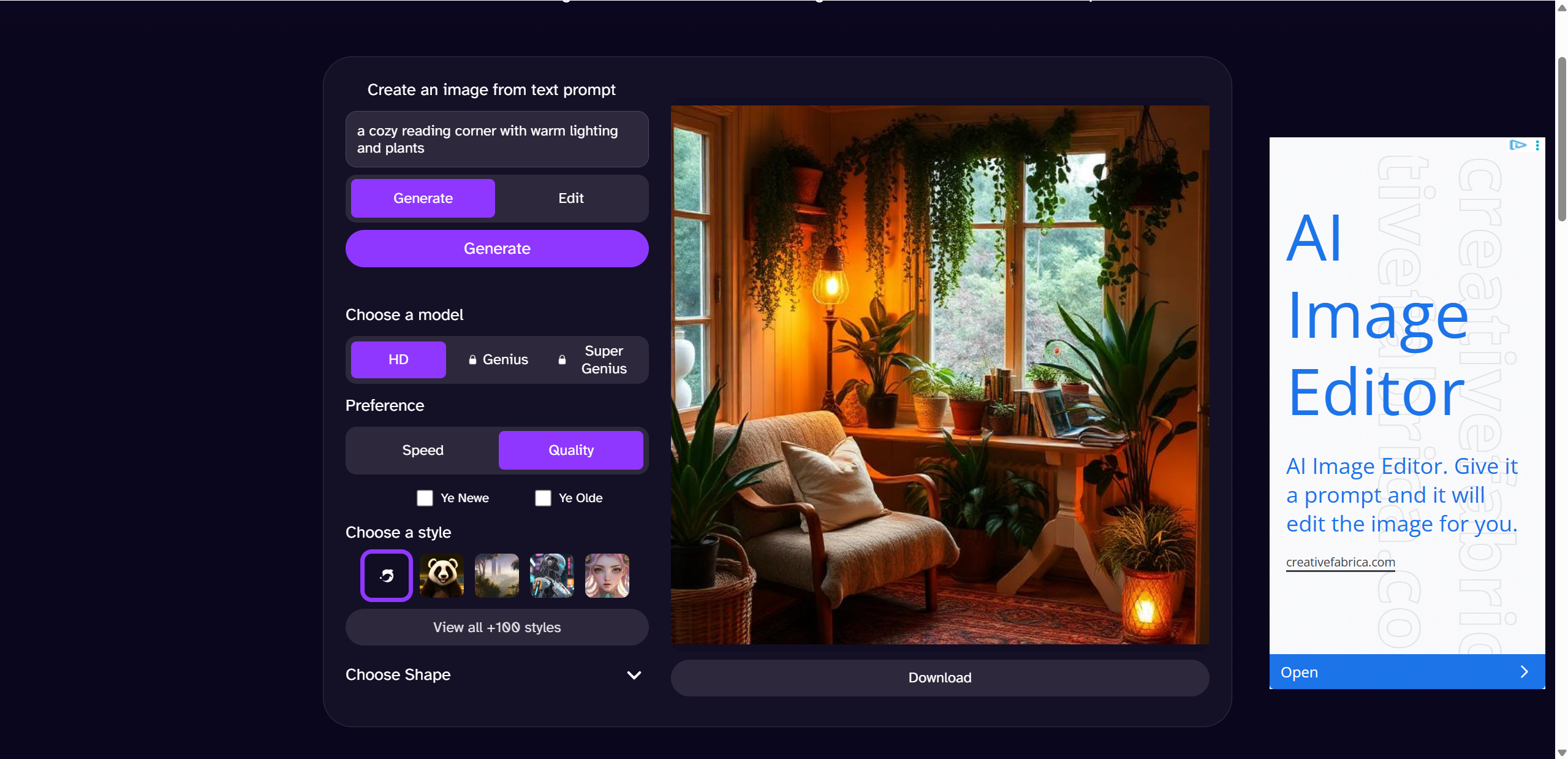
For testing, I tried a simple prompt like “a cozy reading corner with warm lighting and plants.” The result captured the mood fairly well but lacked fine detail. When I added more specifics about furniture and textures, the image became less coherent. This highlights DeepAI’s strength with simple ideas and its limitations with complexity.

Pricing & Plans
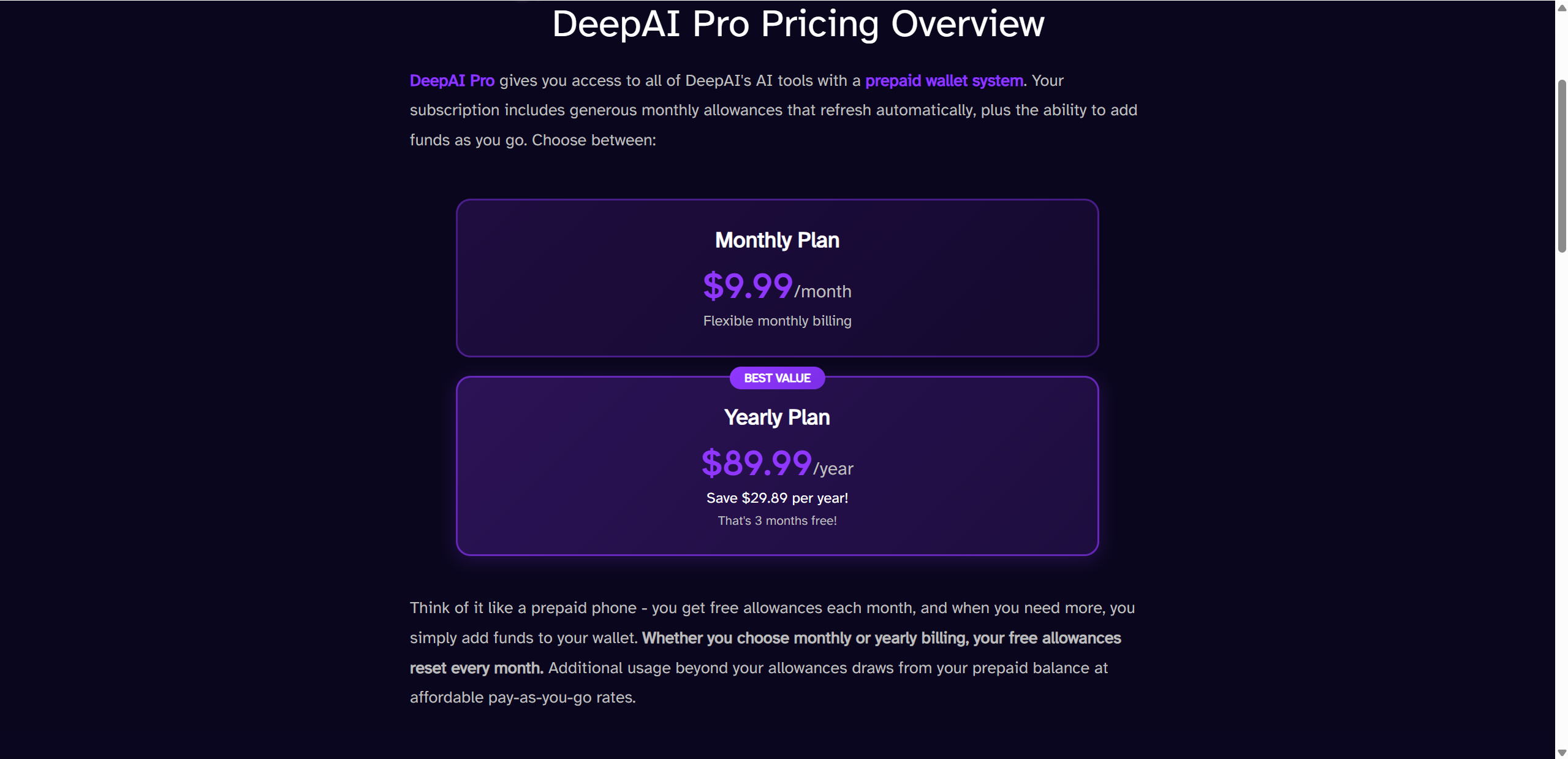
DeepAI keeps its pricing structure relatively simple, which is refreshing in a space where AI tools often hide features behind confusing tiers. The platform follows a clear model that lets users start for free and scale up only if they need more usage.
The free tier allows anyone to test DeepAI without paying upfront. However, it comes with limitations such as restricted generation counts, slower access during busy periods, and visible ads. This tier works best for casual users who want to experiment rather than rely on the tool daily.
For users who need flexibility, DeepAI offers a pay as you go option. Instead of a fixed monthly fee, you purchase credits and spend them as needed. This model is useful for people who generate content occasionally and do not want a recurring subscription.
The Pro subscription is designed for regular users. It removes ads, increases generation limits, and provides smoother overall performance. While not packed with advanced features, it offers better consistency for creators who use DeepAI frequently.
Pricing Comparison Table
| Plan | Price | Key Benefits |
|---|---|---|
| Free | $0 | Limited hits, ads |
| Pay-As-You-Go | ~$5 credits | More generations |
| Pro | ~$4.99 per month | Higher quotas, ad-free |
Pros & Cons
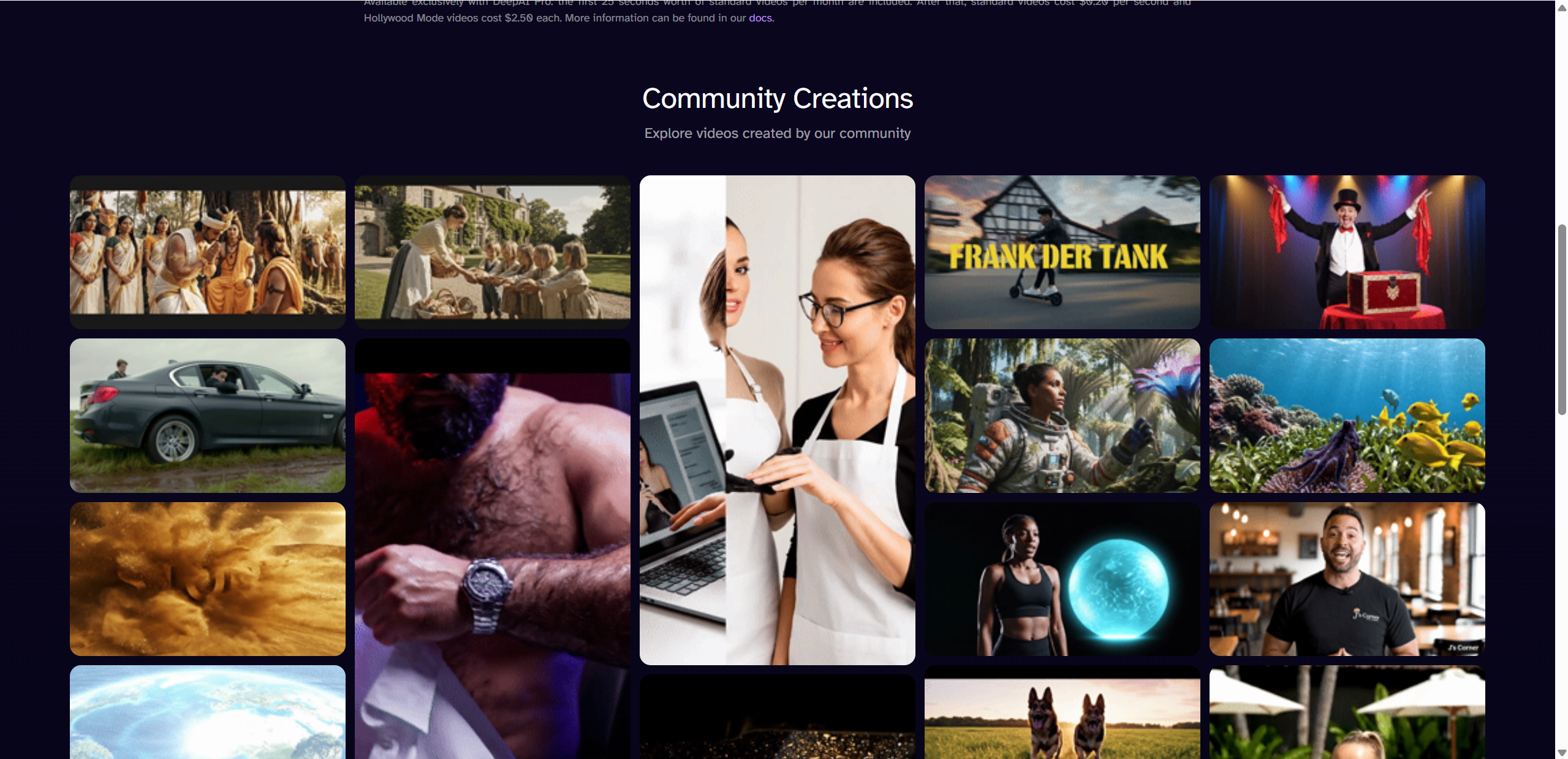
Like any AI platform, DeepAI has clear strengths and noticeable drawbacks. Understanding both sides helps set realistic expectations.
Pros
- Easy to use and beginner friendly, even for first time AI users
- Free option available, making it accessible with no upfront cost
- Wide range of tools, including image, text, video, and music generation
Cons
- Image and text quality often falls behind newer AI tools
- Ads and limited control can disrupt the experience, especially on the free tier
- Paid plan details and feature breakdown could be clearer for new users
Overall, DeepAI prioritizes accessibility and simplicity, sometimes at the expense of depth and polish.
DeepAI Alternatives

While DeepAI covers a lot of ground, it is not the only option available. Depending on your goals, there are several alternatives worth considering.
- Midjourney or DALL·E are better choices if image quality is your top priority. They deliver more detailed visuals, stronger style consistency, and better handling of complex prompts.
- Dedicated writing AI tools focus purely on text generation and usually offer better structure, tone control, and long form writing support than general platforms like DeepAI.
- Hybrid creative tools combine image, text, and design features with advanced style controls, making them more suitable for professional workflows and branded content.
These options typically come with higher costs or steeper learning curves, but they also provide more refined results.
Final Verdict
DeepAI is an approachable and flexible AI platform that shines in accessibility rather than raw performance. It is easy to use, quick to test, and offers a surprisingly wide set of tools under one roof. For beginners, students, or curious creators, it serves as a friendly introduction to AI powered creativity.
However, its limitations become clear with more demanding tasks. Image quality can be inconsistent, text output lacks depth, and advanced customization is minimal. Professionals who rely on polished results or detailed control will likely outgrow it quickly.
In short, DeepAI is great for experimentation and learning, but serious creators may want to look elsewhere for more powerful tools. For a different creative approach, Lovart AI stands as another compelling option worth exploring.

分享文章