Best Haiper AI Alternatives in 2026: Top Video Generators & Competitors


Best Haiper AI Alternatives in 2026: Top Video Generators & Competitors
When I first tried Haiper AI, I was genuinely impressed. It made AI video generation feel approachable, especially for someone who doesn’t want to spend hours learning complex video software. Turning text prompts into short videos felt fast, creative, and even a little magical.
That said, after using it for a while, I started to notice some limitations. I wanted more control over motion, better consistency in characters, and higher quality output for professional projects. Pricing, export options, and creative flexibility also became factors as my needs grew. That’s when I began actively searching for Haiper AI alternatives.
In 2026, AI video generation is no longer a novelty. It’s a rapidly evolving trend used by marketers, creators, educators, and filmmakers alike. With so many new tools entering the market, it makes sense to compare Haiper AI with its competitors and see which platforms truly stand out for different use cases.
Runway
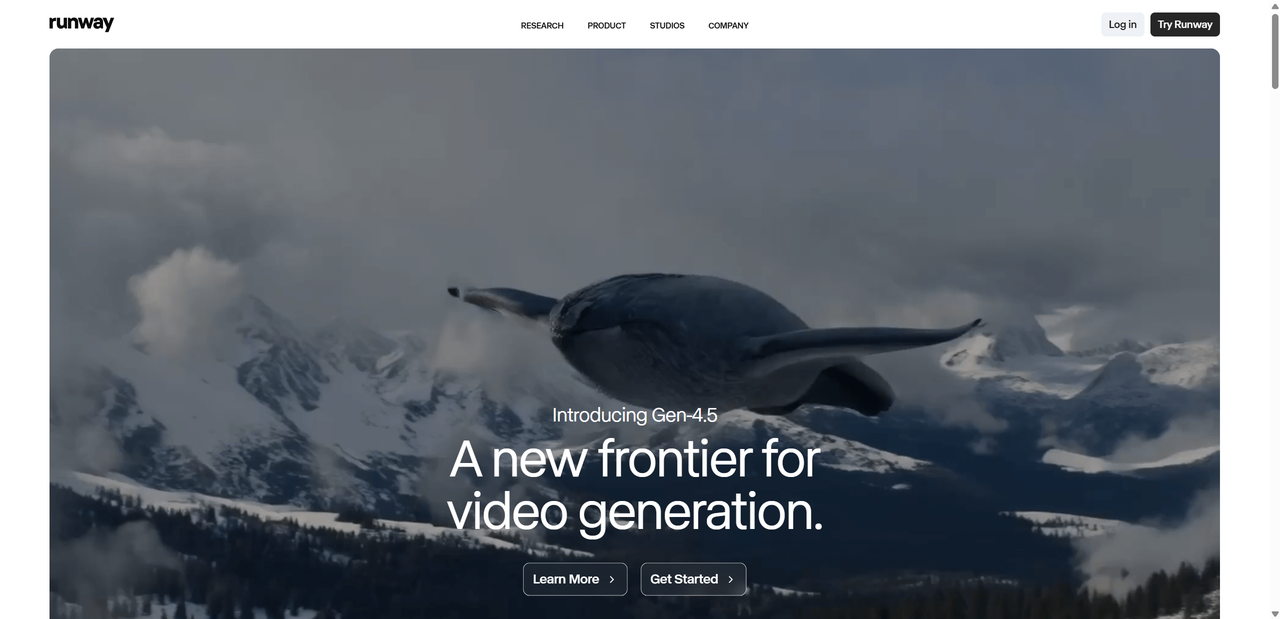
When looking for powerful alternatives to Haiper AI, Runway was one of the first platforms I explored.
Runway excels in both text-to-video and image-to-video generation, especially when it comes to realistic motion and scene transitions. The videos feel cinematic, with good depth and visual consistency. While Haiper AI is great for quick ideas, Runway feels built for creators who want to push quality further.
I also found that Runway offers more than just generation. It includes tools for editing, background removal, and creative experimentation, making it closer to a full creative studio than a single purpose generator.
Ideal Users
- Filmmakers and visual storytellers
- Content creators
- Creative teams working on branded or artistic videos
Pros
- Strong video quality with detailed motion
- Supports both text and image based generation
- Includes advanced creative and editing tools
Cons
- Higher learning curve for beginners
- More expensive than casual creator tools
- May feel overwhelming for simple projects
Pollo AI

Pollo AI stands out as an accessible AI video and image creation platform with a simple interface that lets users start generating content with prompts or images. It integrates multiple AI video models under one subscription, so you can experiment with different styles without buying separate model subscriptions. Pollo AI supports text-to-video, image-to-video, and style-transform features, offering flexibility as you explore content creation. The platform balances ease of use and output quality, which can be great for social media and quick creative projects, though some models produce more consistent results than others. Free usage is limited by credits, and higher quality or longer outputs typically require paid plans. Pros – Easy for beginners to start generating content – Multiple video models accessible with one subscription – Useful creative effects and style options – Flexible generation modes Cons – Output quality and consistency vary by model – Credits or paid plans needed for best results
Pika Labs

When I needed a tool more playful and expressive than Haiper AI, Pika Labs (often called Pika AI) emerged as the clear choice. It is for creating short, stylized video content designed to grab attention—think bold motion, experimental visuals, and dynamic clips perfect for social media feeds.
What impressed me most is how effortlessly Pika Labs brings creative ideas to life. You can transform a text description or a single image into a stylized animated clip with effects that feel vivid and deliberate. It isn't meant to replace a traditional video editor—rather, it acts as a creative sandbox that helps ideas take shape quickly.
I also noticed Pika Labs' focus on outputs that are ready to be shared. The videos feel punchy and visually striking, whether you're creating a meme, a cinematic snippet, or a hook for reels and shorts. While Haiper AI can handle basic video generation, Pika Labs truly leans into distinct character and motion styles that help content stand out.
Pros
- Very creative output with expressive motion
- Great for quick social clips and visual hooks
- Easy to start using without editing experience
- Strong array of style and effect options
Cons
- Outputs can be inconsistent in quality
- Best results often require prompt tweaking
- Short clip focus limits longer projects
Compared to Haiper AI’s general video generation feel, Pika Labs feels more like a creative partner. It’s the tool I reach for when I want a bold, stylized clip that grabs attention rather than something that just illustrates a scene.
Lovart

After exploring tools that focus mainly on short clips or videos, Lovart feels like a step into a more artistic and design-oriented creative space. Rather than positioning itself as a pure video generator, Lovart presents itself as a “design agent” that helps users develop cohesive visual direction through iterative creation. The emphasis is less on instant motion and more on refining style, mood, and overall visual coherence.
Lovart handles video creation primarily through natural language prompts and repeated refinement. Instead of working with traditional sliders or timelines, users guide the process by describing what they want, adjusting prompts, and regenerating results until the visuals align with their creative intent. While it does not manage narrative structure automatically, this workflow can support story oriented projects when guided by a clear vision.
Compared with Haiper AI, which excels at fast idea-to-video output, Lovart feels better suited for projects where artistic direction, emotional tone, and visual consistency matter more than speed.
Best Use Cases
- Artistic brand stories and visual narratives
- Product launch videos that emphasize mood and style
- Social campaigns with a strong visual identity
HeyGen

If your main goal isn’t abstract clips but professional, on-camera style videos — especially for business use — HeyGen quickly became one of my top alternatives to Haiper AI. It’s not just a generic video generator: it focuses on AI avatars and talking head style videos that feel almost like professional presenters. You can turn scripts into videos with lifelike avatars that speak naturally, sync their lips, and display gestures, all without a real filming setup.
HeyGen’s strengths are in multilingual voice and lip sync — it supports well over 170 languages and styles, so you can reach global audiences with consistent delivery. That makes it ideal for marketing, sales, training, and internal communications.
What’s cool is that HeyGen also lets you create avatars from photos, choose from hundreds of stock presenters, or even generate custom AI versions of yourself.
Best Use Cases
- Marketing promos and product explainers
- Sales and outreach videos
- Training, HR, and internal communication
- Localized content for international audiences
- Very realistic AI avatars and lip sync
- Multilingual voice support with natural pacing
- Excellent for marketing and training content
Cons
- Less suited for narrative or cinematic video generation
- Sometimes expensive for high volume
- Creative flexibility limited by preset avatar style
For me, HeyGen became a go-to when I needed talking head videos or business content that look polished without filming — something Haiper AI doesn’t prioritize as strongly.
FlexClip

When I needed something more practical and budget-friendly, FlexClip became an easy choice. Unlike Haiper AI, FlexClip is not a pure generative video tool. Instead, it focuses on template based video creation with AI assisted editing features, which makes more sense for many real-world use cases.
FlexClip combines templates, stock videos, images, music, and basic AI tools—such as script assistance, text-to-speech, and simplified text-to-video workflows—into one clean, easy to use platform. I can start with a script or outline, pick a style or template, and quickly assemble a usable video without dealing with complex prompts or highly unpredictable outputs. While it doesn’t generate cinematic scenes from scratch like Haiper AI, it excels in speed, consistency, and control.
This makes FlexClip especially appealing for marketers, educators, and small teams who need videos that look polished rather than experimental. For explainers, ads, social media posts, and internal content, FlexClip feels more predictable and cost effective than generative only video tools.
Best For
- Marketing and promotional videos
- Small teams and startups
- Social media and ad content
- Projects with fast turnaround times
Pros
- Affordable pricing with a usable free plan
- Large library of templates and stock assets
- Simple, guided text-to-video and editing workflow
- Very easy to use, even for beginners
Cons
- Limited creative generation compared to fully generative AI tools
- Not ideal for highly artistic or cinematic concepts
- Advanced customization is more basic than professional video editors
For me, FlexClip is the tool I turn to when efficiency and reliability matter more than experimentation. It may not replace Haiper AI from a creative generation standpoint, but it performs better for everyday business and marketing video needs.
Final Verdict – Which Haiper AI Alternative Should You Choose?
After testing all these tools, I’ve realized there’s no single “best” replacement for Haiper AI — it really depends on what you want to create.
- Runway is my top choice for creative and film style visuals
- Pollo AI works best if you’re new and want fast, flexible results
- Pika Labs is perfect for stylized, short clips
- Lovart shines when storytelling and artistic direction matter
- HeyGen dominates avatar based and business communication videos
- FlexClip is ideal for budget conscious teams that need speed and structure
If you're looking for the best balance of cost, ease of use, and quality, Lovart is an excellent choice—though specialized commercial tools may offer more advanced features for niche workflows.

AI video generation is evolving fast, and 2026 is an amazing time to experiment. Whether you stick with Haiper AI or switch to one of these alternatives, the best tool is always the one that fits your workflow — and helps you actually finish projects.

Поделиться статьей