Vidu AI Review — An In-Depth Look at One of the Most Promising AI Video Generators


Vidu AI Review — An In-Depth Look at One of the Most Promising AI Video Generators
If you have been keeping an eye on the fast moving world of AI video creation, chances are you have already heard whispers about Vidu AI. Over the past year, it has quietly built a reputation as a powerful, cinematic focused video generator that actually delivers usable results instead of flashy demos. This Vidu AI review is based on hands on testing, feature breakdowns, pricing observations, and comparisons with other popular tools. The goal is simple: help you understand what Vidu AI really does, who it is for, and whether it deserves a spot in your creative workflow. No hype, no buzzword overload, just a clear look at the platform.
What Is Vidu AI and How Does It Work?
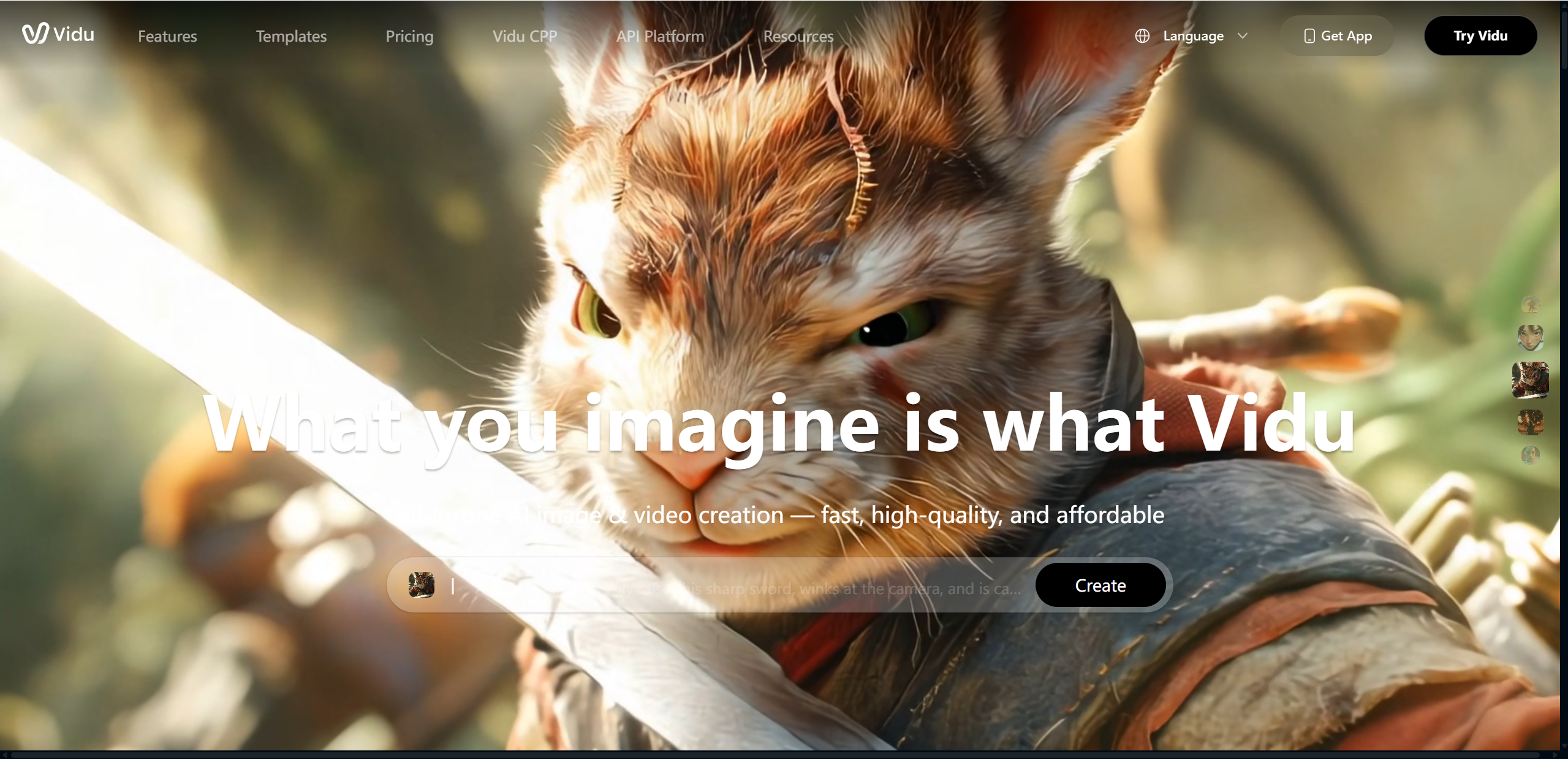
Vidu AI is an advanced AI powered video generator designed to create short cinematic videos from text prompts, images, and reference materials. Instead of editing timelines, keyframes, or layers, users describe what they want to see, and the system handles the heavy lifting. At its core, Vidu AI uses generative AI models trained to understand motion, composition, lighting, and visual storytelling.
Unlike traditional video editors that require manual control over every element, Vidu AI focuses on intent. You provide a scene description, visual references, or style cues, and the platform generates a video that matches the idea. This makes it especially appealing for creators who want fast concept visuals, short narrative clips, or stylized scenes without a full production setup.
From a market perspective, Vidu AI positions itself closer to cinematic generation than casual social media clips. Compared to other AI video tools, it emphasizes visual coherence, camera movement, and mood rather than quick templated outputs. Throughout this Vidu AI review, you will see why many users consider the Vidu video generator a serious step forward for AI driven visual creation.
Key Features of Vidu AI
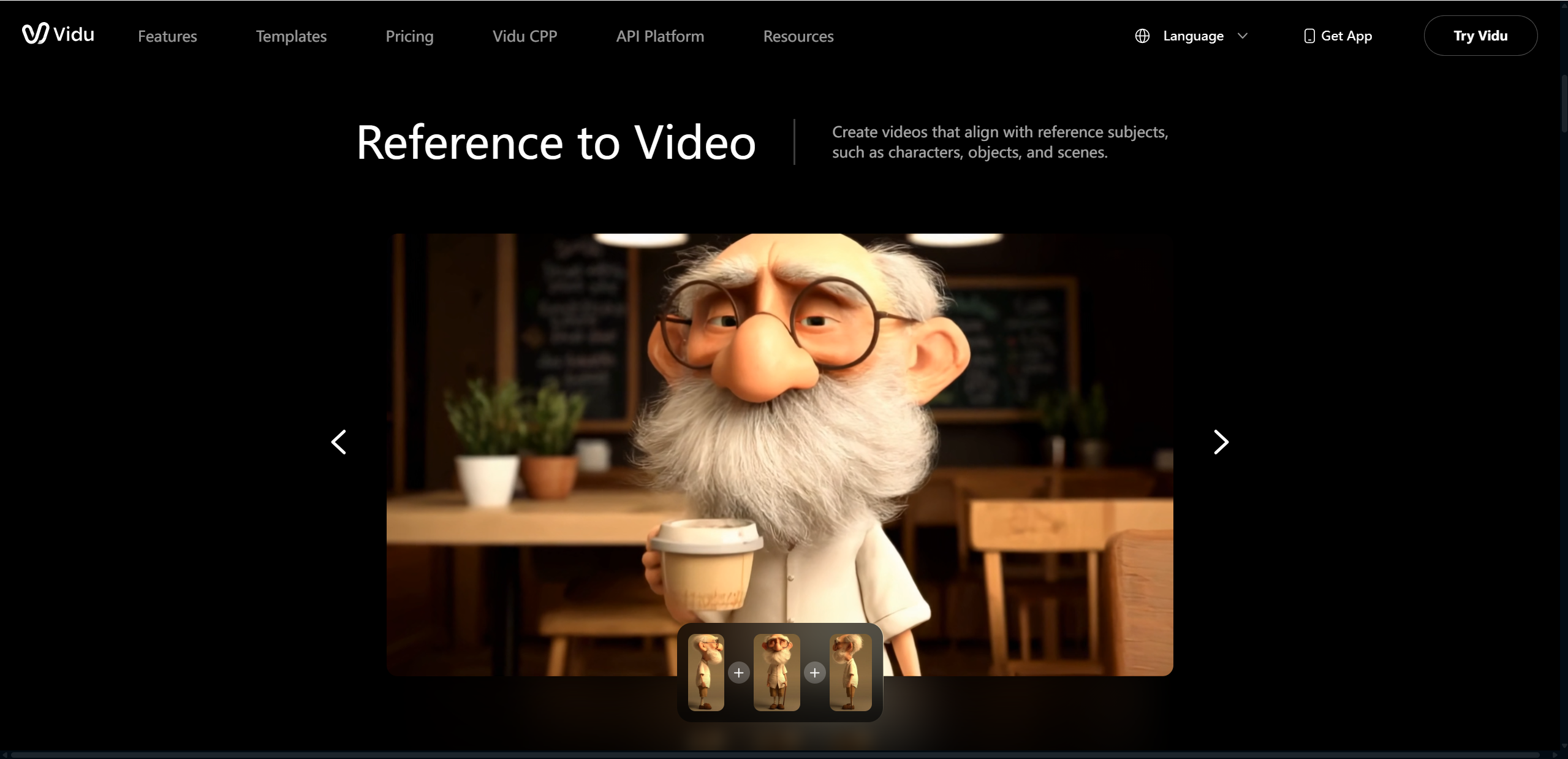
Before diving into performance and results, it helps to understand what Vidu AI actually brings to the table. The platform is not overloaded with gimmicks. Instead, it focuses on a tight set of features that directly impact video quality, creative control, and ease of use. Below is a clear overview of the core capabilities you get with the Vidu video generator.
| Feature | Description | Practical Benefit |
|---|---|---|
| Reference to Video | Uses reference images or clips for consistency | Better character and object continuity |
| Text to Video | Converts prompts into short videos | Fast content creation |
| Image to Video | Animates still images | Adds motion to static visuals |
| Video Templates | Prebuilt creative formats | Saves time for beginners |
| Multiple Styles | Supports cinematic, anime, and social formats | Flexible creative output |
Why these features matter in practice:
For creators: Reference based generation makes it easier to maintain visual identity across multiple clips, which is often a weak spot in AI video tools.
For marketers: Text to video and templates dramatically shorten production time for ads, promos, and concept visuals.
For beginners: A clean feature set lowers the learning curve while still producing impressive results.
For teams: Multiple styles allow quick experimentation without switching platforms or workflows.
Taken together, these features explain why Vidu AI feels purpose built rather than experimental.
Vidu AI Test — Hands-On Experience and Performance
To make this Vidu AI test more concrete, several different scenarios were generated to see how the platform handled variety and complexity. The first test used a cinematic prompt: “A lone traveler walking through a foggy cyberpunk street at night, neon lights reflecting on wet pavement.” A single reference image was added to guide character appearance. The result closely matched the description, with smooth forward camera motion and consistent lighting throughout the clip.
A second test focused on image to video. A static illustration of a fantasy castle was uploaded and animated with a light motion setting. Vidu AI introduced subtle camera pans and atmospheric movement, such as drifting clouds and flickering light, without distorting the original image. This made the scene feel alive rather than artificially animated.
For a more practical use case, a short promotional style prompt was tested using one of the video templates. The system produced a clean, social ready clip that required only minor text adjustments. In all cases, generation times stayed between one and two minutes.
Across these tests, prompt accuracy was high, scene coherence remained stable, and visual quality exceeded expectations. These hands on results helped confirm that Vidu AI performs reliably across creative, artistic, and marketing focused scenarios.
Vidu AI Examples — What Can You Create?

One of the easiest ways to understand the power of the Vidu video generator is to look at what it can realistically produce in everyday scenarios. Instead of abstract demos, these examples reflect how creators and businesses are already using Vidu AI.
Short social media videos: Creators can generate eye catching clips for platforms like TikTok, Instagram, or YouTube Shorts. These are ideal for influencers, solo creators, and small brands that need frequent content without long editing sessions.
Product promotion clips: Vidu AI works well for showcasing products in stylized environments, making it useful for ecommerce brands, startups, and marketing teams testing ad concepts.
Animated characters or scenes: Artists and storytellers can bring illustrated characters or static designs to life, adding motion and atmosphere without full animation pipelines.
Story driven visual content: Writers, filmmakers, and game designers can quickly visualize scenes, moods, or story beats as short cinematic clips.
These examples highlight how flexible Vidu AI is, serving everyone from individual creators to growing businesses.
Vidu AI Pricing and Plans
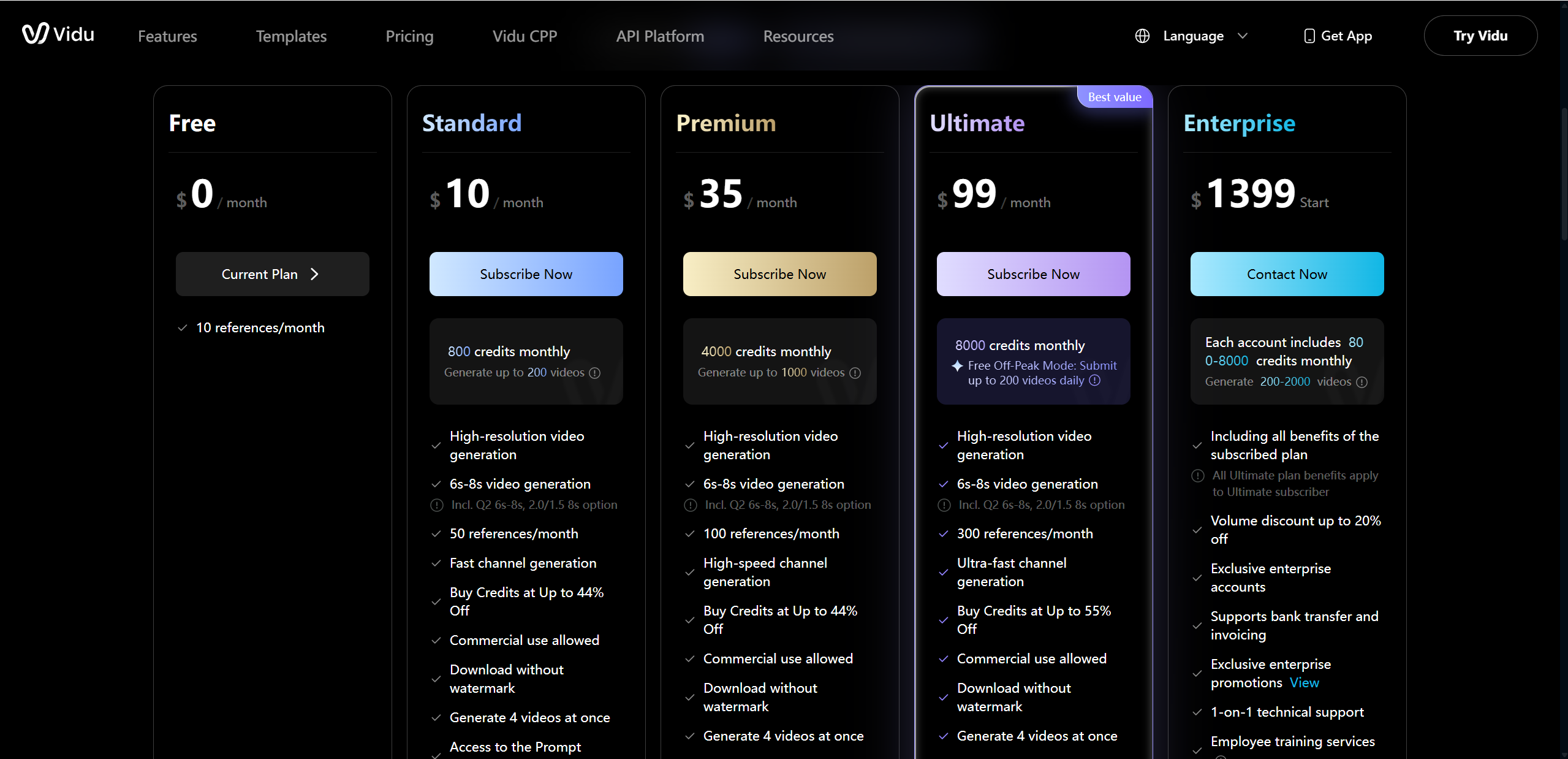
Vidu AI follows a tiered pricing model designed to scale with different usage levels. While exact prices may vary slightly over time, the structure is straightforward and easy to understand.
| Plan | Estimated Price | Key Features |
|---|---|---|
| Free | $0 | Limited credits, basic features |
| Standard | $7–15/month | More credits, watermark removal |
| Premium | $23–49/month | Faster generation, higher limits |
| Ultimate | $79–99+/month | Priority access, multi-tasking |
| Enterprise | Custom | Dedicated support and scalability |
In practical terms, the free plan is best for testing and casual experimentation. Standard and Premium plans suit creators, freelancers, and marketers who need regular output. Ultimate and Enterprise tiers are clearly aimed at teams or businesses that rely on consistent, high volume video generation. Based on real usage, the value scales well with output needs, especially for professionals replacing traditional production workflows.
Pros and Cons of Vidu AI
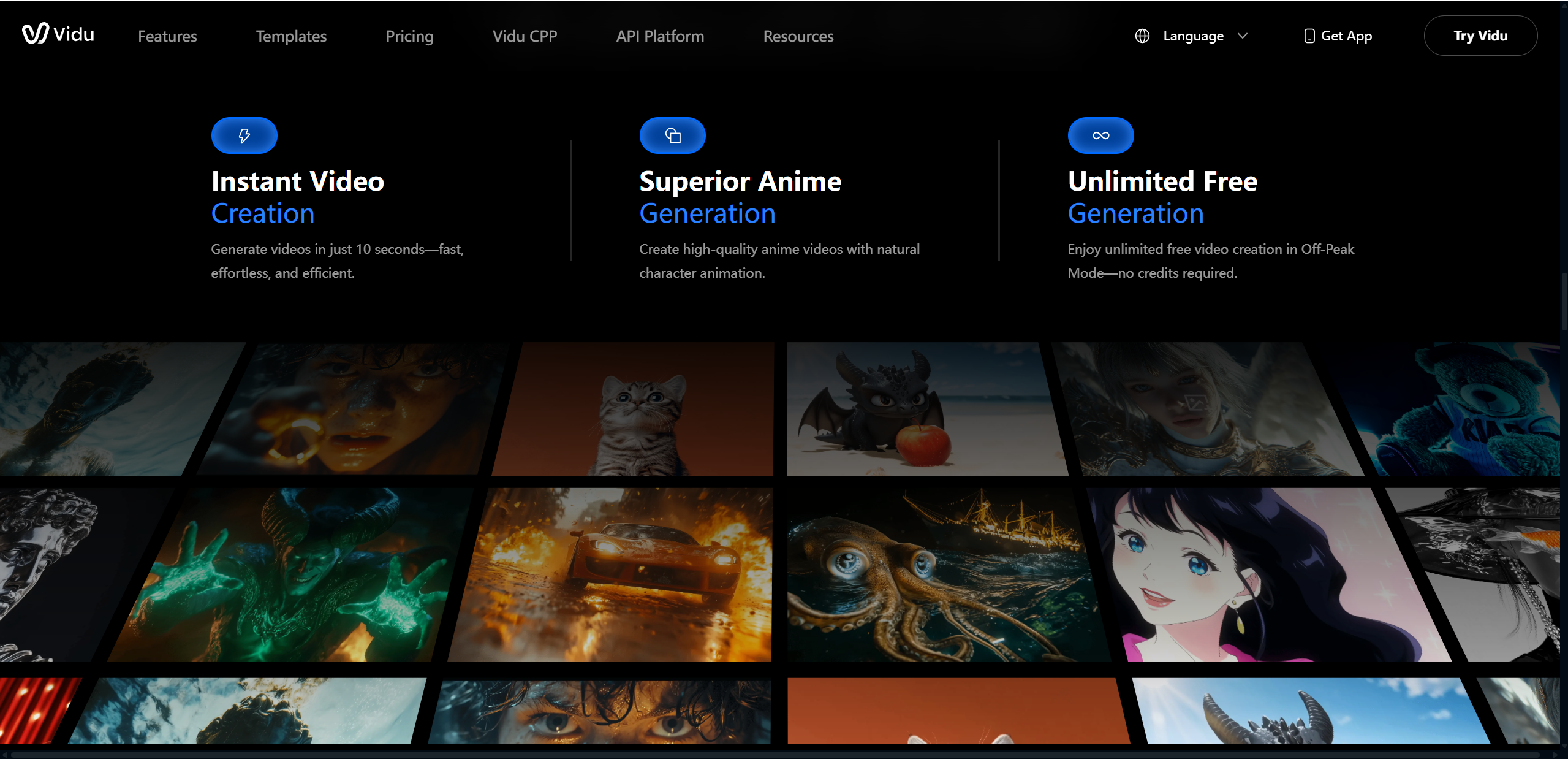
No tool is perfect, and a fair Vidu AI review should highlight both strengths and limitations. Based on the hands on Vidu AI test experience, here is a balanced breakdown of what works well and where there is room to grow.
Pros
Fast video generation: Most clips were generated within one to two minutes, making it practical for rapid ideation and tight deadlines.
Beginner friendly interface: The layout is clean and intuitive, even for users with no prior video editing experience.
Strong reference consistency: Using reference images noticeably improved character and object continuity across scenes.
Flexible creative styles: Cinematic, anime, and social focused styles performed consistently well during testing.
Cons
Limited long form video support: Vidu AI currently focuses on short clips, which may not suit full length storytelling needs.
Occasional AI artifacts: While rare, minor visual glitches appeared in complex scenes.
Credit usage can add up: Heavy users may consume credits quickly when testing multiple variations.
Overall, these pros and cons align closely with real world usage, reinforcing that Vidu AI is powerful but best used with clear expectations.
Vidu AI vs Other AI Video Generators
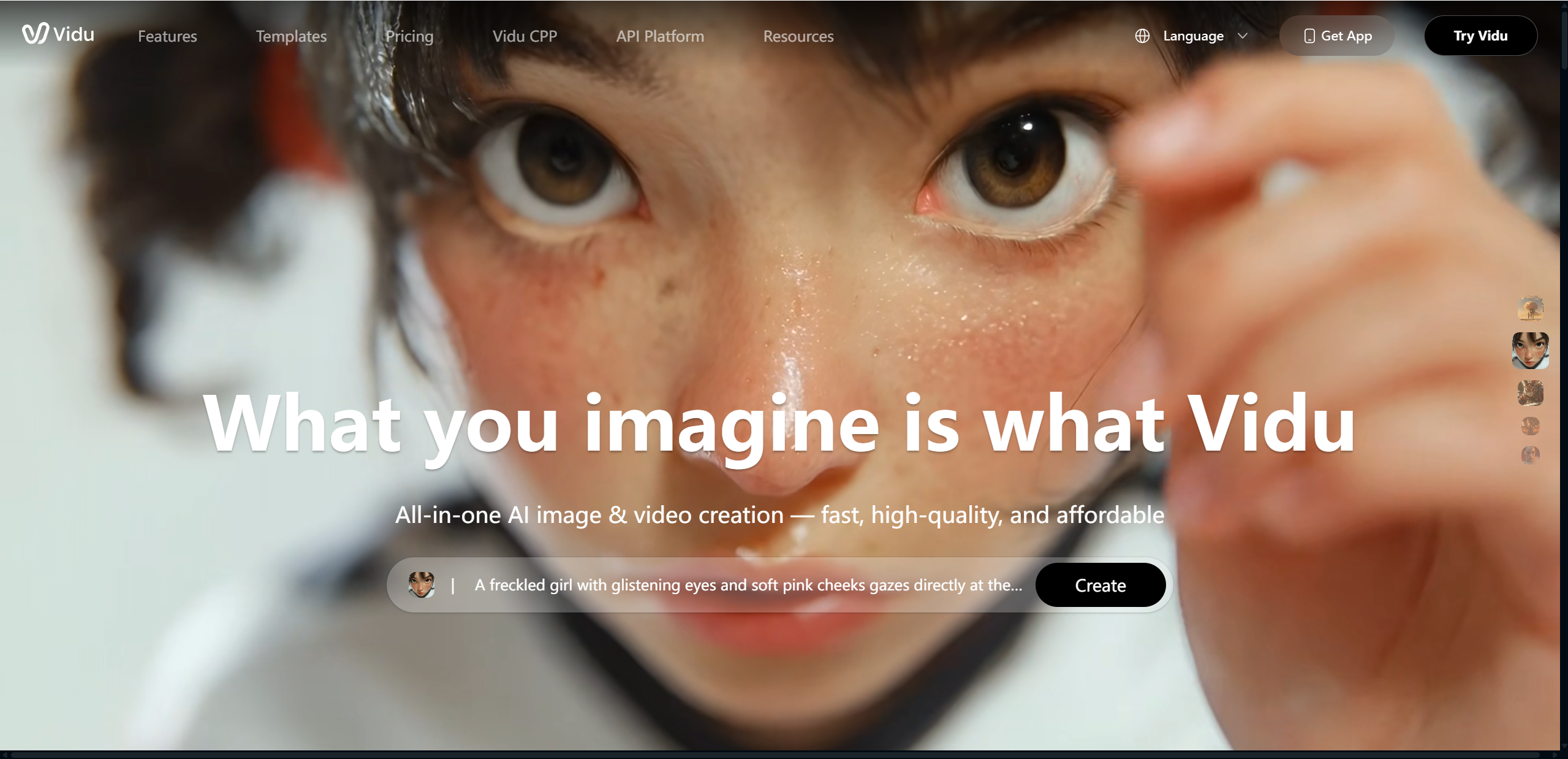
Vidu AI sits in a competitive space alongside several well known AI video tools, each with its own strengths. Rather than trying to do everything, Vidu AI focuses on speed, visual consistency, and ease of use.
| Tool | Strength | Best Use Case |
|---|---|---|
| Vidu AI | Speed and reference consistency | Short creative videos |
| Runway | Advanced editing tools | Professional creators |
| Pika | Visual effects | Experimental visuals |
Compared to Runway, Vidu AI feels lighter and more accessible. Runway offers deeper editing control and compositing options, but that power comes with a steeper learning curve. Pika leans heavily into stylized effects and playful visuals, which can be exciting but less predictable for practical projects.
Where Vidu AI stands out is its ability to quickly turn ideas into polished clips while maintaining character and scene consistency. Where it falls short is in long form storytelling and advanced post production control. For users who value speed and clarity over deep editing, Vidu AI often feels like the more efficient choice.
Who Should Use Vidu AI?

Vidu AI is best suited for users who want high quality short videos without complex workflows. It works particularly well for:
Content creators and influencers who need frequent, visually engaging clips
Small businesses and marketers creating ads, promos, or product visuals
Educators and storytellers looking to visualize concepts or scenes
Beginners exploring AI video generation for the first time
That said, users who require long cinematic productions, frame by frame control, or heavy post editing may find Vidu AI limiting. In those cases, more traditional or advanced tools may be a better fit.
Final Verdict — Is Vidu AI Worth Trying?
After hands on testing and careful feature analysis, this Vidu AI review shows a tool that delivers on its core promise. Vidu AI excels at generating short, visually coherent videos quickly, without demanding technical expertise from the user. Its strengths lie in speed, reference consistency, and cinematic quality, making it especially useful for creators, marketers, and beginners who want results without friction.
At the same time, it is not designed for long form productions or heavy post editing. Occasional AI artifacts and credit limits are worth keeping in mind, particularly for high volume users. Still, for its intended use cases, the value is clear.
For newcomers, starting with the free plan is an easy recommendation. If the workflow fits your needs, upgrading to a Standard or Pro tier makes sense. Overall, Vidu AI is absolutely worth trying if short form, creative video generation is your goal. Meanwhile, for projects centered on animation and narrative, Lovart AI is another tool that merits attention.

Compartilhar Artigo