Luma Dream Machine Review: Turning Text Into Cinematic AI Video


Luma Dream Machine Review: Turning Text Into Cinematic AI Video
AI video generation has officially entered its glow up era, and Luma Dream Machine is one of the main reasons why. Built by Luma Labs, this tool has gone from quiet launch to constant mention across creator circles in what feels like no time at all. In a world where video dominates marketing, social media, and storytelling, the promise of turning plain text into cinematic motion feels almost magical.
This Luma Dream Machine review takes a close look at what all the buzz is about. We will explore what the tool does, how it performs in real world tests, where it shines, and where it still has room to grow. From features and output quality to pricing and practical use cases, this article aims to give you a clear, honest picture of whether Luma Dream Machine deserves a spot in your creative toolkit in 2025.
What Is Luma Dream Machine?
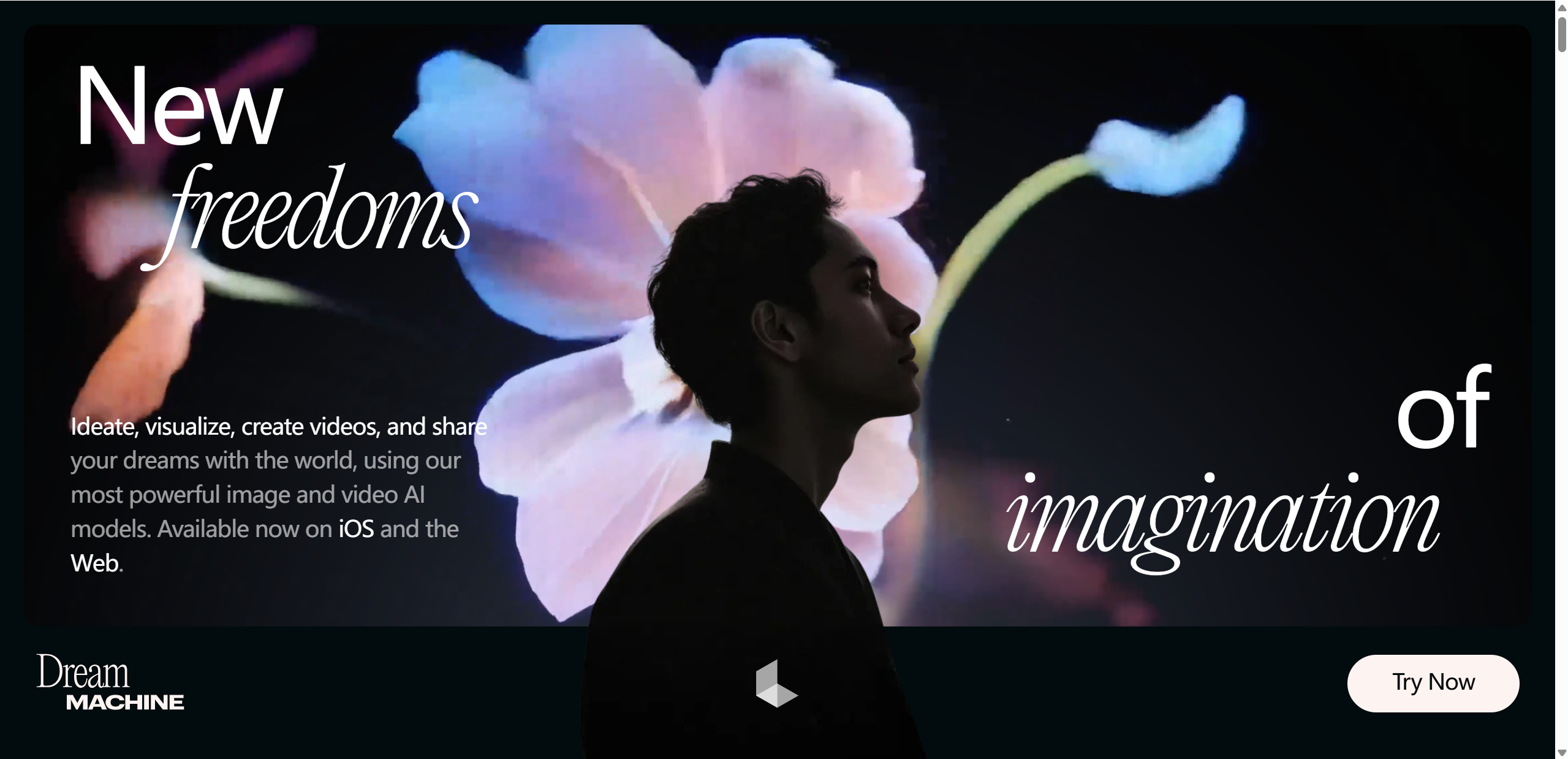
Luma Dream Machine is an AI powered video generation platform created by Luma Labs, a company known for pushing the boundaries of visual AI. Luma Labs first gained attention for its work in 3D capture and neural rendering, and Dream Machine is a natural evolution of that expertise into motion and storytelling.
At its core, the Dream Machine allows users to generate short videos from text prompts or still images. Instead of manually editing timelines, keyframes, and transitions, you simply describe what you want to see, and the system brings it to life. This makes it very different from traditional video editing tools, which still rely heavily on hands on technical skills.
What sets the Luma AI video generator apart is its strong focus on realism, smooth motion, and consistent scenes. Powered by a proprietary generative model, Dream Machine aims to produce videos that feel coherent from frame to frame, rather than glitchy or jumpy. The result is a tool that feels less like an experiment and more like an early glimpse into the future of video creation.
Key Features of Luma Dream Machine
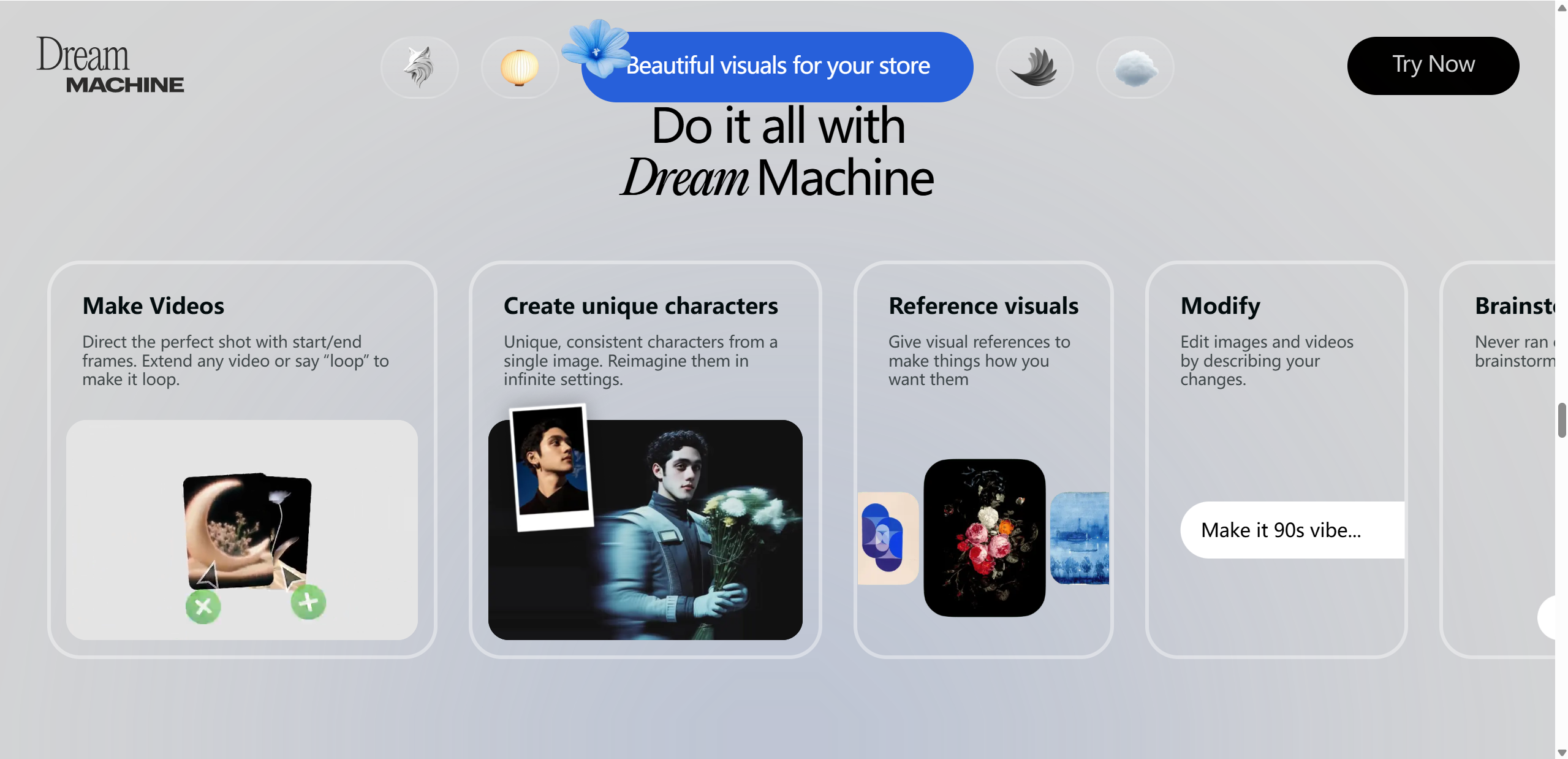
One of the reasons Luma Dream Machine stands out is how much it packs into a surprisingly simple interface. It is designed to feel approachable for beginners, while still delivering results that experienced creators can appreciate. Here are the core features that define the platform:
Text to video generation Type a short description and watch it turn into a moving scene with lighting, depth, and atmosphere.
Image to video animation Upload a still image and animate it into a dynamic clip, adding motion where none existed before.
Realistic motion and physics Movements feel natural, with objects and characters behaving in believable ways rather than stiff transitions.
Cinematic camera movement The system often adds subtle camera pans, zooms, and perspective shifts that make clips feel film like.
Fast generation speed Videos are produced quickly, making experimentation easy and encouraging creative play.
To make things clearer, here is a quick feature overview:
| Feature name | What it does | Why it matters for creators |
|---|---|---|
| Text to video | Turns prompts into short videos | Saves time and lowers skill barriers |
| Image to video | Animates static visuals | Adds life to existing assets |
| Motion realism | Maintains smooth, logical movement | Improves immersion and quality |
| Camera control | Applies cinematic framing | Makes videos feel more professional |
| Fast rendering | Generates clips in minutes | Enables rapid iteration and testing |
Together, these features position Luma Dream Machine as more than a novelty. It feels like a practical creative engine built for modern content workflows.
Dream Machine Test: Hands On Experience
To see how well the tool holds up beyond demos, we ran a practical Dream Machine test across several everyday creative scenarios. The goal was not to chase perfect cinematic shots, but to see how the system behaves when used the way real creators actually work.
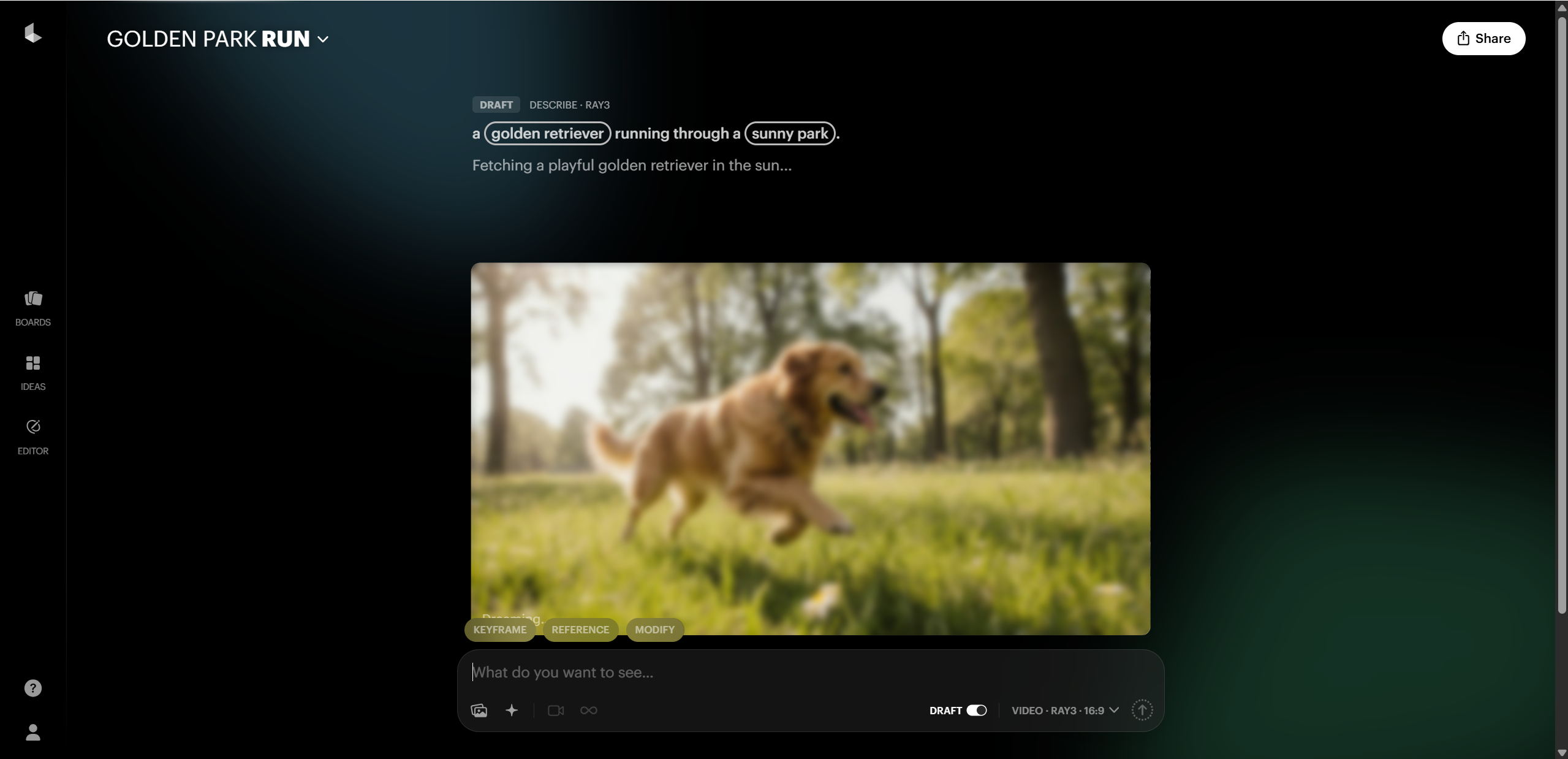
We started with simple text prompts like “a golden retriever running through a sunny park.” These generated clean, pleasant clips with natural movement and believable lighting. When we moved on to more detailed prompts that described mood, camera angle, and environment, the results became noticeably richer. The system clearly rewards specificity, adding depth, smoother motion, and more intentional framing when given clear direction.
Next came image animation tests. Uploading a static landscape photo and asking for gentle camera movement produced surprisingly lifelike results. Subtle motion in clouds, water, and foliage made the scene feel alive rather than artificially animated. Portrait style images also worked well, although complex facial motion occasionally felt slightly off in longer clips.
Character consistency was one of the more impressive aspects. Across multiple generations using similar prompts, subjects generally retained their appearance and proportions. Motion stayed fluid, with fewer sudden jumps than many competing tools. That said, very fast action scenes or crowded environments sometimes pushed the system to its limits, leading to minor visual artifacts.
Overall, what impressed us most was how usable the output felt straight away. The main limitation is length and control, as clips are still short and fine tuning specific elements can be tricky. Still, for rapid ideation and visual storytelling, the experience feels refreshingly solid.
Luma AI Performance: Speed, Quality, and Limitations
When evaluating Luma AI performance, the most noticeable factor is speed. In most tests, short clips were generated within a few minutes, even during busier periods. Queue times can increase slightly at peak hours, but compared to many AI video tools, the waiting experience feels reasonable and predictable. This makes it practical for experimentation rather than a one shot process.
In terms of visual quality, Dream Machine delivers strong results. Scenes often feature realistic lighting, believable depth, and smooth transitions between frames. Motion tends to feel continuous rather than jittery, which is where many AI video generators still struggle. Camera movement is another highlight, with gentle pans and zooms that add a cinematic touch without overwhelming the scene.
That said, limitations are still present. Clip length remains short, which can be frustrating for narrative projects. Prompt sensitivity is another factor, as vague descriptions may lead to generic results. Occasionally, minor artifacts appear in complex scenes, especially those involving fast movement or multiple subjects.
To improve output quality, creators should:
Use clear and descriptive prompts
Specify camera perspective and mood
Avoid overcrowded scenes
Generate multiple versions and select the best result
With thoughtful input, Luma AI performance feels both reliable and creatively rewarding.
Pros and Cons of Luma Dream Machine
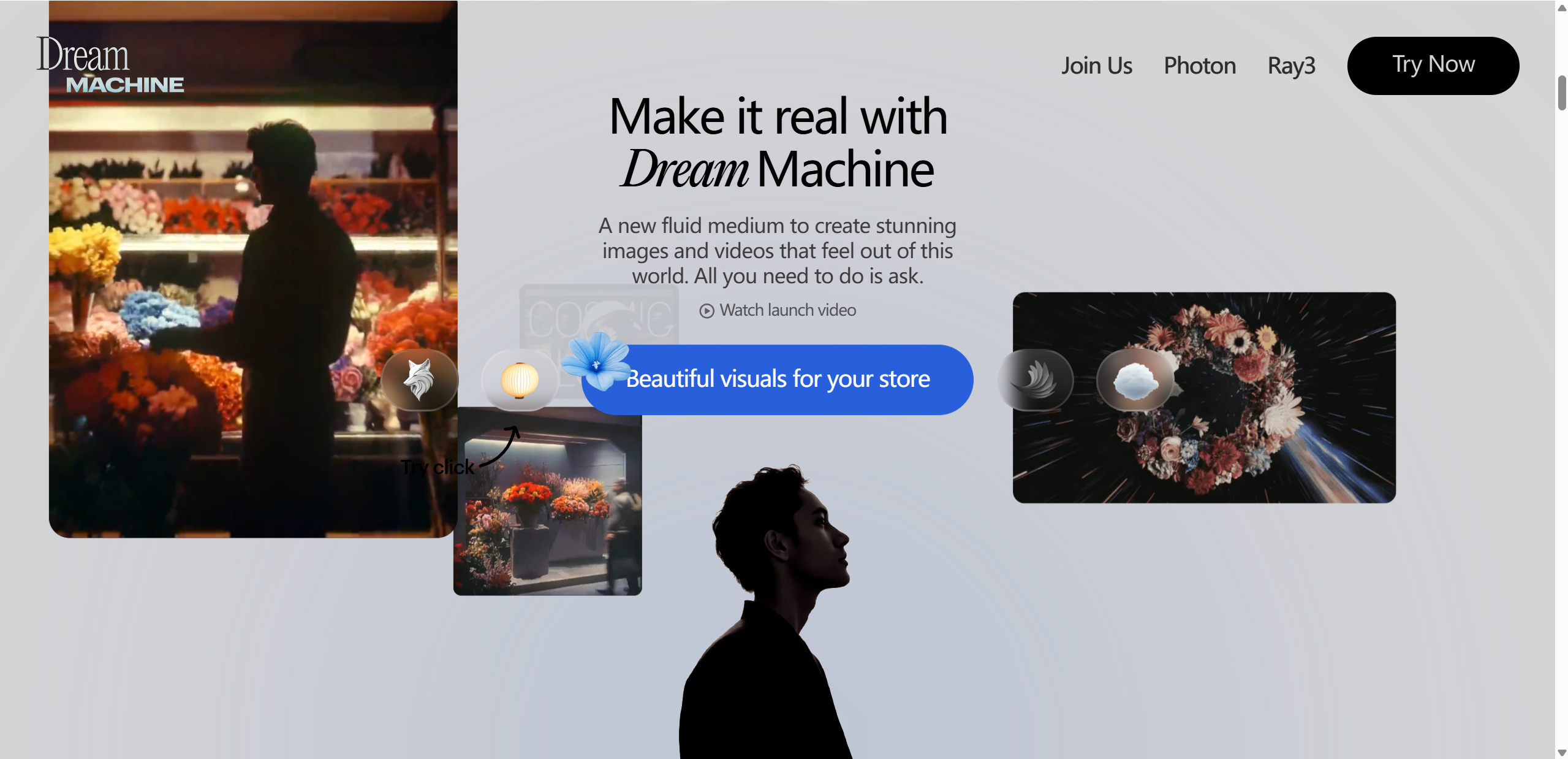
No tool is perfect, and Luma Dream Machine is no exception. Looking at both strengths and weaknesses helps paint a realistic picture of what users can expect.
Pros
Very easy to use, even for first time creators
Produces high quality, cinematic looking videos
Motion feels natural and consistent compared to many alternatives
No traditional video editing skills required
Cons
Video length is still quite limited
Results depend heavily on prompt clarity and detail
Some advanced features are locked behind paid plans
Overall, the advantages clearly outweigh the drawbacks for most users. Luma Dream Machine excels at rapid visual creation and idea exploration, while its limitations mainly affect longer or more complex projects. This balance makes it a strong choice for creators who value speed, simplicity, and visual impact over fine grained control.
Pricing and Value for Money
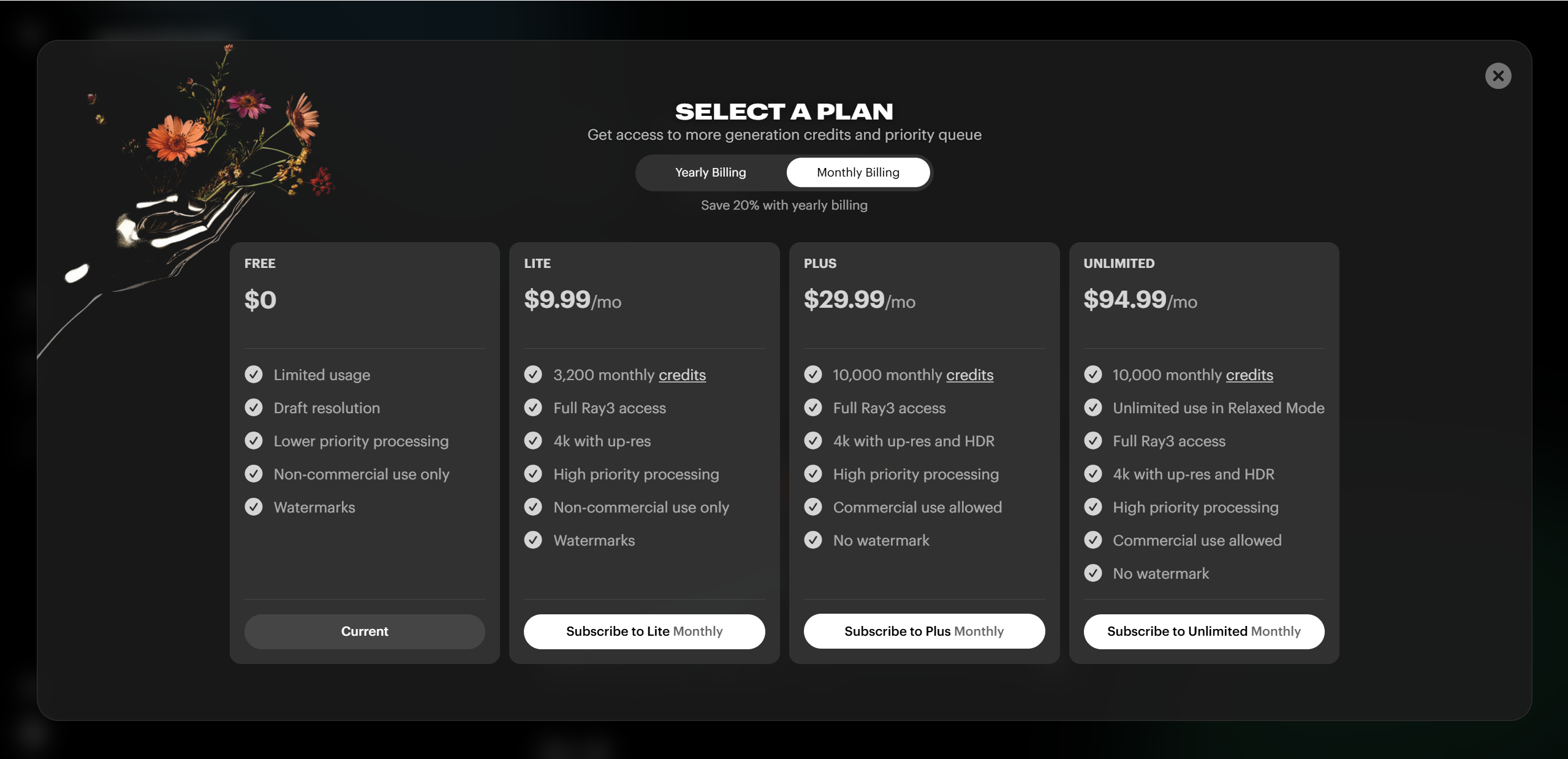
When it comes to Luma Dream Machine pricing, there’s a range of options that aims to fit everyone from curious hobbyists to serious creators and teams. At the very base, a free plan lets you try out the tool with limited generations and lower priority processing — great if you just want to play around with ideas before committing.
Stepping up to paid tiers unlocks meaningful improvements. For example, the Lite plan (around ~$7.99/month) gives you a solid number of credits and faster generation speeds, though still with some limitations. Mid-tier plans like Plus (~$23.99/month) expand credit limits, remove watermarks, and allow commercial use — making them a sweet spot for many creators. At the top, Unlimited and Enterprise plans deliver priority queueing, higher resolution options, and relaxed-mode usage without hard limits on generation.
Is it good value? For anyone serious about short-form cinematic AI video, the ability to generate higher quality outputs, get commercial rights, and avoid watermarks usually makes the upgrade worthwhile. For casual users, the free or Lite levels let you experiment with creativity without breaking the bank.
Luma Dream Machine vs Other AI Video Generators
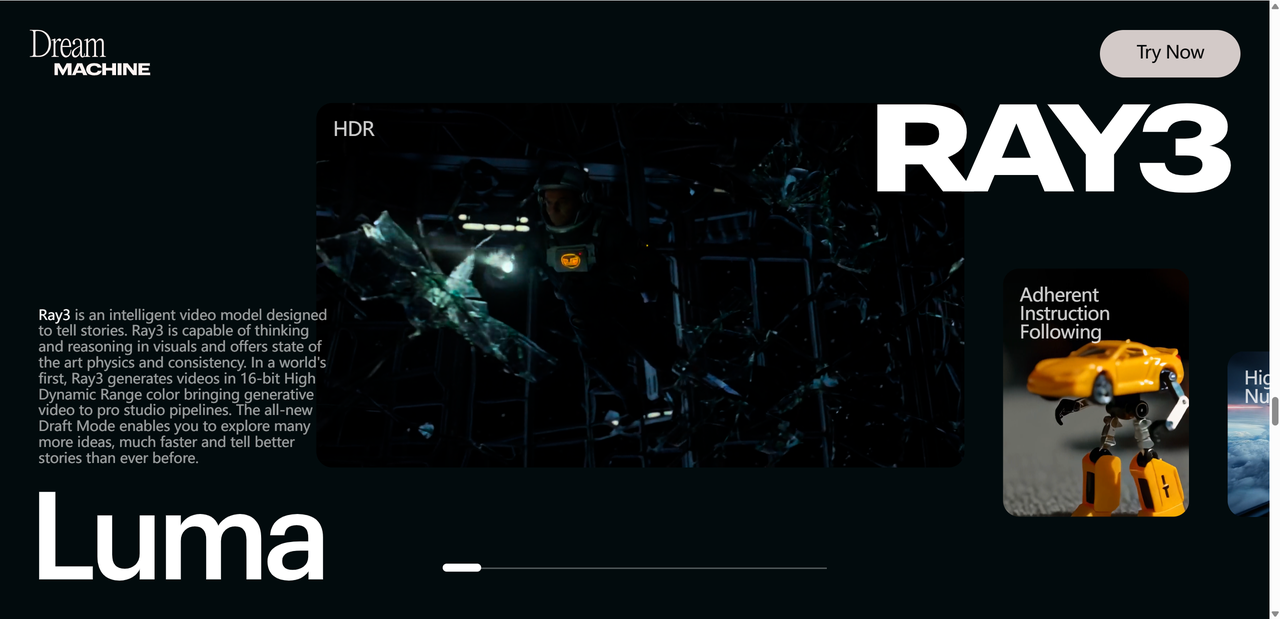
If you’ve dipped your toes into the sea of AI video tools lately, you’ve probably heard names like Runway, Pika Labs, and others competing for creators’ attention. In a Luma Dream Machine review context, it’s useful to see how it stacks up against its peers — especially if you’re deciding where to spend your time and budget.
How Luma Compares to the Competition
Luma Dream Machine shines when it comes to realistic motion and cinematic feel, making it a strong contender for short, high-impact clips.
Runway tends to offer more advanced editing controls, longer clip options, and tools like in-scene editing and style transfer. It’s often a go-to for creators who want fine-tuned control and versatile post-production features.
Pika Labs excels at fast turnaround and social-ready clips with fun stylized animations and templates, often offering more credits for the price.
Here’s a quick glance at how they line up:
| Tool | Strength | Weakness |
|---|---|---|
| Luma Dream Machine | Cinematic motion, natural physics | Short clip length limits storytelling |
| Runway | Feature-rich editing & control | Can be pricier and steeper to learn |
| Pika Labs | Fast, fun, and affordable | Less realism and depth in motion |
In terms of cost efficiency, Luma can offer more renders per dollar at certain tiers, sitting comfortably between the budget-friendly options like Pika and the professional-leaning Runway plans.
When Luma Is the Better Choice
Choose Luma Dream Machine if your priority is immersive motion realism and cinematic clips with minimal editing fuss. It’s especially compelling for marketing visuals, creative explorations, and short promotional content — where the feel and flow of movement matter most.
That said, if you need long form narratives, deep editing control, or intricate scene manipulation, neighboring platforms might edge ahead depending on your workflow.

Final Verdict: Is Luma Dream Machine Worth It?
At the end of the day, this Luma Dream Machine review shows a tool that’s bold, imaginative, and at the forefront of AI video generation in 2025. Its greatest strengths are its intuitive interface, cinematic motion realism, and the ability to turn text and images into visually compelling short clips with surprisingly natural physics and camera movement. Many creators will find it fun and rewarding for social media content, product clips, or experimental visuals.
That said, the tool isn’t without its weaknesses. Clip lengths are currently short, outputs can be inconsistent depending on prompts, and server load or quality glitches sometimes disrupt workflow. For creators specifically looking to craft cohesive animated narratives or distinct visual styles, Lovart AI is another noteworthy option worth considering.

Compartilhar Artigo