Fotor AI Image Generator — Honest Review & My Hands‑on Experience

In a world where visuals reign supreme, having the ability to create eye-catching images on demand can be a game-changer. Enter Fotor AI, an all-in-one online photo editor and AI image generator that promises to take your creative workflow to the next level. As someone who is always on the lookout for quick ways to generate visuals for my blog, marketing campaigns, and social media, I couldn’t resist giving this tool a try.
In this review, I’ll dive into Fotor AI’s image-generation capabilities (this isn’t just your average photo editing tool). I’ll share my hands-on experience with real-world prompts, the results I got, the pros and cons, and whether I think it’s worth using.
What is Fotor AI
Fotor AI is an online platform that combines traditional photo editing tools with AI-powered image generation features. While it’s known for its standard photo editing capabilities (enhance, background removal, filters, retouching), it’s the AI image generation that makes it stand out.
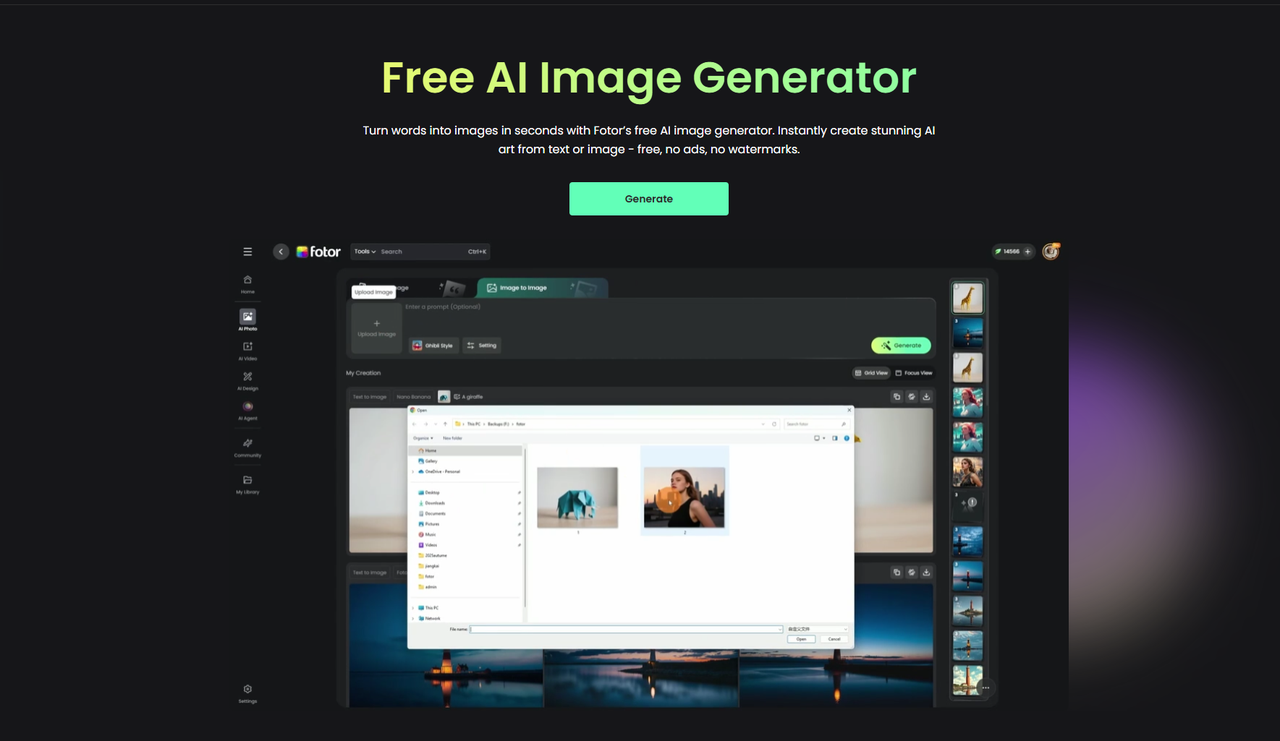
Here’s a quick look at some of the key features:
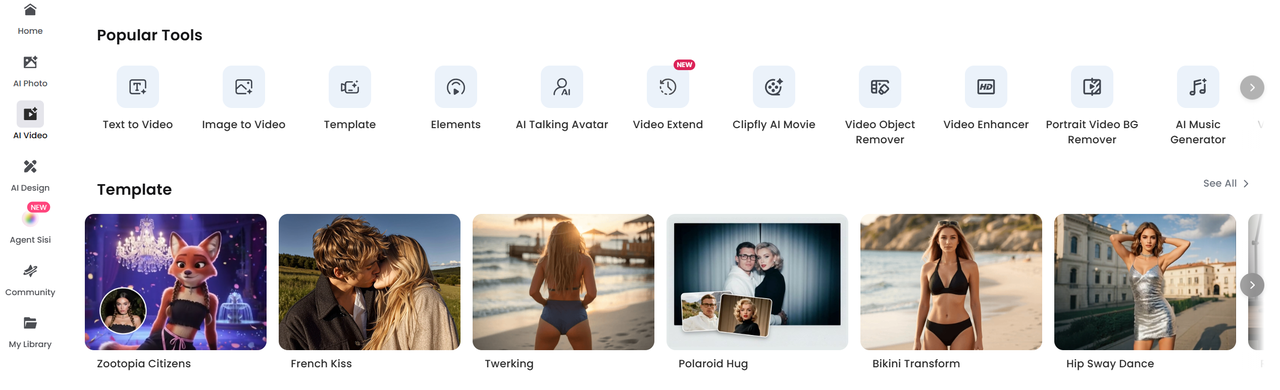
- AI Image Generator: You can create new images by providing a text prompt or by uploading an image to generate variations.
- AI Portrait Generator: Create lifelike or artistic portraits based on text descriptions.
- Image Upscaler: Increase the resolution of your images without losing quality.
- AI-based Background Remover: Remove or replace backgrounds in your photos automatically.
- Object Remover: Get rid of unwanted objects or people in your images with a single click.
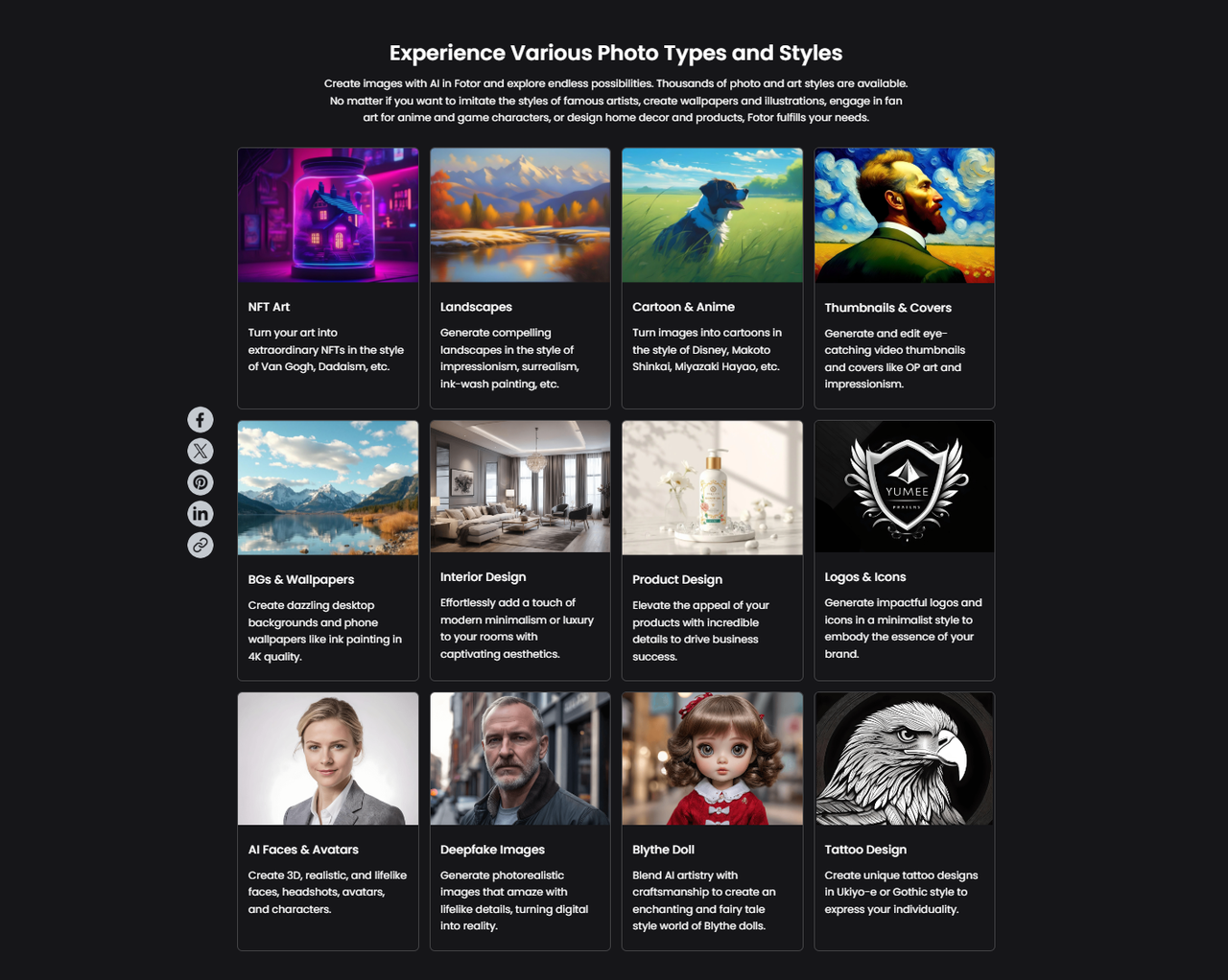
The platform supports various art styles, including concept art, illustrations, cartoons, realistic imagery, 3D renders, and oil paintings. You can also fine-tune the generated images with Fotor’s suite of editing tools, making it an all-in-one creative platform.
My Hands-On Experience
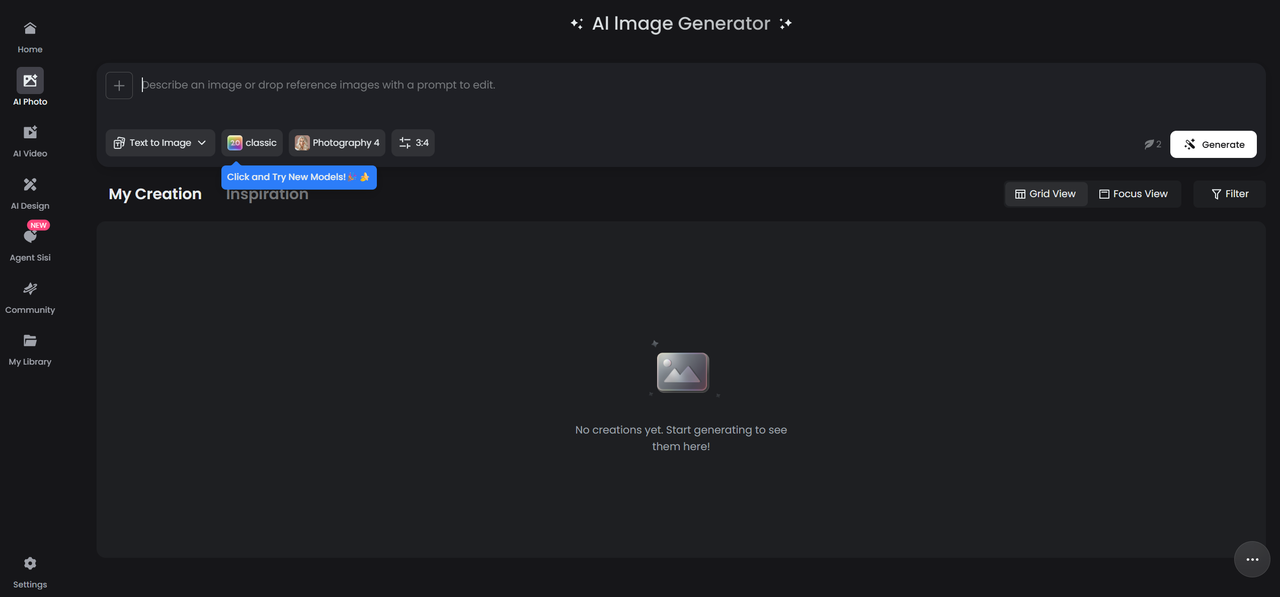
First Try — A Simple Prompt
I started with something straightforward to get a feel for the tool. I typed in: “sunset beach”.
Fotor AI quickly generated an image featuring a warm golden-orange sky, soft reflections on the water, and silhouettes of palm trees. The result was not only usable but also perfect as a background for a blog header.

Reflection: This was a solid result for something simple. The quick turnaround time was impressive, and the images were good enough to use without needing additional design skills.
Second Try — A Creative Prompt
Next, I decided to test Fotor’s ability to handle something more complex and imaginative. I typed in: “a surreal landscape with floating islands, inverted mountains, strange alien plants; dreamlike, high-detail, cinematic lighting, ultra-realistic”.
To my surprise, the result was captivating! The images had floating landmasses, unusual color palettes, and dramatic lighting.
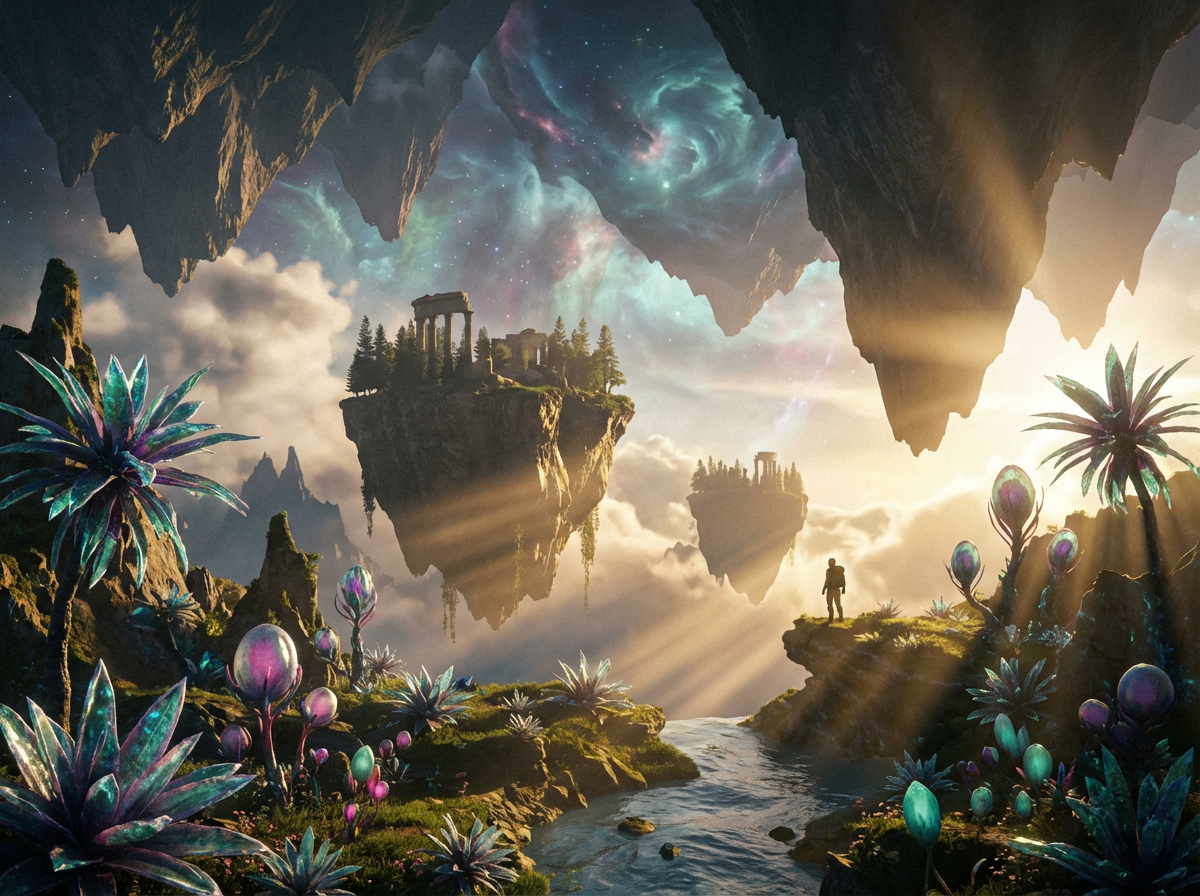
Reflection: This is where Fotor AI really shines for creative and fantasy-based work. The concept art and sci-fi illustrations were stunning. If you’re looking for surreal or abstract visuals, this tool does a great job.
Third Try — Portrait / Character Style
I was curious how Fotor AI would handle a more detailed portrait, so I tried: “a female warrior, medieval armor, long flowing hair, cinematic lighting, photorealistic, 4K”.
The result was a realistic portrait with expressive eyes, detailed armor, and dramatic lighting. While most of the image was fantastic, I noticed that hands and fingers didn’t look as detailed or realistic.
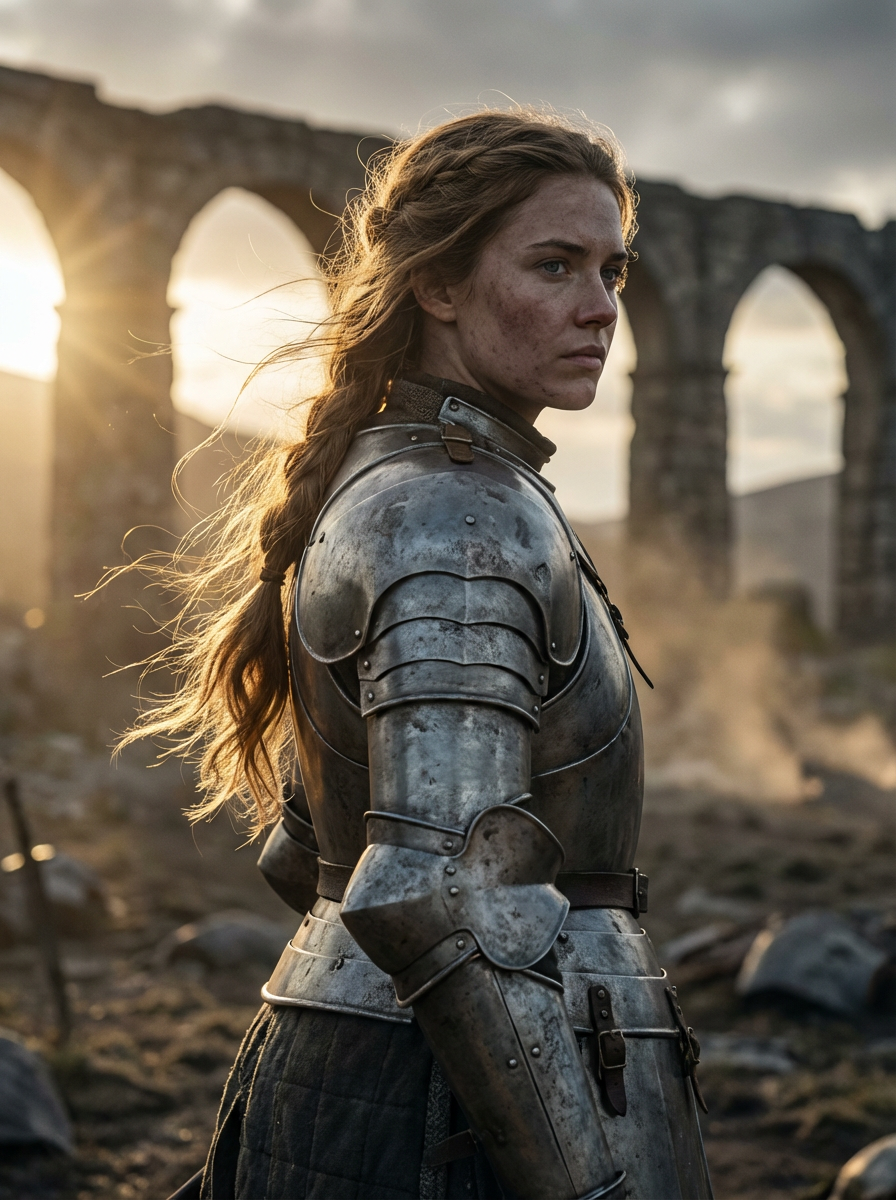
Reflection: The AI does a great job with characters and portraits, but like most text-to-image generators, small details can be hit or miss. Still, it’s a solid starting point for character designs.
What Fotor AI Does Well
- Ease of Use: Fotor AI is incredibly user-friendly, even for beginners. You don’t need any design skills—just type a prompt, select your desired style, and watch the magic happen. The interface is simple, and the whole process is intuitive.
- Diverse Art Styles & Flexibility: Whether you need something realistic, cartoonish, or concept art-style, Fotor can handle it. This versatility makes it ideal for a wide range of uses—from blog visuals to marketing materials to fantasy illustrations.
- Integrated Editing Tools: The ability to edit, refine, and enhance generated images within the same platform is incredibly convenient. No need to jump between multiple tools.
- Speed: Fotor is fast. Image generation is quick (a few seconds), which is great for anyone who needs visuals on the fly.
- Free Tier Available: Fotor offers a free plan with basic features, which is perfect for anyone just starting out or needing occasional quick images.
Limitations & What Could Be Better
- Free Usage Quota: As mentioned by some reviewers, the free tier has a limited generation quota. Heavy users will need to upgrade to the Pro version for more uses.
- Control for Complex Prompts: When it comes to very detailed or abstract prompts, the AI sometimes struggles to interpret them exactly how you envision. The results can be unpredictable, especially when working with intricate concepts.
- Not a Substitute for Professional Design Tools (Yet): While Fotor is great for rapid prototyping or rough drafts, it isn’t quite a replacement for high-end design software when it comes to polished, commercial-grade art. You may still need to fine-tune the results elsewhere.
- Dependence on Prompt Quality: As with most AI tools, the quality of the output depends on how well you write your prompt. A vague prompt can yield a vague image, so it’s important to be specific when crafting your requests.
Who Is Fotor AI Good For
- Content Creators / Bloggers / Social Media Managers: If you need quick, decent-quality visuals without hiring a designer, Fotor is a great tool.
- Hobbyists / Casual Designers: Fotor is perfect for anyone who wants to experiment with AI art and illustrations.
- Marketers / Small Businesses: Need marketing visuals fast and affordably? Fotor has you covered.
- Designers Needing Rapid Prototyping: If you’re creating mood boards, concept art, or mockups, Fotor is an excellent choice for fast iteration.
- Anyone Looking for an Easy-to-Use All-in-One Tool: Fotor is ideal for non-designers who need a simple platform that combines generation, editing, and exporting.
Conclusion & Final Thoughts
In conclusion, Fotor AI is an accessible, versatile, and surprisingly powerful tool for creating AI-generated visuals and editing them all in one place. It’s not perfect, especially for professional-grade design or complex prompts, but for quick visual generation, rapid prototyping, or basic social media content, it’s a great option.
If you’re new to AI-generated art or need a quick and easy-to-use tool, Fotor AI is definitely worth trying. If you find yourself using it frequently, you might want to consider upgrading to the Pro plan for more flexibility and a higher generation quota.
Final recommendation: Treat Fotor AI as a creative booster for your projects. With the right prompts and some post-editing, you can create fantastic visuals without needing expert-level design skills.For elevated artistic control and distinct aesthetic results, explore Lovart AI as well.

Compartilhar Artigo