Starry AI Review — Is the Starry AI Art Generator Worth Your Time?

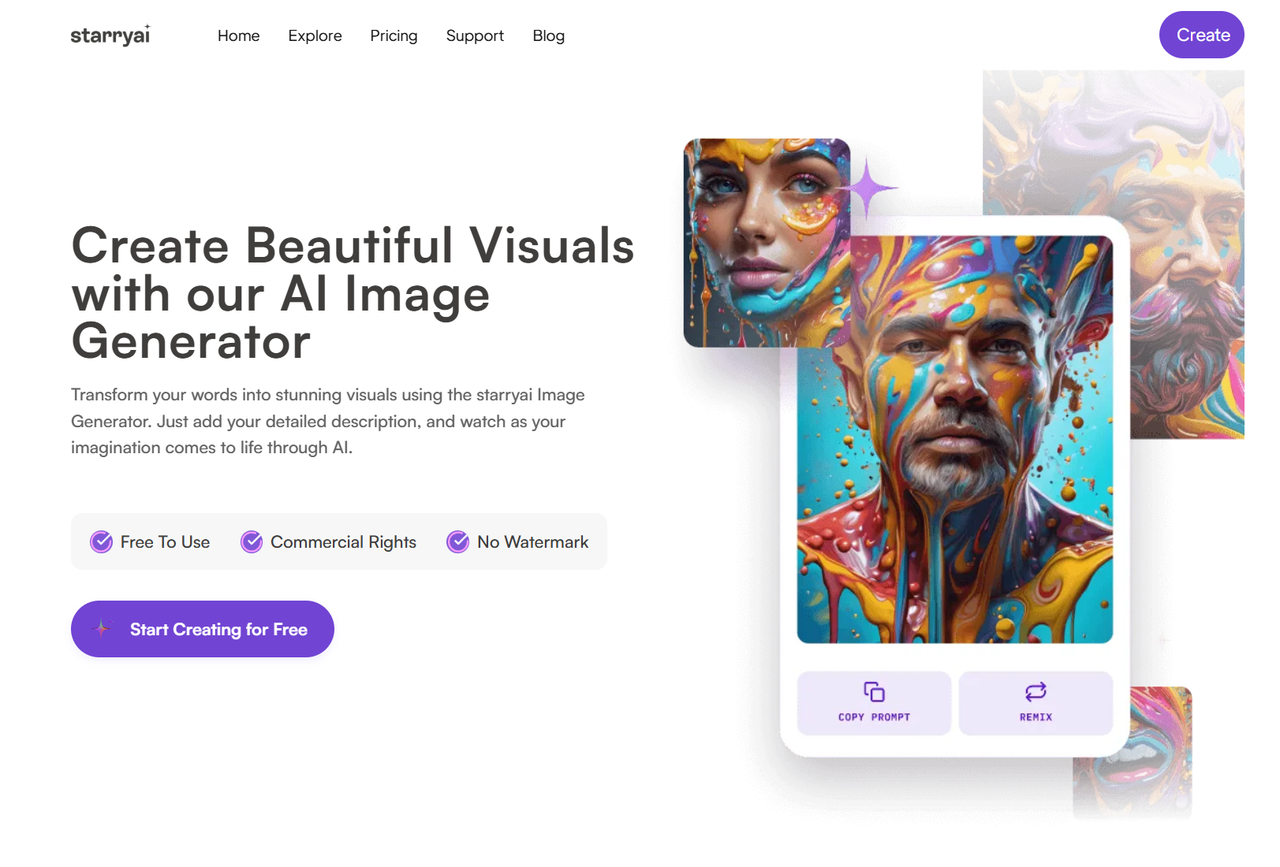
If you want fast, stylized images from a friendly app, the Starry AI art generator is a delightfully simple option. In this review I’ll cover what it does, how it performs in hands-on tests, the Starry AI pros and cons, pricing/value, and whether it’s right for your creative workflow.
Short Summary
- Best for: Beginners, social-media creators, hobbyists who want stylized images quickly.
- Main strengths: Easy interface, lots of style presets, mobile + web access, quick iterations.
- Main weaknesses: Limited fine-detail control (hands, tiny text), credit-based pricing can add up for heavy use.
- One-line rating: 3.8 / 5 — Great for stylized, shareable art; not the best pick where pixel-perfect fidelity matters.
If you want fast, stylized images from a simple interface, the Starry AI art generator delivers — but check the Starry AI pros and cons below for the tradeoffs.
What is Starry AI?
Starry AI is a text-to-image app (available on web and mobile) that focuses on turning short prompts into stylized artwork using a token/credits system. It emphasizes preset styles (fantasy, photoreal, oil painting, cyberpunk, etc.), simple controls for aspect ratio and resolution, and a workflow tuned for quick social sharing rather than technical, API-driven customization.

At-a-glance capabilities
- Text → image generation (prompt + style selector)
- Style presets and filters for fast mood changes
- Aspect ratio choices (square, portrait, landscape)
- Iteration, upscaling / remaster tokens or options
- Free tier + credit packs / subscription tiers for heavier use
Positioning vs competitors: Starry AI trades deep control for speed and approachability — it’s friendlier than a raw model playground and more style-focused than enterprise image APIs.
Key Features
These features determine the typical Starry AI results users see.
| Feature | What it does |
|---|---|
| Prompt-based generation | Natural language prompts + comma-separated modifiers. |
| Style presets | One-click moods (e.g., Photoreal, Fantasy, Oil Painting, Graphic). |
| Refinement & upscaling | Generate variants, then refine or upscale a chosen render. |
| Aspect ratio & size | Choose square/portrait/landscape; sometimes wallpaper options. |
| Mobile + web apps | Generate on the go, save to gallery, quick sharing. |
| Pricing & credits | Free starter tokens, then pay-per-image credits or subscriptions. |
Hands-On Test: My Usage Plan & Prompts
Below are three concrete prompt experiments you can run. For each I include suggested style, aspect ratio, expected run time, and recommended workflow.
How I’d test: generate 3 variants → pick the best → refine/upscale once → save. Iterate if necessary.
Photoreal portrait test (realistic)
- Prompt: A close-up portrait of a woman with silver hair and freckles, golden hour light, shallow depth of field, 50mm — photorealistic, cinematic
- Style: Photoreal / Realism preset
- Aspect ratio: 4:5 (portrait)
- Expected run time: ~10–40 seconds per generation (varies by queue and device)
- Iterations: Generate 3 variants, refine the top 1
- What to evaluate: facial detail, skin tones, lens blur, artifacting, facial symmetry
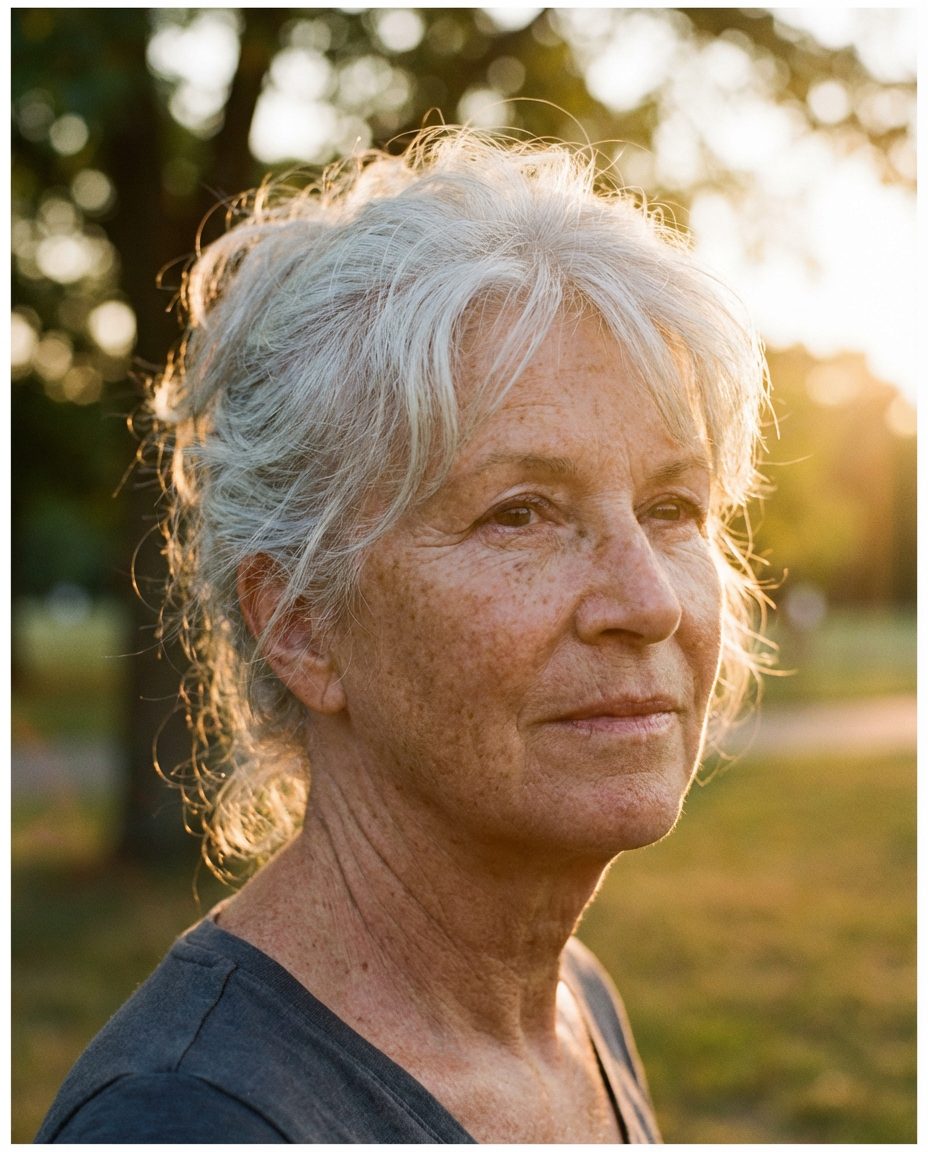
Illustration / concept art (creative)
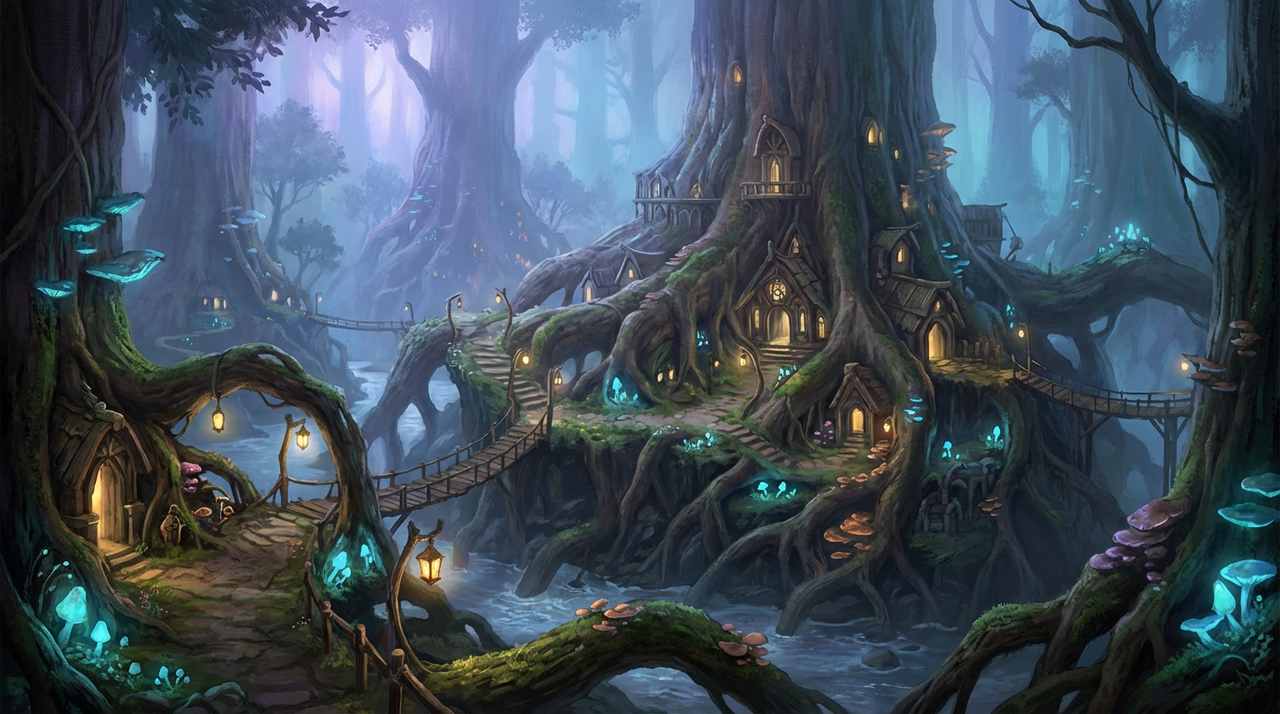
- Prompt: Ancient tree city built into roots, bioluminescent lanterns, foggy twilight, wide cinematic composition — highly detailed fantasy illustration
- Style: Fantasy / Illustration preset
- Aspect ratio: 16:9 (landscape)
- Expected run time: ~15–45 seconds
- Iterations: Generate 4 variants, then refine or crop best one
- What to evaluate: composition, readability, detail consistency, color atmosphere
Graphic / stylized (poster/logo)
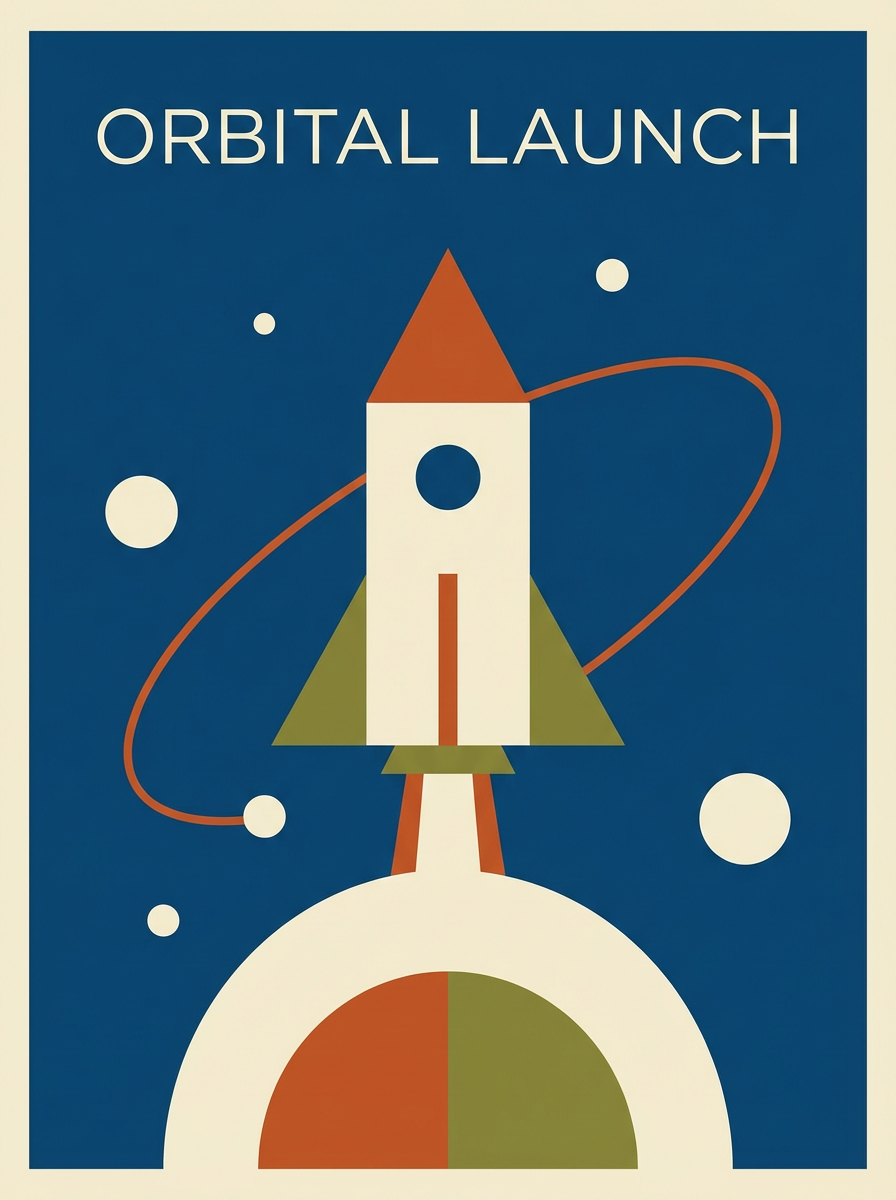
- Prompt: Minimalist poster of a rocket launch, flat geometric shapes, limited palette, 3:4 portrait, vector-like
- Style: Graphic / Flat preset
- Aspect ratio: 3:4 (poster)
- Expected run time: ~8–30 seconds
- Iterations: Generate 3–5 variants, pick the most graphically clean, then export
- What to evaluate: line clarity, color blocking, suitability for vector tracing
Example Results — What to Look For
Common strengths you’ll notice
- Stylization is elegant: presets can drastically change mood without fiddling.
- Fast experimentation: get multiple unique variants very quickly.
- Good social-ready output: many styles produce shareable thumbnails straight away.
Common weaknesses / artifacts
- Hands and fingers can be awkward or incorrect.
- Small text in images often becomes garbled.
- Facial asymmetry / inconsistent small details appear occasionally.
- Composition can drift between variants (use more explicit prompts to anchor subjects).
How to judge Starry AI results
- Fidelity to the prompt (did the main elements appear?).
- Composition & readability (is the subject clear at thumbnail size?).
- Consistency across variants (do multiple runs keep the same character details?).
- Image quality after upscale (does the upscaler introduce weird artifacts?).
Workflow & Usability
Typical flow: Sign up → Choose style → Enter prompt → Generate → Pick variant → Refine / Upscale → Download / Share.
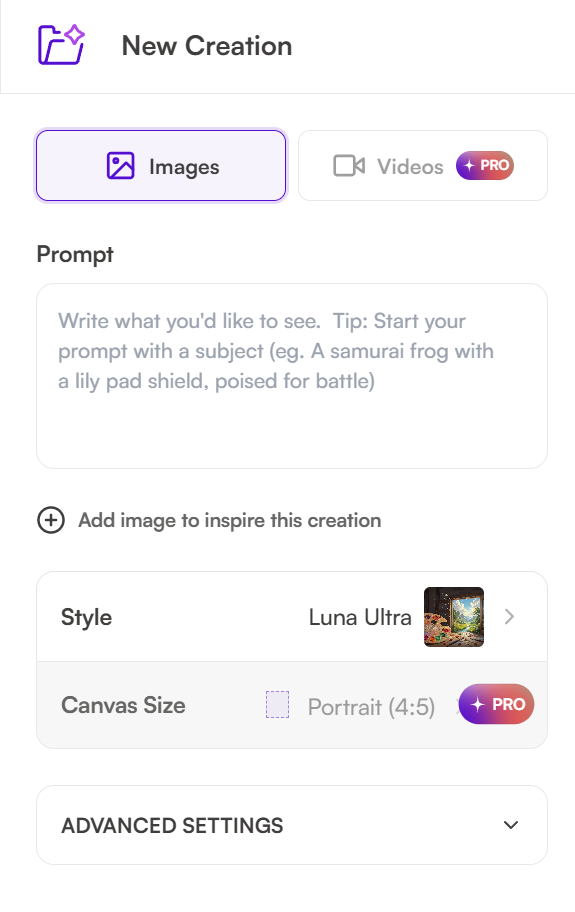
Mobile vs desktop: Mobile is optimized for quick creations and sharing; desktop usually has a slightly larger canvas and may feel easier for prompt editing.
Gallery & history: Starry keeps recent creations and sometimes offers community galleries for inspiration.
Tips:
- Use commas to separate modifiers (helps the model parse attributes).
- Shorter prompts + style preset can be faster for consistent results; longer prompts give more control.
- If you need a repeatable character, include repeated identifiers (e.g., “Lina, auburn braid, scar under left eye”) across generations.
Pricing & Value
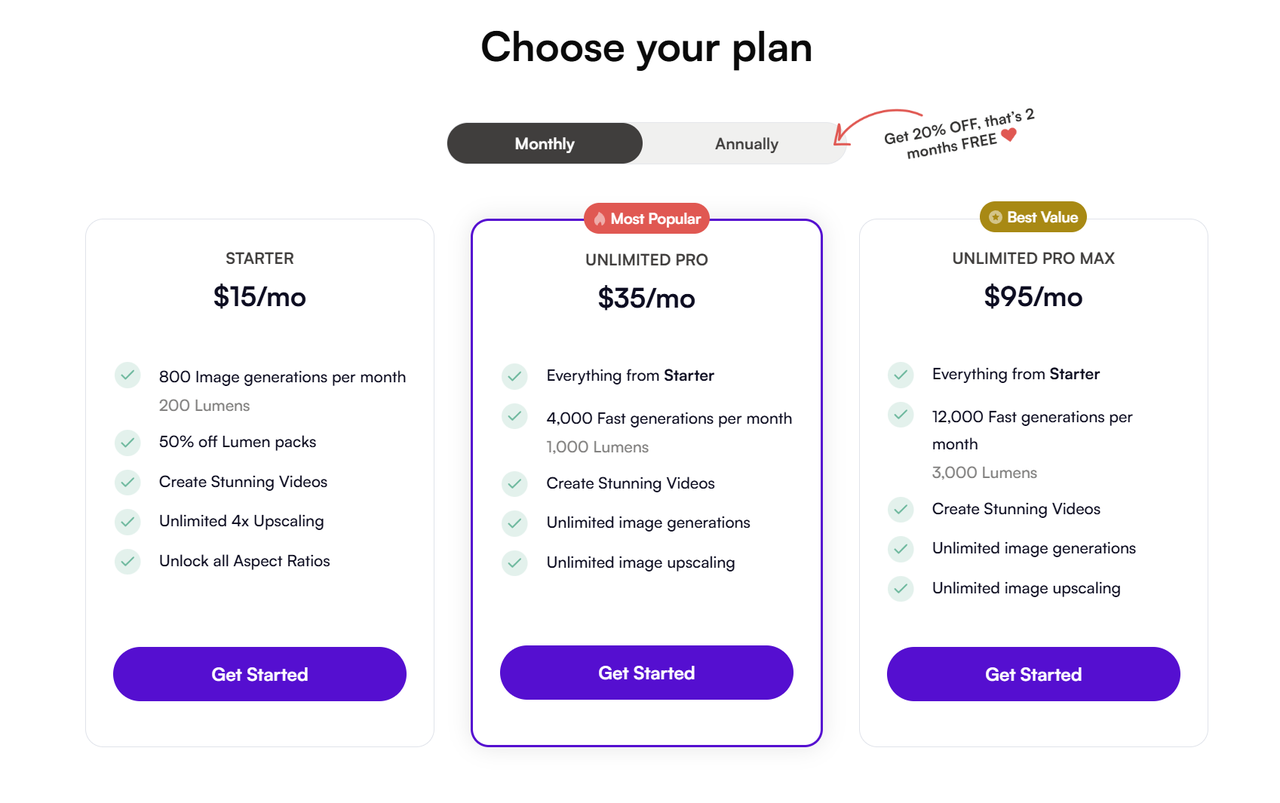
Starry AI uses a mix of free Lumens (credits) and tiered subscription plans (Starter → Unlimited Pro → Unlimited Pro Max). Exact numbers and in-app purchase prices vary by platform and by region, so treat the figures below as examples pulled from official pages and app-store listings.
Starry AI Pros and Cons
Starry AI pros and cons
Pros
- Extremely approachable for beginners.
- Fast generation and many attractive style presets.
- Mobile + web availability makes on-the-go creation simple.
- Great for concept sketches, social media, and stylized art.
Cons
- Fine-detail generation (hands, text, tiny props) can be inconsistent.
- Less fine-grained control than advanced model playgrounds or APIs.
- Credit-based pricing may be awkward for heavy users.
- Not ideal for print-ready, high-fidelity product photography without retouching.
Final Verdict & Rating
Starry AI is a friendly, fast, and fun tool that excels when your goal is stylized, shareable imagery rather than pixel-perfect photorealism. If you’re a beginner or a creator who values speed, convenience, and variety of looks, the Starry AI art generator will serve you well. If you need absolute control over small details or are producing high-volume commercial assets, be prepared to combine Starry with manual touch-ups or a more customizable pipeline.For more nuanced artistic control and polished results, Lovart AI is a powerful next step.
Final score: 3.8 / 5

공유하기