PicsArt AI Review – Is It Worth Your Time in 2025?

PicsArt AI Review – Is It Worth Your Time in 2025?
If you’ve ever wanted to turn a simple text idea into a stunning image in seconds, PicsArt AI might just be your new best friend. In this PicsArt AI review, we’ll explore how this AI-powered tool blends creativity and technology to help anyone—from hobbyists to marketers—create visuals effortlessly. We’ll dive into the PicsArt AI features, share hands-on PicsArt AI generator test results, and show what kind of output you can expect (PicsArt AI results). By the end, you’ll know whether this AI tool deserves a spot in your creative toolkit or if it’s just hype.
What Is PicsArt AI?
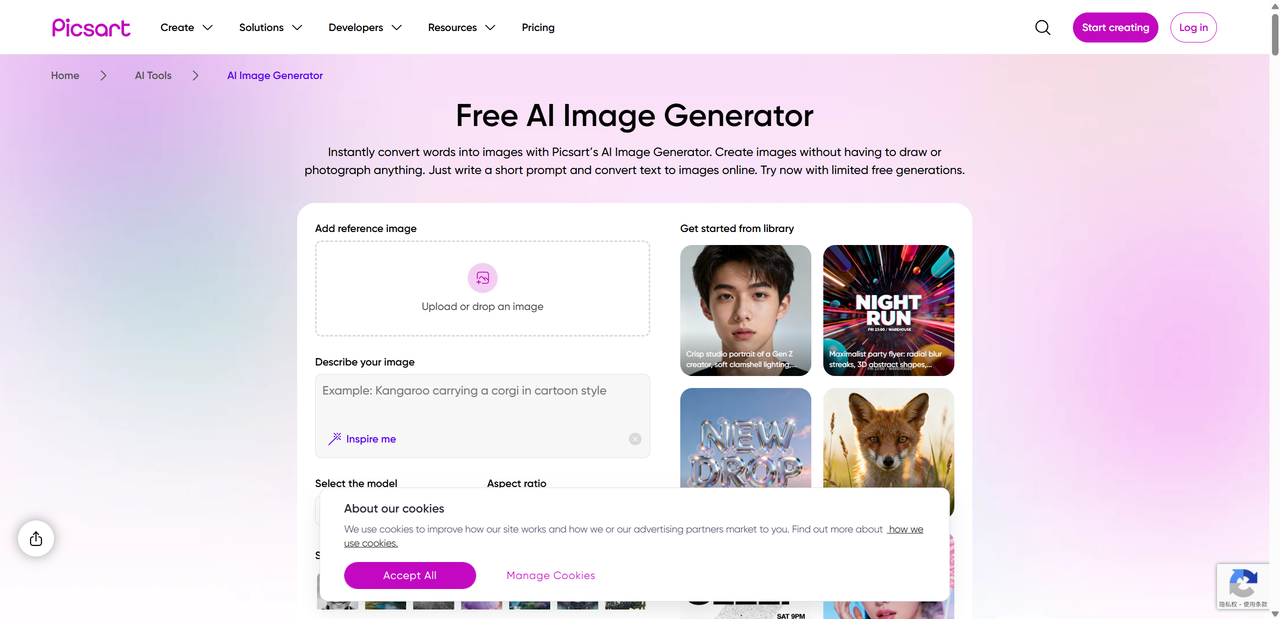
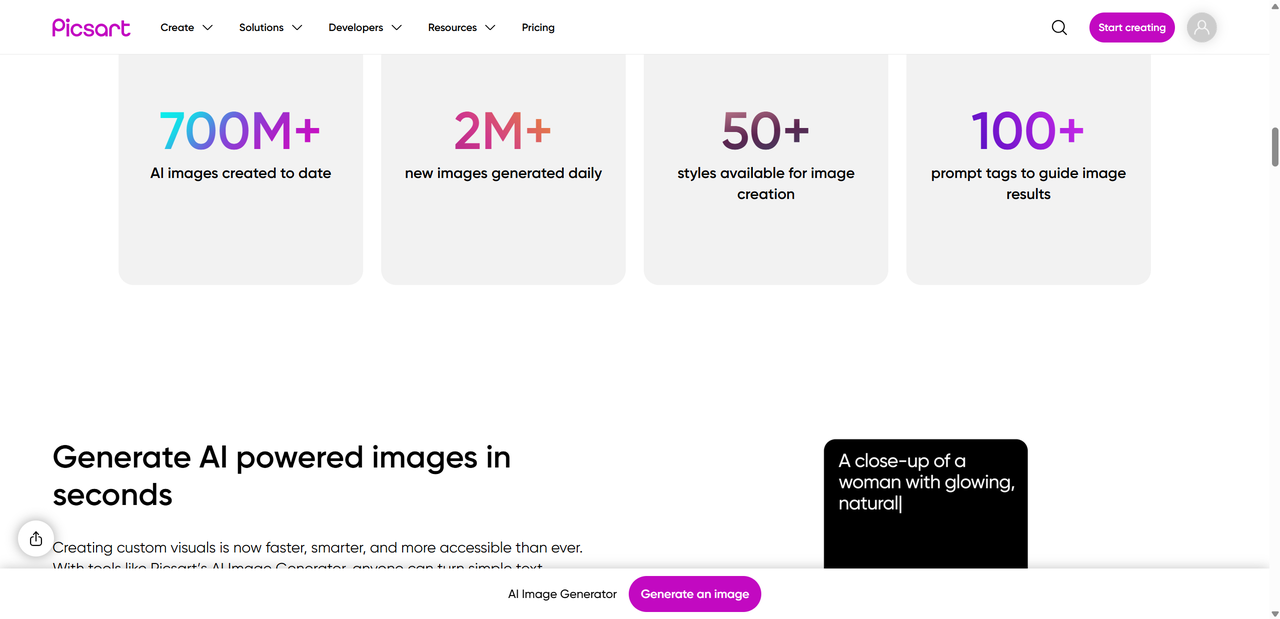
PicsArt AI is a smart, intuitive AI-powered image generator built into the broader PicsArt ecosystem. Known for its all-in-one creative suite, PicsArt started as a mobile photo-editing app and has evolved into a platform offering AI-driven design tools for creators of all levels. At its core, PicsArt AI allows you to transform simple text prompts into images, making it easy to visualize ideas in minutes without needing professional design skills.
The tool also integrates seamlessly with PicsArt’s editing suite, meaning you can enhance, retouch, or stylize your AI-generated images directly in the app. From AI background removal to style transfer, PicsArt AI combines automation with creative freedom. Its friendly interface and mobile-first design make it accessible whether you’re on a smartphone or desktop. Essentially, it’s a versatile tool for anyone looking to experiment with AI-generated visuals without a steep learning curve.
Key PicsArt AI Features
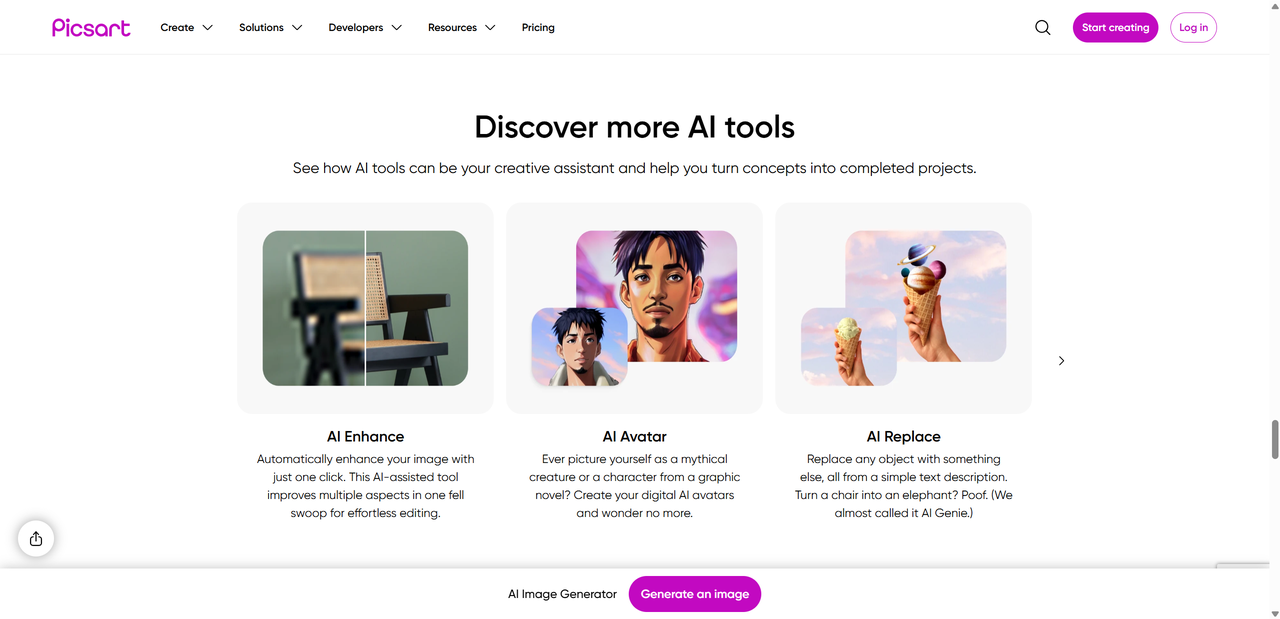
PicsArt AI is packed with creative tools that make image generation fast, fun, and flexible. Here’s a quick look at its main features:
AI Image Generator – Turn any text prompt into a visual masterpiece in seconds. Perfect for brainstorming or creating social media content.
Style Transfer & Image Enhancement – Apply artistic filters or improve image quality automatically, giving your visuals a professional touch.
AI Background Replace – Remove or swap backgrounds effortlessly, making product shots, portraits, or digital art pop.
AI Upscale / Enhancement – Boost resolution and sharpen details without losing quality, ideal for printing or high-res posts.
Templates & Customization Options – Use pre-designed layouts or tweak colors, fonts, and effects to match your brand or personal style.
Together, these PicsArt AI features allow creators to generate, edit, and perfect images in one place, saving time while keeping the creative process playful and intuitive.
How PicsArt AI Generator Works – Simple & Fast
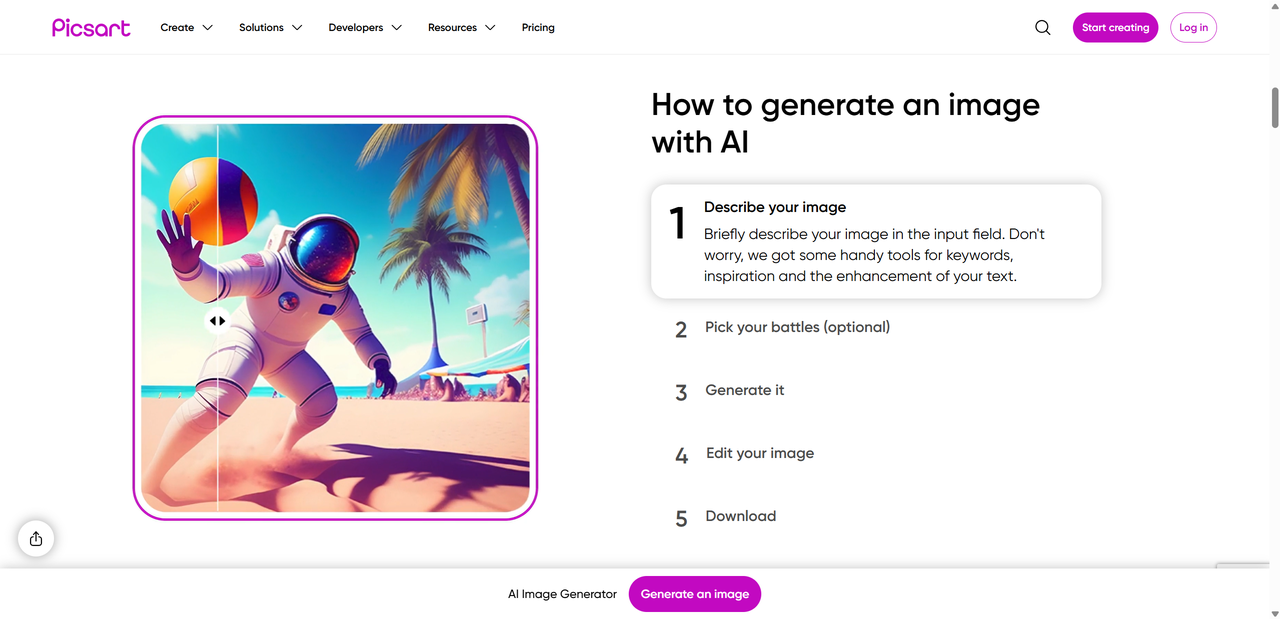
Using PicsArt AI is surprisingly simple, even if you’re new to AI tools. Here’s a step-by-step guide:
Create or Log In – Sign up for a free account or log in to access all AI features.
Choose AI Tool – Select the AI Image Generator from the main menu.
Enter Prompt – Type a description of the image you want. The more detailed, the better the results.
Generate + Customize – Click generate, then adjust style, colors, or add filters. You can tweak details until you’re happy with the final image.
This streamlined workflow makes it easy for creators to turn ideas into visuals quickly. Whether you’re making social media posts, marketing visuals, or digital art, PicsArt AI generator test shows consistent, impressive results with minimal effort.
PicsArt AI Generator Test Results
We put PicsArt AI to the test to see how it performs in real-world scenarios. Here’s what we found:
• Prompt Quality
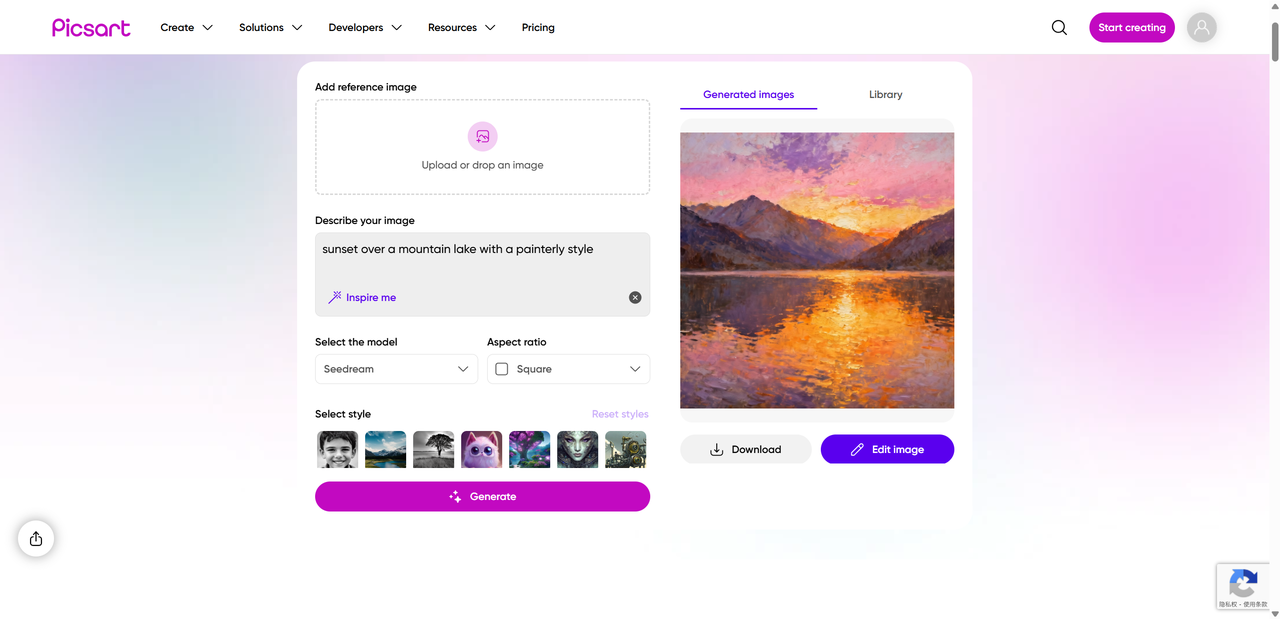
The generator does an excellent job translating detailed prompts into visuals. For instance, descriptive phrases like “sunset over a mountain lake with a painterly style” produced vibrant, accurate images. Vague prompts worked too, but the results were more generic. Our PicsArt AI generator test confirmed that precision in prompts significantly improves output quality.
• Output Styles & Quality
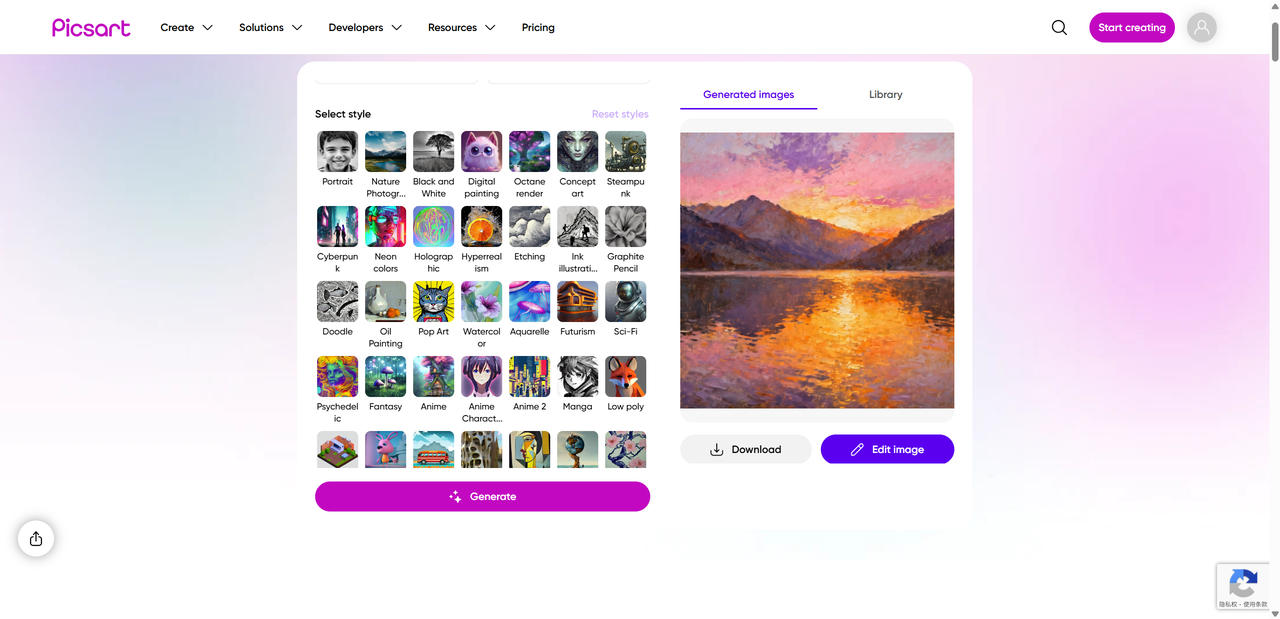
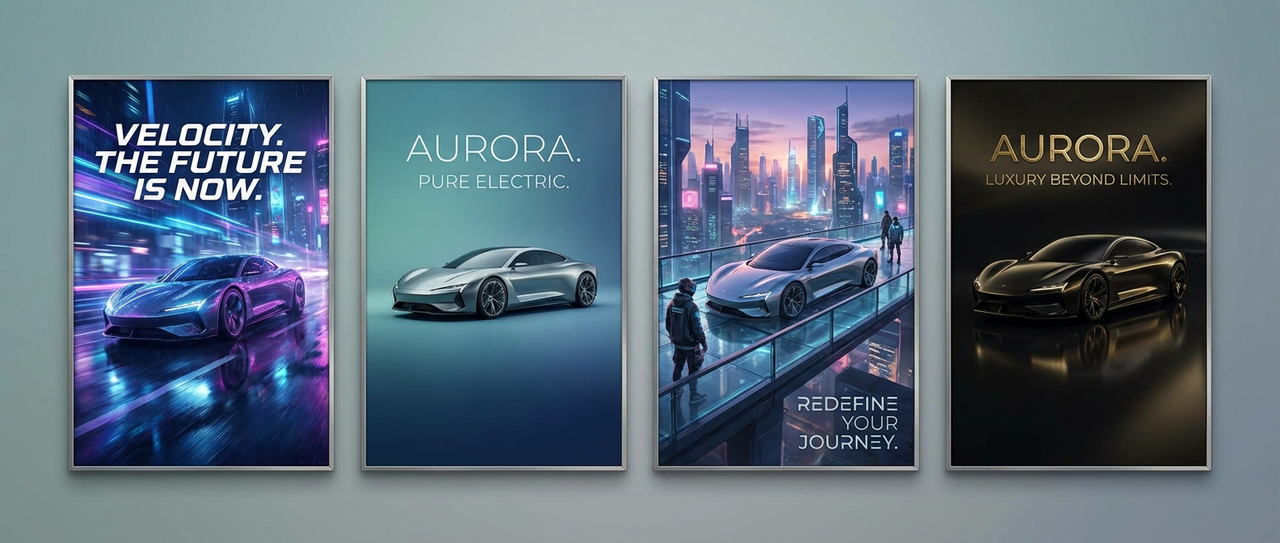
Generated images are sharp and visually appealing, with a range of styles from realistic to artistic. While it may not rival specialized AI tools in hyper-realism, the results are impressive for social media, marketing, and creative projects. Users can choose different styles and experiment with variations, making PicsArt AI results versatile for multiple needs.
• Customization After Generation
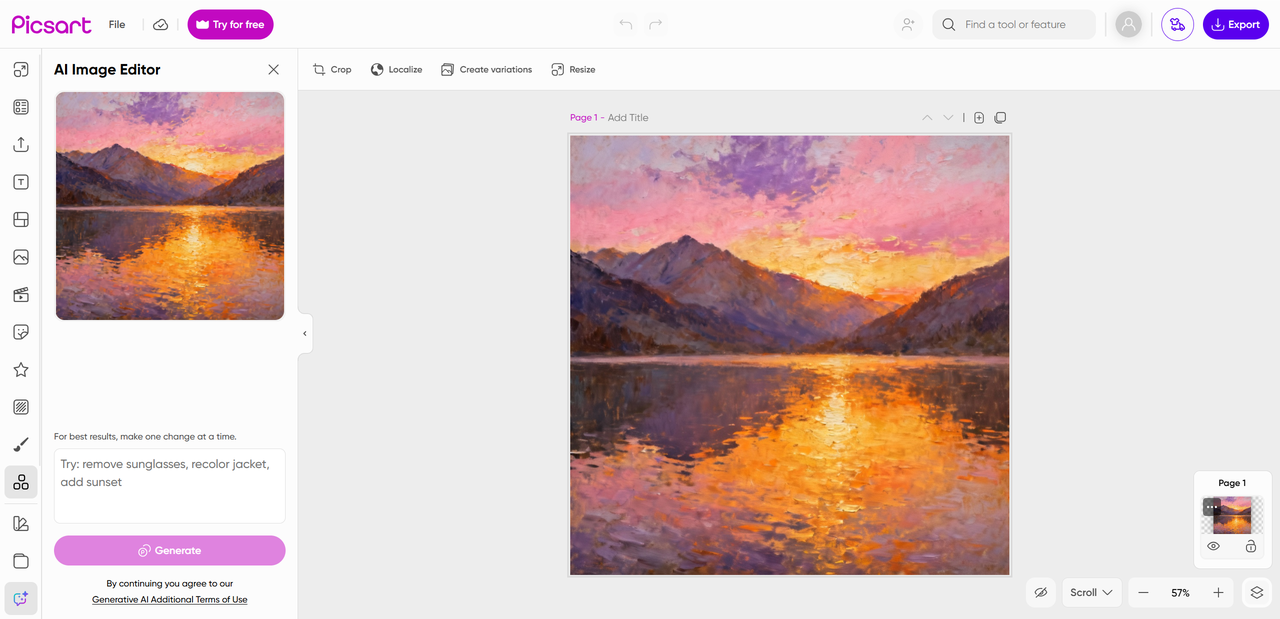
After generating an image, PicsArt allows easy tweaks—adjusting colors, filters, or adding effects. This step enhances the output and makes it unique. Even beginners can achieve polished, professional-looking images quickly.
Overall, our hands-on testing shows PicsArt AI generator test results are consistent, user-friendly, and highly adaptable, making it a strong tool for creators of all levels.
Pricing & Plans – Free vs Paid Tier
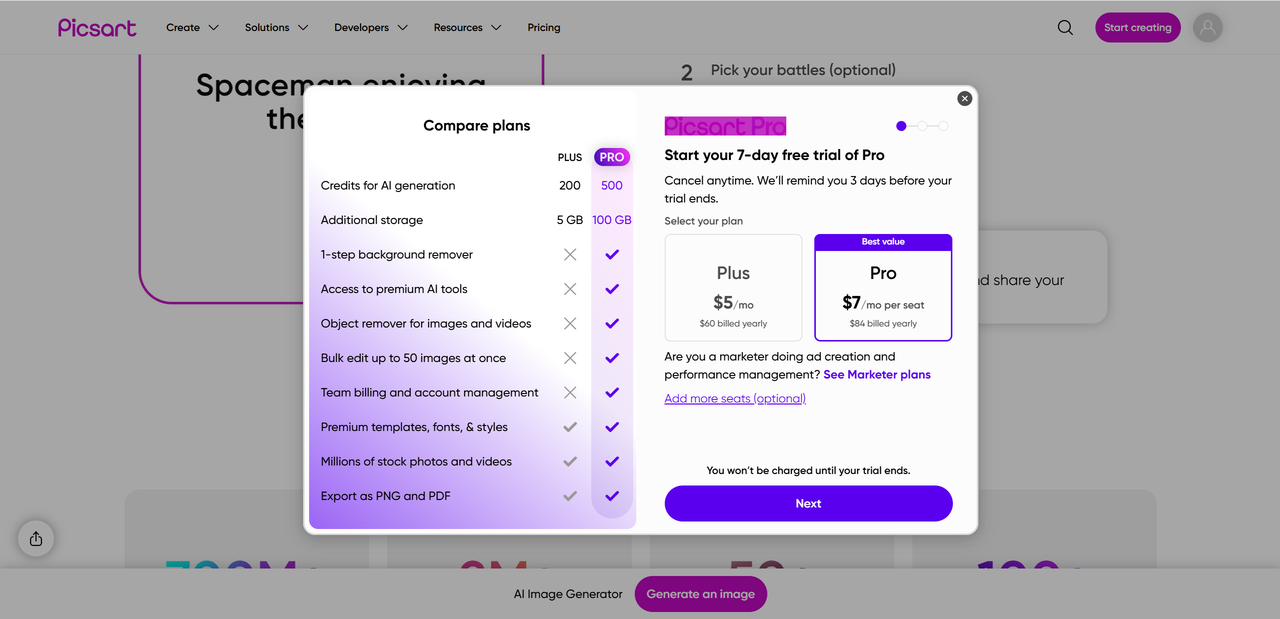
PicsArt AI offers both free and paid plans, catering to different levels of creative needs.
Free Plan:
Limited AI credits per month
Watermarks on generated images
Access to basic AI features only
Occasional ads
Best for: Casual users, hobbyists, or anyone just exploring AI image generation without commitment.
Paid Plan / Premium:
More AI credits and faster generation
High-resolution downloads
Access to all AI features, templates, and customization options
Ad-free experience
Best for: Content creators, small business owners, or marketers who need consistent, polished images for social media, ads, or campaigns.
By choosing the plan that fits your workflow, you can maximize PicsArt AI results without hitting limits, while enjoying advanced features that streamline creativity.
Pros & Cons – Is PicsArt AI Worth It?
Here’s a clear overview of the tool’s strengths and weaknesses:
| Pros | Cons |
|---|---|
| Easy to use & intuitive | Free version has watermarks/ads |
| All-in-one creative suite | Output realism slightly lower than specialized tools |
| Cross-platform support (mobile + web) | Some features are paid only |
| Fast image generation | Minor limitations for complex prompts |
Community feedback generally praises PicsArt AI for its accessibility and versatility, especially for beginners and casual creators. Many users appreciate the seamless integration with the broader PicsArt suite, making it easy to edit and enhance generated images. However, some critiques focus on the paywall for premium features and the fact that highly detailed, hyper-realistic outputs may require alternative AI tools. Overall, the tool strikes a balance between fun, ease of use, and quality, making it a strong option for most creators looking to experiment with AI-generated visuals.
Comparisons & Alternatives
If you’re wondering how PicsArt AI stacks up against other AI image tools, here’s a quick comparison:
| Tool | Speed | Ease of Use | Output Quality | Notes |
|---|---|---|---|---|
| PicsArt AI | Fast | Very intuitive | Good, versatile | Best for social media and casual creators |
| Canva AI | Moderate | Beginner-friendly | Good | Great for templates and branding |
| MidJourney | Slower | Moderate | High-quality artistic images | Ideal for professional or artistic projects |
| DALL·E | Fast | Simple | High realism | Excellent for concept art and realistic visuals |
Pros of PicsArt AI: fast generation, all-in-one suite, mobile-friendly. Consider alternatives if you need hyper-realistic outputs (DALL·E) or highly detailed artistic styles (MidJourney). For quick edits and social media content, PicsArt AI offers one of the easiest and most versatile workflows.
Final Verdict – Our PicsArt AI Review Summary
Overall, this PicsArt AI review shows that the tool is a reliable and fun AI image generator. Its PicsArt AI features—from text-to-image generation to background replacement and upscaling—make it versatile for casual creators, social media managers, and hobbyists. Our PicsArt AI generator test demonstrated consistent, high-quality outputs that are easy to tweak with filters and edits, delivering satisfying PicsArt AI results.
While free users face limitations like watermarks and credit caps, the premium plan unlocks full creative potential. If your goal is fast, easy, and visually appealing AI images without a steep learning curve, PicsArt AI is an excellent choice. For highly realistic or professional artistic projects, you might explore alternatives like Lovart AI.

공유하기