My Real-World Experience Using DeeVid AI For Social Media Content


My Real-World Experience Using DeeVid AI For Social Media Content
Intro
I realized my social media workflow was unsustainable on a random weekday night. I had ideas ready, captions half written, but video creation kept slowing everything down. Traditional editors felt heavy, time consuming, and honestly overkill for short form social posts. I needed something faster that could turn rough ideas into shareable videos without draining my energy.
That curiosity led me to DeeVid AI. I chose it over classic editing tools because it promised speed, simplicity, and AI driven creativity instead of endless timelines and keyframes. My goal was not to replace creativity, but to remove friction so I could post more consistently.
This DeeVid AI review is based on real usage, not marketing claims. In this article, I will share what DeeVid AI actually does, how it performs in everyday content creation, and what you should realistically expect. You will learn about its features, strengths, limitations, and whether it is worth adding to your social media toolkit.
What Is DeeVid AI? — A Quick Overview
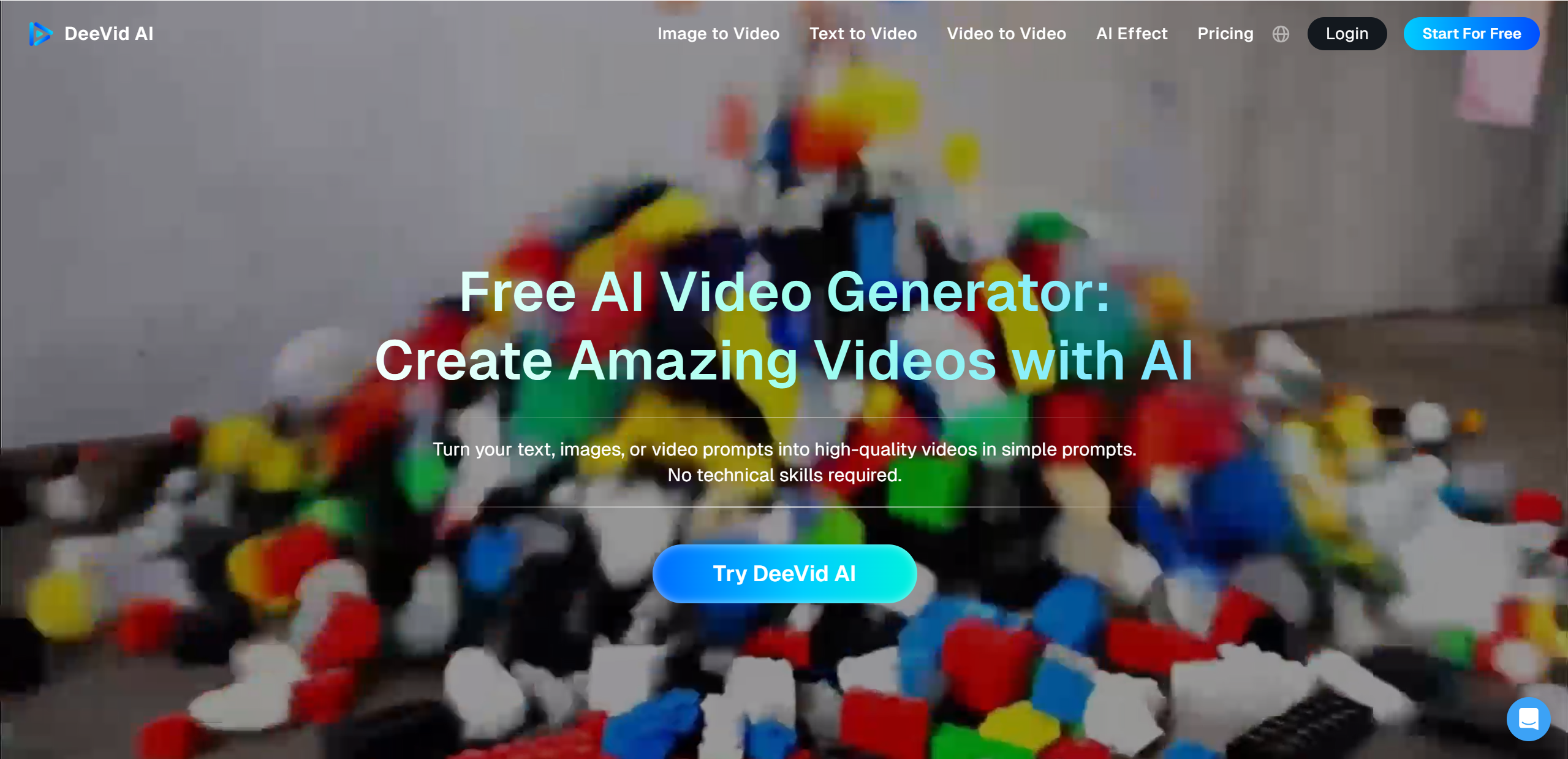
DeeVid AI is an AI video generator designed to transform text, images, or existing videos into finished social ready content. Instead of editing manually, users describe what they want, and the platform uses advanced models to generate scenes, visuals, and transitions automatically.
The tool is built with speed and ease of use in mind. Everything runs online, and the interface is simple enough for beginners while still flexible for experienced creators. DeeVid AI focuses on helping users create short videos efficiently rather than offering deep technical control.
Who DeeVid AI Is Best For
- Social media creators post frequently
- Digital marketers creating promotional content
- Social media managers handling multiple brands
- Small teams without dedicated editors
Core Capabilities
- Text to video generation
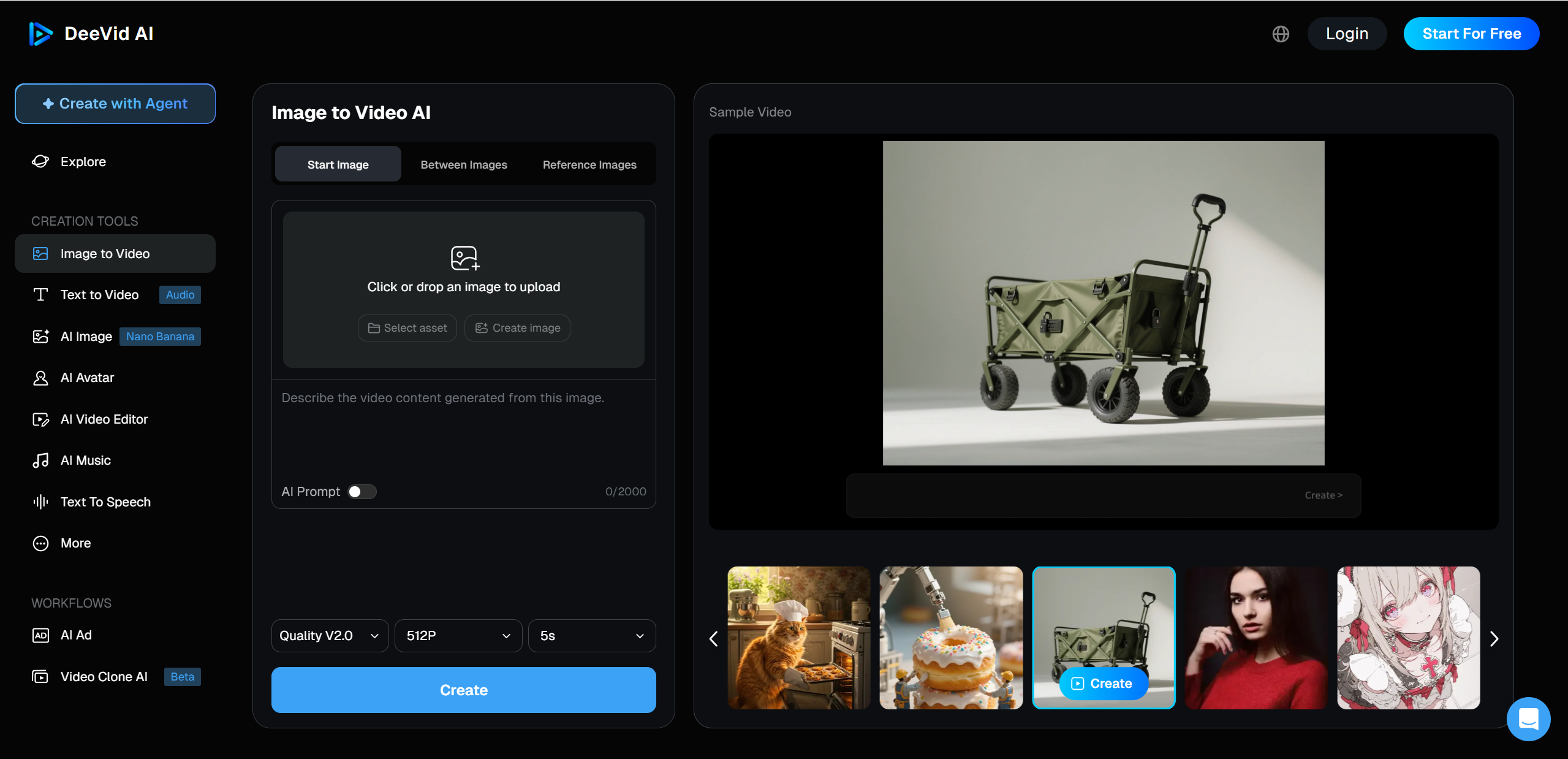
- Image to video animation
- Video enhancement and remix tools
- Ready made templates for quick creation
DeeVid AI offers free credits for new users, making it easy to test the platform before committing. Paid plans unlock more credits, faster processing, and higher output quality. Overall, DeeVid AI positions itself as a practical, creator friendly solution for modern content demands.
DeeVid AI Features That Actually Matter
Content Creation Essentials
The real strength of DeeVid AI shows up in day to day content creation. Instead of juggling multiple tools, most of what you need lives in one place.
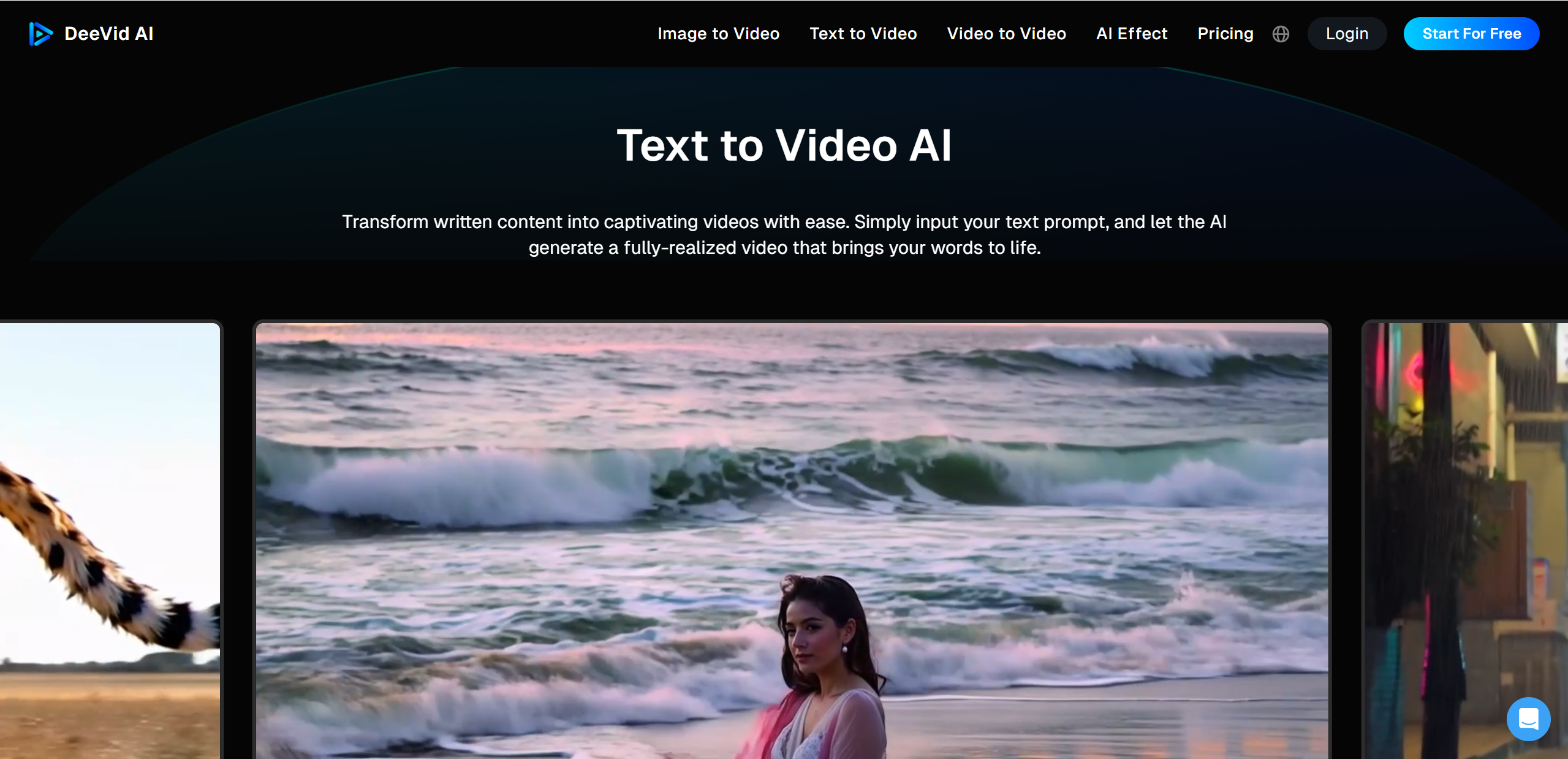
Text-to-video AI is the feature I use the most. You drop in a short script or idea, choose a style, and DeeVid AI generates a complete clip with visuals, pacing, and transitions. For social posts, this alone can save a huge amount of time.
Image-to-video and video enhancement are especially useful when you already have assets. Static photos, screenshots, or older clips can be animated into something more dynamic, which is great for promos or storytelling posts that would otherwise feel flat.
Templates and styles make the platform beginner friendly. These are designed with social trends in mind, so you get effects, layouts, and rhythms that already feel native to feeds rather than overly polished ads.
For creators who post consistently, batch and campaign use is a quiet but powerful benefit. You can generate multiple videos in one session, keeping branding and tone consistent across posts without starting from scratch every time.
My Hands-On Experience Using DeeVid (Real Examples)
The best way to judge DeeVid AI is by actually using it, so I tested it across a few real world projects I would normally create manually.
The first example was a short UGC style video for a personal brand post. I wrote a casual script, pasted it into the text to video tool, and selected a clean social style. Within seconds, DeeVid AI generated a full clip with matching visuals and smooth pacing. The biggest win here was speed. What usually takes me thirty to forty minutes was done in under one minute, and the final result looked polished enough to post immediately with only minor tweaks.
Next, I tried a simple product promo using image to video. I uploaded three product photos, added a short description, and let the system animate the visuals. The transitions were surprisingly natural, and the AI did a good job highlighting key details without feeling robotic. For quick promotions, this workflow felt almost effortless.
The third test was an event teaser video. I used a mix of short video clips and text prompts to build hype for an upcoming launch. DeeVid AI handled the structure well, creating a clear beginning, middle, and end. This was especially helpful when producing content on a deadline.
That said, there were some limitations. Fine tuning specific scenes was not always possible, and certain templates felt restrictive once I wanted more customization. Occasionally, a visual choice missed the tone I had in mind, requiring a quick regeneration.
Overall, the experience felt practical and efficient. The videos performed well on social platforms, and more importantly, I posted more consistently because creation was no longer a barrier.
DeeVid AI Pricing & Plans (Simple Breakdown)
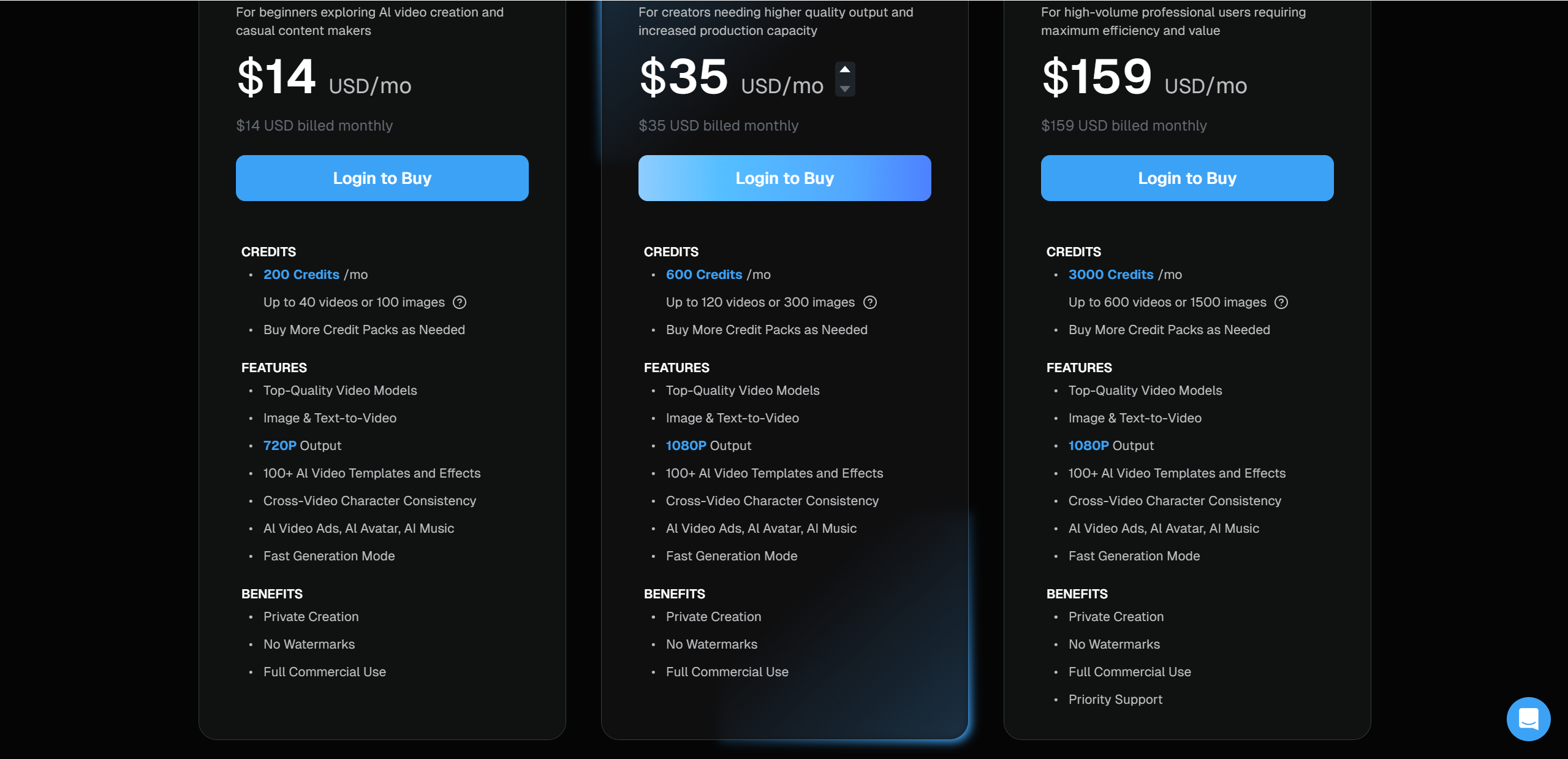
DeeVid AI keeps its pricing relatively straightforward, which I appreciated as someone who just wants to know what I am paying for. The platform uses a credit based system, where each video generation consumes a certain number of credits depending on length and quality.
Pricing Overview
| Plan | Price & Credits | Key Features |
|---|---|---|
| Lite | Around $14 per month – 200 credits | 720p exports, basic templates |
| Pro | Around $35 per month – 600 credits | 1080p exports, more styles |
| Premium | Around $159 per month – 3000 credits | Priority support, maximum usage |
For casual creators or small accounts, the Lite plan is enough to test workflows and publish occasional content. If you manage multiple pages or campaigns, the Pro plan offers a better balance between cost and output quality. Premium makes sense mainly for agencies or heavy users producing videos at scale.
One important detail is the free credits offered to new users. This lets you experiment with real projects before committing, which removes a lot of risk when deciding if DeeVid AI fits your needs.
DeeVid AI Alternatives — Which Should You Consider?
DeeVid AI is not the only option in the AI video space, and depending on your goals, alternatives may make more sense.
Popular Competitors
- HeyGen — Known for AI avatars and voice cloning, ideal for talking head style social content
- Synthesia — Focuses on professional AI hosts, often used for training or branded videos
- VideoGen — A simpler text to video option with a beginner friendly approach
- DreamVid — Strong image to video stability and creative template styles
- Others — Tools like Higgsfield, Pollo AI, and Vidul style platforms offer niche workflows
How They Compare
- Ease of use: DeeVid AI and VideoGen are the most beginner friendly
- Customization: Synthesia offers more control but requires more setup
- Output quality: DeeVid AI balances speed and polish for social formats
- Best use cases: DeeVid AI shines for social shorts, while others lean toward ads or training
If your focus is fast, consistent social content, DeeVid AI remains a strong and practical choice.
Pros & Cons — Honest Summary
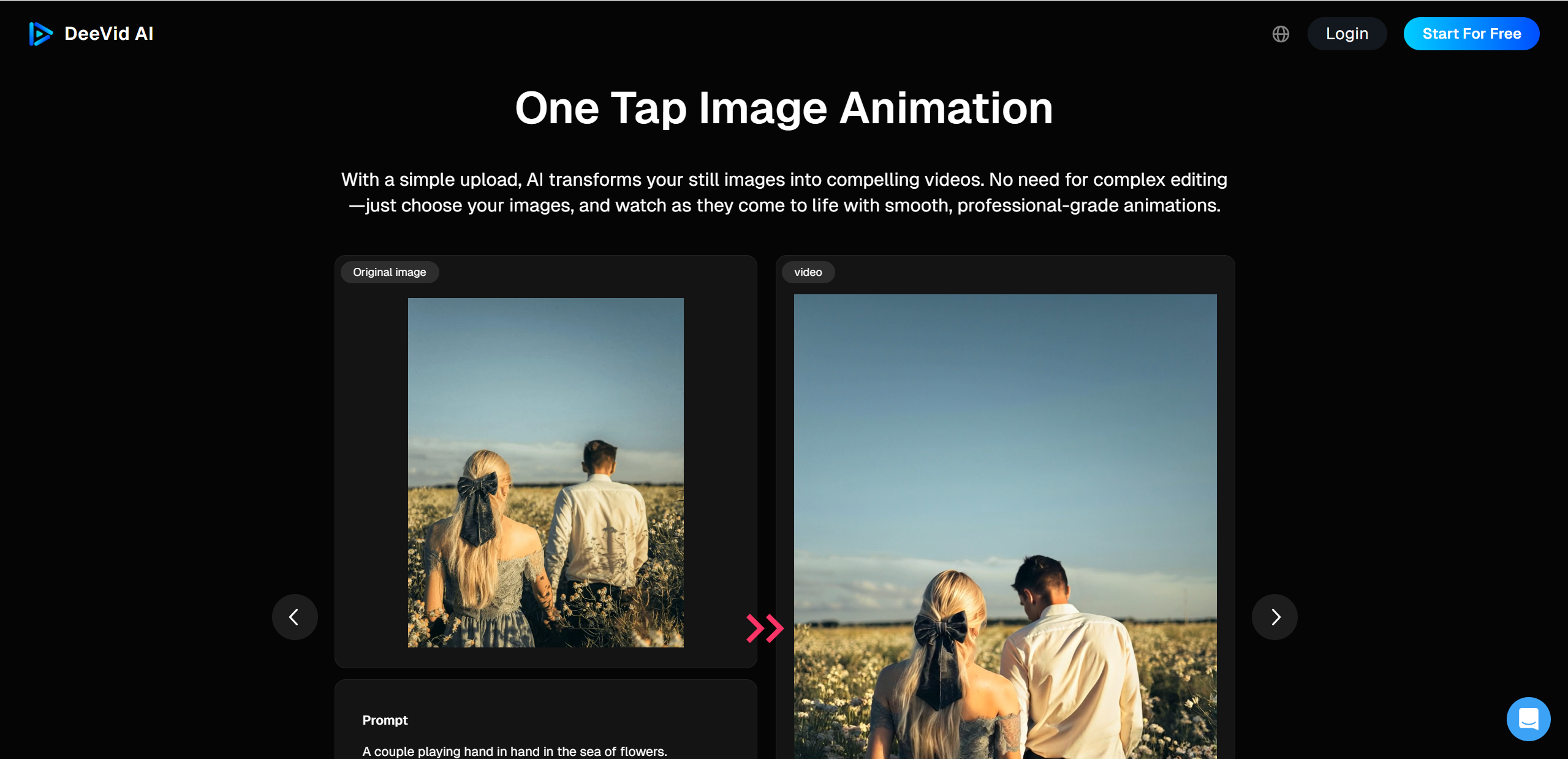
After spending real time with the platform, DeeVid AI left a mostly positive impression, especially for social focused creators.
What I Loved
- Fast results that remove friction from video creation
- Beginner friendly workflow with almost no learning curve
- Output quality that feels native to social platforms
- A wide range of styles and templates for different content moods
The speed alone makes DeeVid AI appealing. When ideas can become finished videos in minutes, consistency becomes much easier to maintain.
What Could Improve
- Limited precise editing tools for detailed adjustments
- Output quality can vary depending on how specific your prompt is
- Pricing may add up for heavy users or agencies producing at scale
These issues are not deal breakers, but they do matter if you are used to full control inside traditional editing software. DeeVid AI prioritizes speed over precision, which may not suit every workflow.
Final Verdict — Is DeeVid AI Worth It?
Overall, my DeeVid AI review is a positive one. The platform delivers exactly what it promises: fast, accessible video creation designed for modern social media. It will not replace professional editing tools, but it does remove a huge amount of effort from everyday content production.
DeeVid AI is best suited for influencers, solopreneurs, marketers, and brands that need consistent short videos without investing hours into editing. If speed, simplicity, and output volume matter more than granular control, it is a strong option. As an additional option in this space, Lovart AI offers its own unique strengths in animated storytelling.

Condividi Articolo