Sora AI Review — Is OpenAI’s Video Generator Worth the Hype?


Sora AI Review — Is OpenAI’s Video Generator Worth the Hype?
AI video generation has officially entered its main character era, and OpenAI’s Sora is the reason everyone’s talking. In this Sora AI review, we’ll take a clear, friendly look at what makes this model special, where it shines, and where expectations might be running a little ahead of reality. Sora isn’t just another flashy demo. It represents OpenAI’s biggest leap yet into video creation, promising longer clips, smoother motion, and scenes that actually follow the laws of physics.
This article focuses on Sora’s core technology, creative potential, and real world usefulness. As text-to-video tools become more accessible, they are starting to reshape filmmaking, marketing, education, and content creation. The big question is simple: is Sora genuinely revolutionary, or just very impressive hype?
What Is Sora AI? — A Friendly Overview

Sora AI is OpenAI’s advanced text-to-video model designed to generate short videos from written prompts, images, or even existing video clips. At its core, Sora takes descriptive language and turns it into moving visuals that feel coherent, cinematic, and surprisingly lifelike. Instead of stitching together stock footage, it simulates entire scenes frame by frame.
Sora comes from the same research lineage as GPT and DALL-E. While GPT understands language and DALL-E translates text into images, Sora extends that idea across time, creating motion, depth, and interaction. The name “Sora” means “sky” in Japanese, which fits its creative ambition: open ended storytelling with fewer technical limits.
OpenAI built Sora with a strong emphasis on realism. Characters move with weight, objects behave according to physics, and camera motion feels intentional rather than random. This focus makes Sora feel less like an experiment and more like a glimpse into the future of video creation.
Key capabilities include:
Text-to-video generation from simple or detailed prompts
Extending or animating existing images or video clips
Strong attention to physical realism in motion and scene behavior
How Sora Works — Tech Behind the Magic
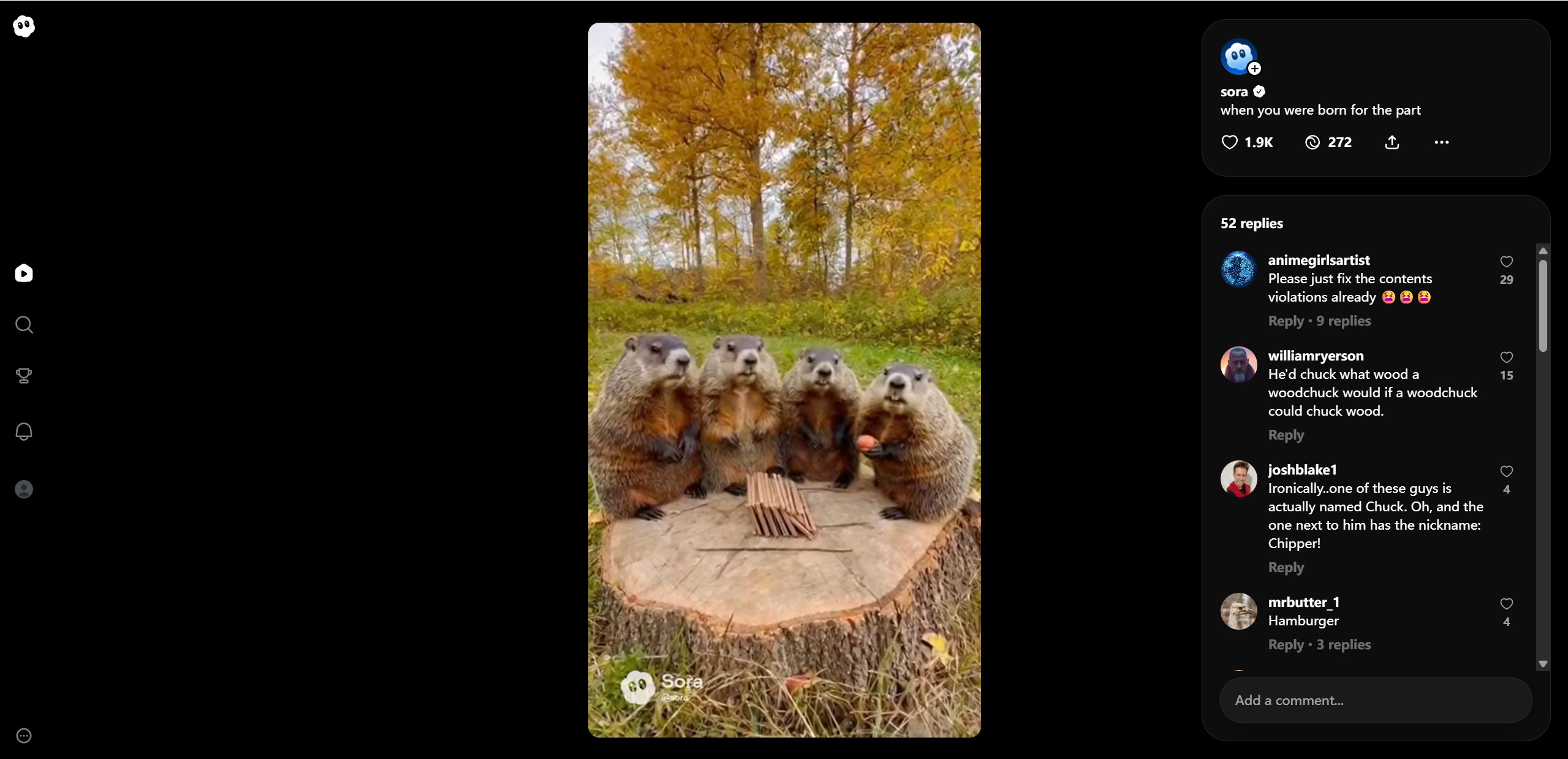
Under the hood, Sora AI combines several advanced ideas, but the big picture is easier to grasp than it sounds. Think of Sora as a system that understands scenes the way humans do: objects, motion, cause and effect, and how moments flow over time.
Sora is built on a transformer architecture, the same core concept behind GPT models. This helps it understand long prompts and keep visual details consistent across many frames. Instead of generating a video all at once, Sora uses diffusion generation. It starts with visual noise and gradually refines it into a clear, structured video.
One of Sora’s most interesting ideas is spacetime patch tokens. Rather than treating video as individual images, Sora breaks it into small chunks that include both space and time. This allows smoother motion, better continuity, and fewer strange jumps between frames.
At a glance:
| Feature | What It Does |
|---|---|
| Transformer Architecture | Helps scale and interpret prompts |
| Diffusion Model | Gradually builds the video from noise |
| Spacetime Patch Tokens | Supports motion and temporal consistency |
Sora AI Capabilities — What It Can Do
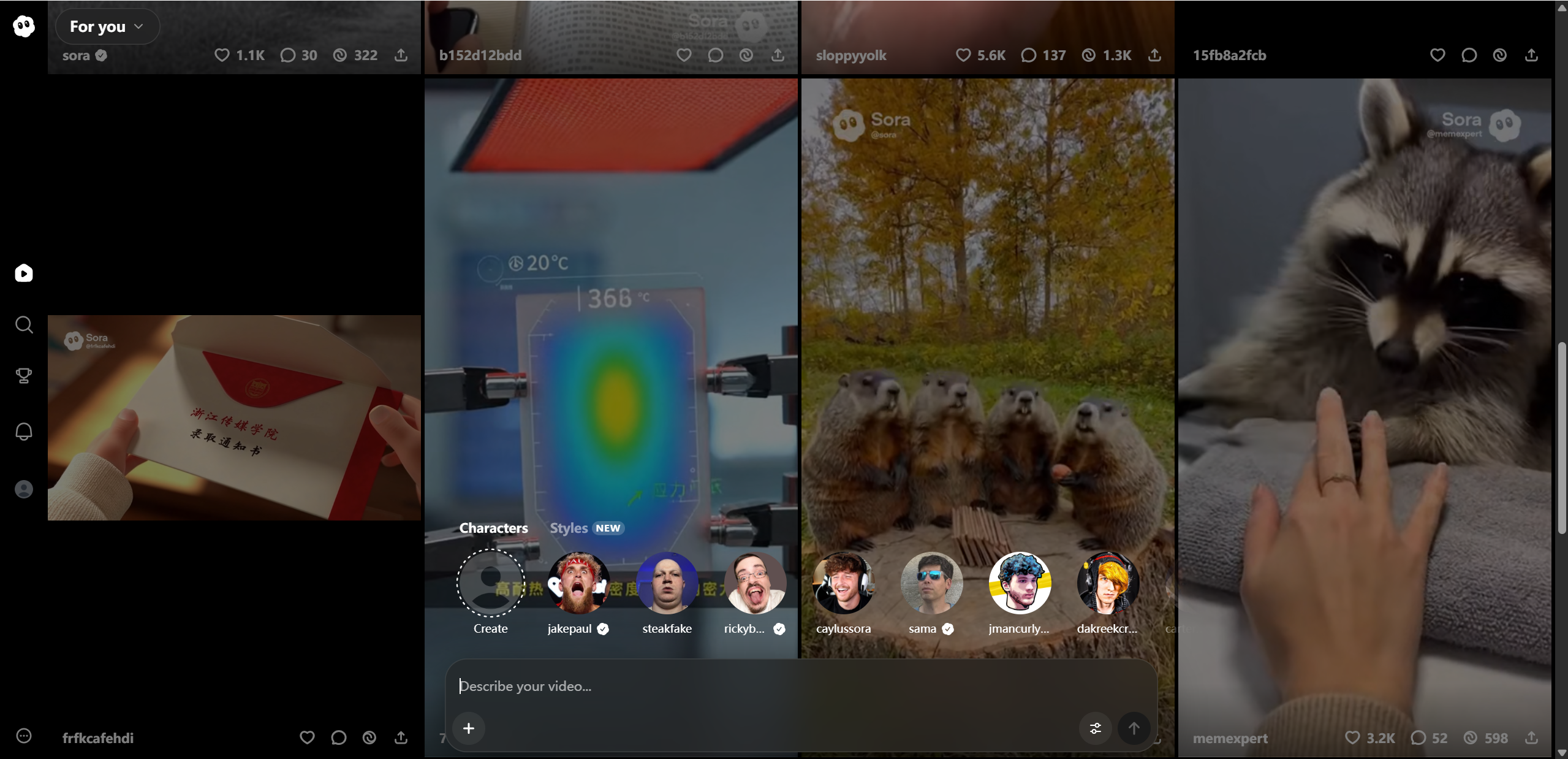
Sora AI stands out because it can handle complex visual storytelling instead of short, isolated clips. It can generate multi-scene videos where characters, environments, and camera angles remain logically connected. Motion feels intentional, whether it’s a person walking, waves crashing, or a drone style camera sweep.
Beyond pure text-to-video creation, Sora also works as a powerful animation and editing tool. Users can bring still images to life, extend existing video clips, or reimagine scenes from new angles. This flexibility opens the door for creators who want to experiment without starting from scratch.
Sora also supports different aspect ratios, making it practical for social media, presentations, or cinematic formats. That versatility is a big reason it feels designed for real world use, not just research demos.
Key powers include:
Text to video generation from detailed prompts
Adding motion to photos and illustrations
Extending video clips forward or backward in time
Multiple aspect ratios, including square, widescreen, and vertical
Sora AI Test Results — Real-World Performance
When Sora AI steps outside polished demo videos and into real world testing, its strengths and limits become much clearer. Based on early hands-on experiments and user feedback shared by outlets like Geeky Gadgets, Sora performs best when tasks are well defined and visually focused.
For example, prompts such as “a dog running along a beach at sunset, slow motion” often produce smooth, realistic motion with believable lighting and shadows. These short, single subject scenes are frequently usable with little to no refinement. Similarly, animating a still image, like turning a photo of a city skyline into a gently moving night scene, tends to deliver stable and visually pleasing results.
Things get trickier as complexity increases. Prompts involving multiple characters interacting, crowded environments, or fast camera movement can confuse the model. In tests featuring people talking in a café or action heavy sequences, users have noticed inconsistent faces, awkward hand motion, or subtle scene drift. The overall idea is usually there, but fine details may fall apart.
Another clear pattern is how much prompt detail matters. According to Nitro Media Group, more descriptive prompts about lighting, motion, and camera behavior consistently lead to higher quality output, while vague instructions produce uneven results.
Typical observations:
Good: Short and simple videos are often immediately usable
Mixed: Complex scenes can confuse the model and reduce realism
Variable: Output quality improves significantly with detailed prompts
Pricing & Access — Free vs Subscription Tiers
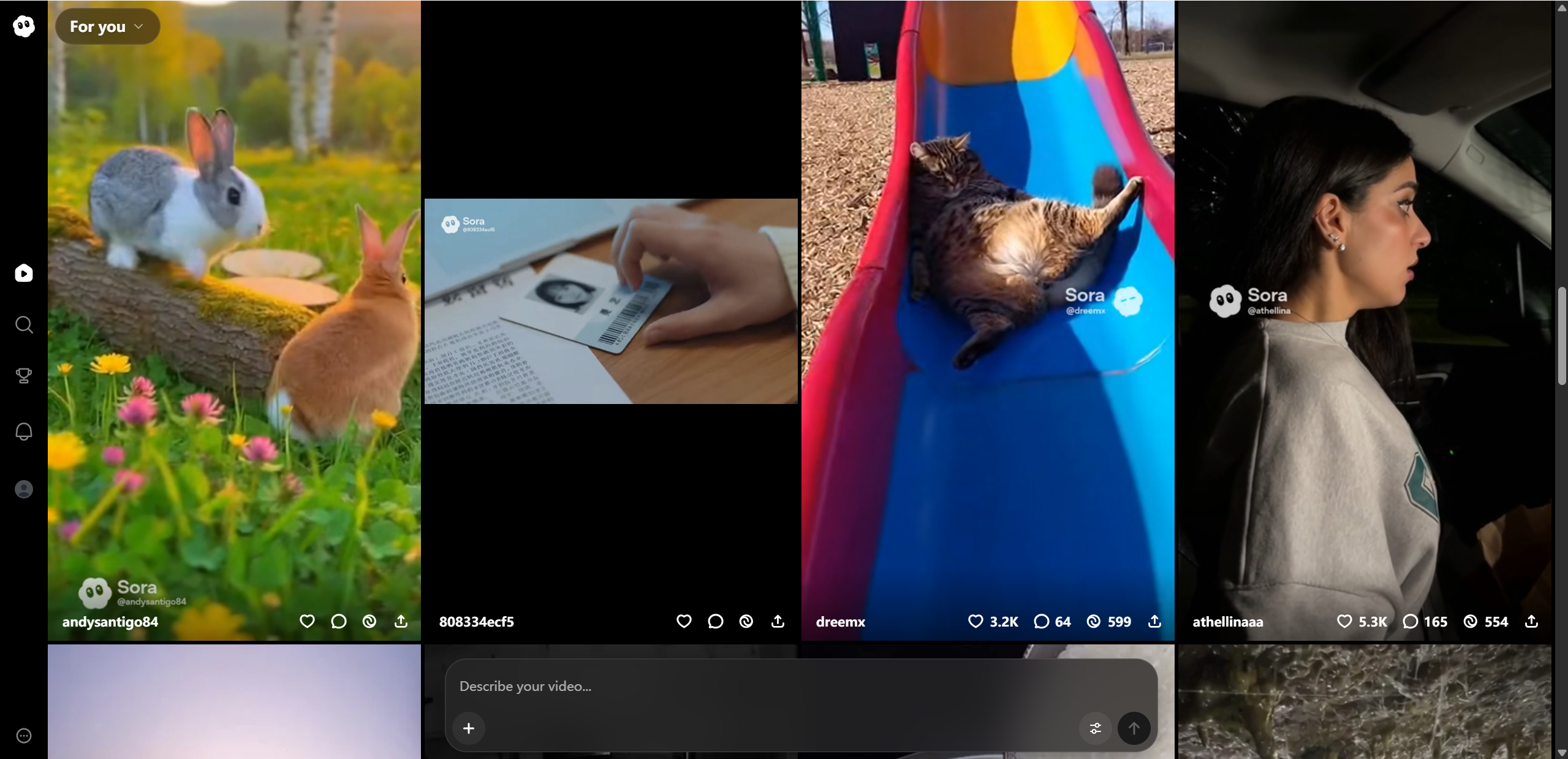
Sora AI is currently available through OpenAI’s subscription plans, with access tied to usage limits rather than unlimited generation. While OpenAI may adjust details over time, the overall structure is fairly simple: higher tiers unlock longer videos, better resolution, and more monthly usage.
The Plus tier is aimed at casual creators who want to experiment with short clips and basic ideas. Pro targets heavier users who need longer scenes, higher visual fidelity, and more room to iterate. There is no true “free” tier for full Sora access yet, though limited previews or demos may appear occasionally.
If you’re planning to publish content or run frequent tests, the higher tier quickly becomes more practical.
Pricing snapshot:
| Tier | Video Length | Resolution | Credits / Usage |
|---|---|---|---|
| Plus | Short clips | Up to 720p | Monthly quota |
| Pro | Longer clips | Up to 1080p | Larger quota |
Specific pricing depends on current OpenAI plans and may change.
Pros & Cons — Quick Summary
Sora AI delivers some of the most impressive generative video results available today, but it’s not magic. Like any early stage creative technology, it comes with clear strengths and equally clear tradeoffs.
On the positive side, Sora can transform simple text prompts into visually rich scenes with surprisingly natural motion. Its ability to maintain scene coherence over time sets it apart from many competitors. The built-in editor interface also makes it easier to iterate, refine clips, and experiment without external tools. When everything clicks, the results feel genuinely cinematic.
However, consistency remains the biggest challenge. Complex scenes with multiple characters or fast action can still break down. Results also depend heavily on prompt quality, which means beginners may struggle at first. Some community tests have also reported occasional glitches, strange physics behavior, or visual artifacts that break immersion.
Pros:
Powerful video generation from simple prompts
Strong motion and scene coherence potential
Built-in video editing tools within the interface
Cons:
Inconsistent output for complex scenes
Quality depends heavily on prompt detail
Occasional glitches or physics errors in real-world tests
Sora AI vs Competitors — How It Stacks Up
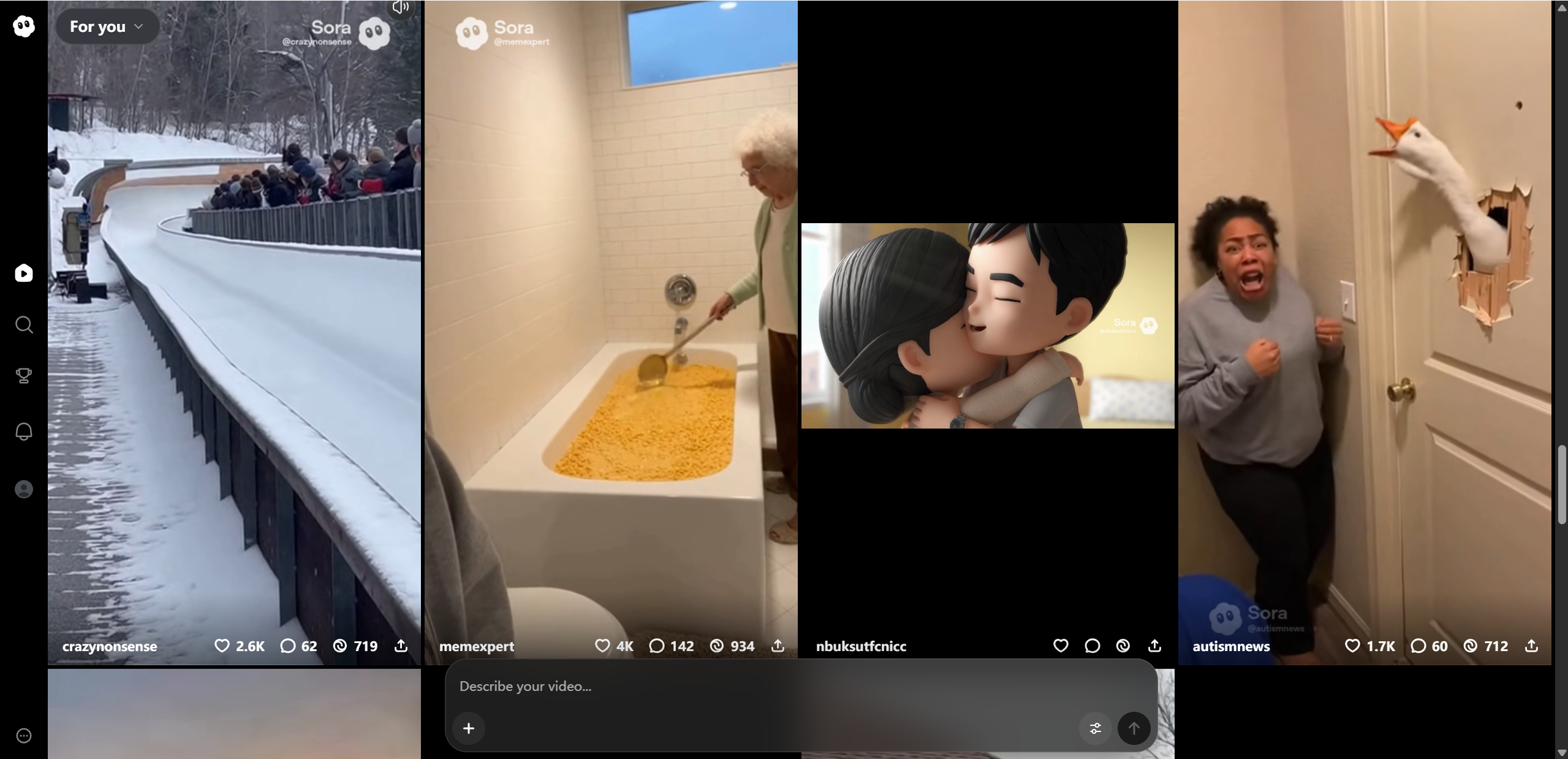
Sora AI enters a space that already includes tools like Runway ML, Pika, and other generative video platforms, but its approach feels noticeably different. Most competitors focus on fast creation and short clips optimized for social media. Sora leans more toward cinematic quality and physical realism, even if that means slightly slower iteration.
Compared to Runway ML, Sora tends to produce more coherent motion and scene continuity, especially in natural environments. Pika is often easier to control for stylized or playful visuals, while Sora excels at realistic lighting, camera movement, and cause and effect. Where Sora really stands out is its connection to OpenAI’s broader ecosystem, making it easier to pair prompt writing, iteration, and refinement in one workflow.
Rather than replacing existing tools, Sora feels like a strong option for creators who value realism and storytelling over speed alone.
Comparison themes:
Quality: Sora prioritizes realism and cinematic scenes
Control & customization: Competitors may offer more direct editing tools
Speed & consistency: Others iterate faster, Sora aims for depth
Integration: Strong advantage through OpenAI and ChatGPT workflows
Final Verdict — Is Sora AI Worth It?
So, is Sora AI worth using? For many creators, the answer is yes, with a few important caveats. Sora represents a major step forward in text-to-video generation, especially when it comes to motion realism and scene coherence. If your goal is to create visually rich, story driven clips from simple prompts, Sora can feel almost magical at its best.
That said, it’s not a plug and play solution for every use case. Results still vary, complex scenes can struggle, and learning how to write effective prompts takes time. Creators who enjoy experimentation and iteration will get the most value, while those expecting perfect output on the first try may feel frustrated.
Overall, Sora is best seen as a powerful creative partner rather than a finished production tool. Its potential is huge, and its progress is moving fast. At the same time, professional editors seeking granular control may find Sora’s automation limiting; tools like Lovart AI are better suited for handling advanced, detailed work.

Partager l'Article