Best Krea AI Alternatives in 2026: Top Video Tools Worth Trying


Best Krea AI Alternatives in 2026: Top Video Tools Worth Trying
What Is Krea AI? Quick Overview

Krea AI is an AI powered creative platform best known for its video generation capabilities. It allows users to create short videos from text prompts, images, or preset styles, making it especially appealing to creators who want fast results without technical complexity. The platform focuses on simplicity, aiming to lower the barrier to entry for AI video creation.
One of Krea AI’s biggest strengths is its smooth user experience. You can jump in, experiment, and export content with minimal setup. This makes it popular among social media creators, marketers producing quick campaigns, and designers exploring AI visuals without deep editing skills.
However, Krea AI does have limitations. Advanced customization options are somewhat restricted, and power users may find the creative control lacking compared to more specialized tools. Export quality and pricing tiers can also influence whether it scales well for professional or high volume use.
Key features of Krea AI include:
- Intuitive interface designed for fast creation
- AI driven video templates for quick results
- Text-to-video and image-to-video generation
- Multiple export options for social platforms
Overall, Krea AI works best for creators who value speed and ease of use over deep customization. For those seeking more advanced control, exploring Krea alternatives can be a smart next step.
How to Choose the Right Krea Alternative
With so many Krea AI alternatives now available, picking the best one can feel overwhelming. Before you jump into a trial, think about what matters most to your video projects. Different platforms excel in different areas — some prioritize ease of use, while others offer deep customization or high quality outputs. The right choice depends on your goals, workflow, and how much time you want to spend learning a new tool.
Cost is often the first filter: a tool that fits your budget makes regular use easier and keeps creative pressure low. Output quality is equally important — especially if your videos represent a brand or business. Ease of use matters too, because a steep learning curve can slow down production. Customization and advanced AI abilities help when you need unique visuals or niche effects. Finally, reliable support can save you time when issues pop up or when you’re trying a powerful feature for the first time.
Here’s a quick comparison to help frame your decision:
| Criteria | Why it Matters |
|---|---|
| Price | Affordability for creators |
| Features | Tools that match your workflow |
| Output Quality | Final video results |
| Customer Support | Help when stuck |
Top Krea Alternatives Worth Trying
1. Lovart
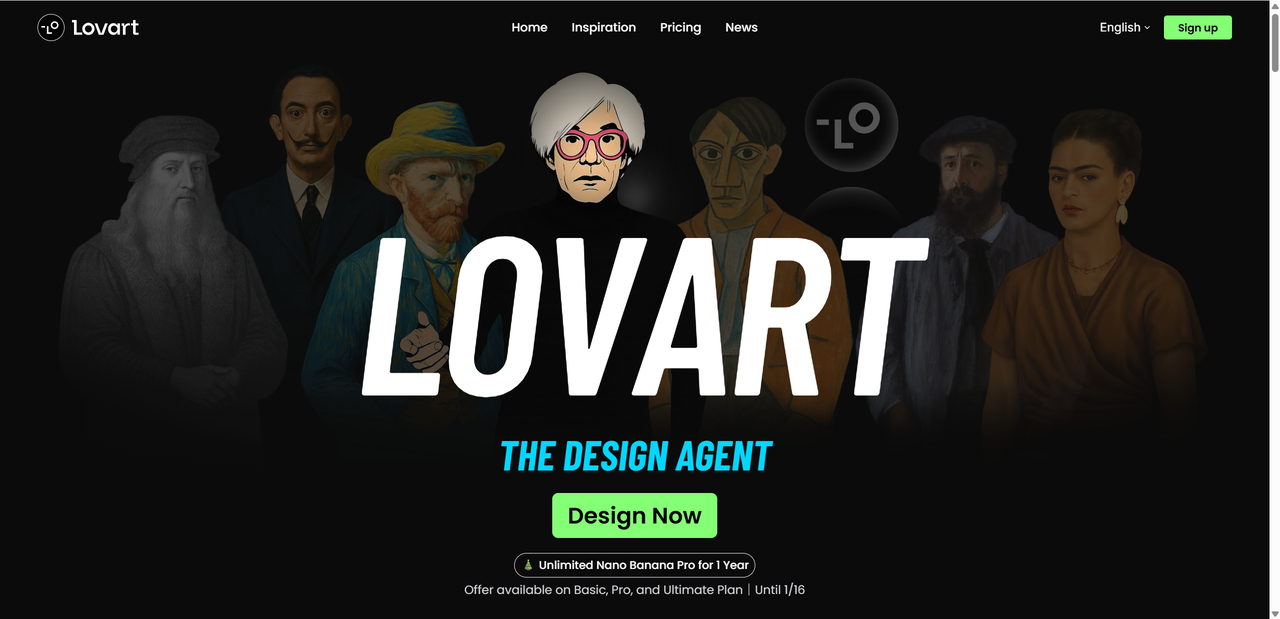
If you’re exploring Krea alternatives that go beyond single purpose video generation, Lovart stands out as a flexible option for creators who want to work with images, motion, and mixed media in one place. Rather than positioning itself as just a video tool, Lovart describes its product as a Design AI Agent, focused on helping creators move from concept to visual output within a unified workspace.
Unlike tools that concentrate mainly on short video clips or visual effects, Lovart supports image generation, video creation, and layout based design inside a shared canvas. Creators can start with natural language prompts to generate visuals or story ideas, then iterate by adjusting styles, scenes, text elements, and overall structure through conversational feedback and on-canvas edits.
This workflow is particularly useful for creators working on social media content, promotional assets, or brand-oriented visuals, where consistency across formats matters. Instead of switching between multiple tools, Lovartms to centralize ideation, generation, and refinement in a single environment. Community examples and preset layouts also help users explore different creative directions more quickly.
Best for
Creators who want more flexibility than a pure video generator, and who value an integrated space for visual experimentation and iteration.
Pros
- Supports multiple content types, including images and video
- Natural language prompts make early ideation faster
- Unified canvas helps maintain visual consistency across assets
Overall, Lovart is a top choice if you want more than just basic video creation — it’s a creative partner that grows with your projects.
2. Runway

If you’re after a Krea competitor with serious video editing muscle, Runway sits at the more advanced end of the spectrum. While Krea focuses on simplicity and quick outputs, Runway blends powerful AI tools with real creative control — making it a favorite for editors, filmmakers, and teams who want pro results without endless manual effort.
Runway isn’t just a simple generator. It offers real-time collaboration features so multiple people can work on a project together, right in your browser. That’s great for small teams or agencies who need to iterate fast without sending files back and forth.
Some standout capabilities include AI background removal and object replacement, motion tracking automation, and batch editing — all powered by smart models that handle complex tasks with minimal clicks. Whether you’re removing a green screen, cleaning up footage, or experimenting with style transfers, Runway makes heavy lifting feel easier.
It also plays nicely with traditional editing tools — offering integration points with editors like Adobe Premiere and After Effects so you can move from AI-assisted draft to polished finish in a familiar workflow.
Best for: creators and professionals who want deeper control Highlights: real-time collaboration, advanced editing, strong tool integrations
Runway is ideal when you’re ready to go beyond quick clips and step into full creative control.
3. Synthesia

If your goal is to create presenter videos without ever stepping in front of a camera, Synthesia is widely regarded as one of the strongest AI video platforms available in 2026. It focuses on producing professional talking head videos in which AI avatars deliver your script in many different languages. This makes it especially suitable for corporate training, onboarding, product demonstrations, explainer videos, and global marketing communications.
Synthesia is designed to be simple and accessible. You start by typing or pasting your script, then choose an AI avatar and voice, customize the background and visual elements, and let the platform generate a polished video. By removing the need for cameras, actors, lighting, and studio setups, Synthesia helps reduce production time and costs while still delivering a professional look.
Why Synthesia stands out:
- Strong support for multiple languages, voices, and accents
- AI avatars created specifically for presenter style videos
- Collaboration and enterprise features for teams and larger projects
Best for: corporate training, onboarding content, product demonstrations, internal communications, and international marketing videos.
Pros:
- Professional looking presenter videos
- Easy to use interface with quick results
- Excellent language and localization support
Cons:
- Not well suited for complex motion graphics or abstract animation
- Avatar movements and expressions can feel slightly robotic at times
4. Pictory

When you want a straightforward way to turn scripts, blog posts, or articles into engaging videos fast, Pictory is a Krea alternative worth trying. It’s built around a script-to-video workflow that uses smart AI to break text into scenes, choose visuals, add captions, and generate voiceovers — all with minimal manual effort.
For bloggers, marketers, and content teams who need to repurpose written content into video formats for social, ads, or educational purposes, Pictory simplifies the whole process. Its AI can pull stock footage, visuals, and sound to match your text’s mood and messaging, so you don’t have to build scenes from scratch.
What Pictory does well:
- Turns your script into a polished video quickly
- Auto captions and AI voiceovers included
- Works with blog links, transcripts, or long scripts
Best for: blog-to-video, social shorts, branded stories, training clips
Pros:
- Beginner friendly automation
- Strong scene selection and editing by text
- Works across multiple video lengths
Cons:
- Less control over fine animation details
- Stock assets can feel “generic” if overused
5. InVideo

If you’re looking for a traditional video editor that is easy to learn, InVideo offers a accessible alternative to Krea, especially for beginners. It is an online video creation platform that offers a large collection of ready made templates and a simple drag and drop interface, making the editing process feel intuitive rather than overwhelming.
Instead of fully automating the entire workflow, InVideo allows users to stay involved in key creative decisions such as layout, clip selection, and timing. At the same time, it provides helpful features like script suggestions and access to built-in stock media. This combination makes it well suited for small businesses, social media marketers, and freelance creators who want professional looking videos without needing advanced editing experience.
Best for: Creating quick social videos, branded marketing content, and basic video edits
Pros:
- Very beginner friendly interface
- Extensive stock video, image, and music resources
- Allows flexible customization while remaining easy to use
Cons:
- Less automated than platforms built around full video generation
- Some tools feel closer to traditional video editors
Overall, InVideo works well as a transition tool for creators moving from manual video editing toward more automated creation, offering strong templates and practical editing tools to produce polished videos efficiently.
Conclusion – Choosing Your Best Krea Alternative in 2026
Krea AI remains a solid choice for fast and simple video creation, but it’s no longer the only option worth considering. As AI video tools continue to mature in 2026, creators have more freedom than ever to choose platforms that truly match their style and workflow. Lovart is my go-to for best overall value and stability, but if you prioritize commercial grade workflows, the other might better suit your needs.

The best move? Try free trials, compare pricing plans, and test a real project in each tool. Whether you’re creating marketing videos, entertainment content, or educational material, the right Krea alternative is the one that helps you create confidently and consistently.

Partager l'Article