How to Chat to Generate a FB Ads (Lovart Agent Workflow-Based)

How to Chat to Generate a FB Ads (Lovart Agent Workflow-Based)
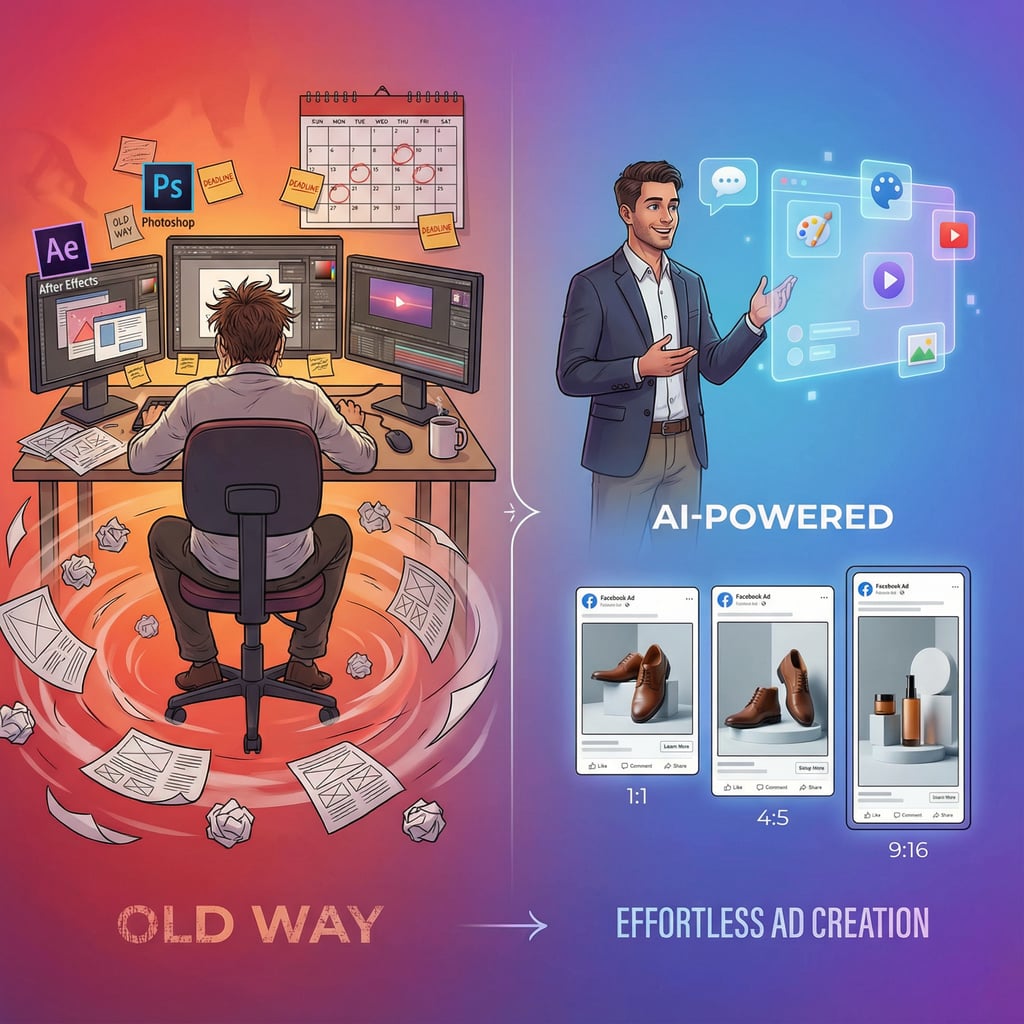
In 2026, the era of "hacking" the Facebook algorithm is over. Audience targeting is largely automated by Meta’s AI (Advantage+), and bidding is optimized by machine learning. The only lever you have left—the single variable that determines whether your campaign soars or sinks—is Creative.
Yet, for most marketers and business owners, creating high-performing ad creative remains the biggest bottleneck. You are trapped in a cycle of expensive agency retainers, slow freelancer turnarounds, or late nights wrestling with design templates that never look quite right.
This guide marks the end of that struggle. We are shifting from an era of manual design to conversational creation. I will show you how to use Lovart, the world’s first AI Design Agent, to generate agency-grade Facebook ads simply by having a chat. We will cover the strategy, the workflow, and the technical execution to turn your ad account into a performance engine.
Part 1: The Core Problem — Why Ad Creative Is Your Biggest Bottleneck
Before we fix the workflow, we must understand why the old way is broken. In the current digital landscape, "Creative Fatigue" is the silent killer of ROI.
The "Creative Fatigue Paradox"
Facebook’s algorithm is voracious. It tests your ad against thousands of users, finds the winners, and then burns them out. Data from 2025-2026 shows that the average lifespan of a high-performing ad creative is just 7 to 14 days. After that, frequency rises, engagement drops, and your Cost Per Acquisition (CPA) skyrockets.
This creates a paradox: The algorithm demands fresh creative every week, but traditional design workflows take weeks to produce it.
If you rely on a traditional agency, a new campaign set might cost $5,000 and take 3 weeks. By the time you launch, you’re already behind. If you do it yourself, you burn out.
The CTR Crisis and the "Hidden Tax"
Most advertisers are paying a "bad design tax" without realizing it.
-
Average CTR (Click-Through Rate): Across industries, the average CTR for Facebook ads hovers between 0.9% and 1.4%.
-
Top Performer CTR: Brands with superior creative regularly hit 3% to 5%.
Why does this matter? Meta’s algorithm rewards engagement. Ads with higher CTRs get lower CPMs (Cost Per Mille). If your design is generic or unprofessional, you aren't just getting fewer clicks; you are paying more for every impression.
The Technical Maze
Finally, there is the issue of formatting. To run a modern campaign, you don’t just need "an image." You need:
-
1:1 (1080 x 1080) for Feeds.
-
4:5 (1080 x 1350) for Mobile-optimized Feeds.
-
9:16 (1080 x 1920) for Stories and Reels.
Manually resizing and redesigning the layout for each of these formats is tedious and prone to error. Text gets cut off, focal points shift, and brand consistency breaks down.
Part 2: The Paradigm Shift — From Design Tools to Design Conversations
For the last decade, we have used tools—Photoshop, Canva, Figma. These tools require you to move the mouse, pick the colors, and place the pixels. They require skill.
Now, we are using Agents. Agents require intent.
Conversational Creative Direction
Lovart is not an "image generator." If you ask a standard image generator for a "Facebook ad for shoes," it will give you a hallucinated image with gibberish text. It doesn't understand marketing psychology, safe zones, or brand identity.
Lovart is built on a Creative Reasoning Engine (MCoT - Mind Chain of Thought). When you chat with Lovart, it acts like a Senior Art Director. It understands:
-
Hierarchy: The headline must be read first.
-
Contrast: The CTA button must stand out.
-
Context: A luxury brand needs whitespace; a discount sale needs bold urgency.
Why "Agentic AI" Changes the Game
Instead of pushing pixels, your role shifts to Creative Director. You tell the agent the goal, the audience, and the vibe. The agent handles the execution.
-
Standard Tool: You drag a box, type text, change the font, move the box, realize it doesn't fit, resize the image...
-
Lovart Workflow: "Create a conversion-focused ad for our summer sale. Use our brand blue. Make the headline pop." -> Done.
Part 3: Step-by-Step Tutorial — Generating Facebook Ads with Lovart
Let's walk through the actual workflow of generating a high-converting ad campaign using Lovart’s conversational interface.
Step 1: The Strategic Brief (The Golden Prompt)
The quality of the output depends on the quality of your brief. You don't need to speak "prompt engineer" code; you just need to speak clearly about your business.
The Golden Formula:
"I need a [Ad Format] for [Product/Service]. My target audience is [Audience]. The goal is [Objective]. Key message: '[Headline]'. Call to Action: '[Button Text]'. Visual style should be [Vibe]."
Scenario A: B2B SaaS (Lead Gen)
-
User: "Hi Lovart. I need a Facebook Feed ad (1:1) for our project management software. Target audience is remote team leads. Goal is to get them to download our whitepaper.
-
Headline: 'Stop Herding Cats. Start Managing Projects.'
-
Subtext: 'The #1 Tool for Asynchronous Teams.'
-
Visual: Clean, minimalist, tech-forward. Show a dashboard interface floating abstractly. Use deep purple and teal."
-
Scenario B: E-Commerce (Fashion)
-
User: "Create an Instagram Story ad (9:16) for our new sneaker drop. Audience is Gen Z street-style enthusiasts.
-
Headline: 'Drop 04: The Midnight Runner'
-
Visual: High energy, urban neon vibes, dark background to make the white shoe pop.
-
Brand: Use our logo in the top center."
-
Step 2: Leveraging ChatCanvas for Iteration
Once you send the prompt, Lovart opens the ChatCanvas. This is where the magic happens. You aren't stuck with the first result. You iterate live.
-
Lovart: Generates 4 variations based on the SaaS prompt.
-
User: "Variation 2 is great, but the headline is covering part of the dashboard interface. Can you move the text to the top and make the 'Download' button larger?"
-
Lovart: "Understood. Moving typography to the upper third to ensure legibility and increasing the visual weight of the CTA button by 20%."
Note: Lovart automatically checks against the '20% text rule' best practices to ensure your ad delivery isn't throttled.
Step 3: Multi-Format Generation (The "Resize" Magic)
You have your winning Feed ad. Now you need the Story version. In the past, this meant rebuilding the file.
-
User: "This looks perfect. Now, please generate a 9:16 version for Stories and Reels, and a 1.91:1 version for the Audience Network."
-
Lovart: The agent doesn't just crop the image. It re-composes it. It moves the headline to the center "safe zone" of the Story format so it isn't covered by the user's profile icon or the reply bar at the bottom. It extends the background seamlessly to fill the vertical space.
Step 4: A/B Testing Strategy
To hit that 3% CTR, you need to test. Don't settle for one ad.
- User: "Keep this layout, but give me 3 variations with different background colors from our brand palette, and try one version with a 'Learn More' button instead of 'Download'."
Lovart can instantly spin up a testing matrix:
-
Variation A: Dark Background / Product Focus
-
Variation B: Light Background / Lifestyle Focus
-
Variation C: High Contrast / Typography Focus
Step 5: Campaign Scaling & Brand Consistency
One of Lovart’s most powerful features is Long-Term Recall.
When you come back next week for a new campaign, you don't need to upload your logo or hex codes again.
-
User: "Remember the style we used for the 'Midnight Runner' campaign? I need a 'Last Chance' retargeting ad in that same style."
-
Lovart: "Recalling 'Midnight Runner' visual identity (Neon/Urban). Generating 'Last Chance' creatives now..."
Part 4: Extended Applications — The All-in-One Advantage
Once you master single-image ads, you can unlock full-funnel dominance.
1. Carousel Ads (Multi-Product Showcases)
Carousel ads often outperform single images for e-commerce.
- Workflow: "Create a 5-card carousel sequence. Card 1 is the main hook. Cards 2-4 feature different angles of the product. Card 5 is the final CTA. Ensure the background design flows continuously across all cards."
2. Video from Static Concepts
Static images are great, but video holds attention 5x longer.
- Workflow: "Take Variation A (the static sneaker ad) and animate it. I want the neon lights to flicker slightly and the shoe to float up and down. Duration: 6 seconds."
Lovart integrates with top video generation models (like Runway, Kling, or Hailuo) to turn your approved static design into a scroll-stopping motion asset.
3. Full-Funnel Campaigns
You can generate an entire funnel in one session:
-
Top of Funnel (Awareness): Broad appeal, emotional imagery.
-
Middle of Funnel (Consideration): Benefit-focused, comparison charts.
-
Bottom of Funnel (Conversion): Discount codes, urgency, strong CTA.
Conclusion: Reclaiming Control of Your Ad Performance
For too long, marketing performance has been held hostage by design bandwidth. If you had a great idea on Friday, you couldn't launch it until the following Tuesday. In the fast-paced world of social advertising, that delay costs money.
By adopting an AI Design Agent workflow with Lovart, you reclaim control.
-
Speed: Go from idea to launch in minutes, not days.
-
Cost: Reduce creative production costs by 90%+.
-
Performance: iterate relentlessly until you find the winner that drives your CTR to 3%+.
You don't need to be a designer to produce world-class creative. You just need a vision, and the right agent to help you build it.
SEO & Meta Information
Title Tag: How to Generate High-Converting Facebook Ads with AI (Lovart Guide)Meta Description: Learn how to use Lovart's AI Design Agent to create professional Facebook Ads in minutes. Master prompts, multi-format resizing (Feed, Stories, Reels), and A/B testing strategies to boost CTR.Keywords: Facebook ad generator, AI design agent, create fb ads with ai, Lovart tutorial, Facebook ad specs 2026, increase facebook ad CTR.
Social Media Meta (Open Graph):
-
og:title: Stop Paying for Bad Creative. Generate FB Ads with AI.
-
og:description: A complete guide to using Lovart to generate agency-grade Facebook ad creatives via chat.
-
og:image: [Use the generated 10:7 cover image]
Structured Data (FAQ Schema Recommendation):
-
Question: What are the correct Facebook ad sizes for 2026?
-
Answer: The standard sizes are 1080x1080 (1:1) for Feeds, 1080x1350 (4:5) for Mobile Feeds, and 1080x1920 (9:16) for Stories and Reels.
-
Question: How does Lovart optimize ads for text overlays?
-
Answer: Lovart's MCoT engine automatically identifies "safe zones" in each format to ensure text and CTAs are not obscured by UI elements like profile pictures or swipe-up bars.

Partager l'Article